Credential pathways

Connect badges and certificates into learning pathways

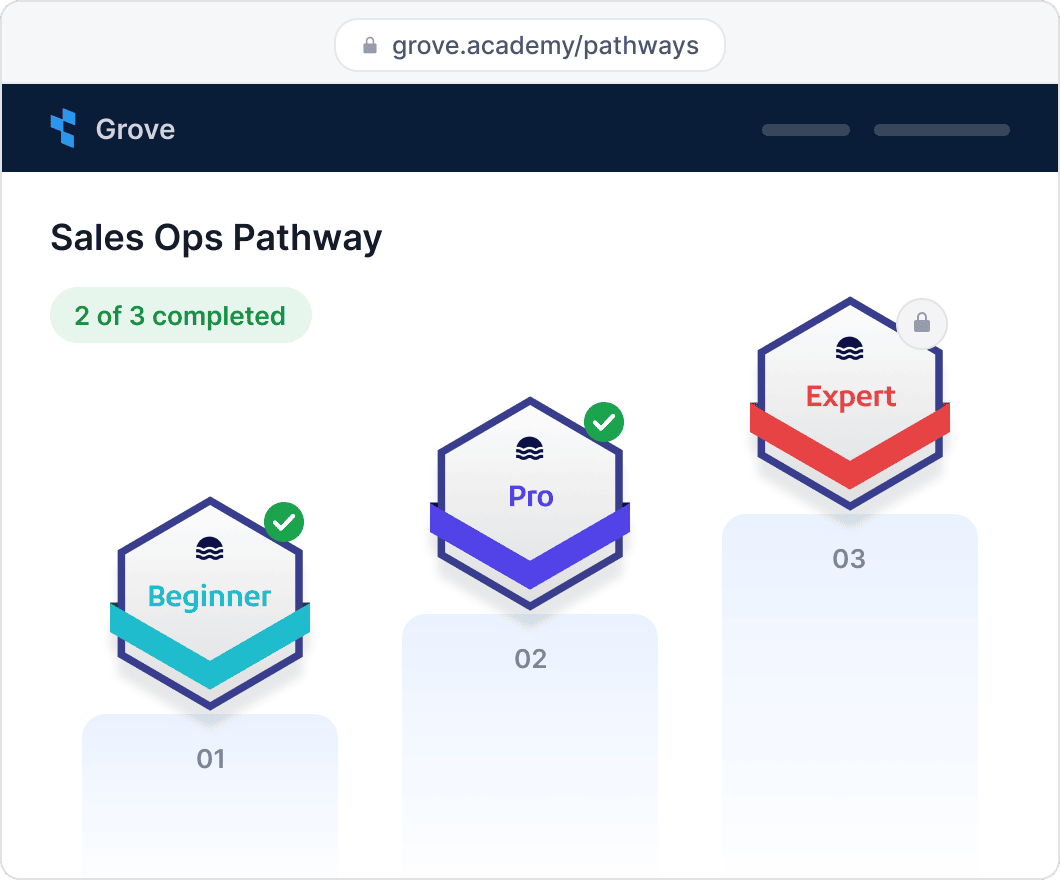
Recipients see how many steps they’ve completed and what comes next, and Certifier issues the completion certificate or badge automatically once all steps are completed.

Connect tools
Connect badges and certificates into learning pathways

2,000+ organizations and institutions use Certifier

ElevenLabs

ElevenLabs powers its conversational AI partner certification program with Certifier.

View credentials arrow right

The Economist

The Economist uses Certifier to award 2,000+ certificates for courses in AI and critical thinking.

View credentials arrow right


Completion credential

Issue the final certificate or badge automatically

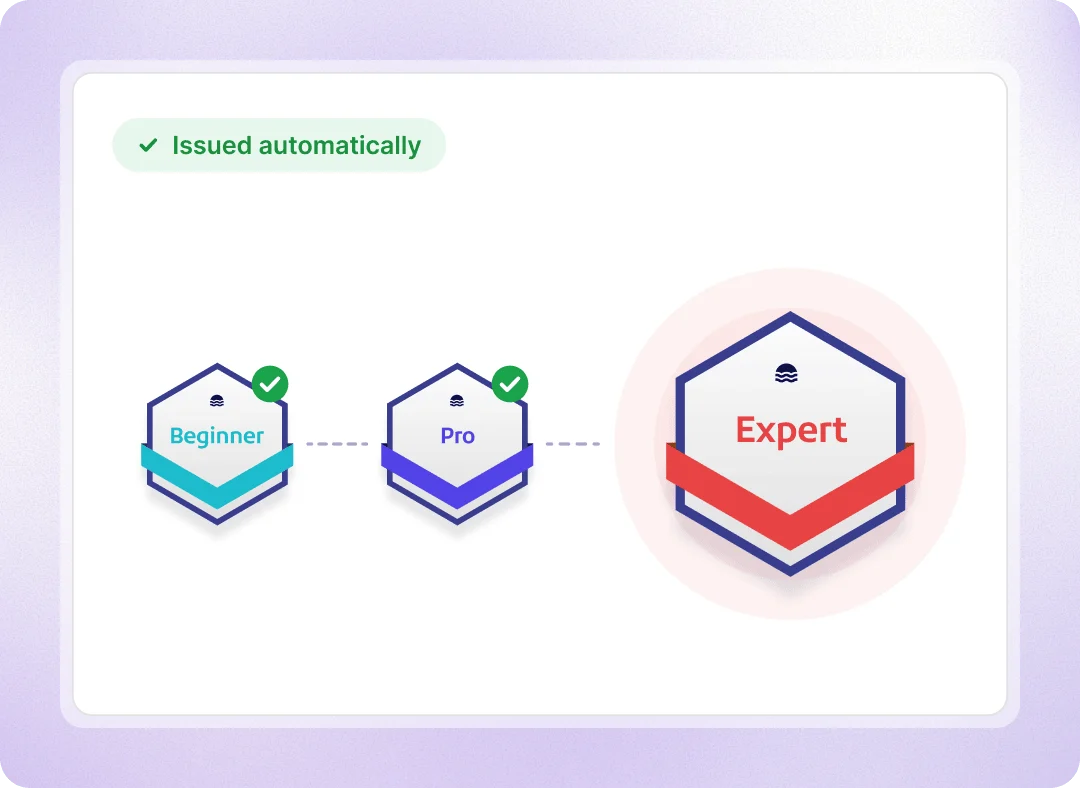
Choose credential for each course, level, module, or event, plus a final completion credential. Each step is completed when its credential is issued. Once recipients finish all steps, Certifier automatically issues and emails their completion credential.

  • Steps can be earned in any order

  • Add as many steps as your program needs
Issue the final certificate or badge automatically

Recipient progress

Show learners what they’ve completed and what’s next

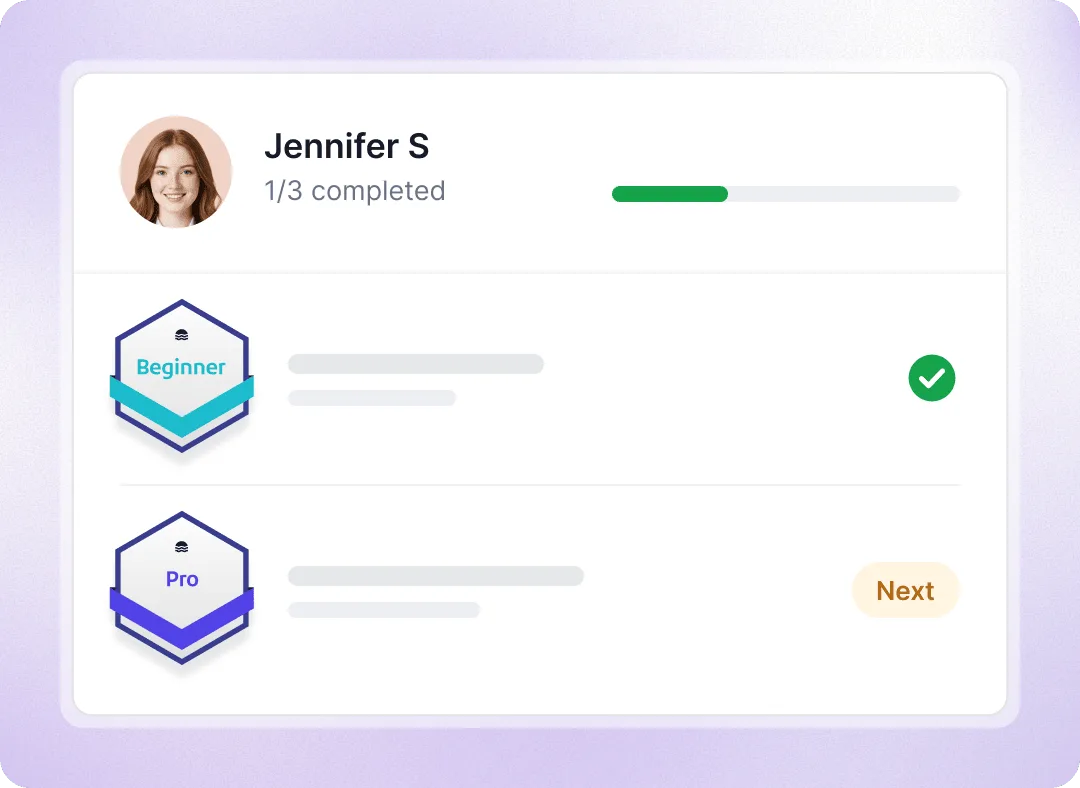
From the first step they earn, recipients see the pathway on their credential page and on their public profile: which steps they’ve completed and what’s left to do and the credential waiting at the end.

  • Progress bar on each step’s credential page

  • All pathways and progress on their profile

  • A credential email for every step completed
Show learners what they’ve completed and what’s next

Pathway analytics

Track who completed the pathway and who’s still in progress

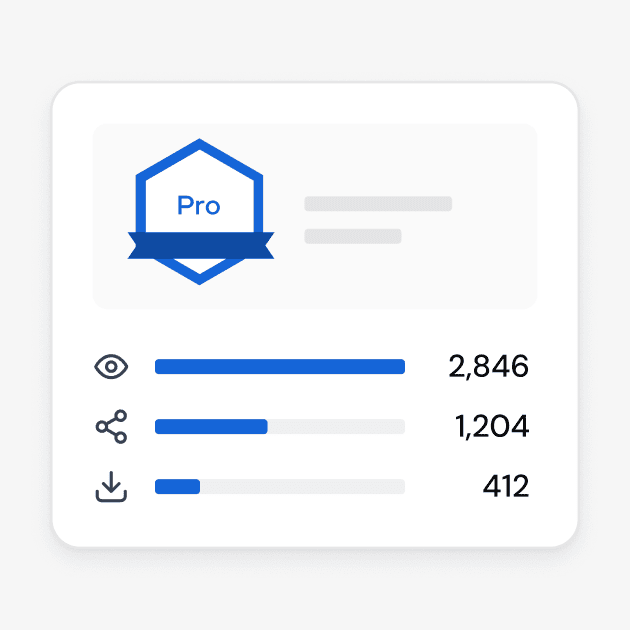
Pathway analytics count every recipient who has earned at least one step, then show how many are still in progress, how many completed and the completion rate. The step-by-step table shows how many recipients reached each credential, so you can see which courses may need a closer look.
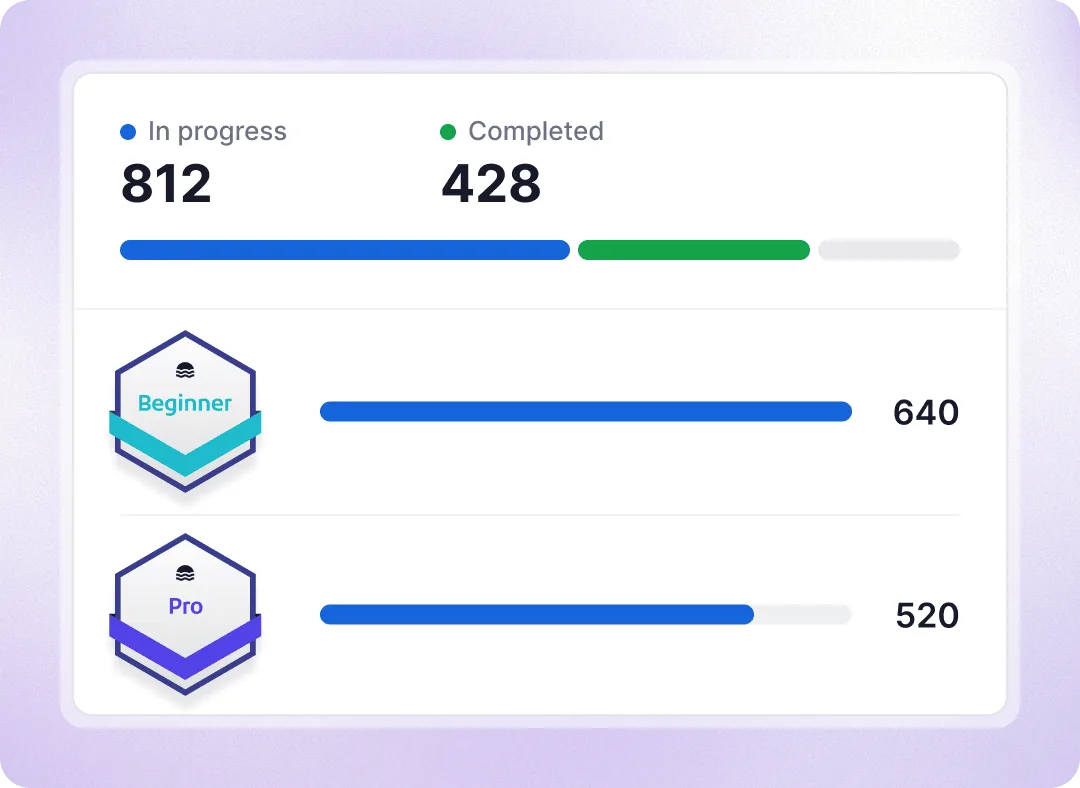
Track who completed the pathway and who’s still in progress

See how recipients follow their learning pathway

enterprise.root.explore-it-yourself.mobile-alt

Connect pathway steps to courses and issuing tools
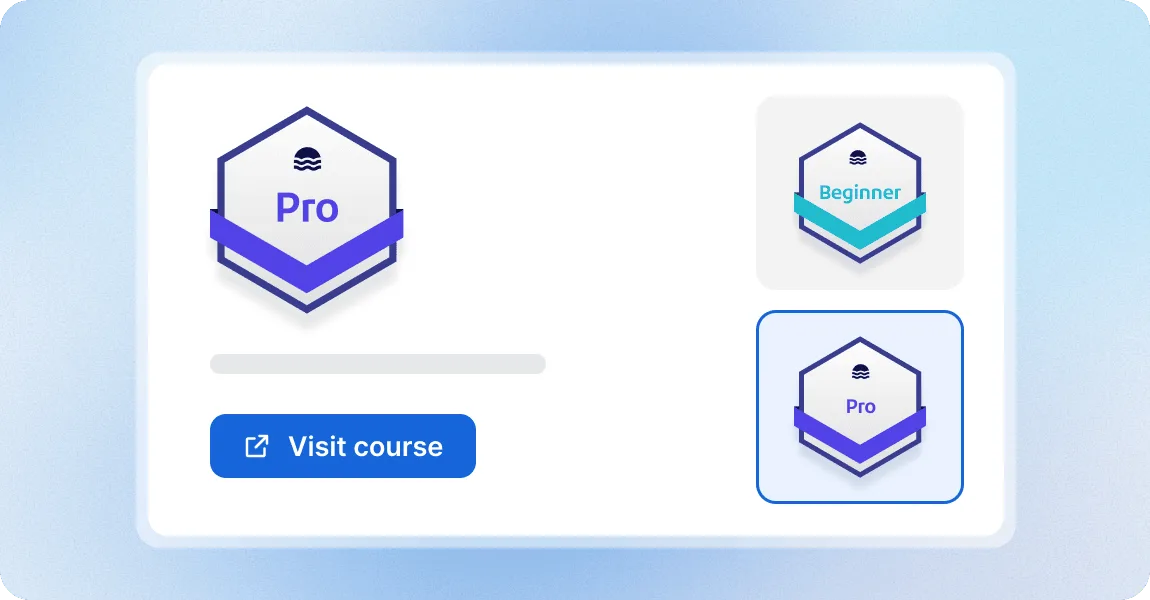
Help learners sign up for the next course from pathways

Help learners sign up for the next course from pathways

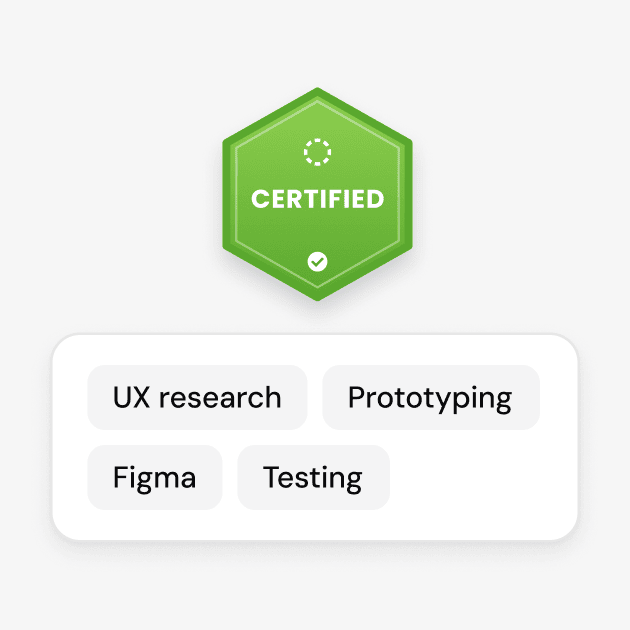
Every step opens the credential’s own page with its description, skills and earning criteria, plus a button to the course, event or registration page you set on the template. Recipients can follow the link to sign up for the next course.
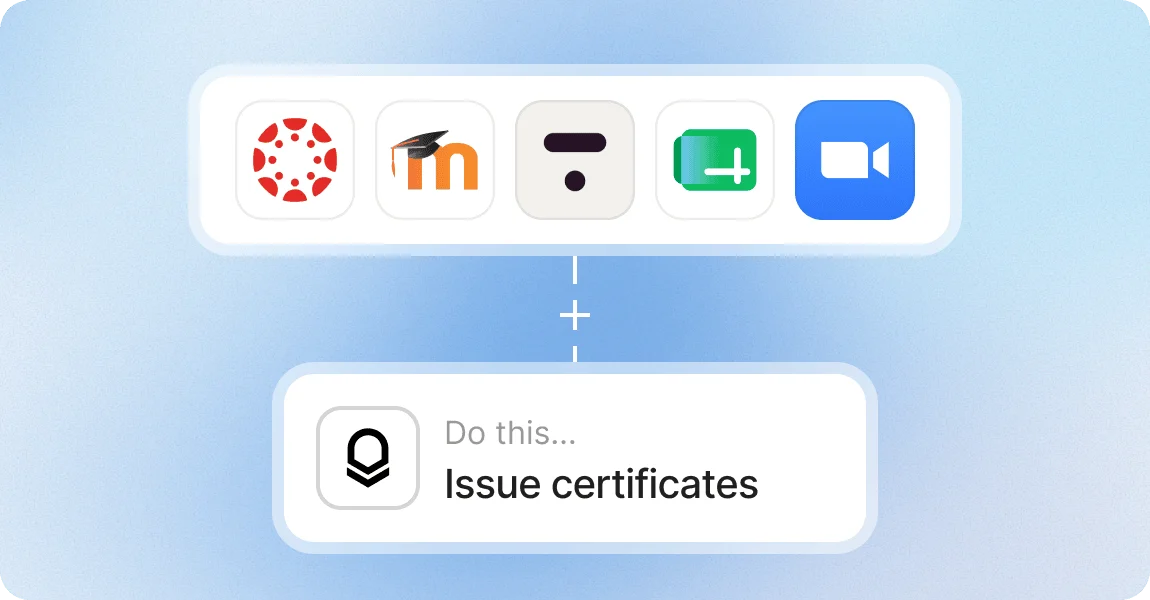
Issue each step badge from your LMS, forms or spreadsheets

Issue each step badge from your LMS, forms or spreadsheets

When Canvas LMS, Moodle, Thinkific, Zoom, a form or a spreadsheet row issues a course credential, the recipient’s pathway updates automatically and the completion credential follows the last step.

Build learning pathways with a platform teams trust

G2 recognized Certifier as 2026 Leader in digital certificate and badge management for all teams.

  • Best for Enterprise

  • Best for Mid-Market

  • Best for Small Businesses

Your questions about certificate and badge pathways

Pathways is part of the Advanced and Enterprise plans, alongside the Issuer Portal where pathway pages and recipient profiles live. It isn’t included in Starter or Professional and isn’t sold as an add-on. If you want to try it before upgrading, ask us for an Advanced trial.
No. The order you set is how the pathway is displayed. Recipients can earn the credentials in any sequence and still receive the completion credential. If learners must finish level one before starting level two, enforce that in your LMS or registration process; Certifier records what has been earned.
Not within a single pathway: every criteria credential is required. To offer a choice, create several pathways with different sets of criteria that lead to the same completion credential. A credential template can belong to as many pathways as you need, so each course is set up once and reused.
Yes. Every issued credential uses one unit of your annual credential limit, including the completion credential the pathway issues. A five-course pathway uses six credentials for each recipient who finishes. If you reach your credential limit, the completion credential is saved as a draft and can be issued once the limit is raised.
It depends on your settings. You can make pathways public or require recipients to log in to view their progress and credential details. If the pathway is public, recipients can track their progress directly on the credential page they receive by email or through their public profile on your Issuer Portal, without creating an account. If login is required, recipients must sign in to access their pathway progress and credential details. Recipients can also log in to manage their profiles, including updating their name, adding a profile photo, or hiding individual credentials from public view.
Yes. You can add, remove or reorder steps and change the completion credential; Certifier recalculates who is in progress or complete, so make edits on live pathways deliberately. Deactivating a pathway hides it from every credential page and profile, including for recipients who finished, and stops automatic completion. Credentials already issued remain valid.
Yes. Pathways are created in the Pathways section without a developer: name the pathway, pick the criteria credential templates, choose the completion credential and activate. Custom roles on Advanced control which team members can manage credential setup, and our team can help you map your first pathway during onboarding.