Certifier Multi-Page Credentials
Add a second page to every certificate or diploma you issue
Combine transcripts, multi-language versions, syllabi, and other supporting documents into one digital credential, shared through a single link.

2,000+ organizations and institutions issue with Certifier









Duolingo
Duolingo recognizes educational webinar participants with digital certificates issued via Certifier.
View credentials


The Economist
The Economist uses Certifier to award 2,000+ certificates for courses in AI and critical thinking.
View credentials

What you can do with multi-page credentials

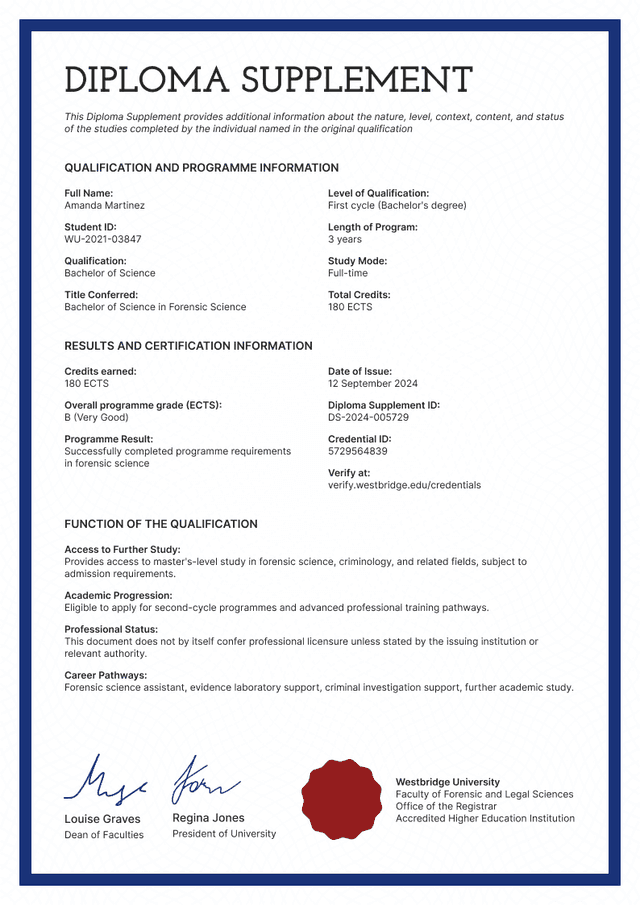
Issue supporting documents together
Send the certificate, transcript, and syllabus in one issuance instead of separate emails and PDF attachments.

Share everything through a single link
Recipients get one link to keep and share, with every page inside. Anyone verifying checks them all at once.

Keep sensitive pages private
The certificate stays public while pages with grades or personal details open only for the recipient.
Issue the certificate and supporting documents as one
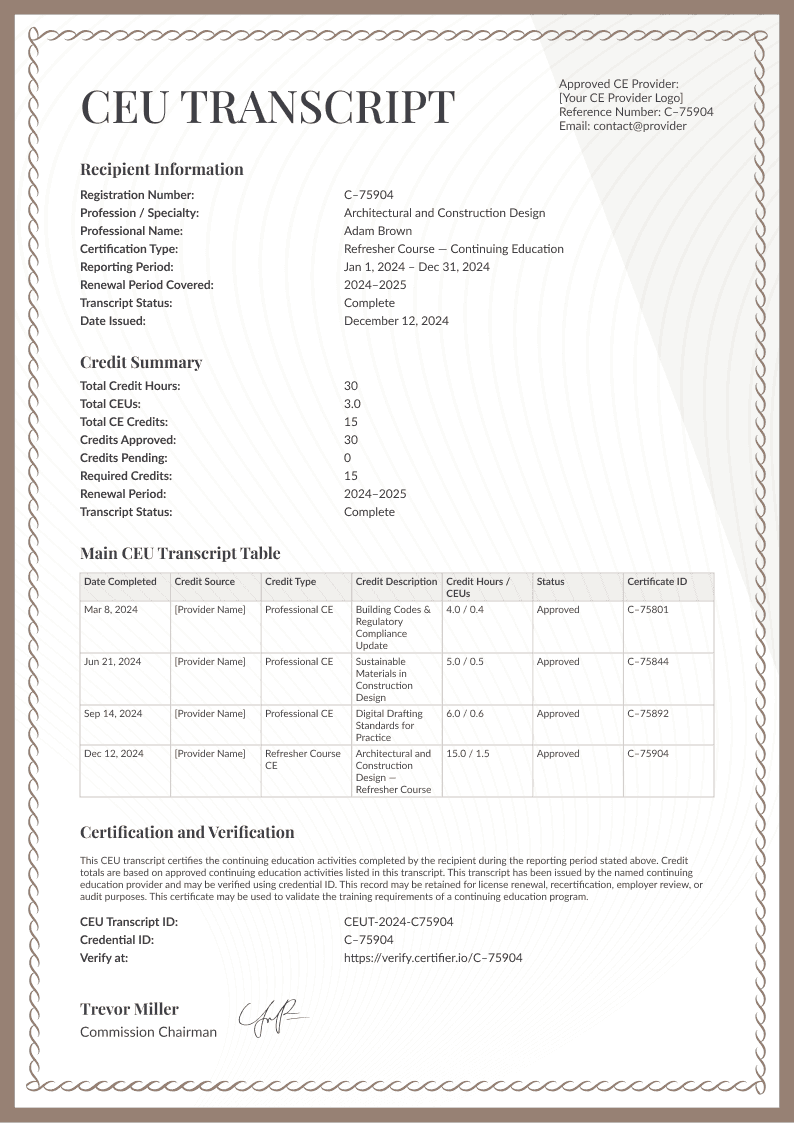
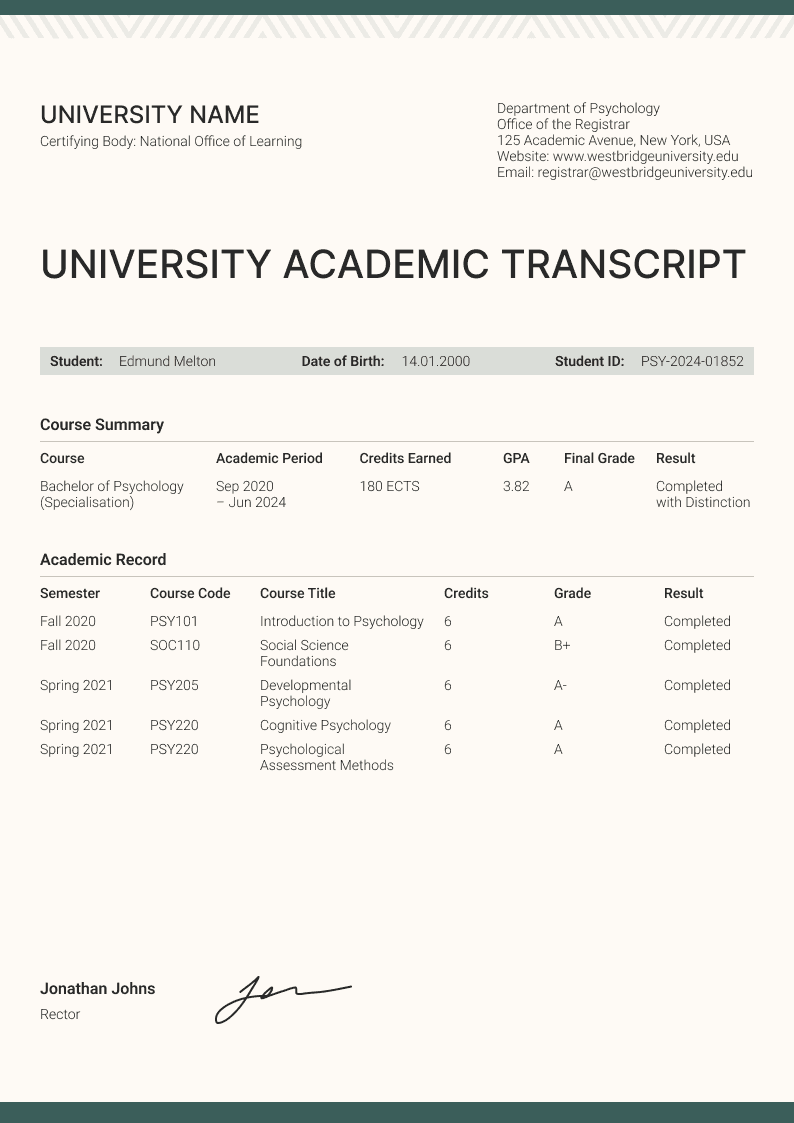
Transcripts
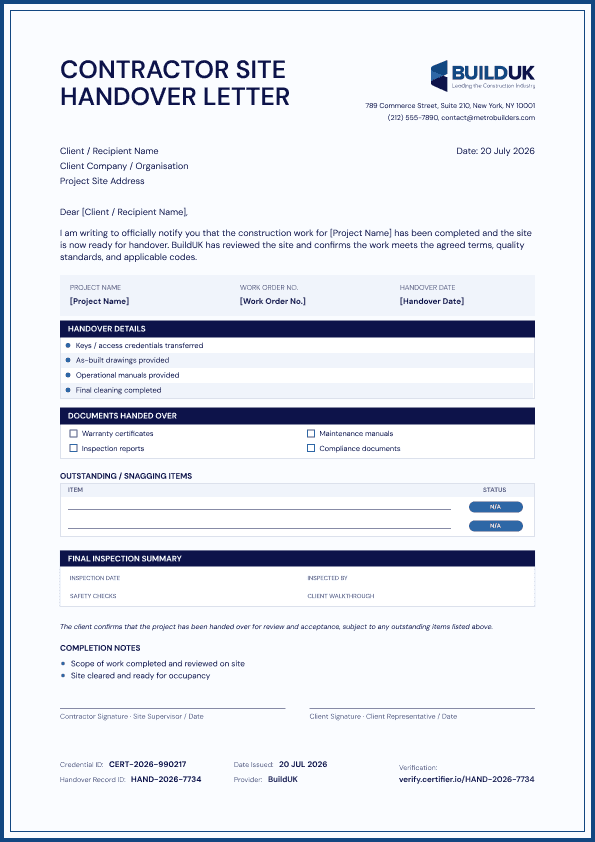
Add a transcript to certificates and diplomas
Modules, grades, and hours in a document built for the details behind the award. Everything that never fit on the certificate or diploma now has a page of its own.


Credentials in two languages
Issue certificates in multiple languages
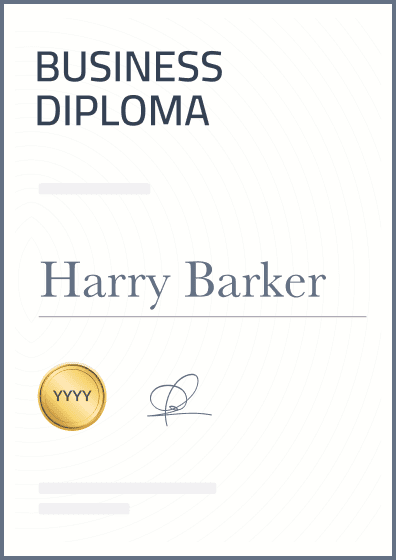
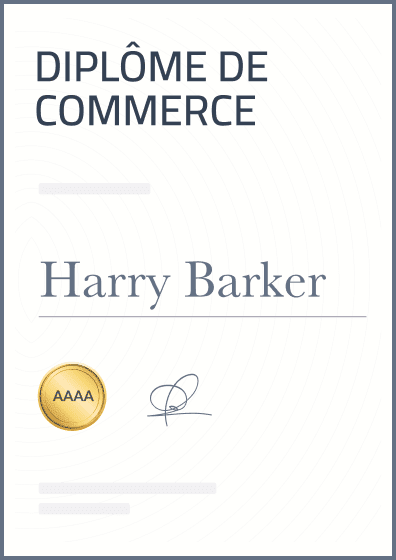
Add an English, French, or any other language version to the same digital credential. Recipients get one link with both, instead of two separate certificates.

Private pages
Keep grades and personal details off the public link
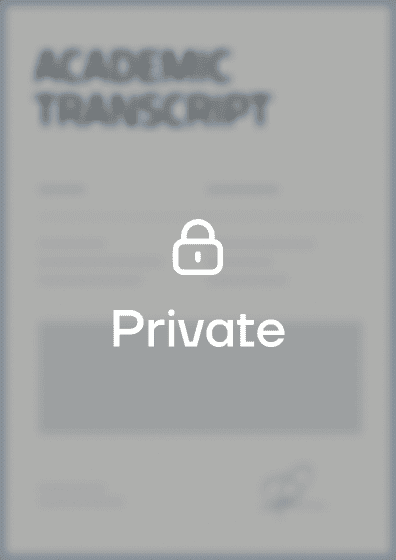
Set visibility page by page. The certificate stays public and shareable while the transcript sits in the same credential with its content hidden.

Dynamic fields
Auto-fill each transcript with recipient data
Send to 1000+ people, and each one gets their own document. Names, scores, hours, and dates fill in from your recipient data, so you set up the page once.

How to build a multi-page credential
Step 1
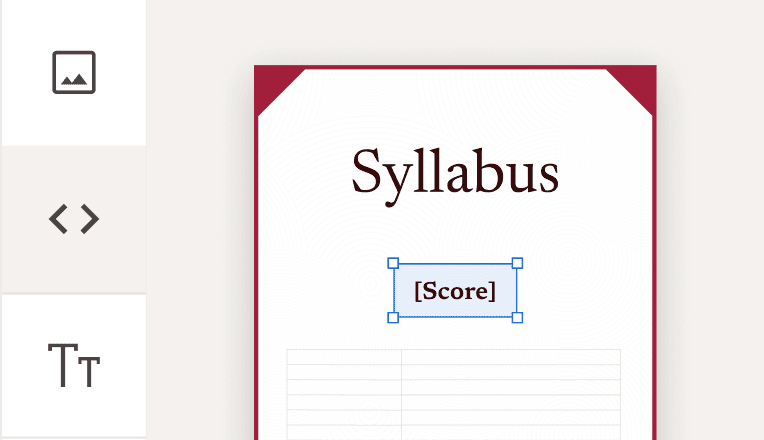
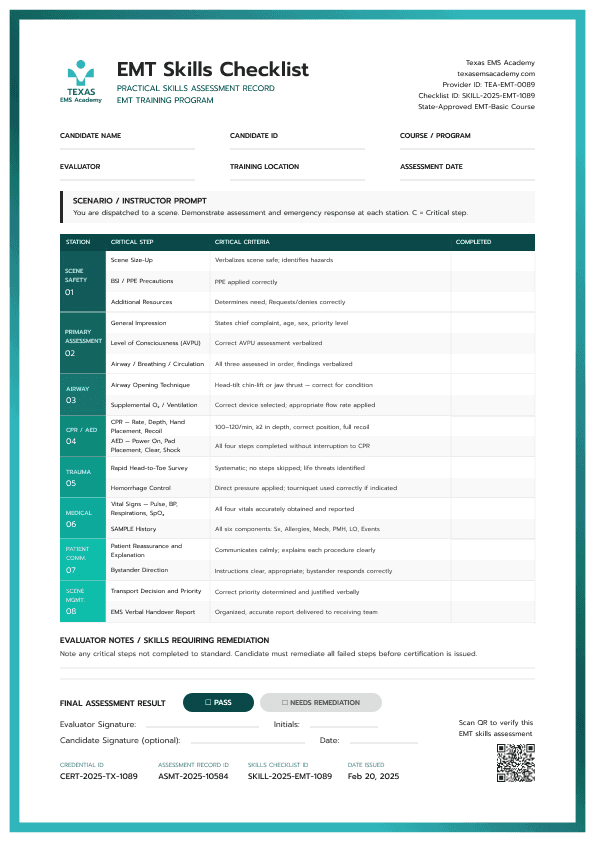
Design a supporting page
Pick a ready-made template or build your own. Add fields for anything that changes per recipient.
Step 2
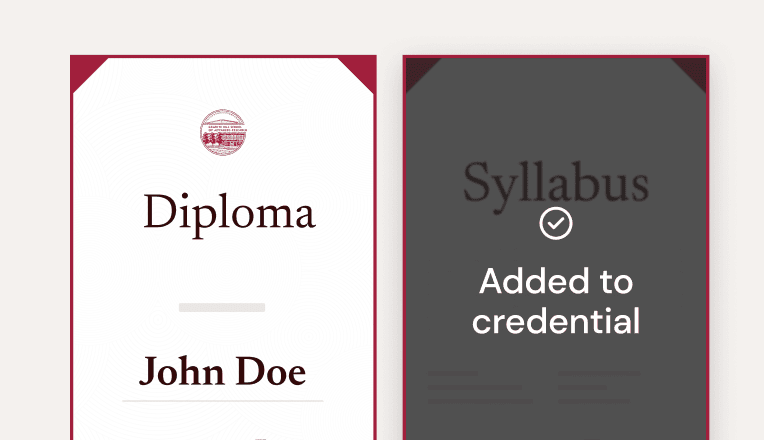
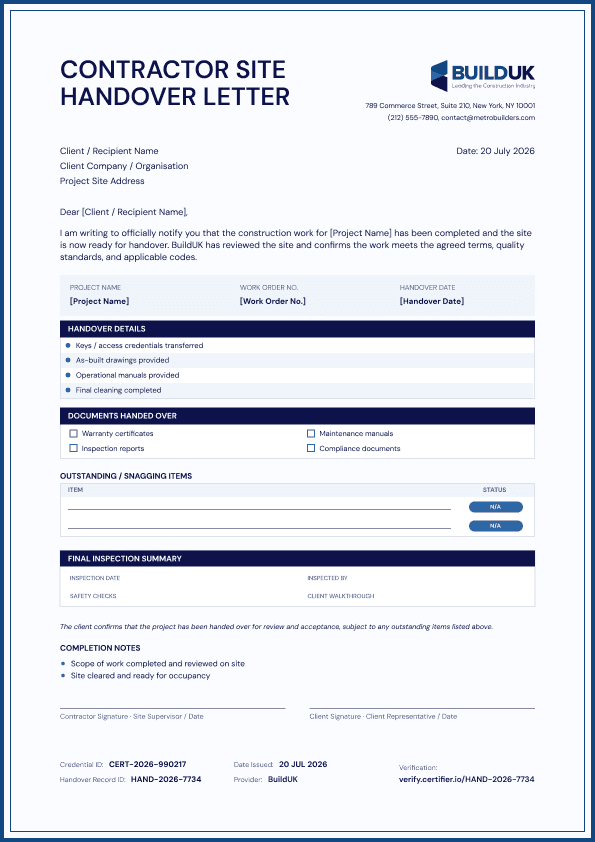
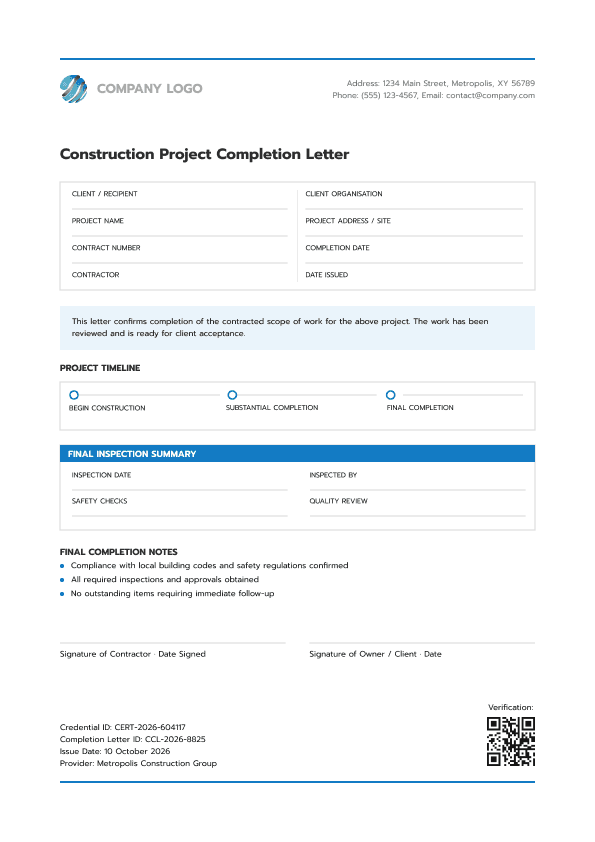
Bundle it with a certificate
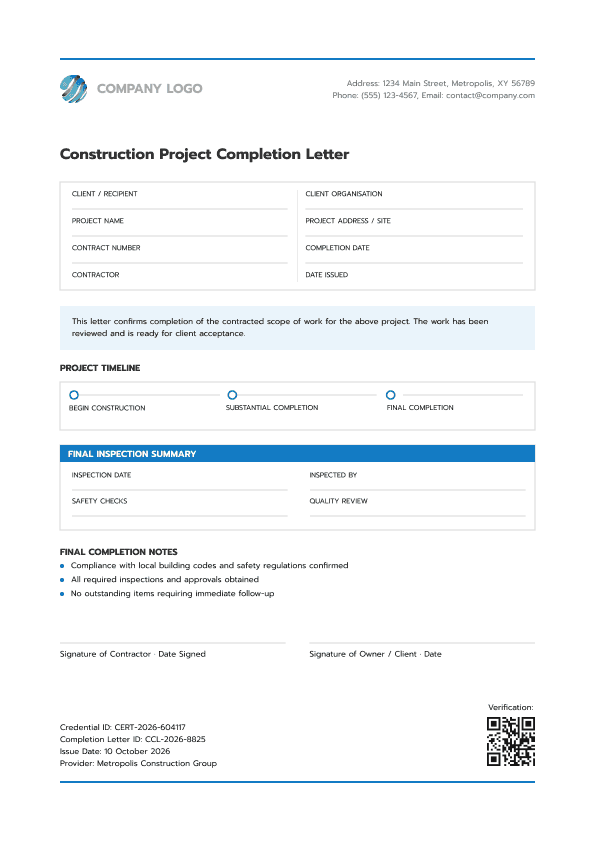
Add your document next to the certificate or diploma, up to 10 pages in one digital credential.
Step 3
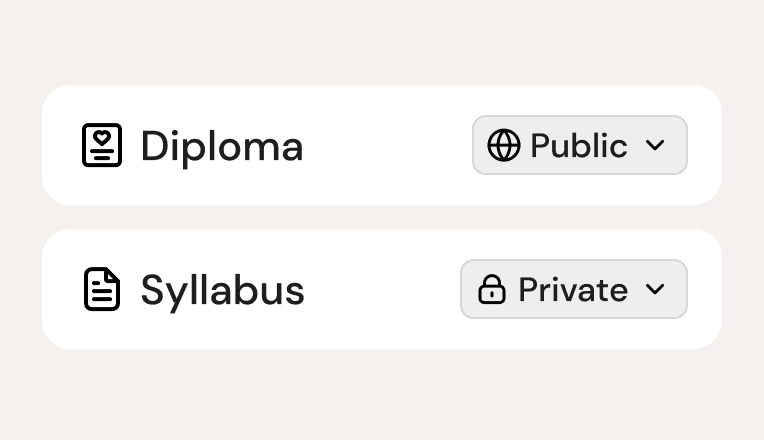
Choose who sees each page
Mark any of them public or private. Private pages open only after the recipient verifies their email.
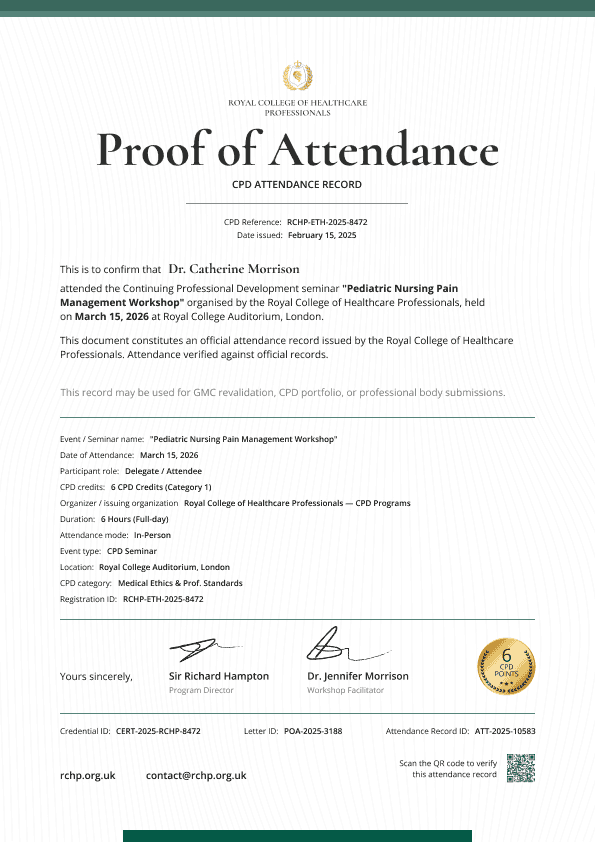
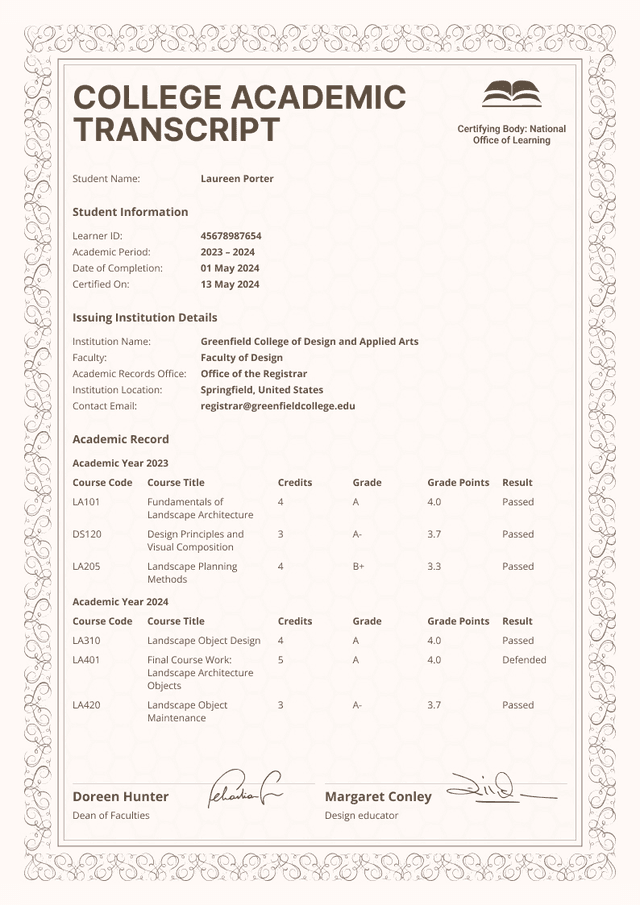
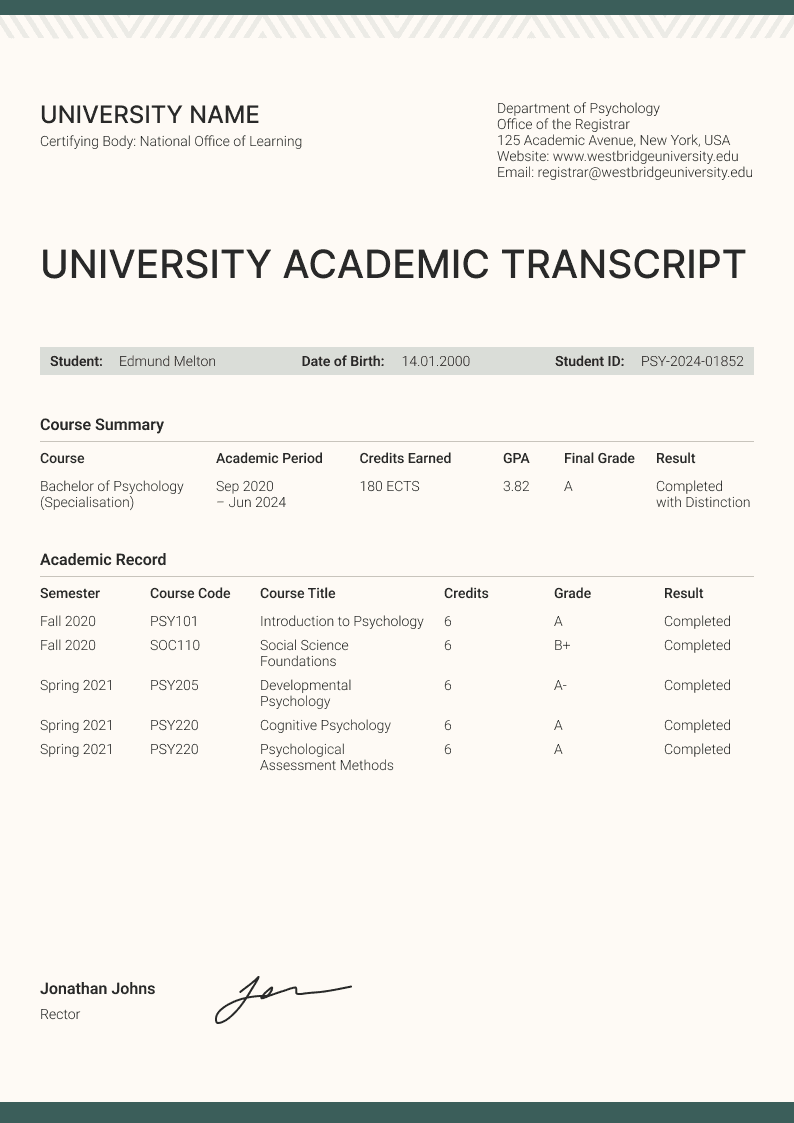
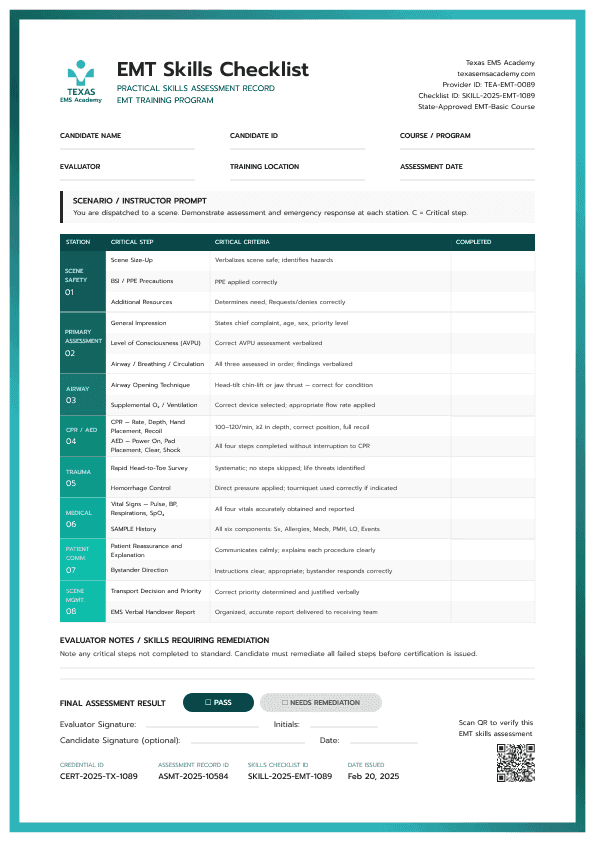
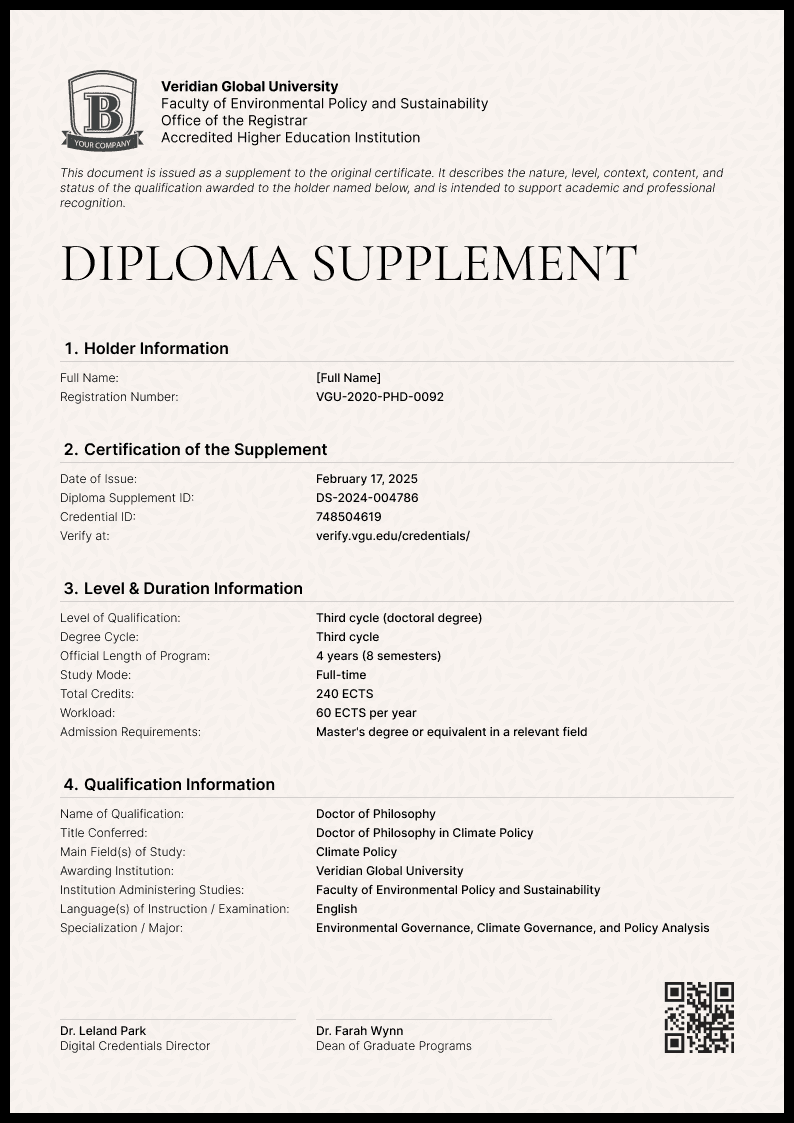
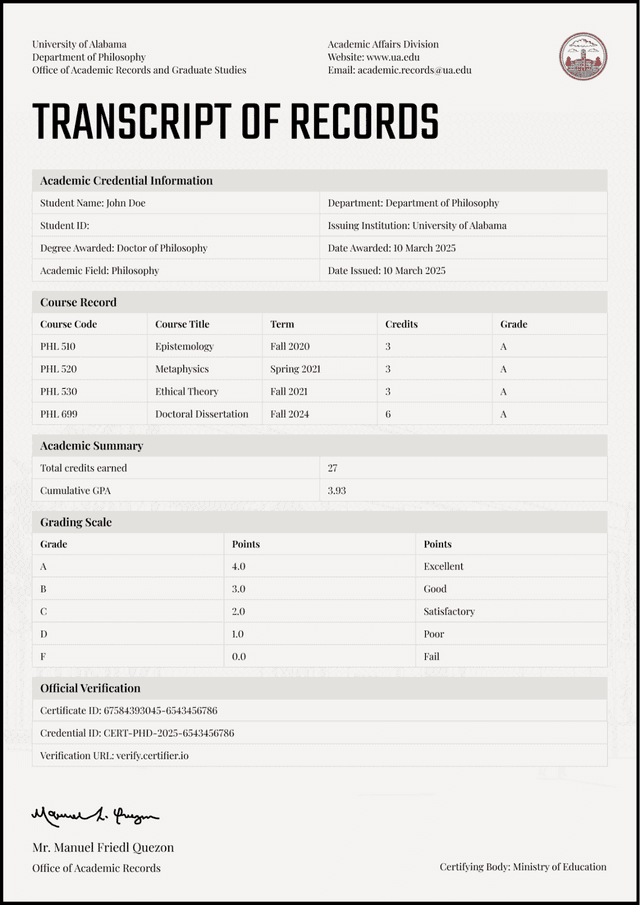
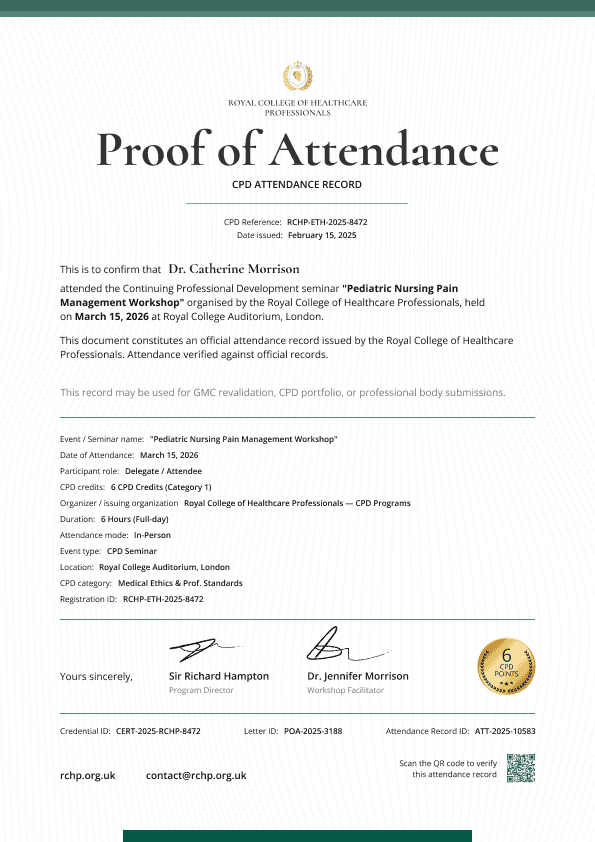
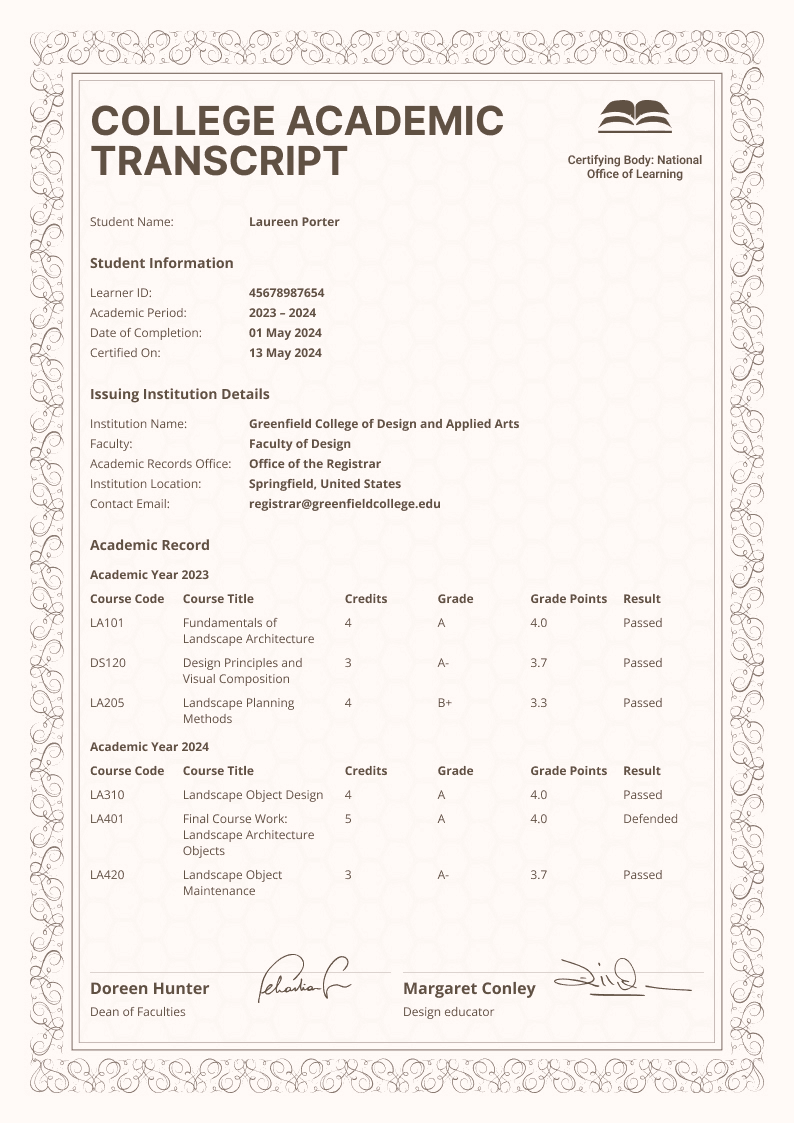
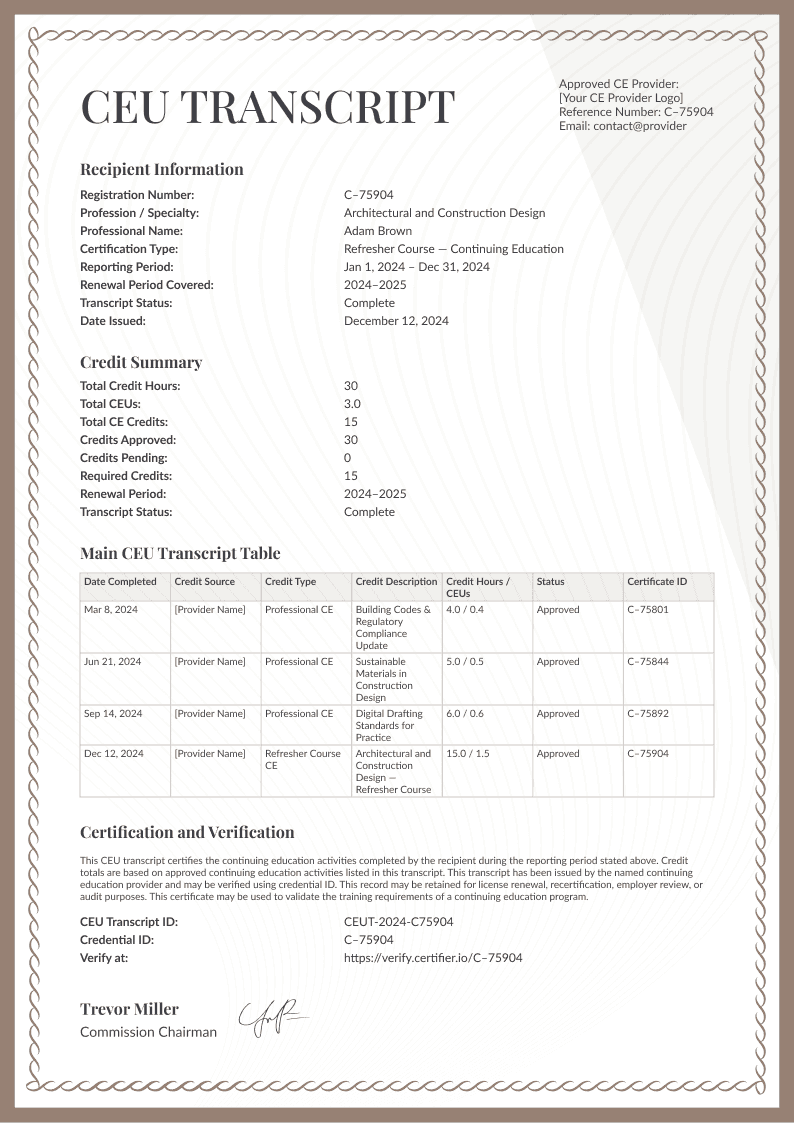
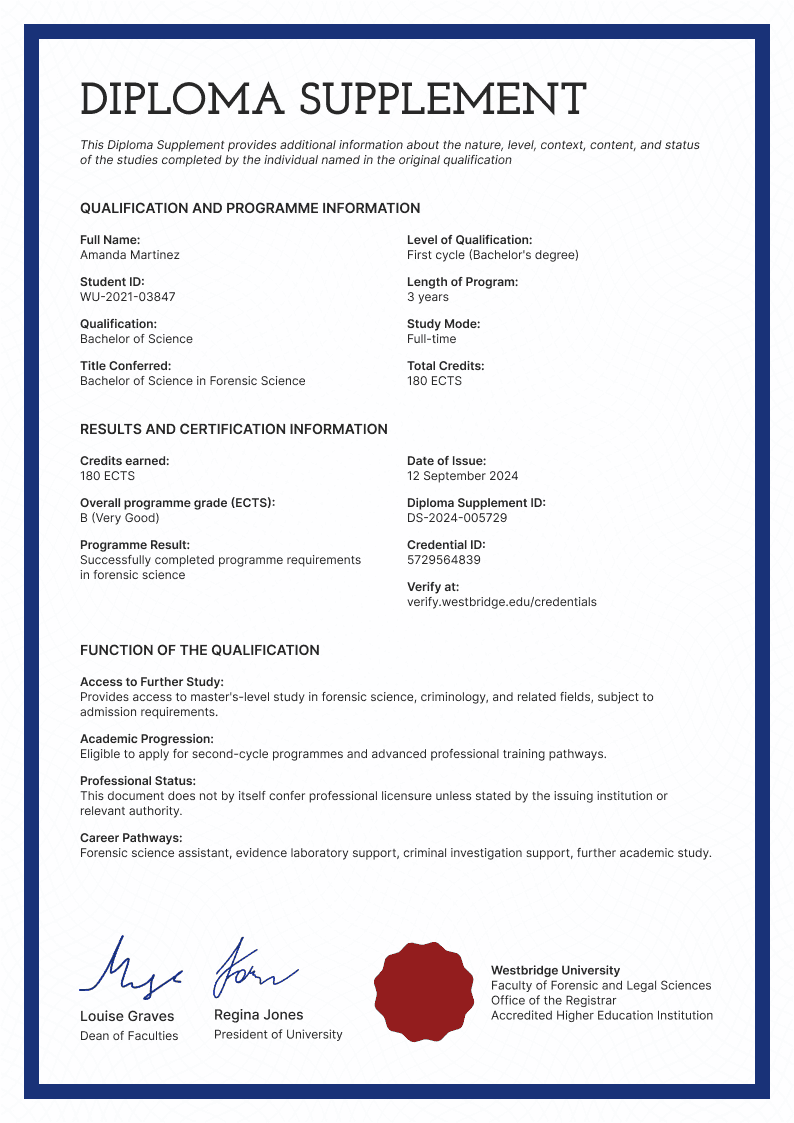
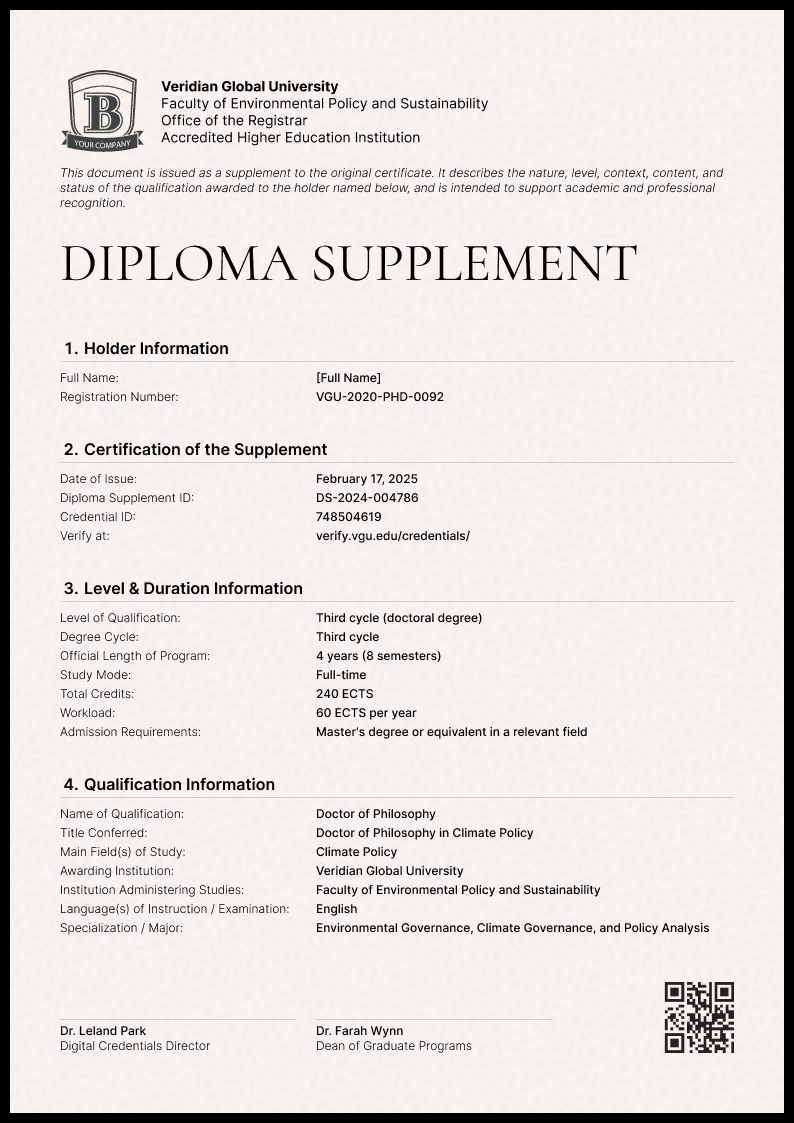
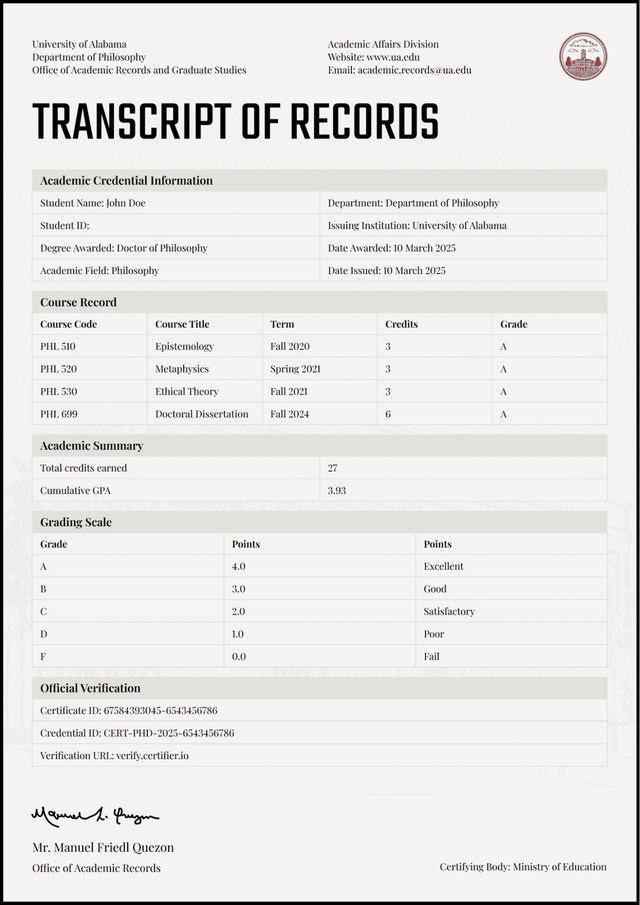
From merged PDFs and second emails to one link
Issuers often merge PDFs by hand or send the transcript in a second email. Here’s what changes when both live in one digital credential.
❌ Emailed PDFs


Merged by hand or sent in a second email
Squeezed onto one page to make it fit
Easy to lose, so recipients ask for resends
No way to confirm the PDF is genuine
Filled in by hand for each recipient
✅ Multi-page credentials


Issued with the certificate or diploma in one step
Each document gets its own page
Always available from the same link
Verified together with the certificate
Filled in automatically from recipient data
Issue multi-page credentials automatically from your LMS, CRM, and spreadsheets





Everything you need to issue, manage, and verify digital credentials

Login-free access
Recipients view and share every page without creating an account.

One-click verification
Every page sits under one credential ID, so one check verifies the whole record.

Custom email sender
Send from a domain and sender name your recipients already recognize.

White labeling
Your branding across the certificate, documents, emails, and credential pages.

GDPR-compliant
Recipient personal details are handled in accordance with GDPR standards.

Credential analytics
See who opens, downloads, and shares the digital credentials you issue.
Still got questions? We've got answers
Add a second page, or ten, to your certificate or diploma.
Put your transcript, results, or any other document behind it, all opened from one link.