Transcripts Templates
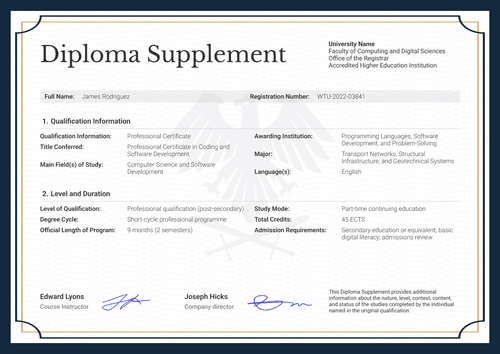
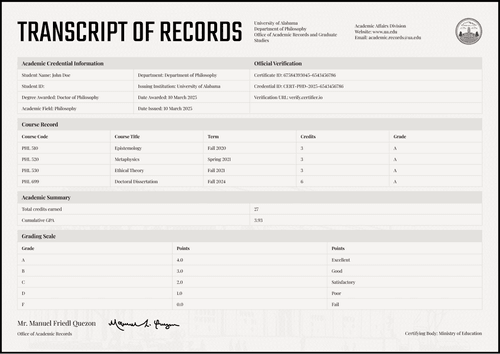
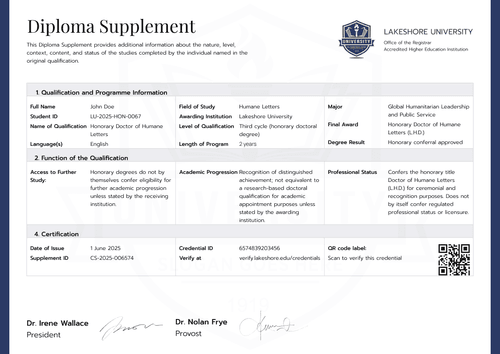
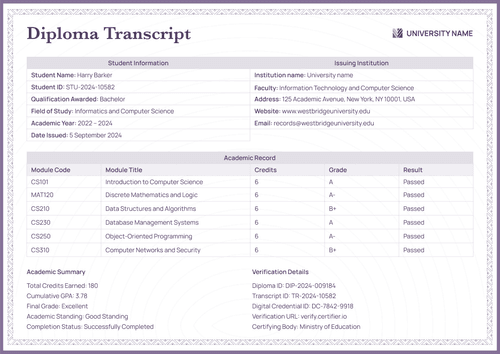
Document every course, unit, or activity behind a certificate with these free transcript templates. Choose from our collection of academic transcripts and diploma supplements, each with the header block, row table, totals, and signature area already built in.
Customize any transcript template in Certifier's online editor. Add your institution’s logo and seal, change the colors, and map the name, program, and result fields to your recipient list. Issue a whole cohort in one run and every recipient gets a personal, verifiable transcript.
Document every course, unit, or activity behind a certificate with these free transcript templates. Choose from our collection of academic transcripts and diploma supplements, each with the header block, row table, totals, and signature area already built in.
Customize any transcript template in Certifier's online editor. Add your institution’s logo and seal, change the colors, and map the name, program, and result fields to your recipient list. Issue a whole cohort in one run and every recipient gets a personal, verifiable transcript.
Read more
Academic Transcript Templates

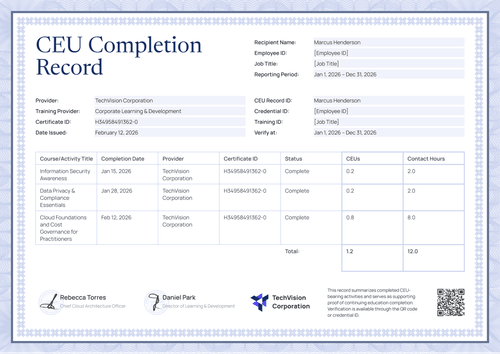
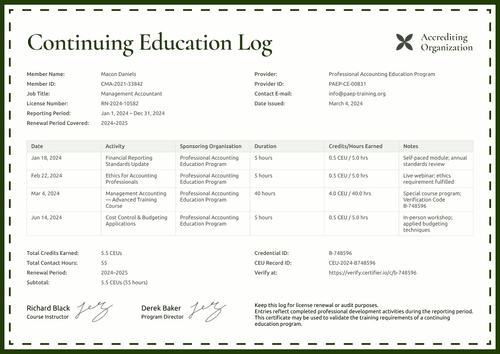
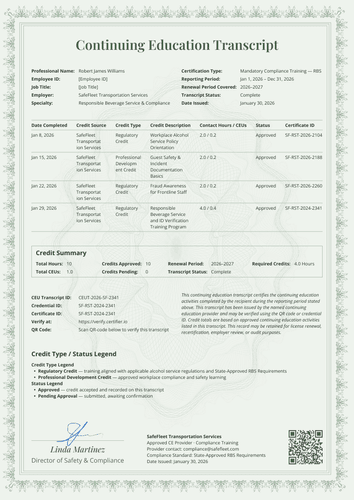
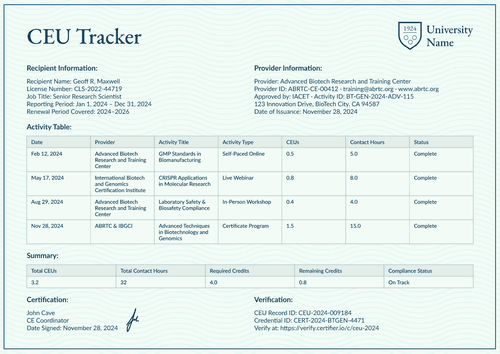
CEU Transcript Templates
Frequently asked questions
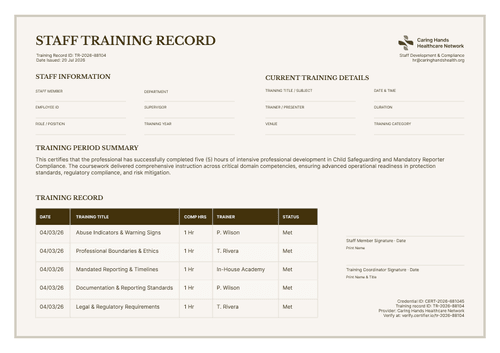
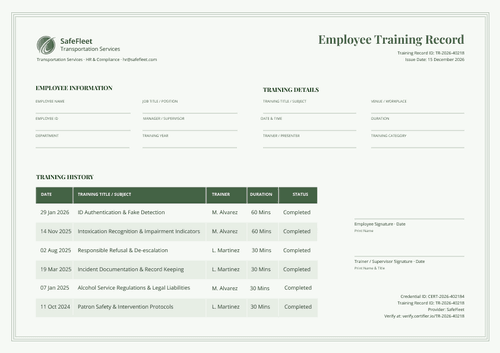
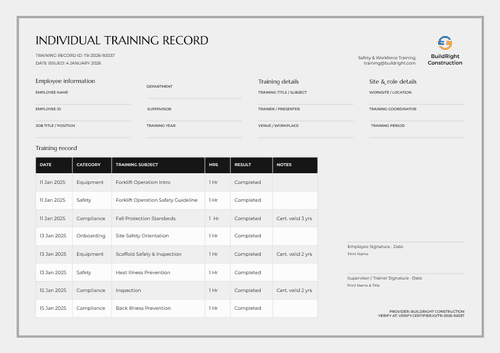
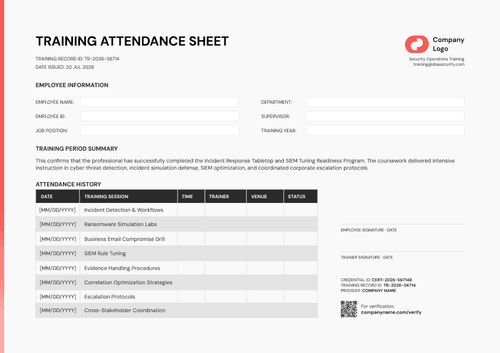
Academic transcripts deliver a course-by-course record tied to a school credential, typically showing grades or credits earned while a training record is a summary of internal training sessions completed at work, tracking dates, duration, and status for compliance or HR purposes rather than academic credit. Use whichever matches who's asking to see it: a school or employer checking coursework, or an employer checking training compliance.
You can issue them as separate credentials on whatever schedule you like, before or after each other. You can also attach both designs to the same credential template (up to 10 designs on Professional and Advanced, 2 on Starter), so they're delivered together as one credential set.
Every credential you issue, transcript or certificate, gets its own one-click Verify button on its public page, and that works the same way on every plan. If you're on Advanced, there's also a shared, standalone Verification Page as part of your Issuer's Portal, where anyone can verify any of your credentials by entering its unique ID rather than needing the original link.