Create certificates for free in minutes
Customize fonts, wording, and branding to create certificate template in just a few clicks. Each certificate is personalized and delivered directly to the recipient’s inbox. Eliminate design struggles with our intuitive drag-and-drop editor.


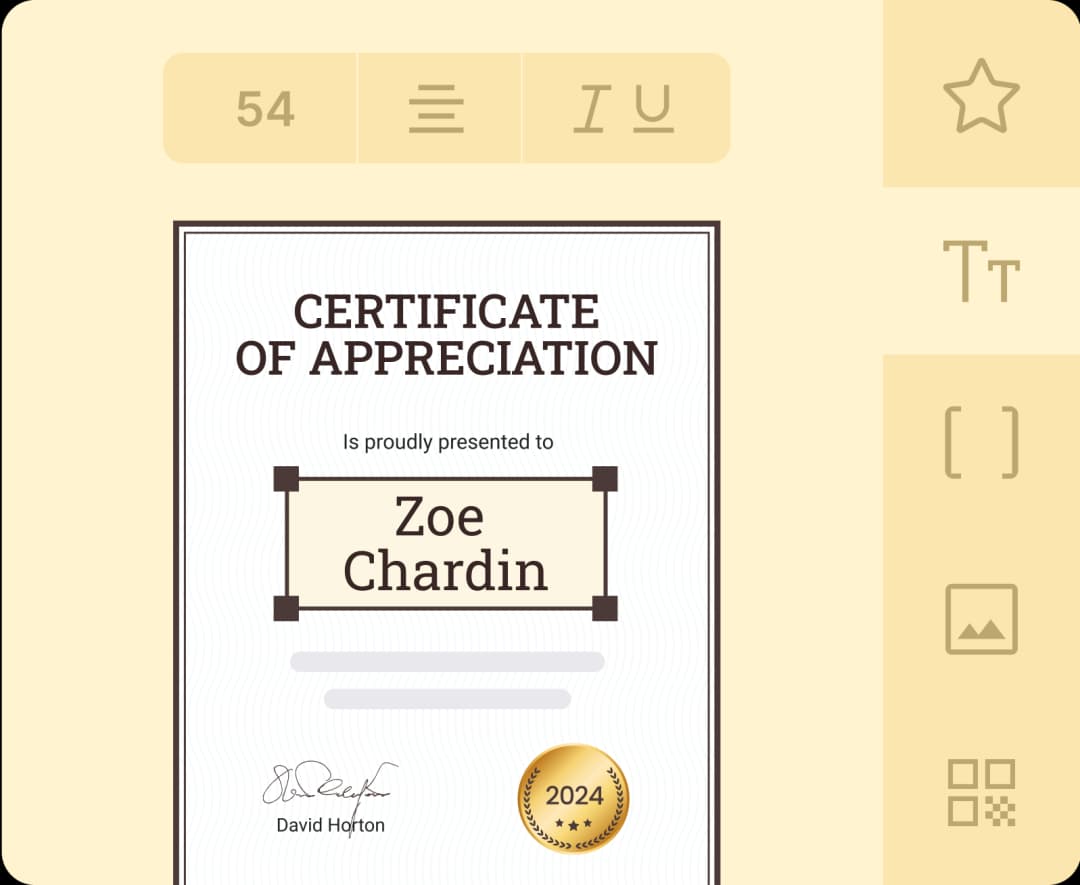
Join 2,000+ companies and organizations that make certificates with Certifier






Create certificate online in 3 easy steps
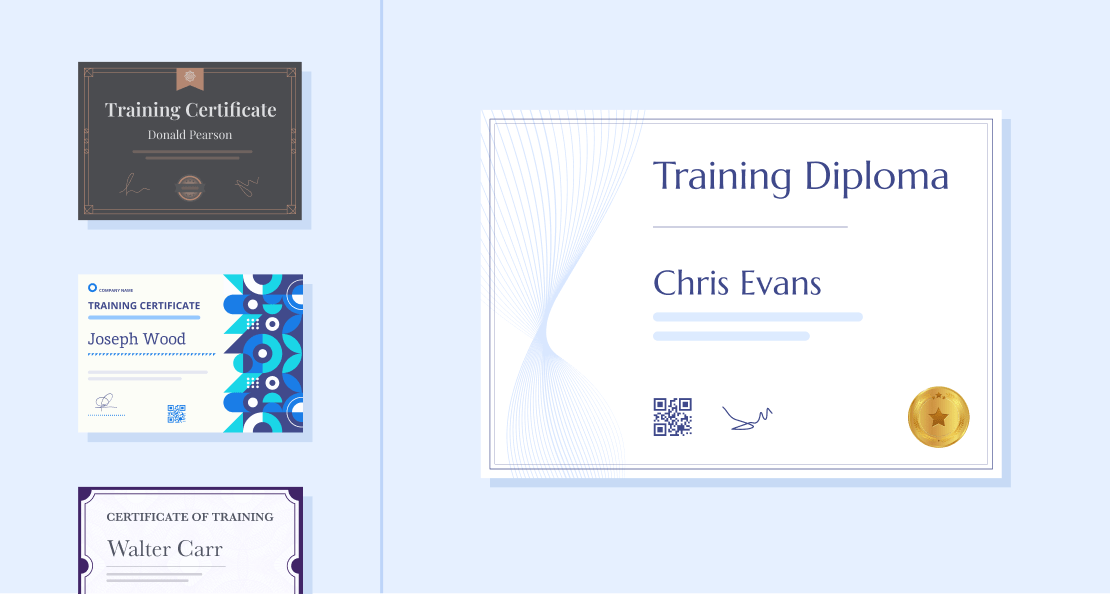
Select a template
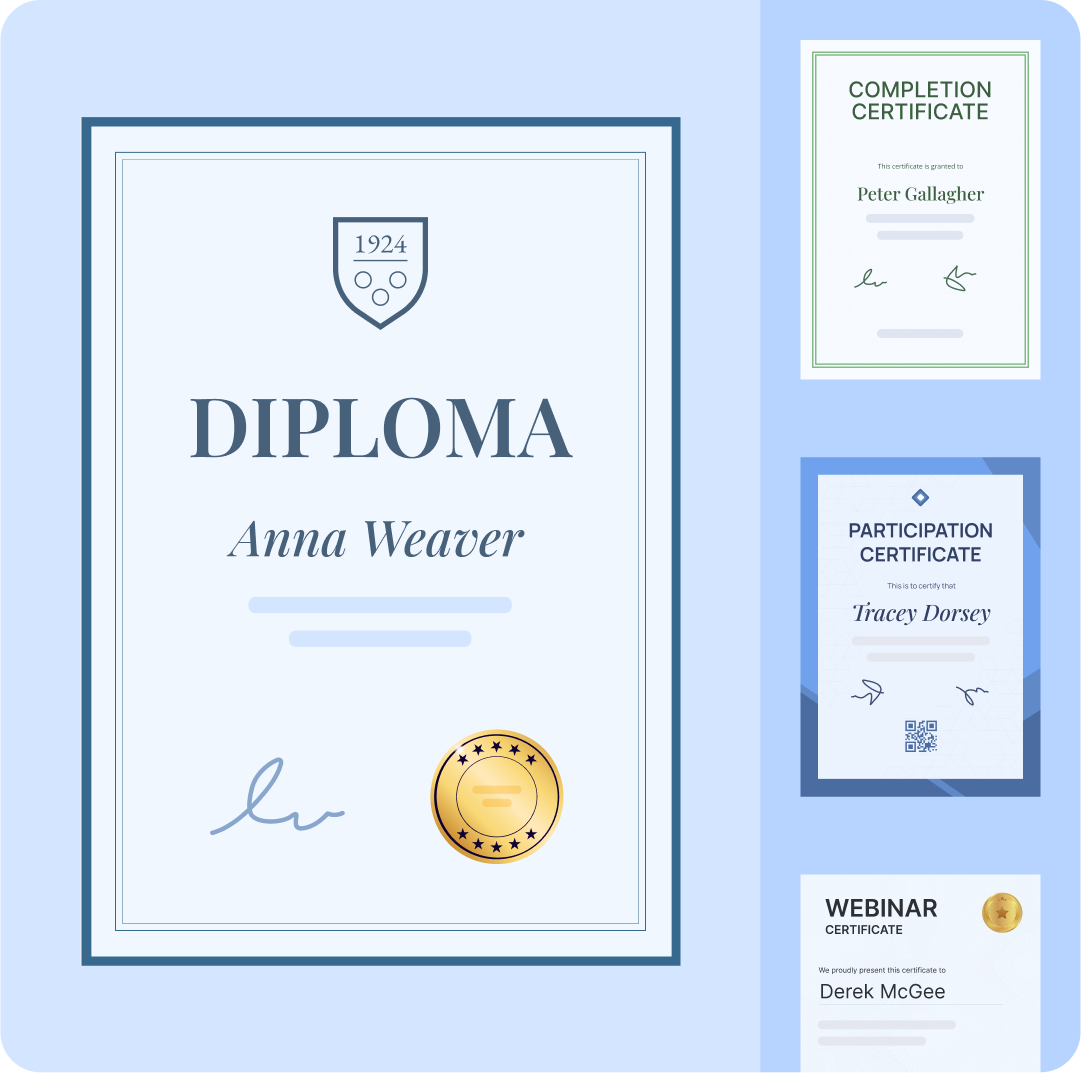
Choose from over 2,000 certificate templates – each free and fully customizable with your unique brand design.
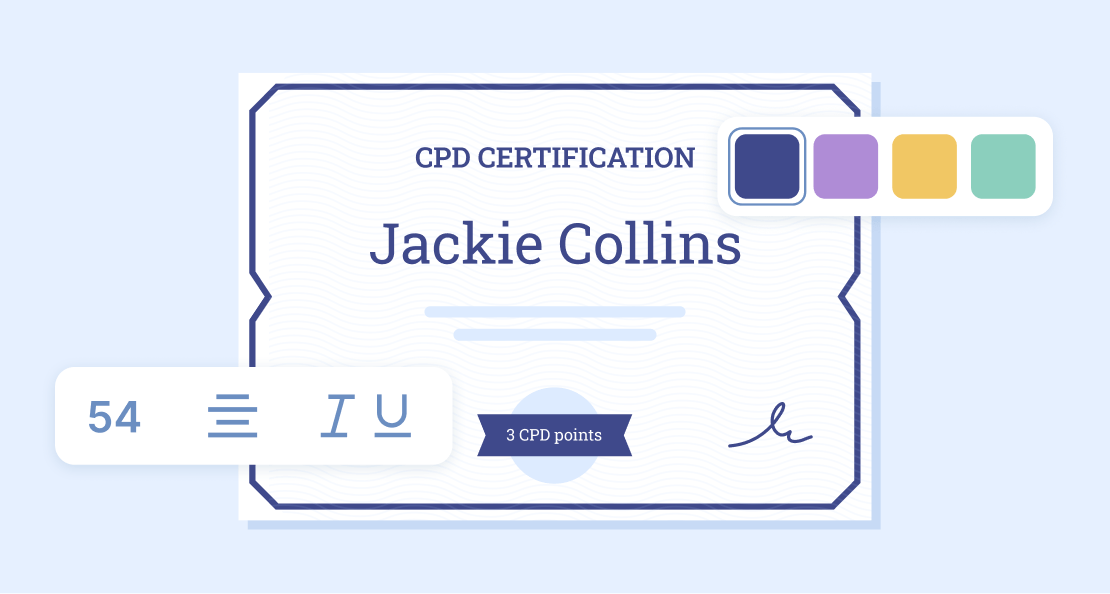
Customize design
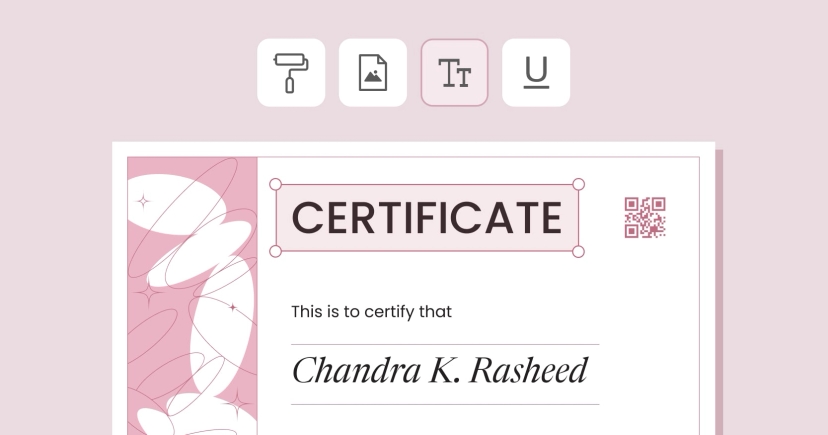
Change fonts, colors, add a logo and QR code – simply drag and drop the elements to design certificate template you admire.

Generate in bulk
Automate certificate delivery, schedule sends, or export created certificates to PDFs. All from one intuitive dashboard.


Watch tutorial on how to make certificate design
See how Certifier simplifies certificate design. Learn how to make, personalize, and distribute branded certificates to recipients. Easily share and verify professional certificates for free.
or see ✦ How to Design Certificates on our blog
Create certificates for every occasion and use case
Get access to more than 1000 free certificate templates. Easily customize each template with your branding, design, and content to fit any use case.

How to create a digital certificate
Customize your own certificate with ready-made elements and wording. Create digital certificates that your recipients will keep forever.

How to create completion certificate
Celebrate course completion with a professional certificate. Create a custom certificate to recognize your learners' progress.

Create certificate of achievement online
Acknowledge big wins with customized achievement certificates. Create certificate that your recipients will be eager to share online.
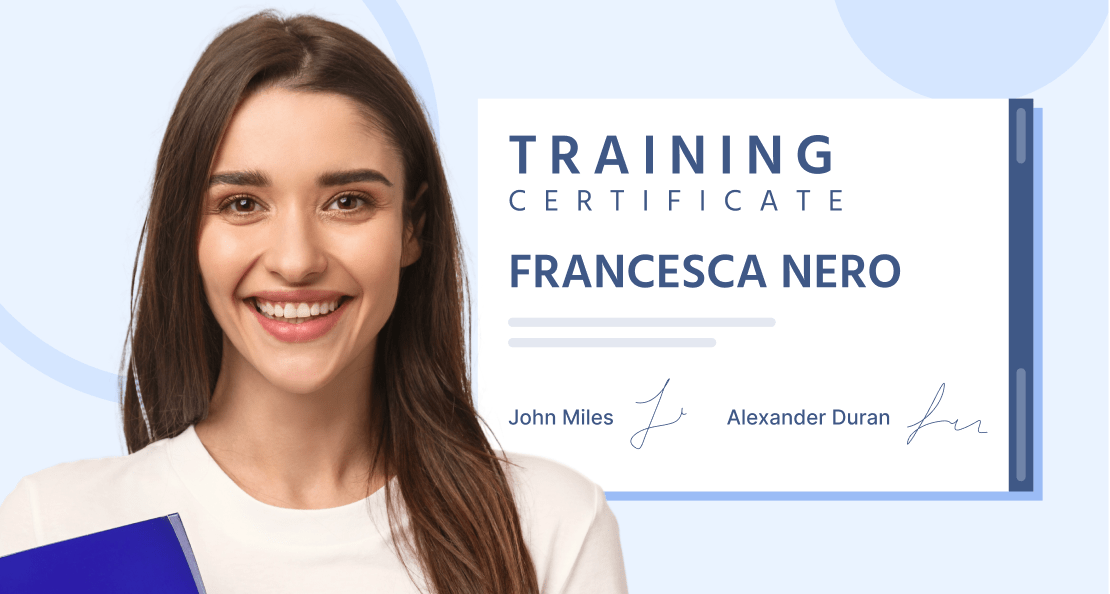
How to make training certificate
Use expert-designed templates to create certificate that celebrates effort in any training. Make it stand out with your own branding.

Create appreciation certificate online
Show your appreciation with beautifully designed certificates. Create a personalized certificate to show how much you value hard work.
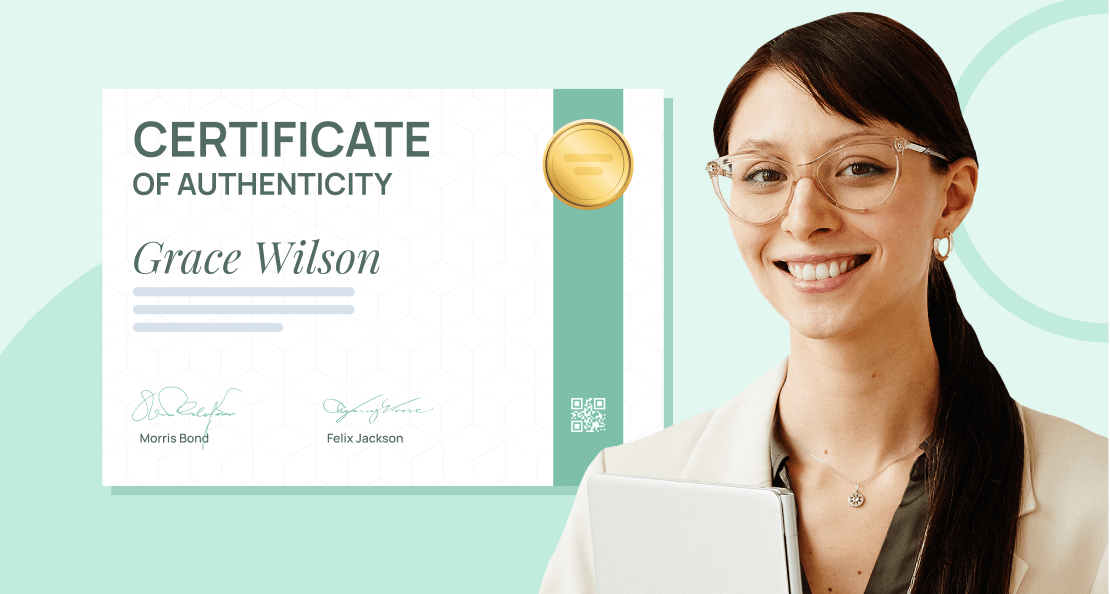
How to create a COA certificate
Highlight outstanding artworks with a COA certificate. Create authenticity certificates that are perfect for securing and protecting your work.

Top features to make certificates for free with Certifier
Certifier’s easy-to-use design editor has everything you need to create certificate online free – custom fonts, customizable elements, editable text boxes, and more.
EDITABLE TEMPLATES
Choose a ready-made template or design certificate on your own
Save time and create certificates online with over 2,000 editable templates for every use case. Customize and download every template for free.

No watermarks
Access to all templates (even in a free plan)
Customizable certificate size
or see ✦ Best free printable certificate templates on our blog

or see ✦ Best free printable certificate templates on our blog
DESIGN EDITOR
Customize and create certificate with your logo, background, and text
Put your brand's name first and create custom certificates online with our intuitive editor. Download, print, or share as a PDF instantly.
Drag & drop design editor
Customizable text & graphic elements
Personalized certificate branding
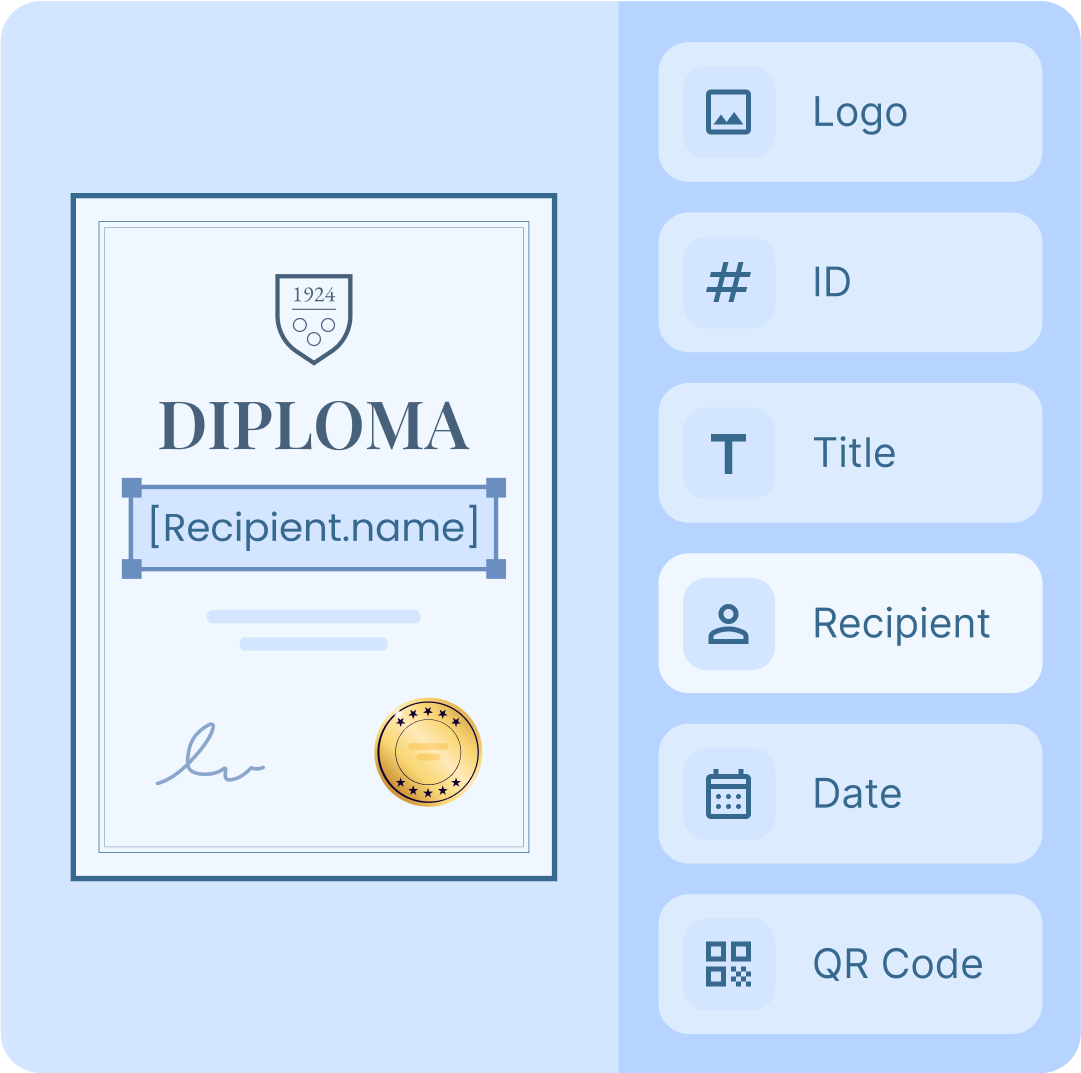
BULK GENERATOR
Add custom dynamic attributes to create certificates in bulk
Easily generate digital certificates in bulk with our automated tools. Upload recipient details and generate personalized certificates in seconds.
Automatic data filling for mapped text fields
Compatible with Excel and Google Sheets
Unique QR code for each certificate





Compare other ways to create online certificates
See how Certifier stacks up against other tools for online certificate creation.
Check out the table below to find the best solution for your needs.
Free plan
Free certificate templates
Mass certificate creation
Drag-and-drop editor
Social media sharing
Mail builder
Real-time analytics








900,000+ people already received
their digital certificates in 2024
Even more features for an even better certificate creation
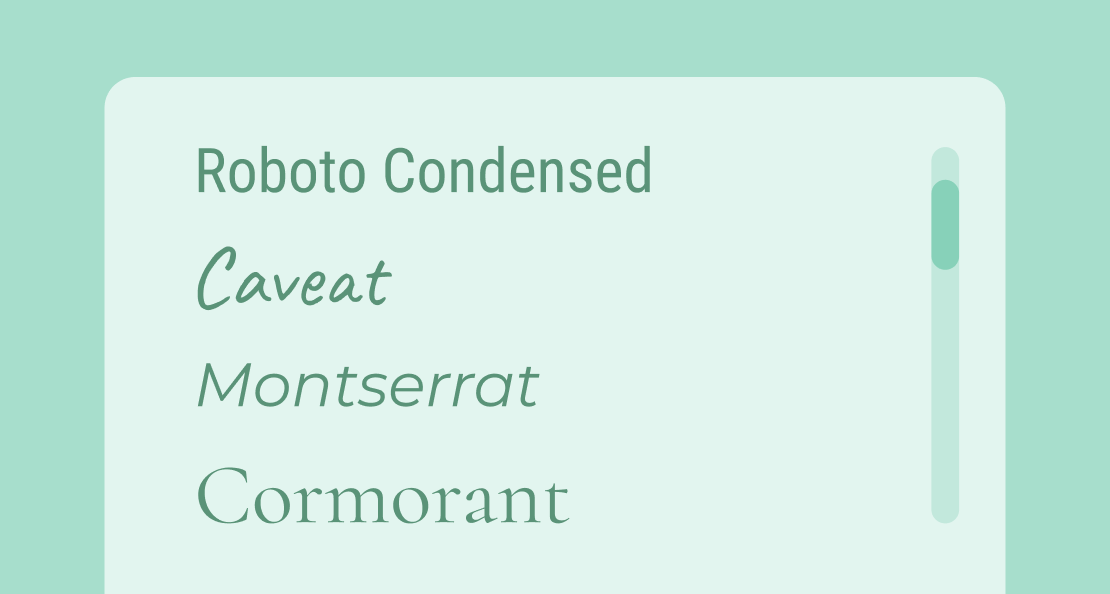
Popular certificate fonts
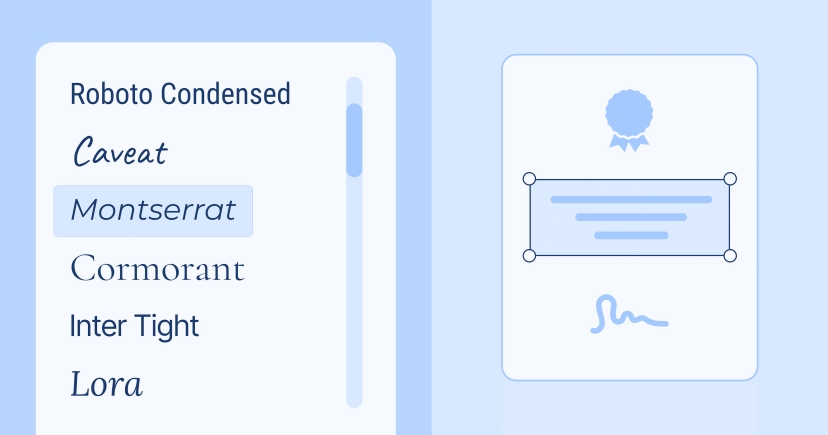
All our templates use fonts from the Google Fonts collection. It’s a reliable source that maintains certificates responsive across platforms. You can also upload and use custom fonts.
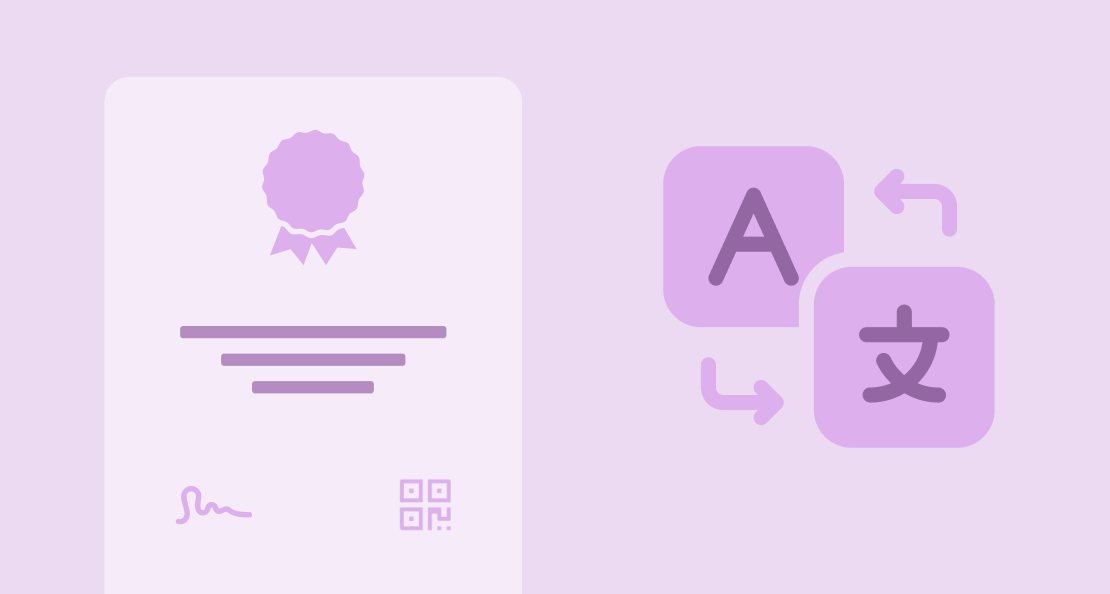
Multilingual certificate
There is no language barrier with Certifier. Our digital wallet supports languages from all over the world. Recipients can translate their personalized certificates with just a click.
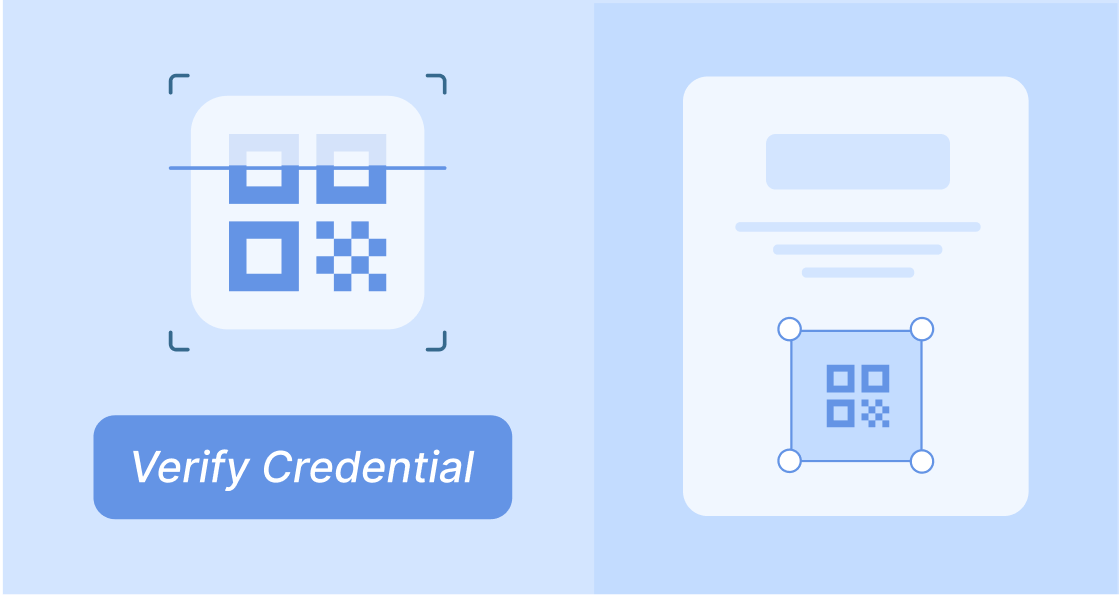
QR codes for certificates
Add a QR code to each certificate for instant verification. Certifier automatically generates unique codes that, after a quick and easy scan, link to your website or the recipient's digital wallet.
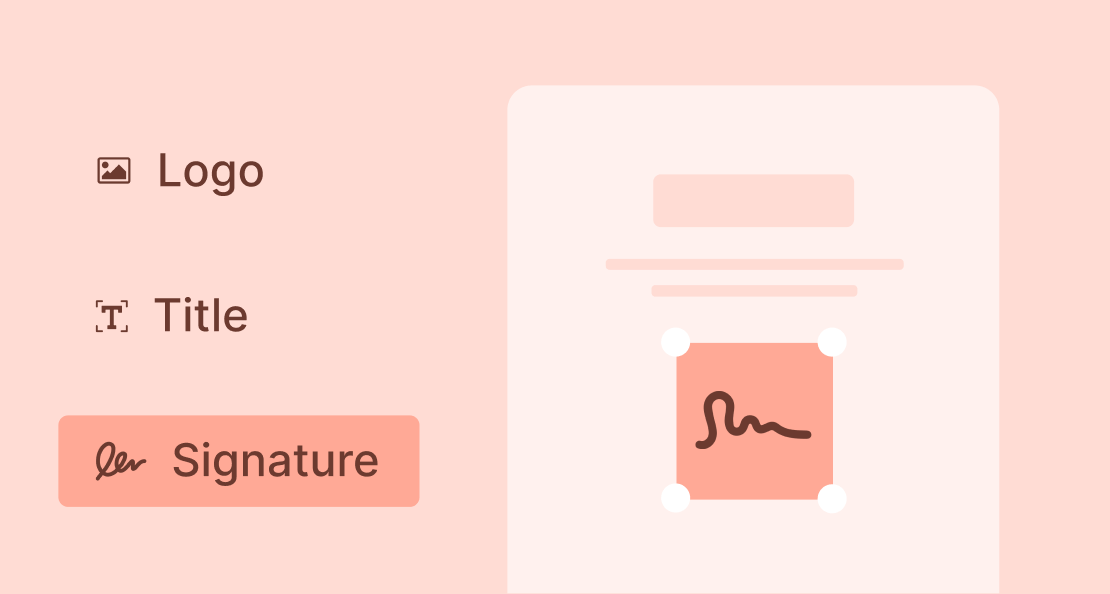
Secure digital signatures
Authorize every certificate with a secure digital signature. Use dedicated fonts or upload your signature image. It’s a safe, efficient way to create credible certificates.
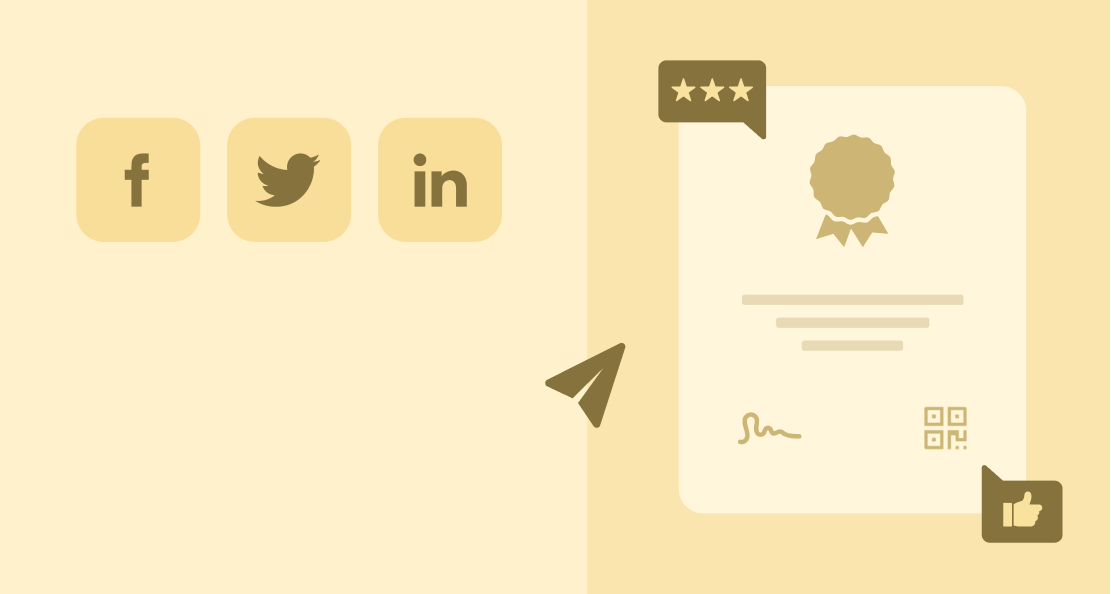
Social media sharing buttons
Recipients can share their certificates directly to LinkedIn, Facebook, or X from their digital wallet. You can also craft default post captions to encourage sharing and boost visibility.
Downloadable in PDF
Download high-quality, professional PDF certificates with just one click – either from the management dashboard for issuers or directly from the recipient’s digital wallet.
Best practices to make a certificate online
Choose size and orientation
Decide on the layout that best suits your purpose. For formal certificates like degrees, a portrait orientation may be ideal. For casual events, such as attendance certificates, landscape orientation could be a better fit. Think of it as choosing the perfect frame – it should complement, not complicate.
Organize layout with guidelines
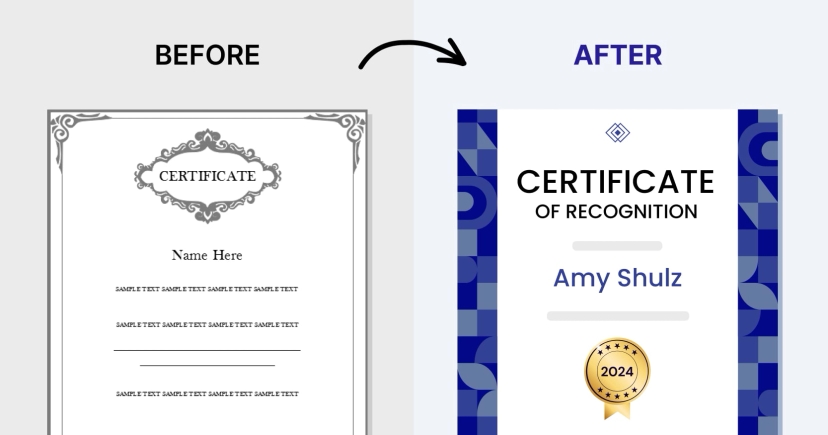
Use our layout guidelines to align elements and create a natural flow. Similar to setting up dominoes, everything should fall perfectly into place, guiding the eye smoothly from one element to the next. Create certificate online that corresponds to key graphic design principles for a flawless final result.
Use auto-resizable fields
Our text boxes automatically adjust in size, expanding or contracting based on the content. An extremely useful feature to fit long names or other information without compromising the design. Generate certificates in bulk with longer certificate IDs or recipient names, and keep your layout clean and professional.
Upload branded elements
Personalize your certificates by adding your logo and brand colors – even with our free plan. Make certificates online that aligns with your brand identity. With branded design, each time someone shares their certificate, it’s an effortless way to increase brand exposure.
React quickly to design inquiries
Spotted a typo? Certifier allows recipients to report design issues directly from a digital wallet. You make quick fixes from the dashboard. Once updated, the corrected certificate automatically refreshes, so there's no need to resend it. All for a seamless customer experience.
Preview your design with filled data
Before finalizing, review your certificate design with all details in place to verify everything looks correct. This preview step helps catch and resolve any visual conflicts, such as text overlapping with background elements. We've made this process fast and efficient to guarantee a flawless design before publishing.
More guides on how to create a digital certificate for different purposes
Common questions we get asked about making certificates online
Haven’t found what you were looking for? Contact us
You can easily generate certificates for free with Certifier, a user-friendly tool that lets you design beautiful certificates at no cost.
- Choose from 2000+ templates to create eye-catching certificates
- Personalize them with your text and colors
- Add dynamic attributes (it’s the most important step when it comes to certificate generation)
- Upload recipient details
- Generate and send certificates directly to recipients via email
No design skills are required. Whether you're creating appreciation certificates or certificates of authenticity, the process is simple. For bulk certificate creation watch this video.
The easiest way to design digital certificates is through online platforms that offer pre-designed templates. These platforms ensure your certificates follow basic design principles, saving you time and effort.
Simply choose a template that matches your event, customize it, and you're ready to print or share your certificate within minutes.
While Word isn't the most robust tool for creating certificates (limited design capabilities and customization features), it can still be used for basic needs.
If you're set on using Word and need a straightforward guide on how to make it work, we've got you covered. Our guide will walk you through selecting a suitable template for a Word certificate, modifying it with your specific details, and adding a touch of flair with Word's limited graphical elements.
Remember, for more complex needs like adding security features or complex designs, you might want to explore dedicated certificate tools that offer more advanced functionalities.
You can automate the creation and distribution of certificates for webinars. Certifier integrates with tools like Zapier to streamline this process. Customize templates to reflect your webinar’s theme and include key details such as participant names, dates, and unique certificate IDs. Learn more about webinar certificates here.
Google Forms can be integrated with a certificate generator to create certificates efficiently.
- Set up your form to collect necessary participant information
- Link it to a tool that can create online certificates (see how to generate certificates with Google Forms)
Each submission can trigger the creation of a personalized certificate, which can then be emailed or made available for download as a PDF file.
- Select an online tool that offers flexible design options (Certifier is super handy here)
- Modify your template by adding specific details such as names, dates, and unique QR codes
- Once your design is complete, use the platform’s features to export your certificate as a PDF.
If you need more help, here’s the guide on how to create fillable PDF certificates.
Free certificate templates (ready to edit!)
Creating certificates online has never been easier with our fully customizable certificate templates.
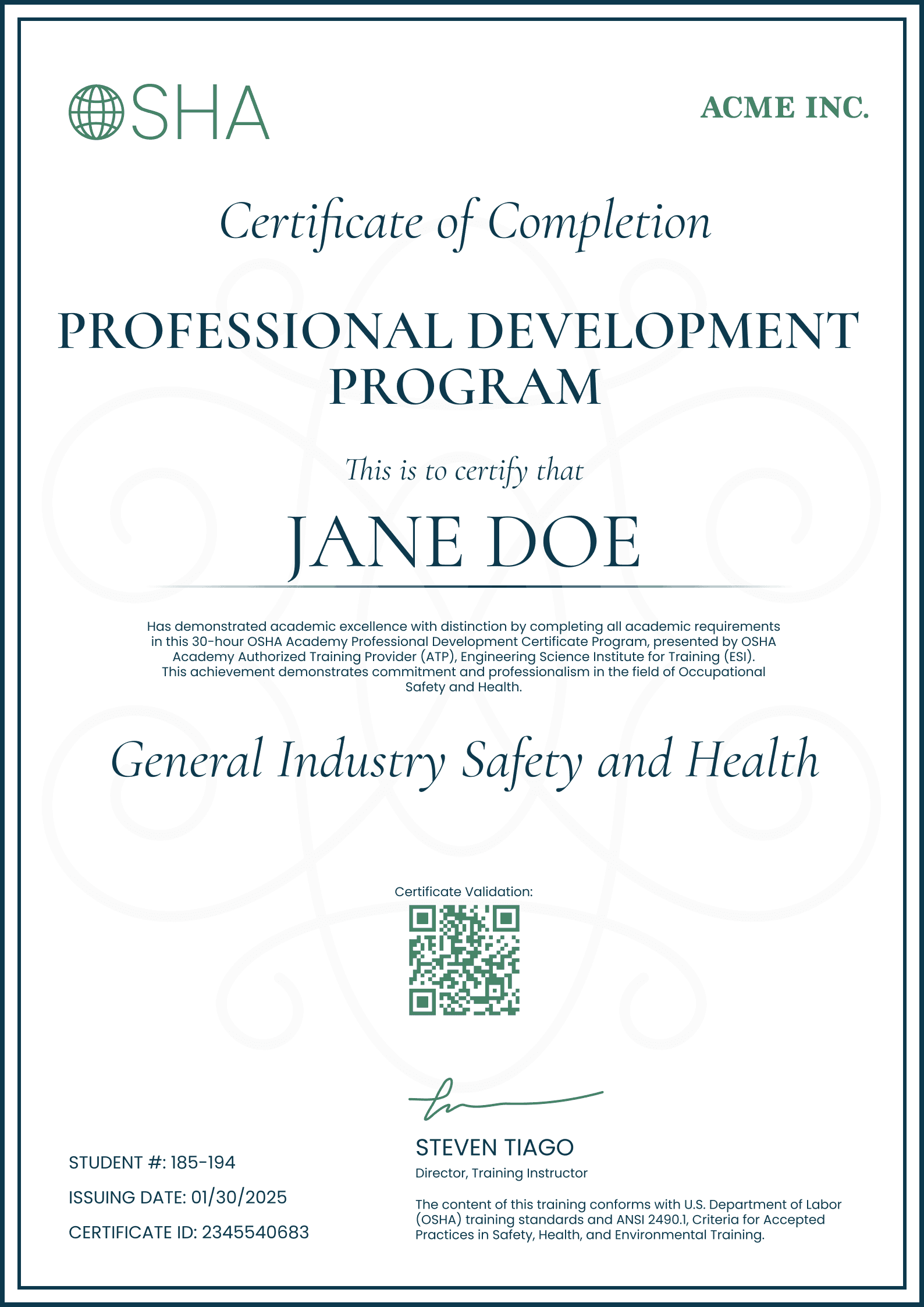
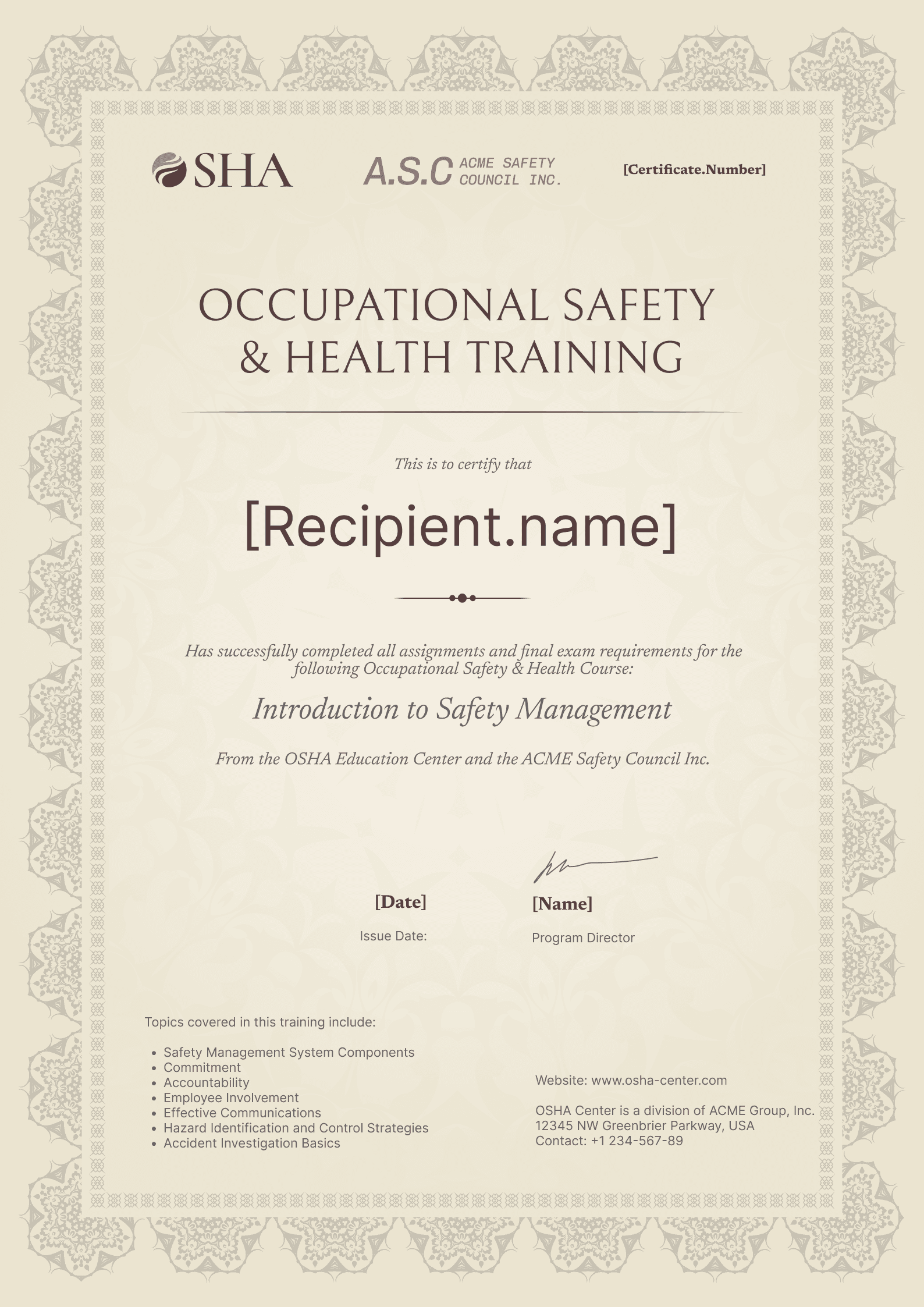
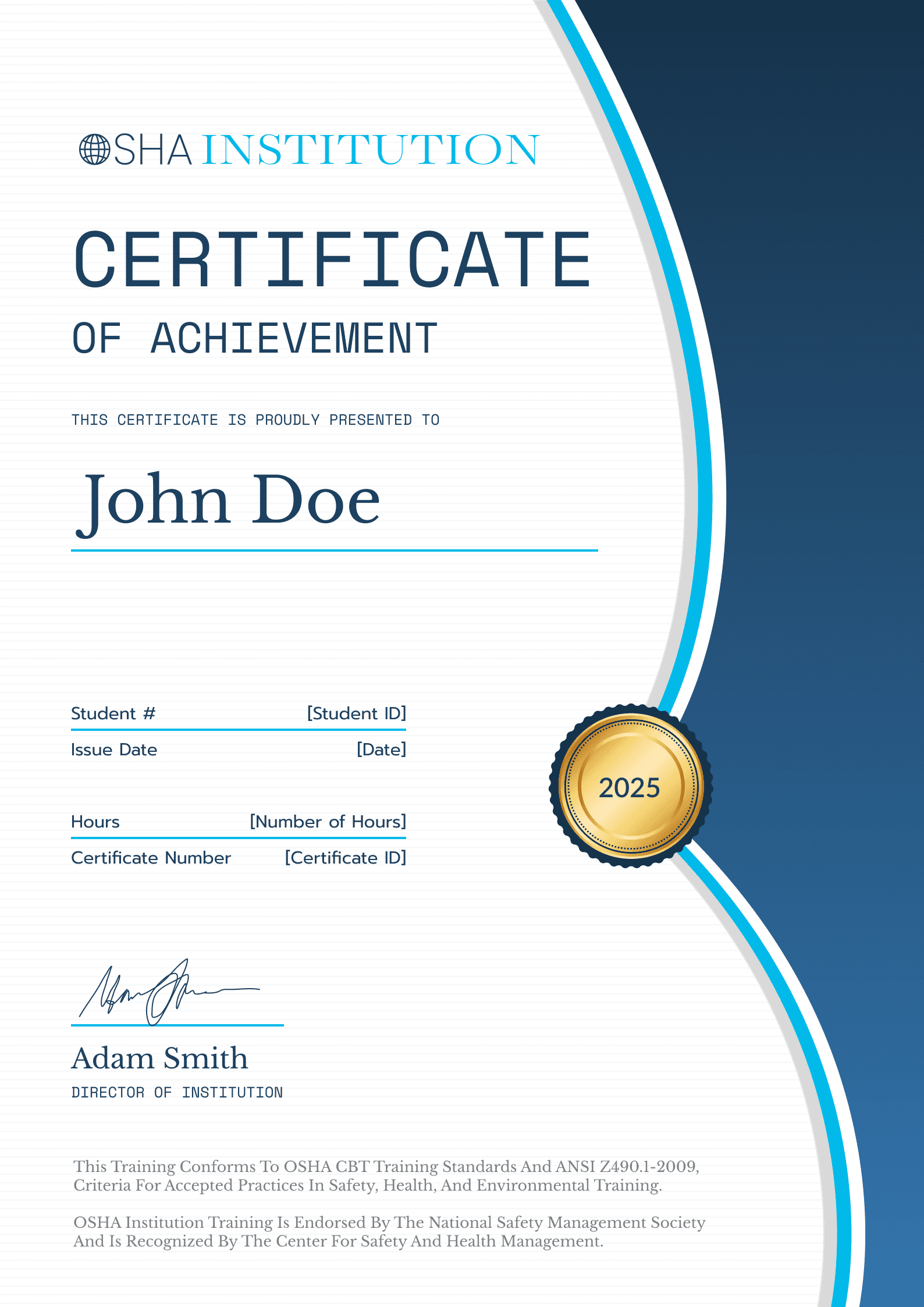
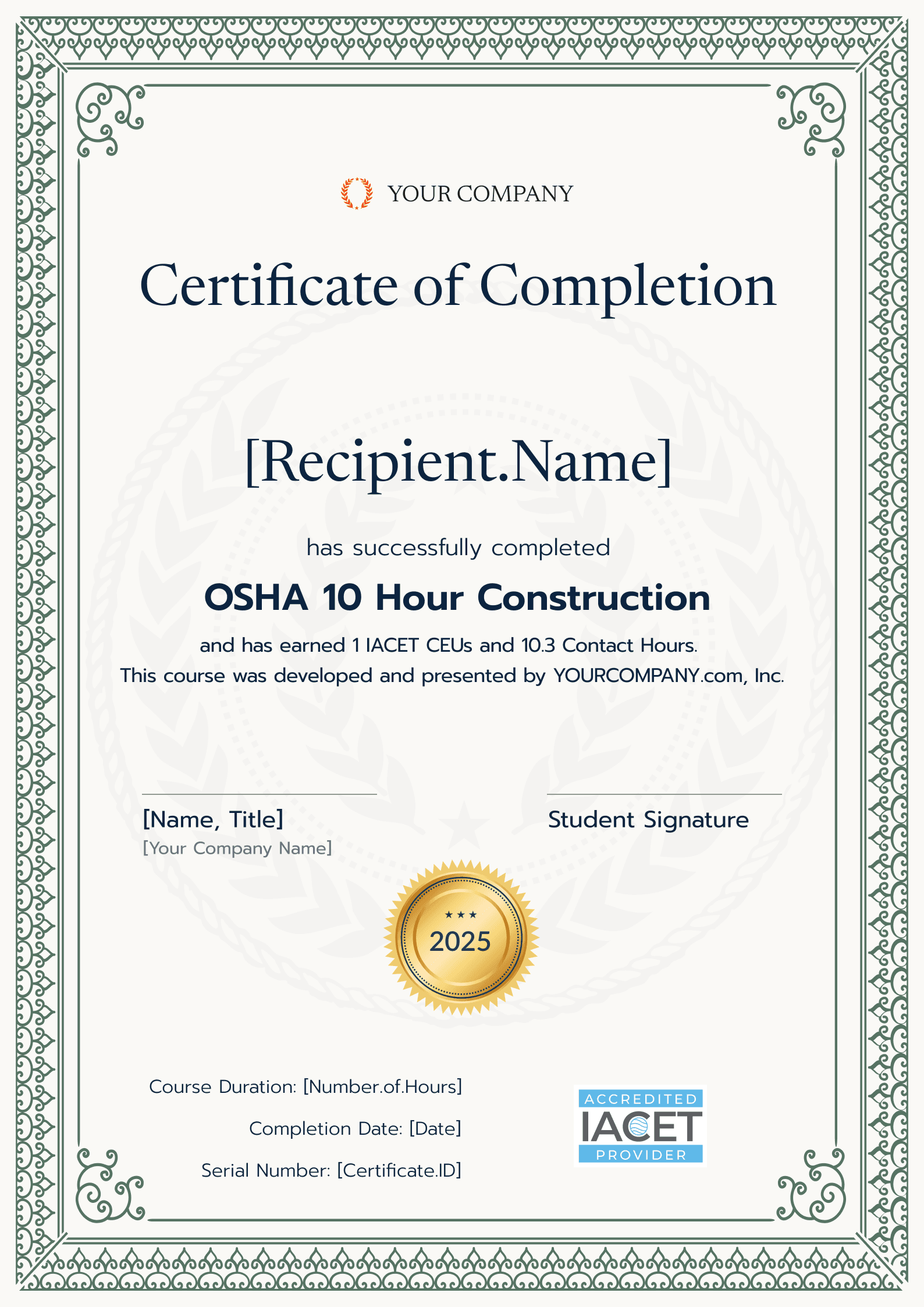
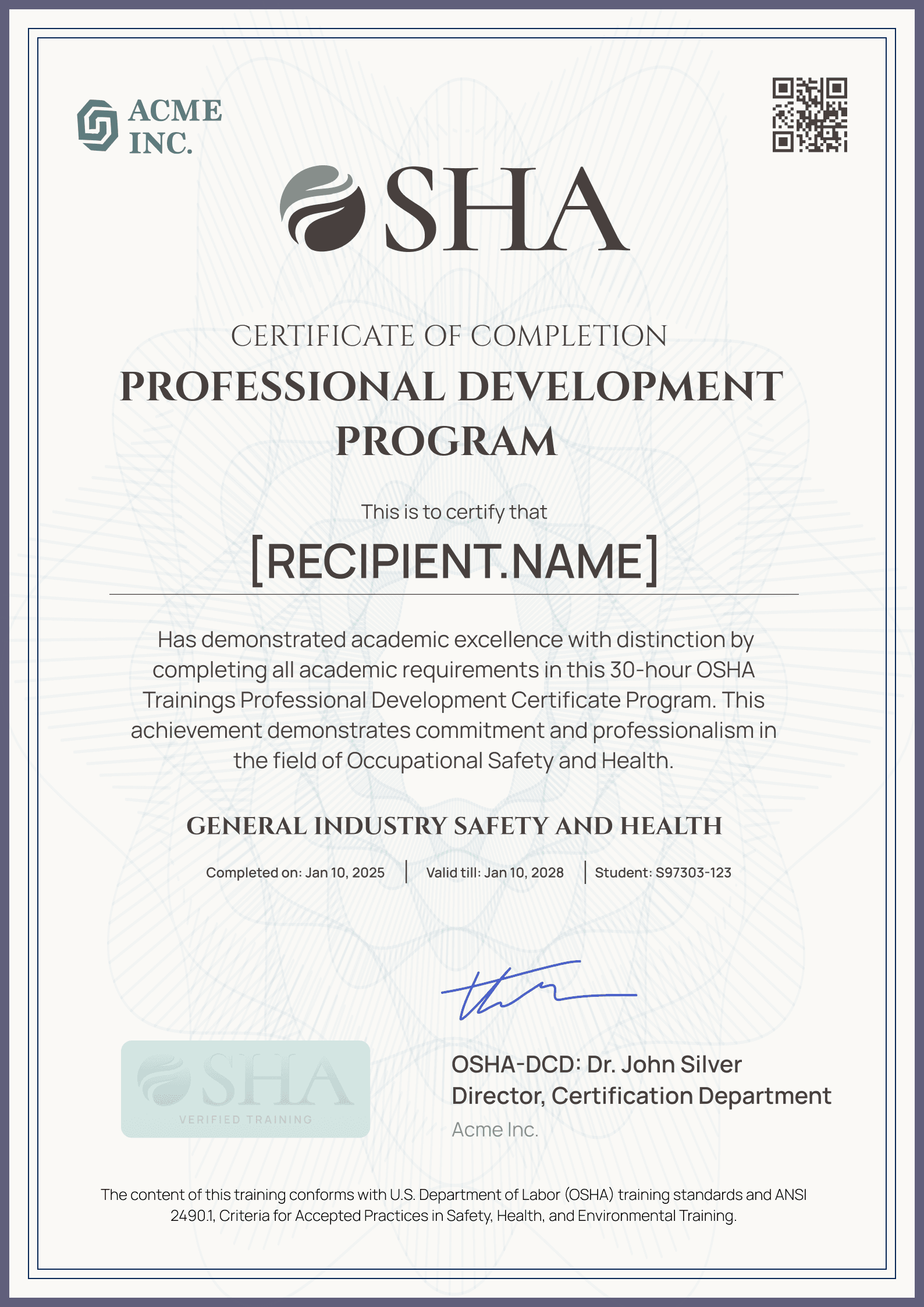
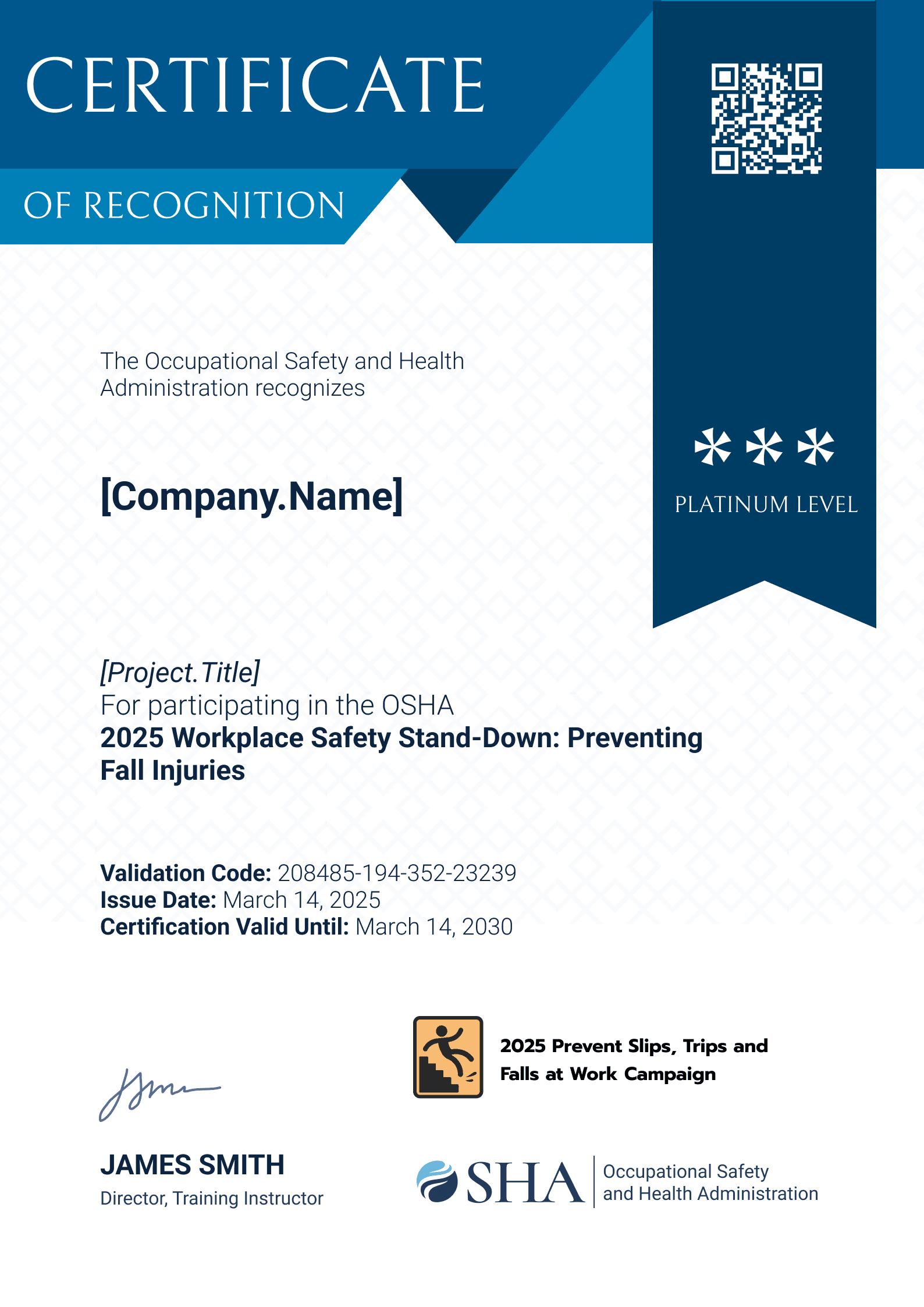
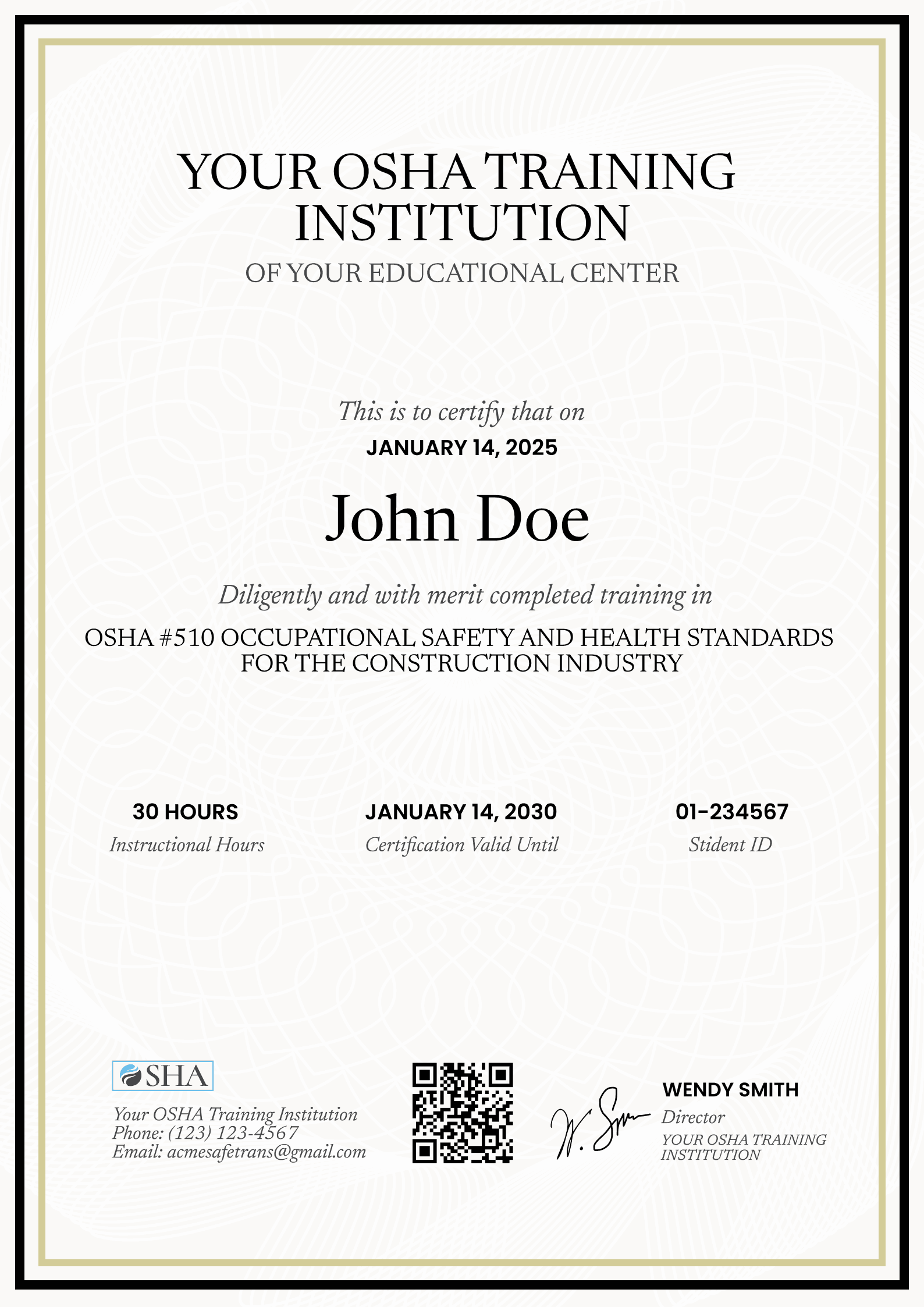
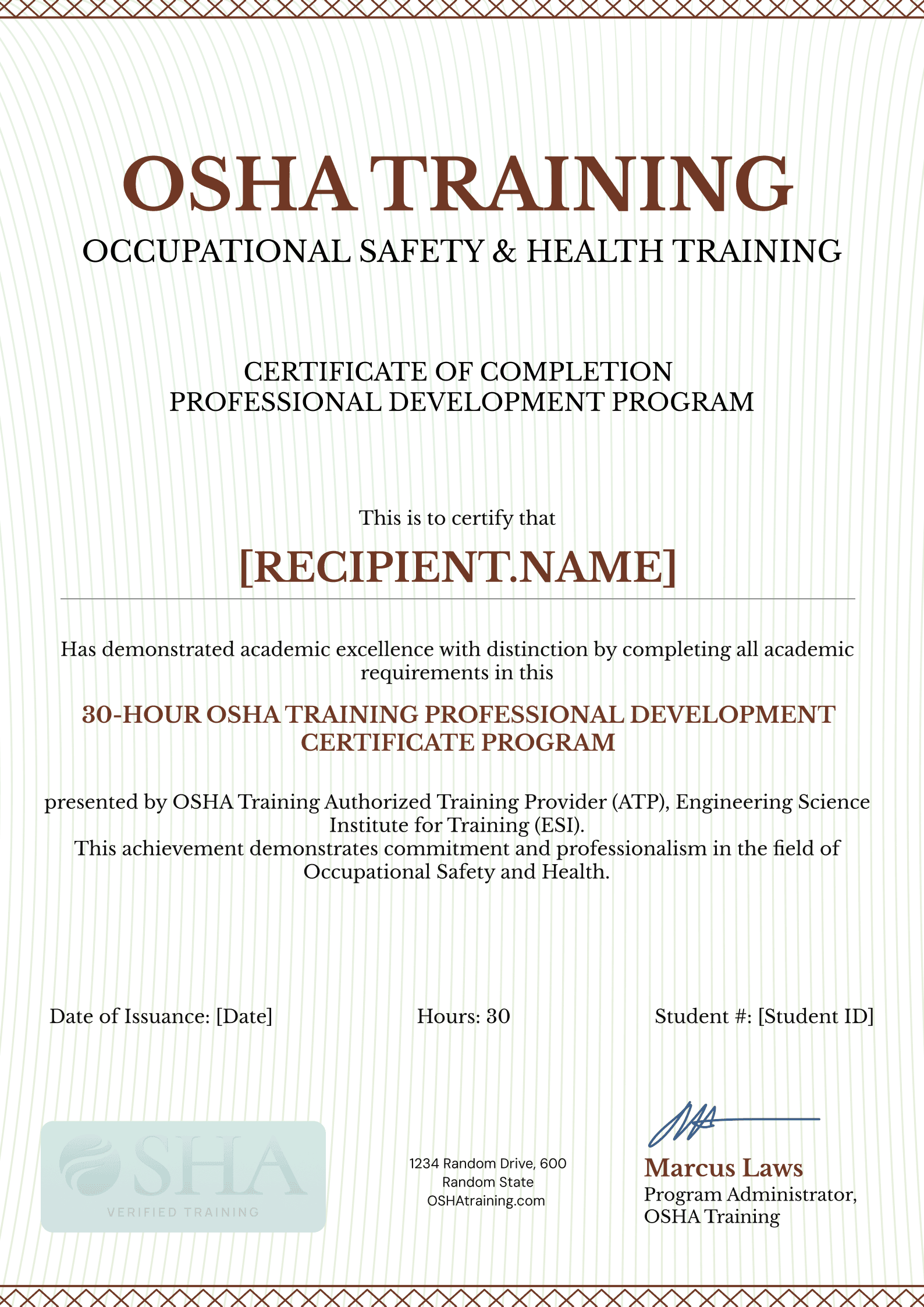

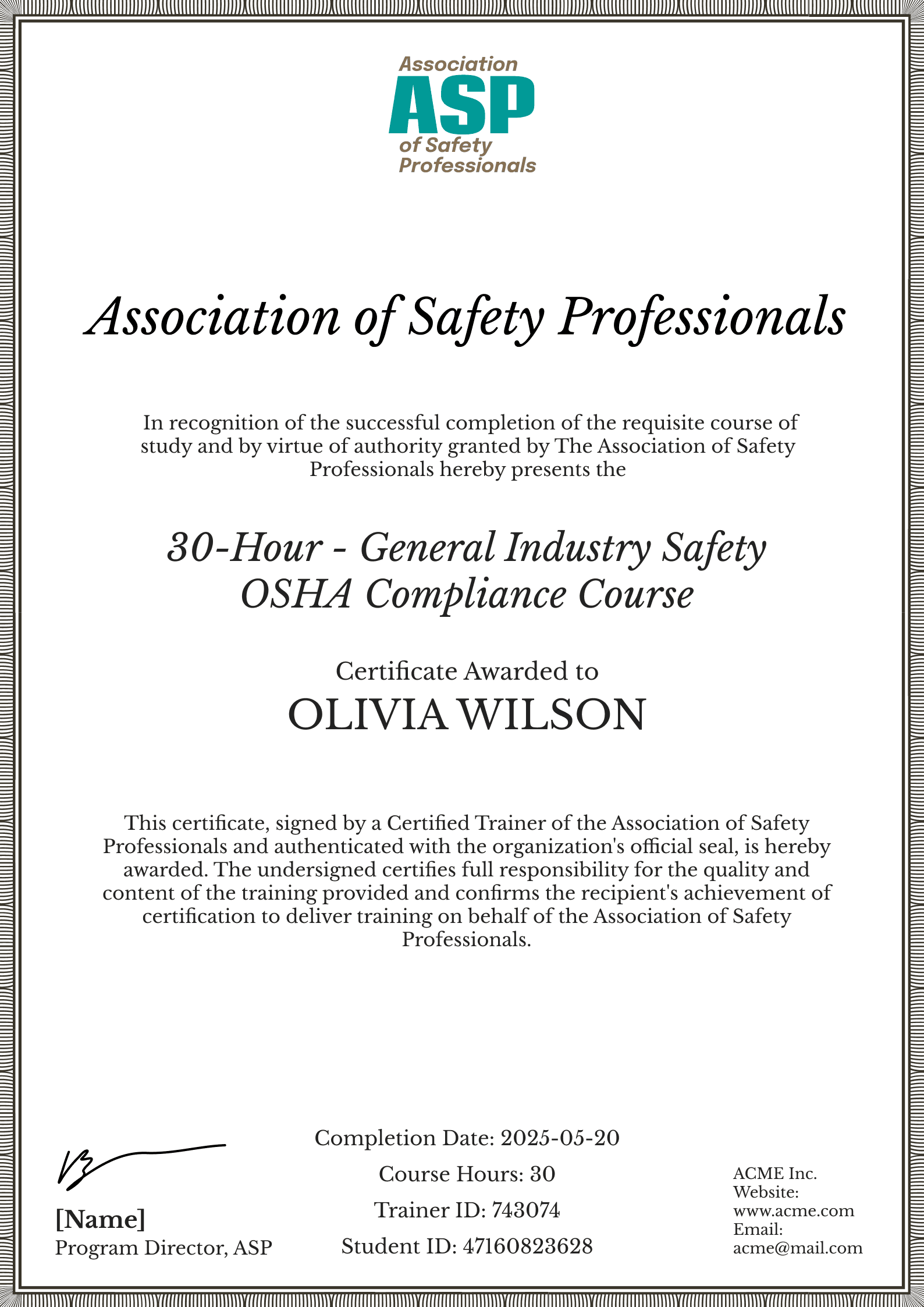
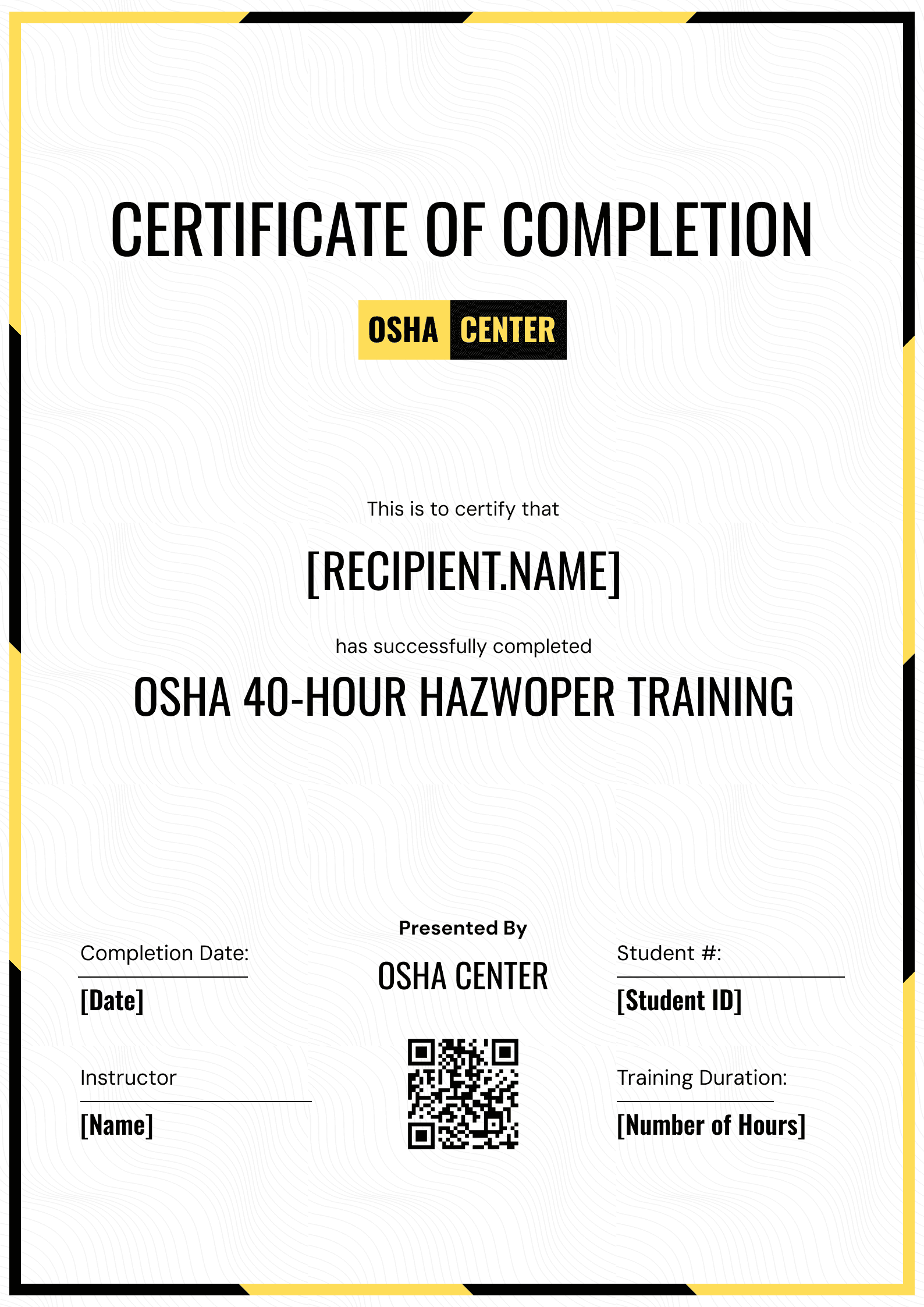

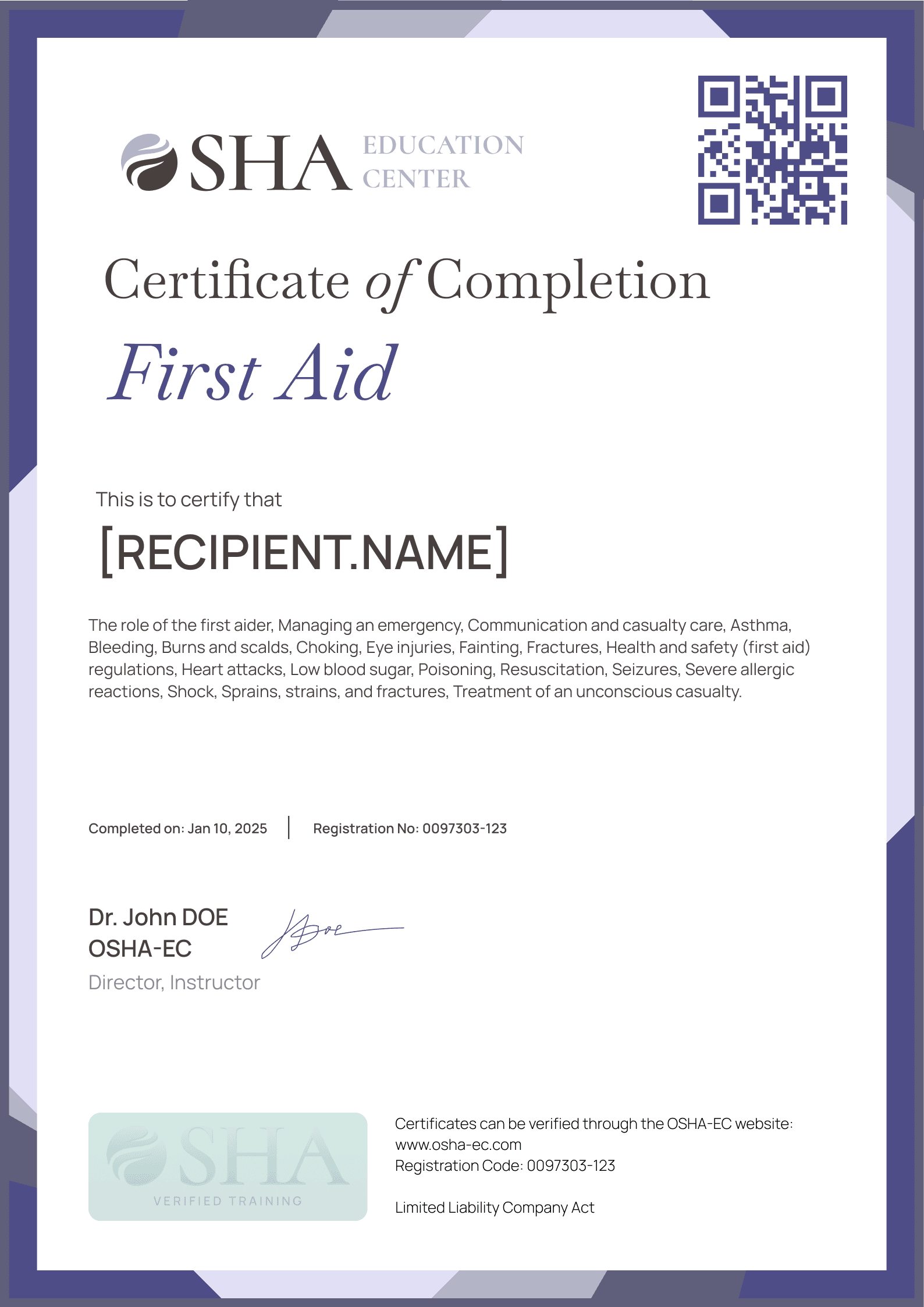
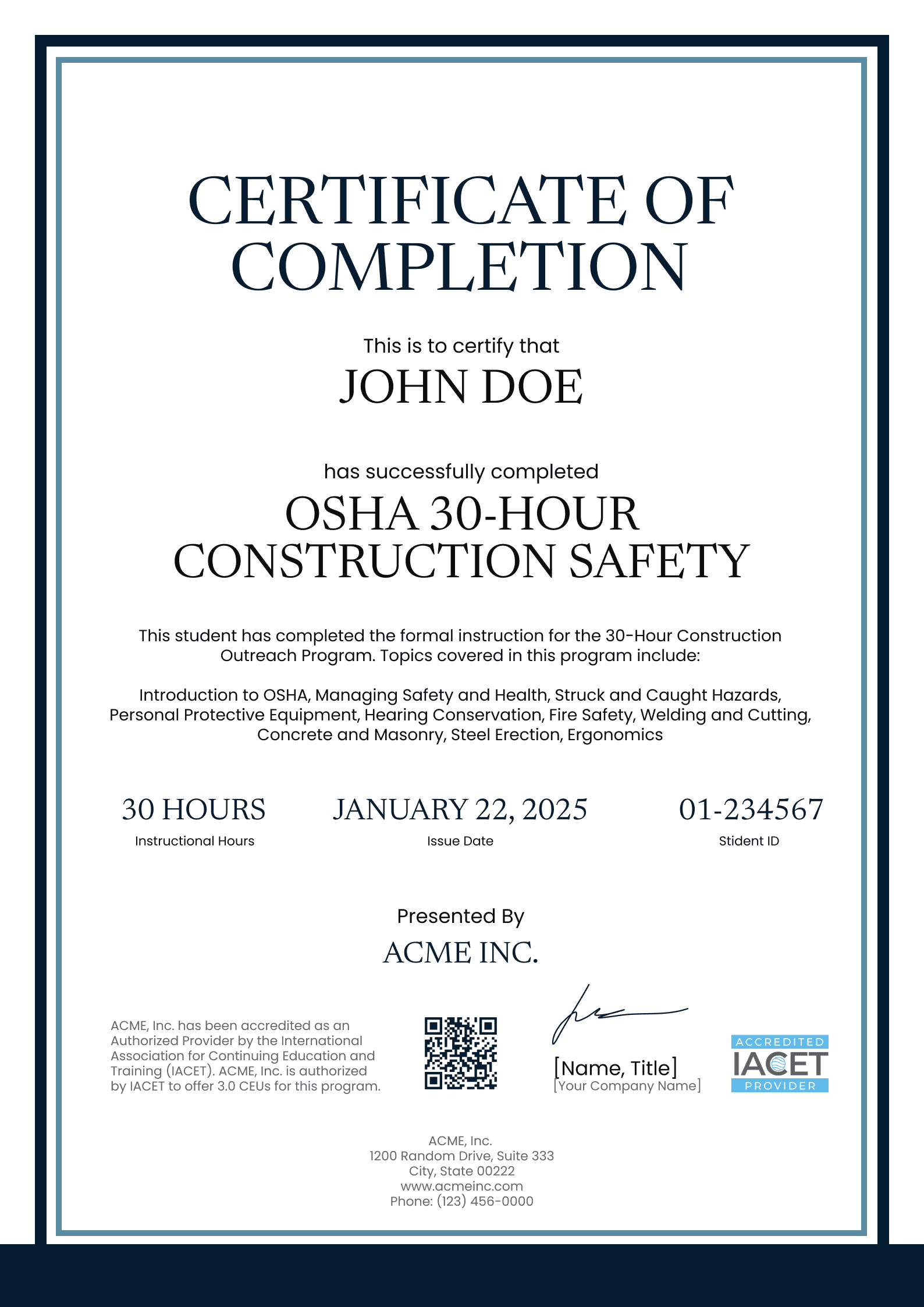
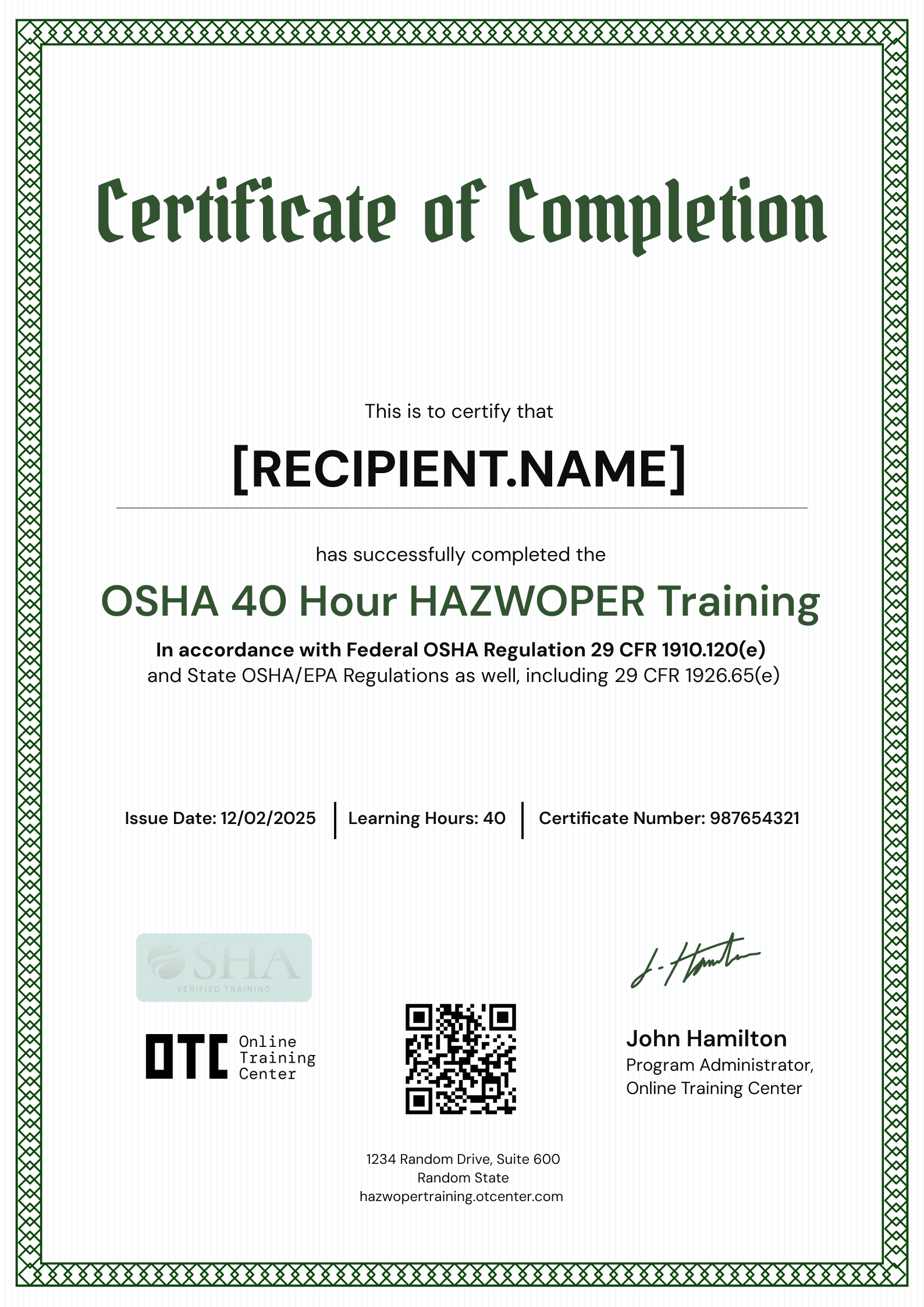
Create a certificate for free in minutes
Create a certificate template online, add recipient date, and issue thousands of professional credentials in just a few clicks.