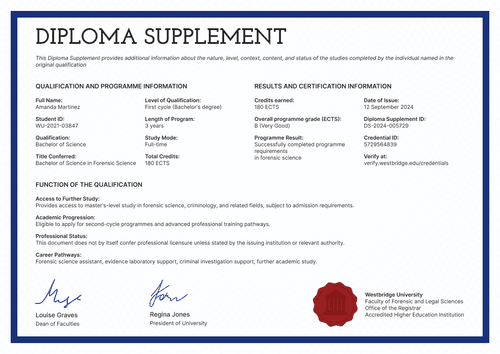
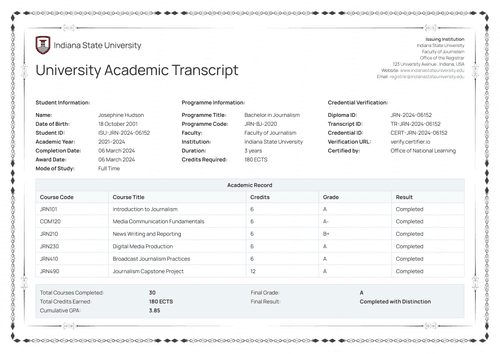
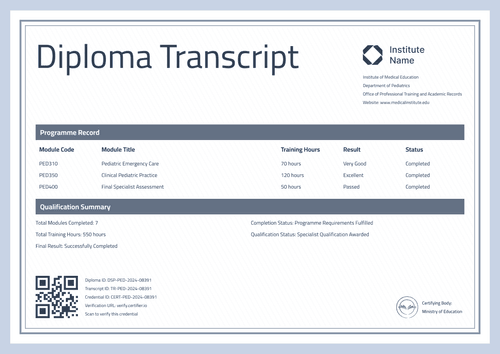
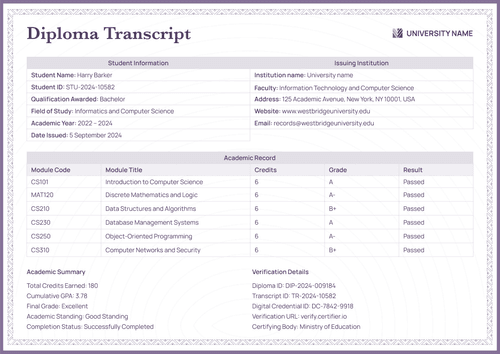
Professional black PhD transcript of records template
Give every doctoral graduate a course-by-course transcript with credits, grades, and a cumulative GPA. Issue it with the matching degree certificate as one credential.
Customize this template for free
Email and export in bulk
Track recipient engagement
Don't have Certifier account? Sign up
Free professional black PhD transcript of records template
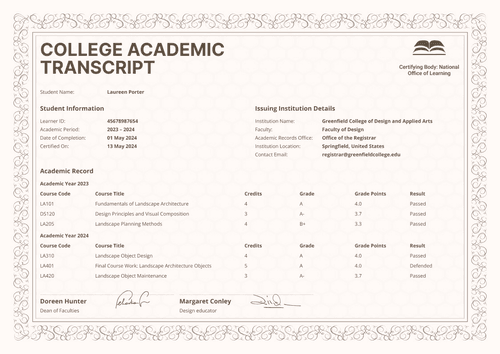
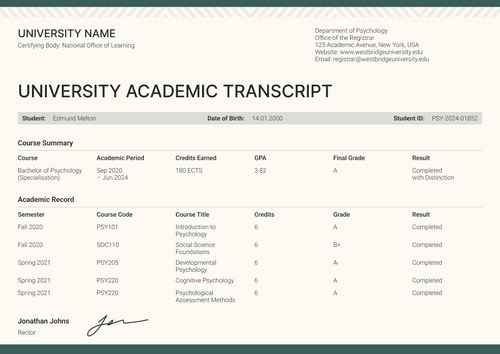
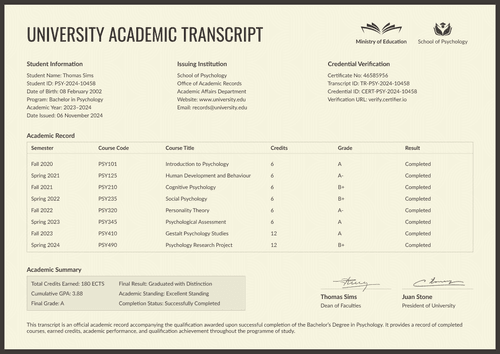
Doctoral programs are measured in courses, terms, credits, and grades and this free PhD transcript of records template puts all four on one page. Each course row carries its code, title, term, and credits alongside the grade earned, and a summary block totals the program into a cumulative GPA a reader can quote without calling the records office.
The design serves university registrars, graduate school records offices, and authorized academic administrators documenting a completed doctoral program. The sample data shows a Philosophy PhD, yet the same fields work for any doctoral discipline.
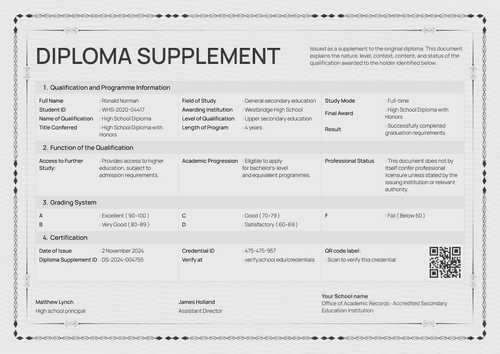
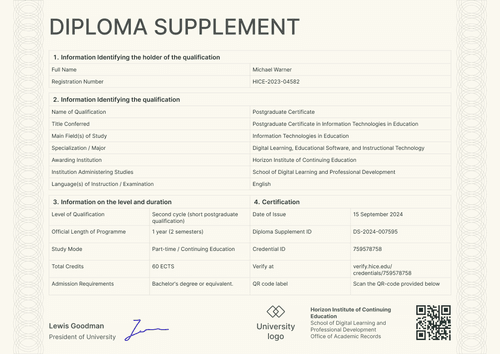
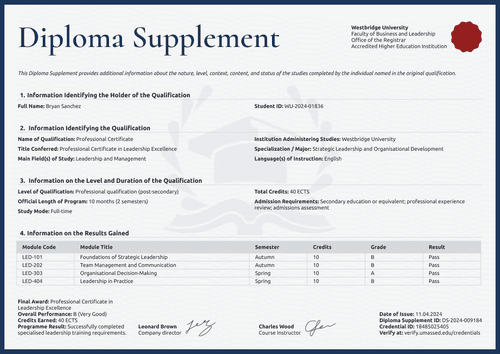
Bold black type, gray section bars, and a pale institutional seal keep the page formal and easy to scan. A grading-scale key sits directly on the record, so a reviewer can read a letter grade without needing a separate legend.
Open the design in Certifier to replace the sample university and student data, then attach the matching doctoral certificate so the diploma and its transcript issue as one credential set.
Issuing for a full graduating cohort? Bring grade data in from a spreadsheet or connect your student information system so transcripts are ready as the term closes. Each graduate receives a personal verification link they can include in an application, a portfolio, or a job application.
What is a PhD transcript of records?
A PhD transcript of records is the course-level record of a completed doctoral program. It shows what was studied, for how many credits, and with what grade, under the name of the office that issued it, and it closes with the cumulative result an evaluator actually needs.
This design keeps the whole record on one page: the student and credential block at the top, the course-by-course table and grading key in the middle, and the verification details and records-office signature at the bottom. It comes in portrait and landscape orientations, in both A4 (21 x 29.7 cm) and US Letter (8.5 x 11 in) dimensions.
Certifier can issue the transcript and the doctoral certificate as a single credential under one verification link. Create a free account to open the design and start issuing PhD transcripts.
What does this PhD transcript of records template include?
A reviewer should be able to quote your transcript without a follow-up call to the records office. This design includes the following elements:
Static fields
- University Identity Block: Reserved positions for the university name, department, and the Office of Academic Records and Graduate Studies, with the institution's website and email beside the seal.
- Transcript Title: The fixed "Transcript of Records" heading.
- Course Table Headers: Column set for the record: course code, course title, term, credits, and grade.
- Academic Summary Labels: Fixed labels for total credits earned and cumulative GPA.
- Grading Scale Table: A standing key mapping each letter grade to its grade points and description (e.g., A – 4.0 – Excellent).
- Official Verification Labels: Fixed labels for certificate ID, credential ID, and verification URL.
- Signature Block: Area for the records office signatory's name, title, and signature, plus the certifying-body line.
Dynamic fields (automatically populated by Certifier)
- Student Name & Student ID: Identity fields for the graduate.
- Department & Issuing Institution: Fields naming the responsible academic unit and university (e.g., Department of Philosophy; University of Alabama).
- Degree Awarded & Academic Field: Fields naming the credential and discipline (e.g., Doctor of Philosophy; Philosophy).
- Date Awarded & Date Issued: Conferral date and transcript production date.
- Course Code, Title, Term, Credits & Grade: Row-level values for each completed course (e.g., PHL 699, Doctoral Dissertation, Fall 2024, 6 credits, A).
- Total Credits Earned & Cumulative GPA: Program-level totals (e.g., 27 credits; 3.93 GPA).
- Certificate ID, Credential ID & Verification URL: Verification fields linking the transcript to its companion certificate and live credential page.
- Certifying Body & Signatory Details: The certifying authority's name and the records-office signatory's name, title, and signature.
These are the changing fields visible in the supplied design. Configure each field in Certifier's design builder and use only values approved by the institution's records office.
How to issue the professional black PhD transcript of records
Follow these five steps to issue your PhD transcripts using Certifier:
- Customize the design and your branding — Open the design in Certifier, choose your size (A4 or US Letter), and add your institution logo, records-office details, and signature. Select the dynamic text blocks covering student identity, the course table, and the academic summary.
- Bundle it with the matching doctoral certificate — Attach the doctoral degree certificate so the diploma and its transcript are generated together as one credential set.
- Upload graduate data — Connect your student information system or use Certifier's native integrations to bring in course, credit, and grade data for the graduating cohort. Populating the design takes less than a minute.
- Issue, send, and verify — Certifier issues and emails every graduate their personalized transcript automatically. Recipients can download the document or share it online through its verification link.
- Track engagement and fix errors — Use the Credential Repository to monitor email opens, credential views, downloads, and shares for each transcript. Correct a graduate's details without reissuing, and the public record updates right away.
Available PhD transcript of records template formats
Edit and issue the template online with Certifier
Customize the design in Certifier and each graduate receives their own data, an emailed document, and a live credential page a reviewer can check at any time.
Download the PhD transcript of records template in Word
Enter an email address to receive a ZIP file with the editable Word document in A4 and US Letter sizes. Offline copies are not official or verifiable records until an authorized institution completes and approves them.
PDF document export
Every issued transcript is also a print-ready PDF that graduates and records-office staff can download directly from the delivery email or the credential page.
Who issues honorary PhD transcripts of records?
University registrars and records offices
Records offices issue the transcript as the official course-by-course account of a completed doctoral program, alongside the diploma.
Graduate schools
Graduate school administrators use it to give departing PhD graduates a verifiable, evaluator-ready record without assembling course data by hand each term.
Doctoral program administrators
Administrators keep one transcript template per program, replacing the spreadsheet exports and manually formatted documents that drift out of sync with the registrar's actual record.
Frequently asked questions
Yes. Select “Edit this template” to adapt the design through a free Certifier account. You may also enter an email address in the catalog popup to receive the Word package. Check Certifier pricing for current limits and plan features.
No. Only an institution's records office can issue an official transcript. The office is responsible for verifying every course, credit, and grade before the document goes out.
Yes. The grading-scale table is editable in Certifier's design builder, so a 4.0 scale, a percentage scale or a pass/fail system can replace the sample key.
Yes. The course table isn't fixed to four rows. Add a row per completed course or remove rows for a shorter program, without changing the surrounding layout.
The designs attach to the same credential template, so each graduate's documents are generated together and share one verification link. Nothing arrives separately and nobody assembles pages by hand.
Certifier templates are provided for general informational and design purposes only. They do not constitute legal, regulatory, accreditation, or academic-recognition advice and are not guaranteed to satisfy the requirements of any institution, recognition body, regulator, or jurisdiction. Using this template does not by itself make a document an official diploma supplement or prove a qualification. The issuing organization is responsible for verifying the content, authority, approvals, and suitability of every document before use. This template is not an official Europass document and does not guarantee recognition of a qualification.