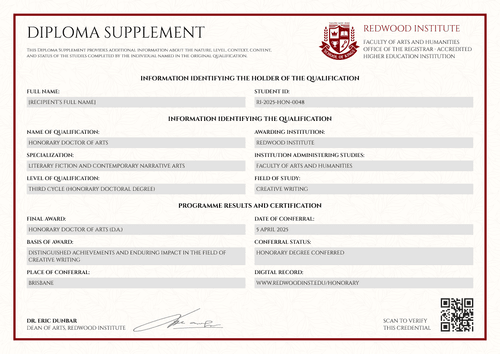
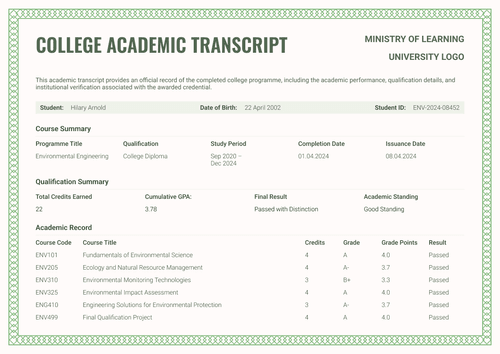
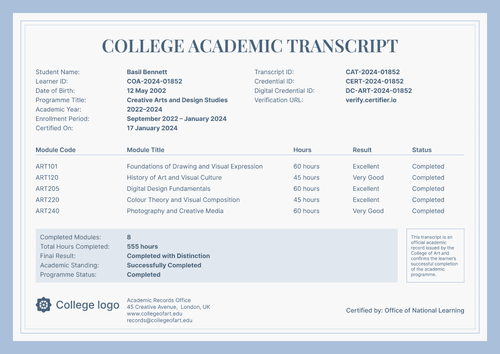
Formal gray diploma supplement template
Personalize this formal gray diploma supplement online or receive the editable Word package. Map approved qualification data and pair the record with its corresponding diploma in Certifier.
Customize this template for free
Email and export in bulk
Track recipient engagement
Download in
Don't have Certifier account? Sign up
Free formal gray diploma supplement template
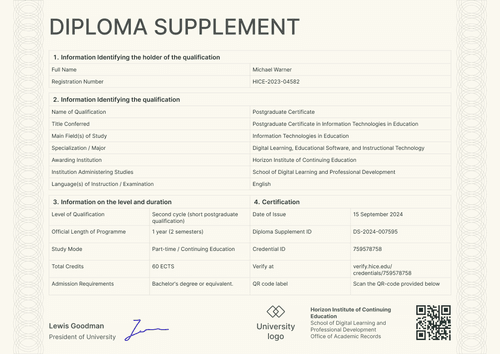
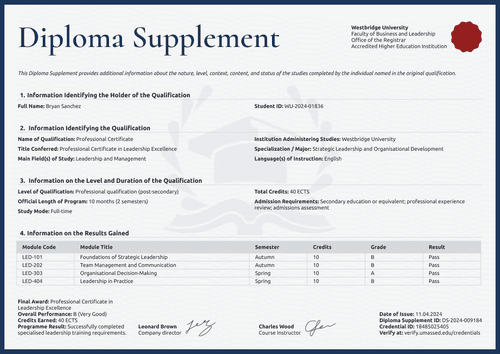
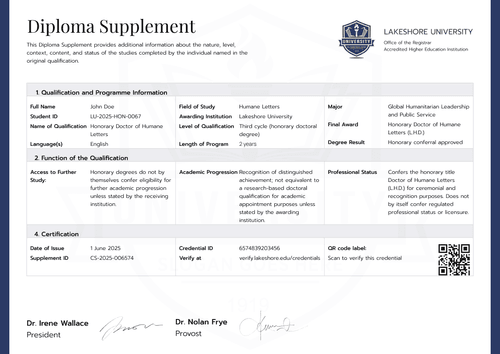
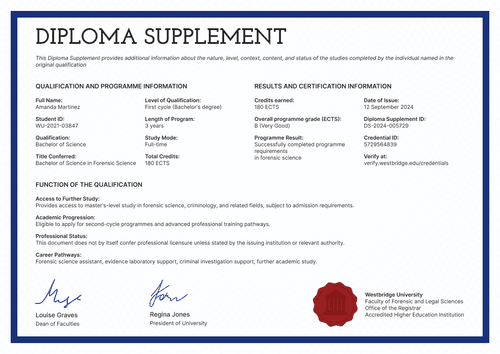
This formal gray diploma supplement template gives school registrars a clear one-page record of a qualification. The supplied example explains a high school diploma with honors.
Portrait and landscape layouts use the same four-part structure. A formal gray frame surrounds the qualification table, grading key and verification area.
Open the design in Certifier to replace the sample school details. Map the approved qualification fields, then attach the corresponding diploma from the credential template gallery. Both documents may then be issued as one credential set.
The layout follows standard business-letter proportions, available in A4 (21 x 29.7 cm) and US Letter (8.5 x 11 in), in both portrait and landscape orientation.
For school-based issuance, connect approved completion data through the Canvas LMS integration or the Moodle LMS integration. A registrar should review the final supplement before delivery.
What is a formal gray diploma supplement?
A diploma supplement explains the qualification recorded on a diploma. It gives reviewers more context about the program and the result awarded by the institution.
The supplied design records the qualification level and length of the program. It also states the study mode and final award. A separate section explains access to further study and academic progression. The grading system gives meaning to the result shown on the page.
Pairing the supplement with its diploma supports a controlled digital credentials for higher education workflow. The diploma states the award, while the supplement provides the supporting context.
What does this formal gray diploma supplement include?
A diploma supplement should follow the issuing institution's approved records policy. The following elements are visible in the supplied design:
Static layout elements
- Issuer and purpose area: Fixed positions hold the Diploma Supplement title and a short statement about the original diploma. The footer reserves space for the school records office.
- Four-section record structure: Numbered bars organize Qualification and Programme Information, Function of the Qualification, Grading System and Certification.
- Qualification field labels: The table fixes positions for Student ID and Name of Qualification. Other labels cover Field of Study, Level of Qualification, Length of Programme and Study Mode.
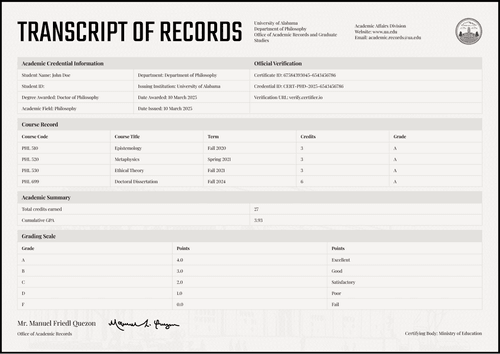
- Grading key: The A-to-F scale defines score bands from Excellent to Fail. This reference gives reviewers context for the result recorded above it.
- Authorization and visual frame: Reserved positions hold two signatories and the academic records office. A QR-code area, gray section bands and ornamental border complete the formal layout.
Dynamic fields (automatically populated after mapping in Certifier)
- Holder and qualification: Full Name identifies the record holder, while Student ID links the supplement to the approved school record. Name of Qualification and Title Conferred state the award.
- Program context: Field of Study and Awarding Institution identify the academic source. Level of Qualification and Length of Program define its scope, while Study Mode records how the program was completed.
- Award outcome: Final Award records the diploma granted. Result states the approved completion outcome shown in the Qualification and Programme Information section.
- Function of the qualification: Access to Further Study and Academic Progression explain the next education routes. Professional Status states whether the document carries any licensing effect.
- Certification and approval: Date of Issue, Diploma Supplement ID and Credential ID identify the issued record. Verify at and the QR code provide a verification route, while signer details show who approved the supplement.
These are the changing fields visible in the supplied supplement design. They are not guaranteed to be pre-mapped. Configure the required fields in Certifier and use only information approved by the issuing institution.
The Diploma Supplement ID and QR code should resolve to the correct credential. Review Certifier's verifiable credentials features before selecting the final verification route.
How to issue the formal gray diploma supplement
Use this four-step controlled workflow:
- Confirm authority and document fit - Identify the office permitted to approve the supplement. Confirm that the qualification title and grading system match the institution’s policy. Review the further-study statements against the same requirements.
- Customize and map the record - Choose portrait or landscape, then select A4 or US Letter. Replace the school identity and map each qualification field and certification value to an approved source.
- Pair it with the diploma - Attach the corresponding diploma template. Check that both designs refer to the same qualification record and use consistent access settings.
- Test, approve and issue - Generate a test record and inspect the Result field. Check the verification URL and QR code, obtain approval from the academic records office and then issue the credential set.
Available diploma supplement template formats
Edit and issue the formal gray supplement online
Use Certifier to update the fixed wording and map record-specific values. The online route keeps the supplement connected to its diploma and live credential page.
Receive the formal gray supplement in Microsoft Word
Enter an email address in the catalog popup to receive the available Word package. The offline layouts are editable files and require institutional approval before use.
Export an issued diploma supplement as PDF
Recipients may export an issued supplement from their credential page. Issuers may export PDF records within their plan limits. Browse certificate templates if another companion diploma design is required.
Who issues diploma supplements?
School registrars and academic records offices
Registrars issue supplements from the institution's approved student record. They confirm the qualification level and grading scale before delivery.
Secondary education authorities
Authorized school boards or education authorities may issue the record where local policy assigns them control over the diploma and its supporting information.
Online and hybrid schools
Accredited online and hybrid schools issue supplements for approved qualifications. The same records controls should apply to remote learners and campus-based graduates.
Frequently asked questions
Yes. Select “Edit this template” to personalize the design through a free Certifier account. You may also enter an email address in the catalog popup to receive the Word package. Review Certifier pricing for current limits and feature availability.
No. Only an authorized institution may issue an official academic record. The issuer must approve the qualification data and decide whether this format meets its requirements.
No. This is an editable Certifier design. Use the format required by the responsible institution or recognition authority whenever formal rules apply.
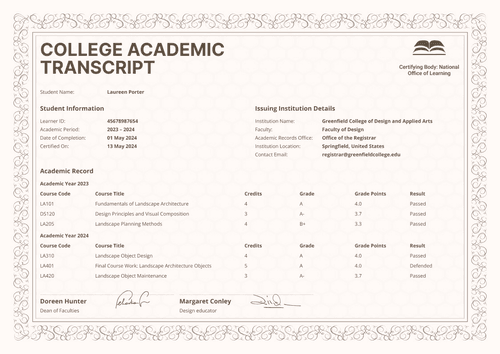
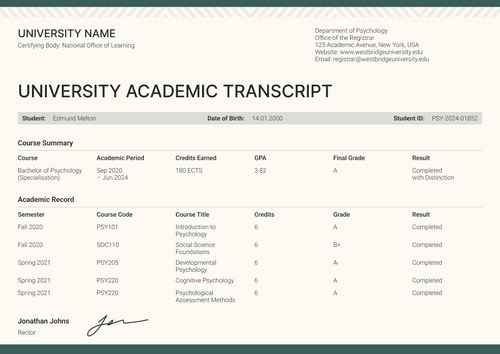
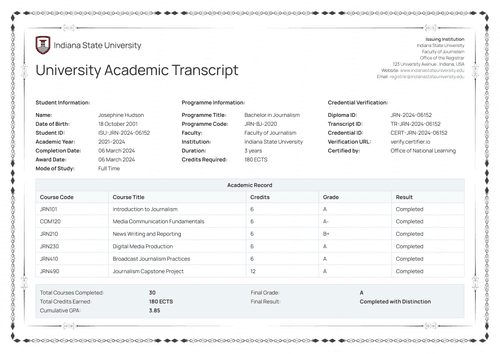
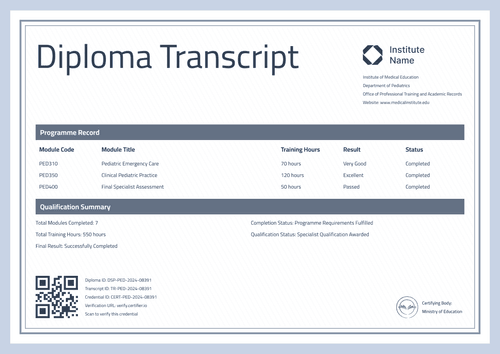
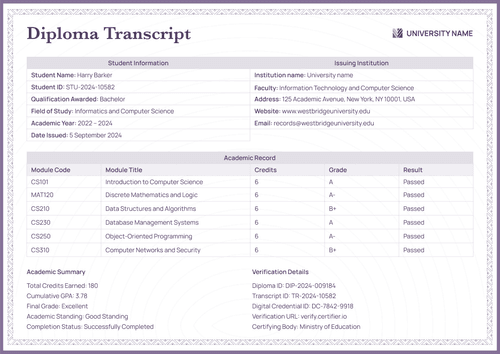
A diploma supplement explains a qualification and its academic context. A transcript usually provides a more detailed record of courses, credits and grades across the study period.
Yes, where the selected plan supports private attached designs. The credential owner verifies access through the issuance email.
[a]Design changes:
1. Add Date of birth (dynamic field) to the holder identification section.
Certifier templates are provided for general informational and design purposes only. They do not constitute legal, regulatory, accreditation, or academic-recognition advice and are not guaranteed to satisfy the requirements of any institution, recognition body, regulator, or jurisdiction. Using this template does not by itself make a document an official diploma supplement or prove a qualification. The issuing organization is responsible for verifying the content, authority, approvals, and suitability of every document before use. This template is not an official Europass document and does not guarantee recognition of a qualification.