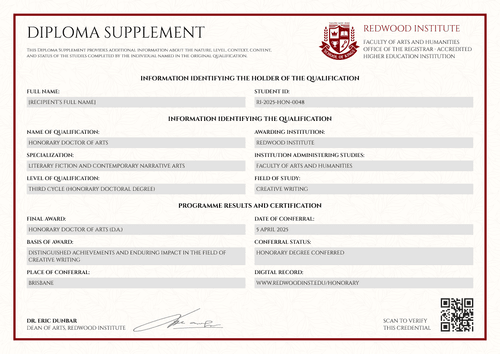
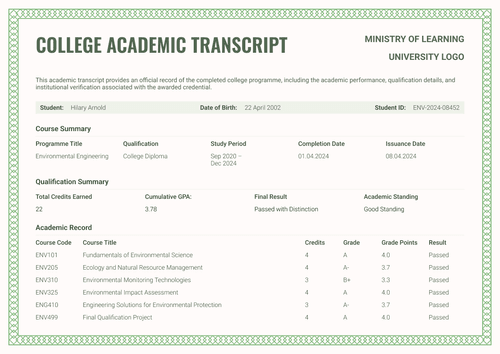
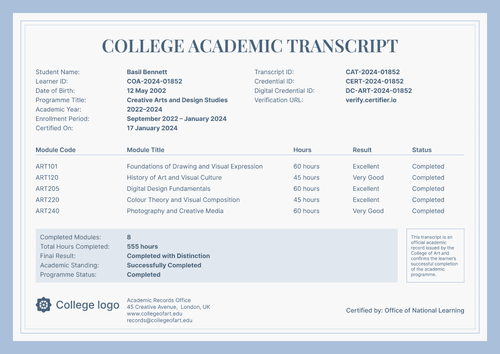
Professional green university academic transcript template
Check this three-page green university academic transcript template–course grades, GPA, and program details–against your university's own record before you customize and issue it.
Customize this template for free
Email and export in bulk
Track recipient engagement
Download in
Don't have Certifier account? Sign up
Free professional green university academic transcript template
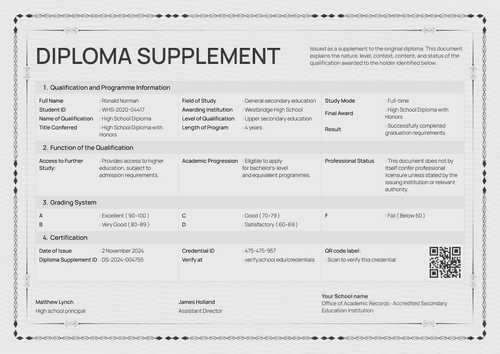
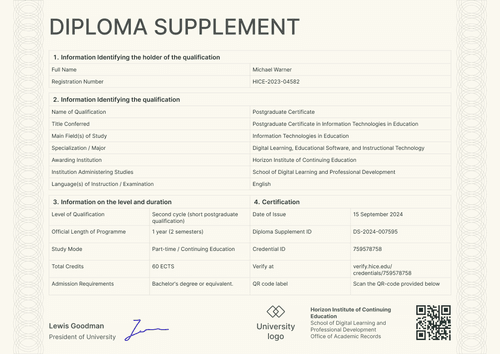
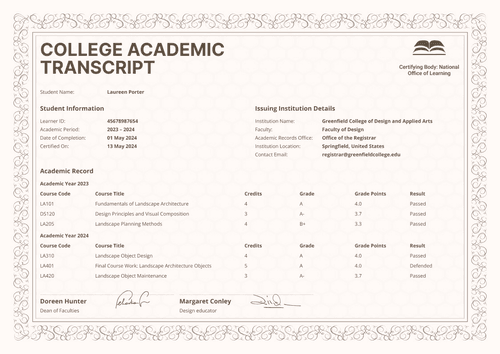
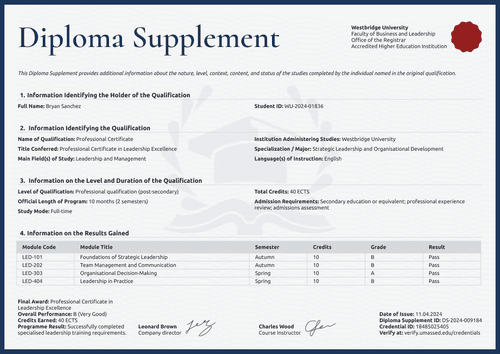
This professional green university academic transcript template gives university registrars and college records offices a full, three-page record of a student's courses, credits, and final grade point average.
The dark green header bar and clean tables keep the design formal, and the page order– transcript, programme summary, course record–makes it easy to check.
Open the design in Certifier's online editor to add your university's name, department, and course list, then map each field to your real student data.
Bundle it with the matching Bachelor's Diploma so both issue as one credential set. Use a spreadsheet upload or a connection to your LMS or a student system to issue an entire graduating class at once.
Each graduate receives a personal verification link they can share with an employer or another educational institution.
What is a university academic transcript?
A university academic transcript is an institution-issued record of a student’s programme and course history. It also shows credits and academic results. The document gives schools and employers more detail than a diploma, which mainly confirms that an award was granted.
Designed to accompany the matching bachelor’s diploma, the editable transcript records how the student progressed through the programme, while the diploma presents the final award.
Pairing both documents supports broader digital credentials for higher education workflows and keeps them connected within the same credential record.
The supplied layouts cover A4 and US Letter formats in portrait and landscape. All you need is a free Certifier account to customize the design and issue an approved record online.
What should a university academic transcript include?
A well-structured academic transcript should present student and course information according to the institution’s approved records policy.
Static fields
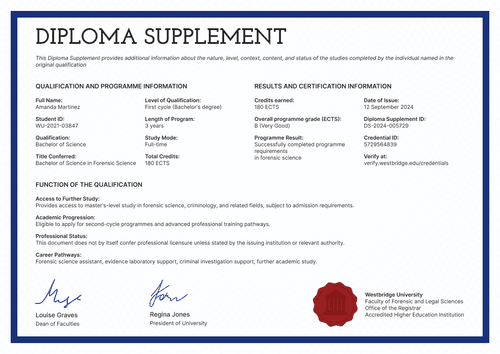
- Issuer and Registrar Block: Fixed areas display the university identity, certifying body, academic department, and records-office contact details.
- Three-page Transcript Structure: Page headings and numbering organize the academic record across the full document. Green borders and a patterned band connect it visually to the matching diploma.
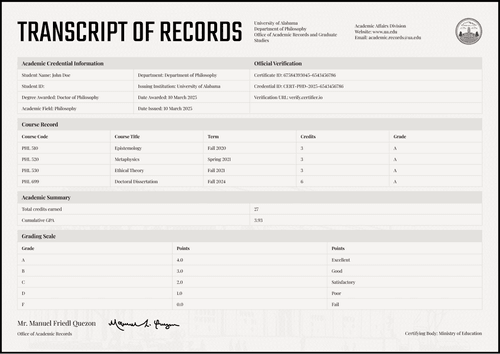
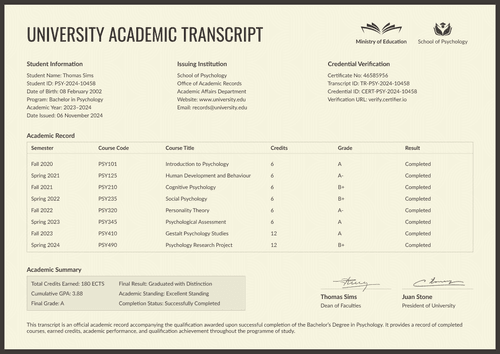
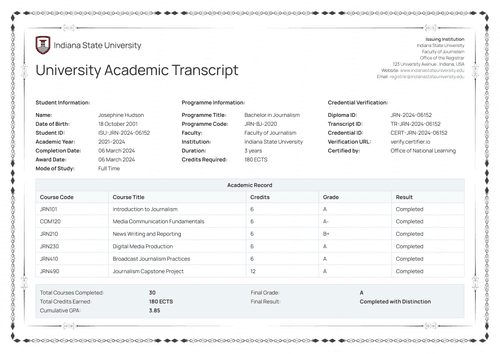
- Student and Course Layout: The first page contains a labeled identity bar and course summary. Repeated table headings structure the course-level academic record.
- Transcript Statement: Two explanatory paragraphs define the document’s purpose and its relationship to the accompanying diploma.
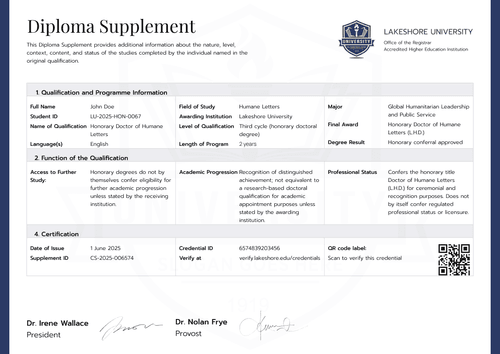
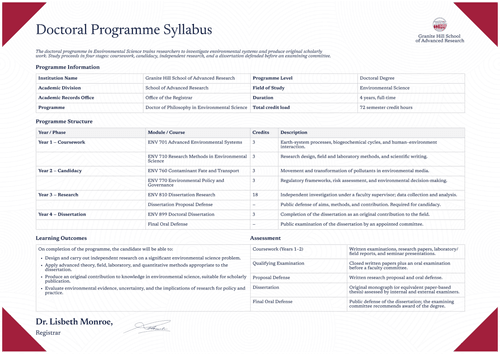
- Programme and Qualification Sections: The final page provides dedicated areas for the programme overview and learning outcomes. A separate block structures the qualification information.
- Authorization and Verification Areas: Reserved positions display the rector’s signature and credential-verification details.
Dynamic fields (automatically populated by Certifier)
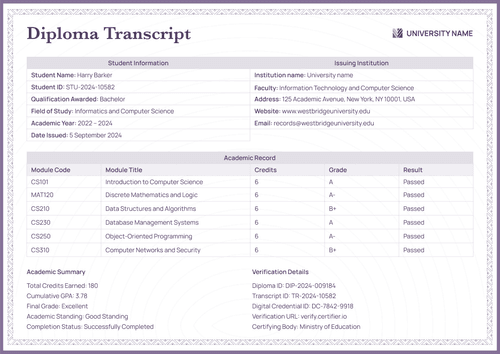
- Student Identity: The student’s name and date of birth identify the transcript holder. A separate student ID connects the document to the institutional record.
- Course & Academic Period: These fields name the programme and show the period covered by the transcript.
- Overall Academic Result: Credits earned and GPA summarize academic progress. The final grade and result show the programme outcome.
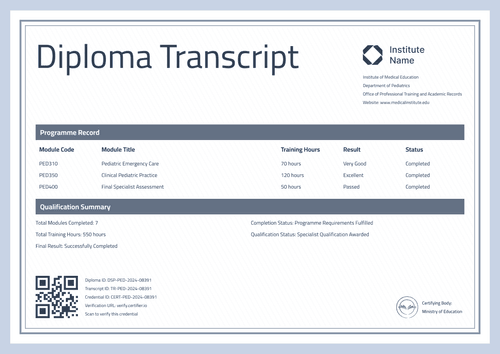
- Academic Record Rows: Each row records the semester and course code. It also presents the course title and credits, followed by the grade and result.
- Qualification Information: Fields identify the qualification awarded and programme level. Other values record the study duration and required credits. The award date confirms when the qualification was granted.
- Verification & Authorization: Diploma ID and transcript ID connect the two documents. The credential ID and verification URL link to the issued record, while the rector’s details and signature show who approved it.
These are the fields visible in this design, not a universal or pre-mapped standard. You can configure the exact fields your registrar's office needs in Certifier's design builder.
How to issue a university academic transcript
To automate the delivery of your transcripts and supplements, follow this simple, 4-step workflow:
- Customize the design and your branding — Open the template in the online editor. Choose your size (A4 or US Letter) and orientation. Upload your university logo, stamp, and digital signature. Then, select the dynamic text blocks on the designs.
- Bundle it with a matching companion document — Attach the supplement design to your primary course completion diploma template. This lets you issue the diploma and transcript together in one step.
- Connect your tools — Link Certifier to your student database or LMS. Native integrations support connections with Canvas LMS, Moodle, LearnDash, and dozens of other apps.
- Issue, deliver, and verify — Have the registrar or designated records officer approve the final data and layout, issue in bulk, and check the personal credential link and QR destination before delivery.
Available university academic transcript formats to customize
Edit and issue the professional green template online
Open the design in Certifier to update branding and fixed content. Map recipient-specific data, attach the matching diploma, and issue the set through a live credential page. The online editor does not export editable Word files.
Download the professional green template in Microsoft Word
Enter an email address in the catalog popup to receive the offline ZIP. The package contains the available A4 and US Letter Word layouts plus the supplied font files. These files are offline templates rather than issued or verified credentials.
Export an issued academic transcript as PDF
Recipients may download an issued transcript as a PDF from their email or credential page. Issuers may export PDF archives in bulk within the limits of their current Certifier plan.
Who issues university academic transcripts?
University registrars and college records offices
Registrars issue transcripts from the institution’s authoritative student records. They approve the content before delivery to students or verified reviewers.
Graduate and professional schools
Authorized records teams issue transcripts for postgraduate study or professional programmes. The design must reflect the school’s approved grading and credit rules.
Authorized academic administrators
Designated administrators may prepare transcript batches under the institution’s records policy. Students and employers may receive or inspect the record, but they should not issue it.
Frequently asked questions
Yes. Select “Edit this template” to customize the design online through a free Certifier account. Alternatively, enter your email address in the catalog popup to receive the Word package.
No. Only an authorized institution can issue an official transcript. The institution must verify the data and approve the format under its own academic rules.
A transcript provides course-level evidence, including credits and grades. A diploma confirms that the institution awarded a qualification. This template set presents both as parts of the same credential record.
Yes. On Certifier’s Advanced plan, the attached transcript design may be marked private while its companion diploma remains public. Other visitors see a locked placeholder. The credential owner verifies access through the email address used for issuance.
Certifier templates are provided for general informational and design purposes only. They do not constitute legal, regulatory, accreditation, or academic-recognition advice and are not guaranteed to satisfy the requirements of any institution, recognition body, regulator, or jurisdiction. Using this template does not by itself make a document an official diploma supplement or prove a qualification. The issuing organization is responsible for verifying the content, authority, approvals, and suitability of every document before use. This template is not an official Europass document and does not guarantee recognition of a qualification.