Certifier Forms
Issue certificates automatically on form submission
Collect recipient details and deliver credentials in one place. No third-party form tool, no connectors, no spreadsheet in the middle.

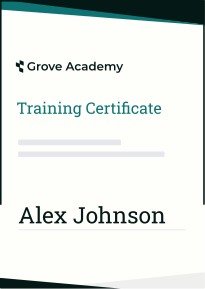
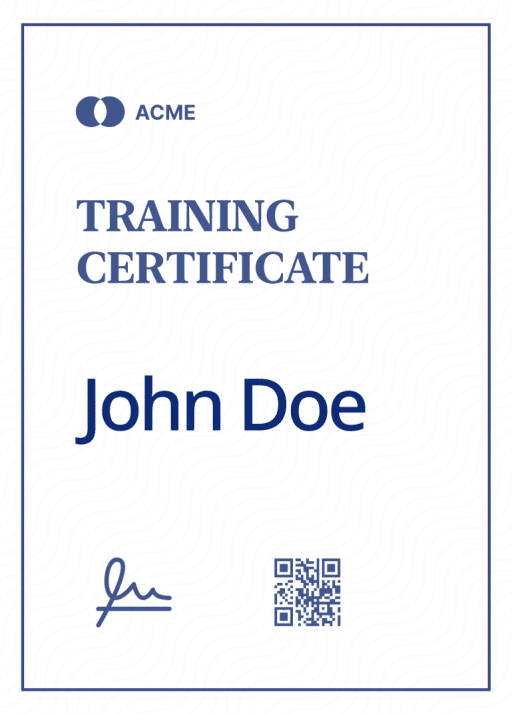
How a form submission becomes a certificate
Step 1
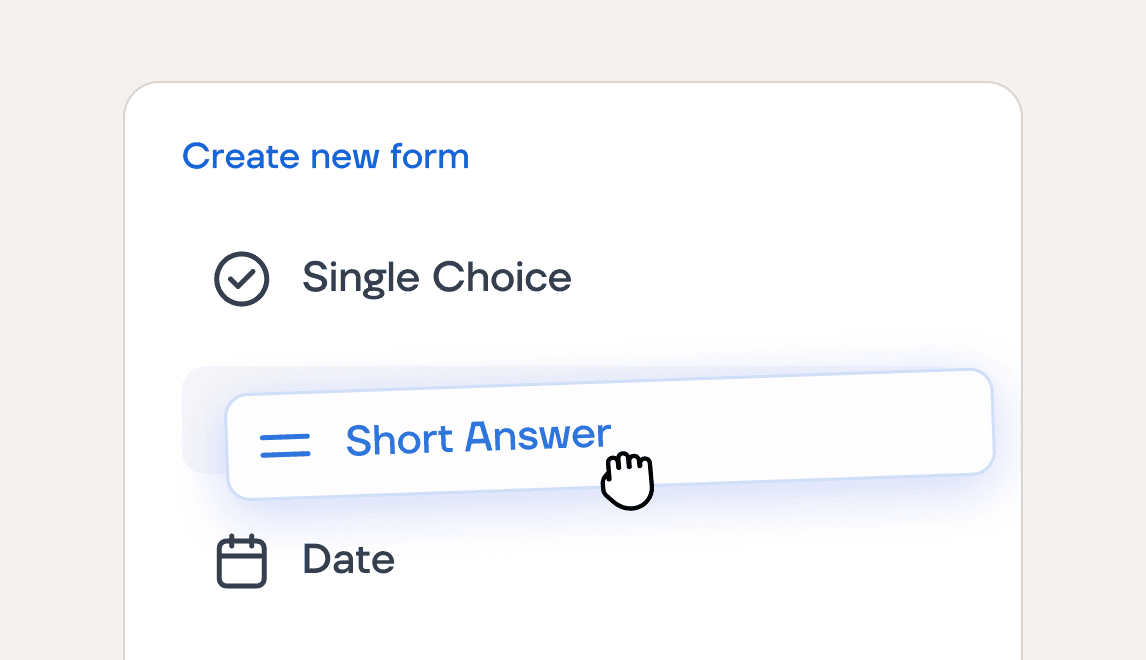
Build your certificate form
Start from a ready-made template or a blank form. Add the fields you need, with consent built in.
Step 2
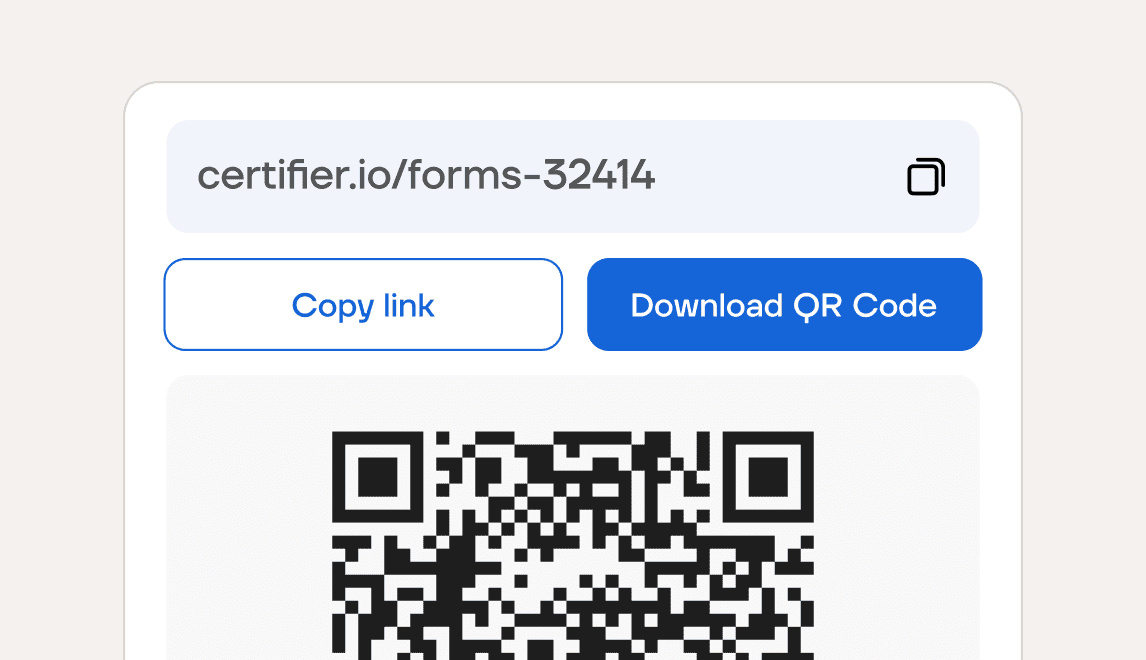
Share it with recipients
Send a link or display a QR code at your event. Recipients fill out the form in seconds, no account needed.
Step 3
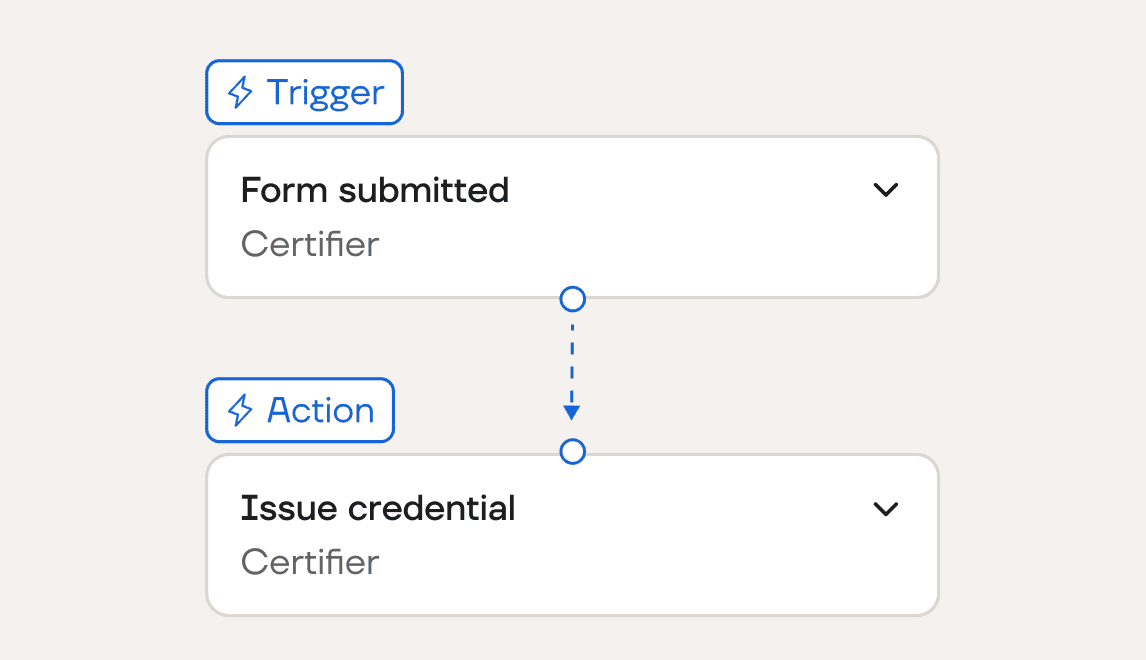
Auto-issue certificates
Turn on automatic issuing, and every submission becomes a credential. Or save them as drafts to approve first.
Collect responses and issue credentials in one platform
Form builder
Build custom forms for certificate and badge issuance
Build a form around exactly what you need to collect before issuing a certificate.
Add fields, from short answers to dropdowns
Mark key fields as required
Consent checkbox included by default

Templates
Launch faster with ready-made certificate form templates
Skip the setup with forms built for the most common certification scenarios.
Credential requests, event registration, and more
Fields ready for each scenario
Use as is, or adjust to your program

Branding
Create branded forms that match your certificates
Learners, attendees, and members see your brand, not a third-party tool, every time they open your form.
Your logo and colors on every form
The same brand on the form and the certificate
Preview exactly what recipients see

Automatic issuing
Turn each submission into a personalized certificate
Every form submission can issue a certificate or badge with the recipient's details filled in.
Map form fields to certificate details
Issue dates set automatically
Send instantly, or save as drafts first

Responses
Track submissions and issued certificates in one place
Form submissions are stored, whether or not you issue a certificate from them.
See all responses on the Results tab
Filter, export, or delete submissions
Track certificates issued per form

Use certificate forms for courses, events, and assessments

Credential requests
Let recipients request their own certificate or badge. They fill out your form, and it's issued automatically, with no manual work.
Learn more

Event registration
Build your attendee list in advance, then certify everyone who qualifies. Ideal for conferences and multi-session programs.
Learn more
Course completion
Add a form at the end of your course. The moment a learner submits it, their certificate is issued and emailed to them.
Learn more
Webinar attendance
Put a QR code on your final slide so the people who stay to the end can claim a certificate. Great for gating attendance.
Learn more
Membership applications
Run applications, renewals, and verification requests from one form, and issue each badge or certificate upon submission.
Learn more
Employee training
Have employees confirm they've completed a required training by submitting a form, and issue each certificate from it.
Learn more
Build your first certificate form
Start from a template built for your scenario, or create your own from scratch.
Replace your form-to-spreadsheet workflow
❌ Old way


You build the form in Google Forms, Typeform, or Microsoft Forms, then issue certificates in another tool
Responses pile up in a spreadsheet you clean up first
You maintain a connector like Zapier to link the two
Editing a question or column can break the setup
Recipients see a generic form, not your brand
✅ With Certifier Forms


You build the form and issue certificates in one product, with no separate form tool needed
Each submission issues a certificate directly
No separate tools to connect, nothing to maintain
Form fields map straight to certificate details
Every form carries your logo and colors
Still got questions? We've got answers
Create a form that issues certificates
Give recipients a faster way to get certified, with no exports, uploads, or manual work on your side.