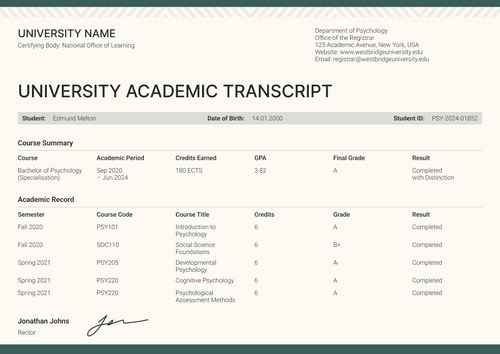
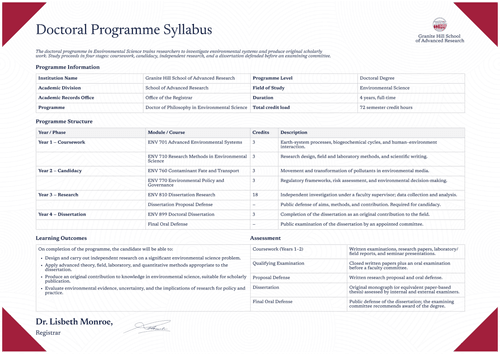
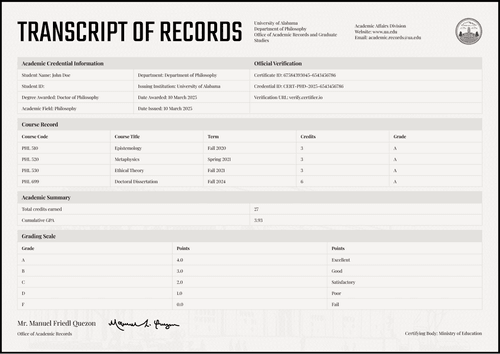
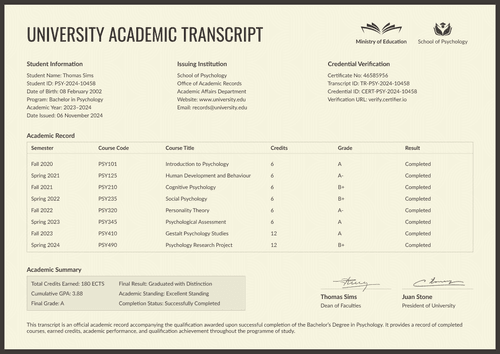
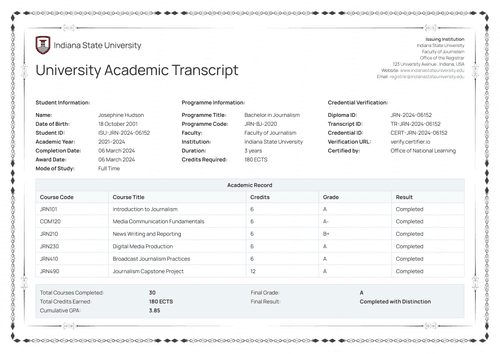
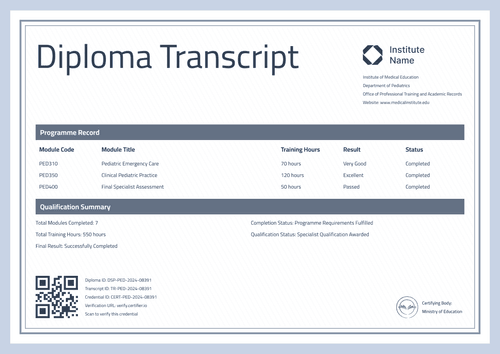
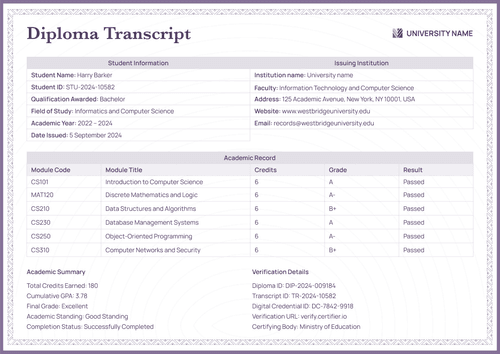
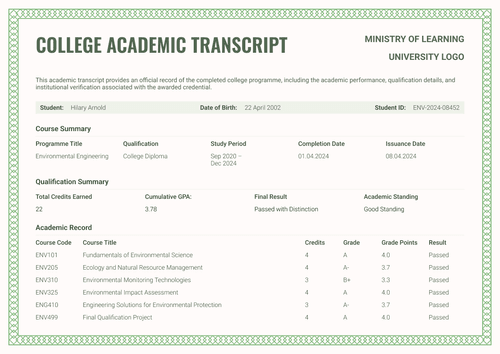
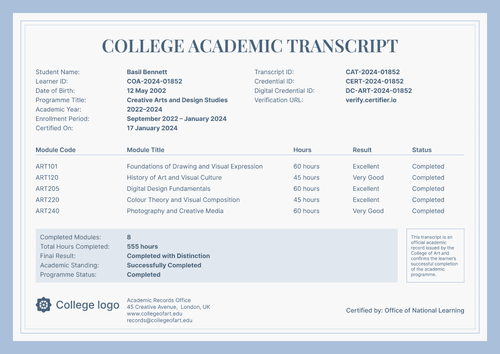
Navy graduation diploma supplement template
Show evaluators what a degree contains and what it enables, from program results to career pathways. Issue it with the graduation certificate as a verified credential.
Customize this template for free
Email and export in bulk
Track recipient engagement
Download in
Don't have Certifier account? Sign up
Free navy graduation diploma supplement template
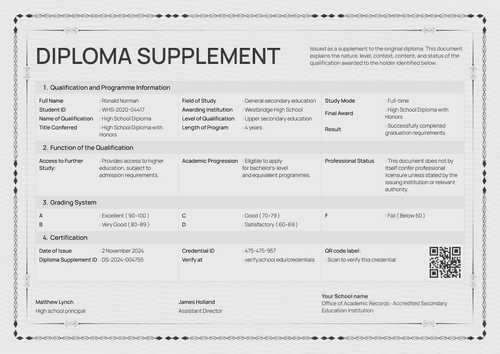
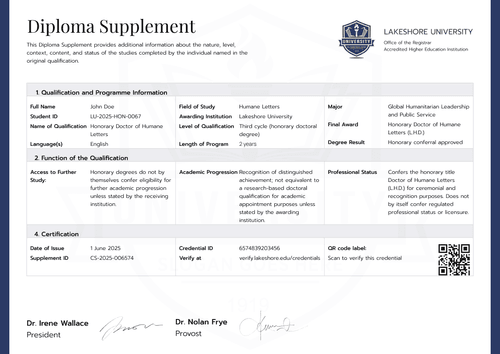
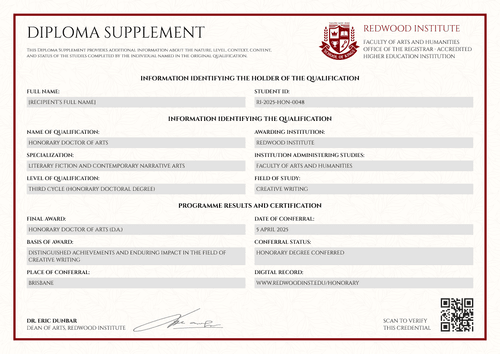
While most supplements say what a graduate studied, this one also specifies the qualification. Beyond the program and results sections, this free diploma supplement template carries a Function of the Qualification block. Aspects such as access to further study, academic progression, professional status, and career pathways have their own labeled lines.
It serves higher education registrars, academic records offices, graduate schools, and institutions authorized to award the represented qualification. The sample documents a bachelor's degree in forensic science.
The page holds everything within an elegant navy frame on textured paper. There are two information columns at the top, with the function section beneath, then both signatures, the institution block, and a deep red seal.
The matching graduation certificate completes the credential pair and can be issued simultaneously, so the celebration and the explanation arrive together.
Need to issue supplements for the full graduating year? Bring the records in from a spreadsheet or connect your LMS so nothing is left to prepare on graduation day. Each graduate receives a personal verification link they can share with an employer or a background screener.
What is a graduation diploma supplement?
A diploma supplement is the explanatory record issued alongside a degree certificate. It states the qualification, its level and length, the results, and the verification details, so any evaluator can read the award accurately.
This design compresses all of it onto a single dense page and then adds the function section, which answers the question most supplements leave open: what does this qualification enable next? The layout is available in A4 (21 x 29.7 cm) and US Letter (8.5 x 11 in), with portrait and landscape versions.
Certifier allows you to issue it alongside the certificate of graduation as a single credential set with a single verification link. Create a free account to customize the design and issue supplements with every diploma.
What should a diploma supplement include?
This design answers an evaluator's questions in four moves: what, how well, is it real, and what now. The elements, all editable in the online builder:
Static fields
- Preamble Note: Standing text on the document's purpose and scope.
- Section Headings: Three labeled blocks for qualification and program information, results and certification information, and the function of the qualification.
- Function Labels: Four fixed labels covering access to further study, academic progression, professional status, and career pathways.
- Signature Areas & Seal: Two signing spaces and the seal position (e.g., Dean of Faculties; President of University).
- Institution Block: University, faculty, records office, and accreditation lines.
Dynamic fields (automatically populated by Certifier)
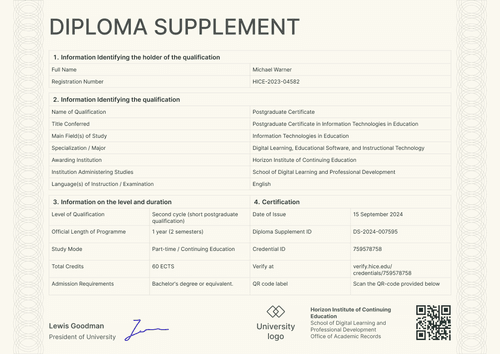
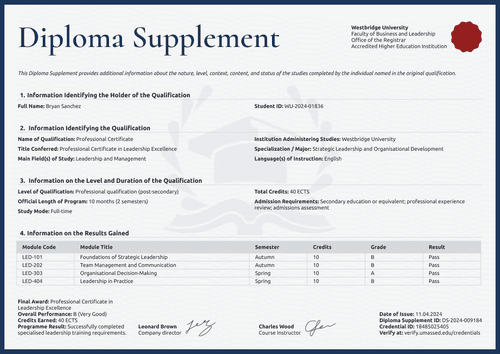
- Full Name & Student ID: Identity fields for the graduate (e.g., WU-2021-03847).
- Qualification & Title Conferred: Award fields naming the degree (e.g., Bachelor of Science in Forensic Science).
- Level of Qualification: Framework field placing the award (e.g., First cycle, Bachelor's degree).
- Length of Program & Study Mode: Duration and attendance fields (e.g., 3 years; Full-time).
- Total Credits & Credits Earned: Value fields for required and achieved credits (e.g., 180 ECTS).
- Overall Program Grade: Assessment field on your grading scale (e.g., B, Very Good).
- Program Result: Text field restating the outcome (e.g., Successfully completed program requirements).
- Date of Issue: Date field for the supplement (e.g., 12 September 2024).
- Diploma Supplement ID & Credential ID: Verification tracking codes (e.g., DS-2024-005729; 5729564839).
- Verify-at Address: Live verification page link printed on the document.
- Access to Further Study: Editable statement on the study routes the qualification opens.
- Academic Progression: Editable statement on eligibility for further programs.
- Professional Status: Editable statement setting the limits of the award (e.g., does not by itself confer licensure).
- Career Pathways: Editable statement listing realistic roles the qualification supports.
The list is a description of the sample, not a mandated format. Use Certifier's design builder to customize the diploma supplement template to your institution’s needs.
How to issue a diploma supplement
Go from approved record to delivered supplement in five steps:
- Set the design up for your university — Pick the size and orientation, then place your institution block, seal, and both signatures. Choose the dynamic text blocks for holder details, results, and the function statements.
- Bundle it with the matching certificate of graduation — Link the supplement to the certificate of graduation so that each graduate's award and its explanation are generated together.
- Upload graduate data — Connect your registrar system or use our native integrations with LMS apps like Canvas, Moodle, and LearnDash; filling the design with approved data takes less than a minute.
- Issue, deliver, and verify — Certifier issues and emails a personalized supplement to every graduate automatically. Recipients can download their record or share it online through its verification link.
- Monitor recipient engagement and correct errors — Use the Credential Repository to see email opens, credential views, downloads, and shares for each supplement. Corrections need no reissue and appear on the public document immediately.
Available diploma supplement template formats to customize
Edit and issue the template online with Certifier
Edit the design in Certifier and you get instant access to graduate-specific data, direct inbox delivery, and a live credential page standing behind every claim on the page.
Download the diploma supplement template in Word
Need to settle the function statements internally first? Enter your email address to download a ZIP file containing customizable Word documents in both portrait and landscape orientations, in A4 and US Letter sizes.
PDF document export
Every issued supplement is also a print-ready PDF that graduates and coordinators can download directly from the delivery email or the credential page.
Who issues graduation diploma supplements?
Higher education registrars
Registrars choose this design when graduates enter regulated or safety-adjacent fields and evaluators need the professional status stated, not implied.
Graduate schools
Admissions committees read the function section as a map: what the first degree admits its holder to is exactly what they are deciding.
Academic records offices
Records offices issue it as a single page that answers employers, universities, and background screeners in one pass.
Frequently asked questions
It converts the record into guidance. Four labeled statements tell an evaluator what the qualification opens: further study, progression routes, professional status, and realistic career pathways. Each is an editable field that your faculty controls.
In fields like forensic science, readers may assume a degree equals a license. Stating the limit prevents any misunderstanding and keeps your document accurate. The wording is editable, but removing honesty rarely helps an issuer.
Yes. Every line on the page is a field in the design builder, so drop what your record doesn’t carry and add what it does.
It’s a single program-level grade, shown in the sample as B (Very Good) on the ECTS scale. If your institution grades programs differently, relabel the field or replace it with your official scheme.
Both work. Most institutions issue it with the certificate as one credential on graduation day, which this set is built for. Records offices can also issue it later for individual graduates from approved records upon receipt of a request.
[a]Design changes:
1. Add Date of birth (dynamic field) to holder identification section.
Certifier templates are provided for general informational and design purposes only. They do not constitute legal, regulatory, accreditation, or academic-recognition advice and are not guaranteed to satisfy the requirements of any institution, recognition body, regulator, or jurisdiction. Using this template does not by itself make a document an official diploma supplement or prove a qualification. The issuing organization is responsible for verifying the content, authority, approvals, and suitability of every document before use. This template is not an official Europass document and does not guarantee recognition of a qualification.