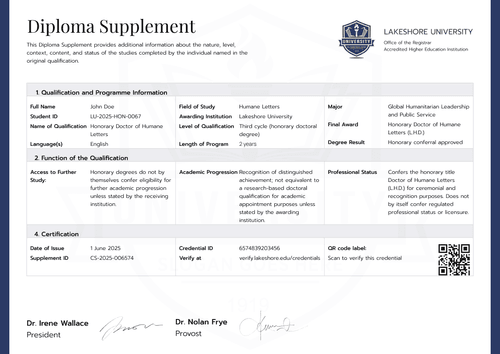
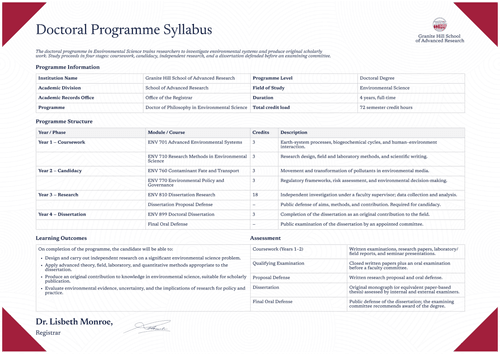
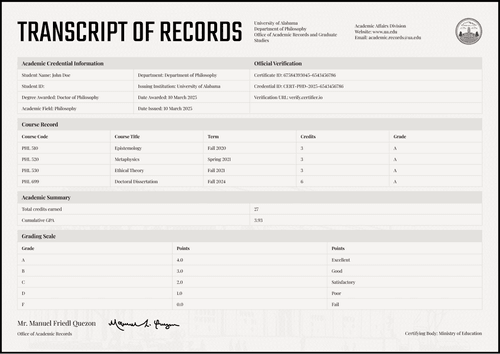
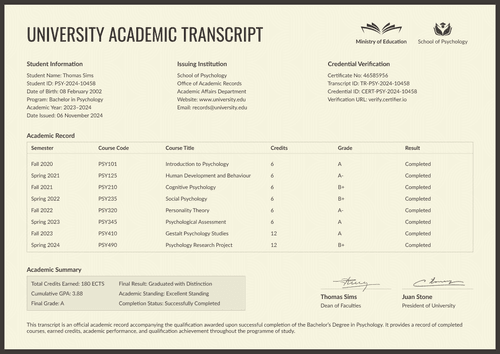
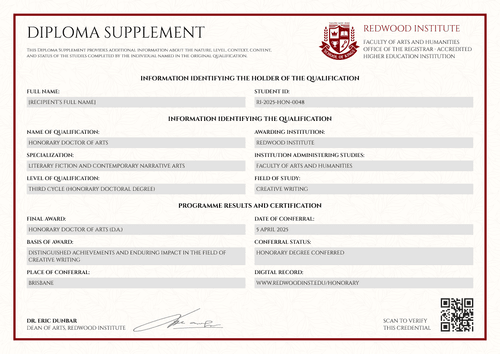
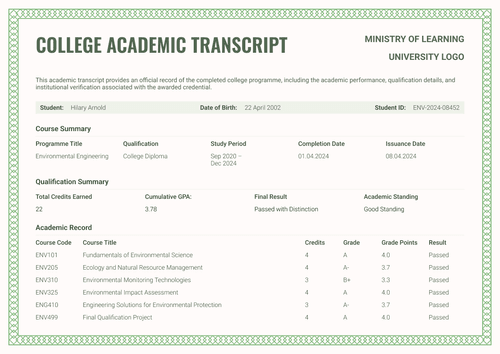
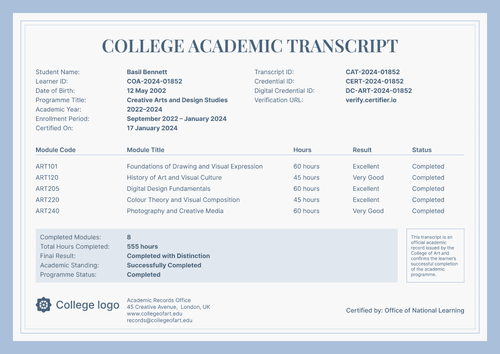
Formal beige college academic transcript template
Personalize this formal beige college academic transcript online or receive the editable Word package. Map approved student data, then pair the record with its certificate in Certifier.
Customize this template for free
Email and export in bulk
Track recipient engagement
Download in
Don't have Certifier account? Sign up
Free formal beige college academic transcript template
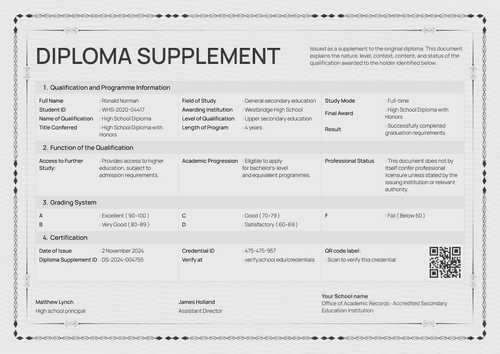
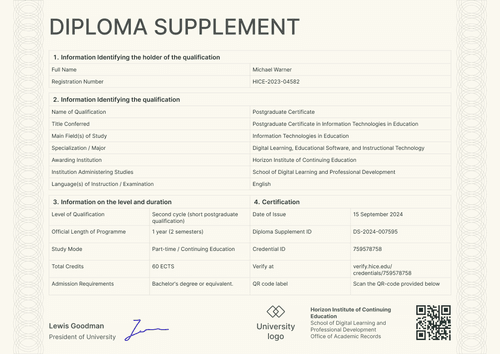
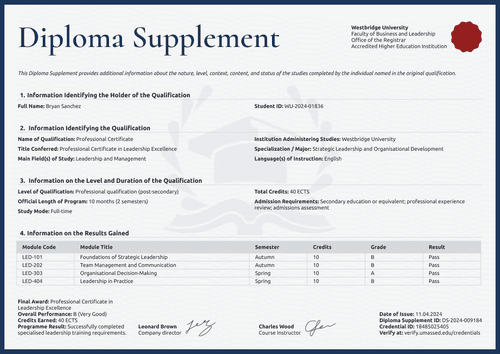
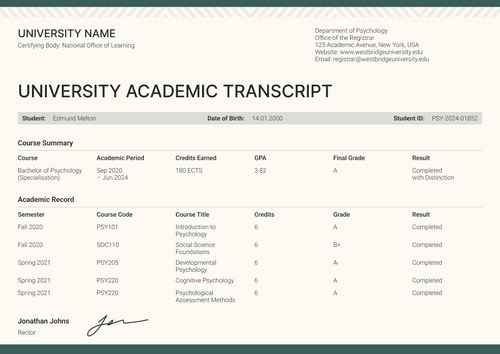
This formal beige college transcript template gives records teams a structured three-page layout. It combines course results with a program summary and verification page.
Open the design in Certifier to replace the sample institution and student data. Map each changing field to an approved source, then attach the matching credential template so the transcript and certificate are issued as one credential set.
For recurring cohorts, connect a supported learning platform. Link through the Moodle LMS integration or review the full integration catalog.
What is a college academic transcript?
A college academic transcript is an institution-issued record of a learner’s studies. It identifies the student and records approved coursework results.
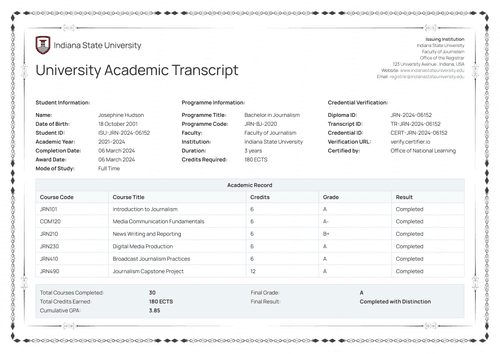
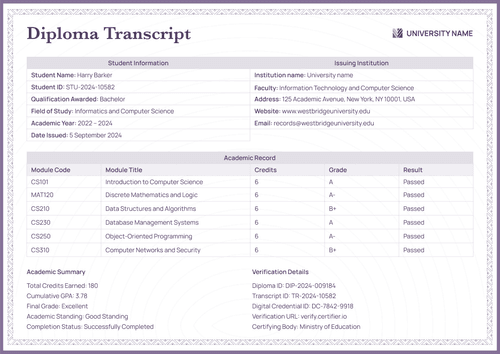
Page one presents student and issuer details before the course rows. Page two summarizes the programme and final project. Page three explains the grading scale and verification details.
The transcript is designed to sit beside a completion certificate as part of a broader digital credentials for higher education workflow. The transcript provides the academic evidence; the certificate presents the final recognition.
What does this college academic transcript template include?
A reliable transcript should reflect the institution’s approved record and grading policy. The following elements appear in the supplied design:
Static layout elements
- Institution Header & Seal: Space for your college's name, faculty, and a certifying-body seal, so readers know who stands behind the record.
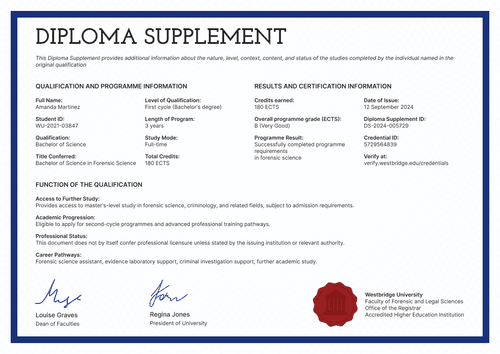
- Section Headers: Fixed labels–Student Information, Issuing Institution Details, Academic Record, Academic Summary, Grading Scale–that keep all three pages easy to scan.
- Grading Scale Table: A fixed reference table that turns each letter grade into grade points and a plain-word rating (e.g., A = 4.0 = Excellent), so anyone outside your college can read the record.
- Signature Lines: Space for two signers, such as a dean and a course instructor, to sign off on the record.
Dynamic fields (automatically populated after mapping in Certifier)
- Learner ID: The student's name and ID number, so the transcript can't be mixed up with someone else's record.
- Academic Period & Completion Dates: The years the student studied and the dates the program and the record were completed.
- Course-by-Course Record: Rows listing each course code, title, credits, grade, grade points, and result (e.g., Passed, Defended)–the core of the transcript.
- Academic Summary & Standing: Total credits earned, cumulative GPA, and an academic standing label (e.g., Excellent Standing), which matters most to anyone deciding whether to accept transfer credit.
- Final Course Work Details: The project title, project type, and result for a student's final or defense course work, when your program includes one.
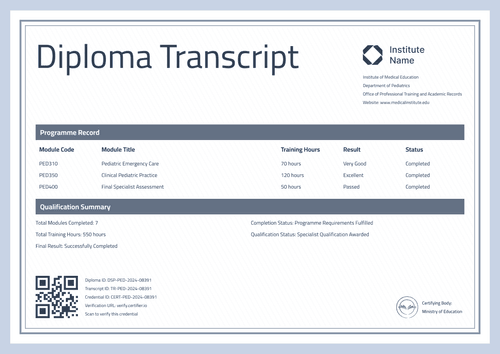
- Transcript & Credential IDs: Unique ID numbers and a QR code that tie the printed transcript back to Certifier's issued, verifiable record.
These are the changing fields visible in the supplied design. They are not guaranteed to be pre-mapped. Configure each field in Certifier and use only data approved under the institution’s records policy.
The IDs and QR code should lead to a controlled credential record. Review Certifier’s verification features before choosing the final verification setup.
How to issue the formal beige college academic transcript
Use this four-step workflow:
- Adapt the layout — Choose A4 or US Letter, then select portrait or landscape. Replace the sample issuer identity and upload the approved signatures or seal.
- Map the academic data — Connect each visible field to the approved student record. Check course rows, GPA logic and the grading-scale text.
- Attach the companion certificate — Pair the transcript with the matching certificate design. Set the intended access level for each document before issuance.
- Test and approve — Generate a test record and review every page. Check the QR destination, then ask the authorized officer to approve the batch.
Available college academic transcript template formats
Edit and issue the beige transcript online
Use Certifier to update fixed text and map learner-specific data. The online route is intended for controlled issuance, email delivery and a live credential page.
Receive the beige transcript in Microsoft Word
Enter an email address in the catalog popup to receive the available Word package. The offline files are editable layouts, not issued or verified academic records.
Export an issued transcript as PDF
Recipients may download an issued transcript from their credential page. Issuers may export PDF files within the limits of their current plan. Browse certificate templates if the transcript still needs a companion design.
Who issues college academic transcripts?
Only issue this design if you are the college named on the transcript–the one whose registrar can confirm every course, grade, and credit shown.
College and university registrars
Registrars issue transcripts so students can transfer credit, apply to graduate programs, or show proof of their full academic record to an employer.
Academic records offices
Records offices at small or specialized colleges–like design, arts, or technical schools–issue transcripts to document short, defense-based, or project-driven programs that don't fit a standard course catalog.
Graduate school admissions teams
Graduate schools request and re-issue verified transcripts as part of an applicant's file, so admissions staff can check real grades instead of a scanned copy.
Frequently asked questions
Yes. Select “Edit this template” to personalize the design through a free Certifier account. You may also enter an email address in the catalog popup to receive the Word package. Review Certifier pricing for current issuing limits and feature availability.
No. Only an authorized institution can issue an official transcript. The issuer must verify the academic data and approve the final layout under its own rules.
Yes. The design is editable. Remove fields that do not apply, but do not delete information required by the institution’s transcript policy or the intended reviewer.
The transcript records courses and academic outcomes. The certificate gives a shorter visual statement that the named learner completed the program.
Use the selected plan’s access controls to limit exposure of the attached transcript. Check the pricing page before setting the workflow. Institutional privacy rules still apply.
Certifier templates are provided for general informational and design purposes only. They do not constitute legal, regulatory, accreditation, or academic-recognition advice and are not guaranteed to satisfy the requirements of any institution, recognition body, regulator, or jurisdiction. Using this template does not by itself make a document an official diploma supplement or prove a qualification. The issuing organization is responsible for verifying the content, authority, approvals, and suitability of every document before use. This template is not an official Europass document and does not guarantee recognition of a qualification.