Training Record Templates
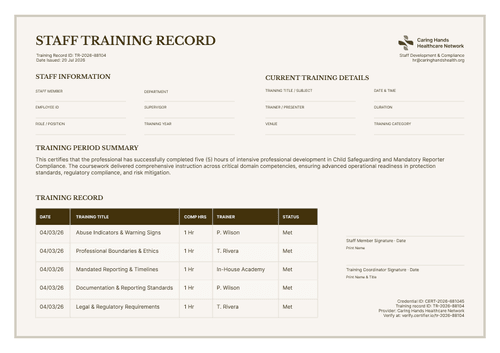
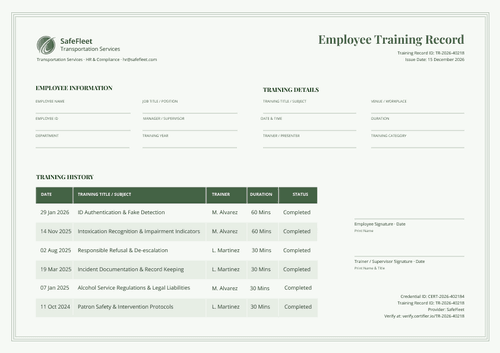
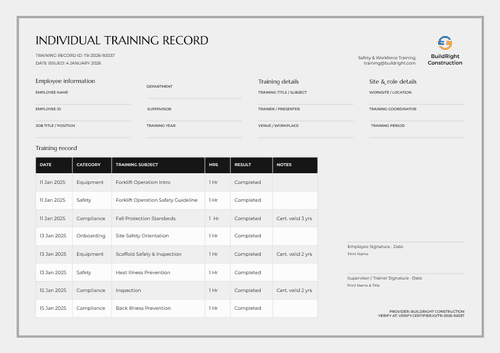
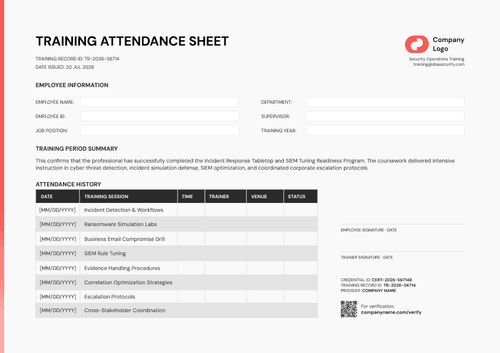
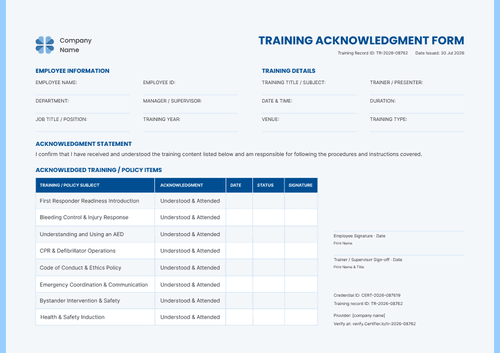
Stay on top of your team's learning with these free training record templates. Choose from our collection of employee training records, training acknowledgement forms, and attendance sheets, each one listing the sessions completed, the date, duration, and status, so a manager or an auditor can review someone’s training history in one document.
Map the fields to your HR or LMS export in Certifier, then issue a transcript for every employee at the end of a training cycle or generate an attendance sheet right after a session. Send each employee a personal, verifiable copy, keep a Word master for your compliance files, and correct any detail later without reissuing it.
Stay on top of your team's learning with these free training record templates. Choose from our collection of employee training records, training acknowledgement forms, and attendance sheets, each one listing the sessions completed, the date, duration, and status, so a manager or an auditor can review someone’s training history in one document.
Map the fields to your HR or LMS export in Certifier, then issue a transcript for every employee at the end of a training cycle or generate an attendance sheet right after a session. Send each employee a personal, verifiable copy, keep a Word master for your compliance files, and correct any detail later without reissuing it.
Read more
Training Record Templates FAQ
A training record summarizes a person's history across sessions: what they completed, when, how long it ran, and their status. An attendance sheet confirms presence at one specific session. An acknowledgement form confirms someone read, received, or agreed to something, like a policy. Use whichever matches what you actually need to prove.
Every training record you issue lands in your Certifier account, where you can search and filter by any field you kept on the template, department included, rather than opening each employee's record individually.
Certifier maps in the session data you export, course name, date, duration, and status, when you issue the record, so the document traces back to that source data. However, a manager won't be able to click through from the document into the LMS itself.
Certifier doesn't automatically flag overdue employees for you. What you get is each employee's reissued training record showing what they've completed and its status. HR compares that against your own requirement calendar to see who's behind.