Credential management
Edit, resend or renew any credential you’ve issued
Keep every certificate and badge organized in one searchable list. Resend a lost email, change an expiration date, pull records for an audit, and decide who on your team can issue, edit or delete.


2,000+ organizations and institutions use Certifier






ElevenLabs
ElevenLabs powers its conversational AI partner certification program with Certifier.
View credentials





The Economist
The Economist uses Certifier to award 2,000+ certificates for courses in AI and critical thinking.
View credentials

Edit issued credentials
Fix a typo or edit a name, and the live credential updates
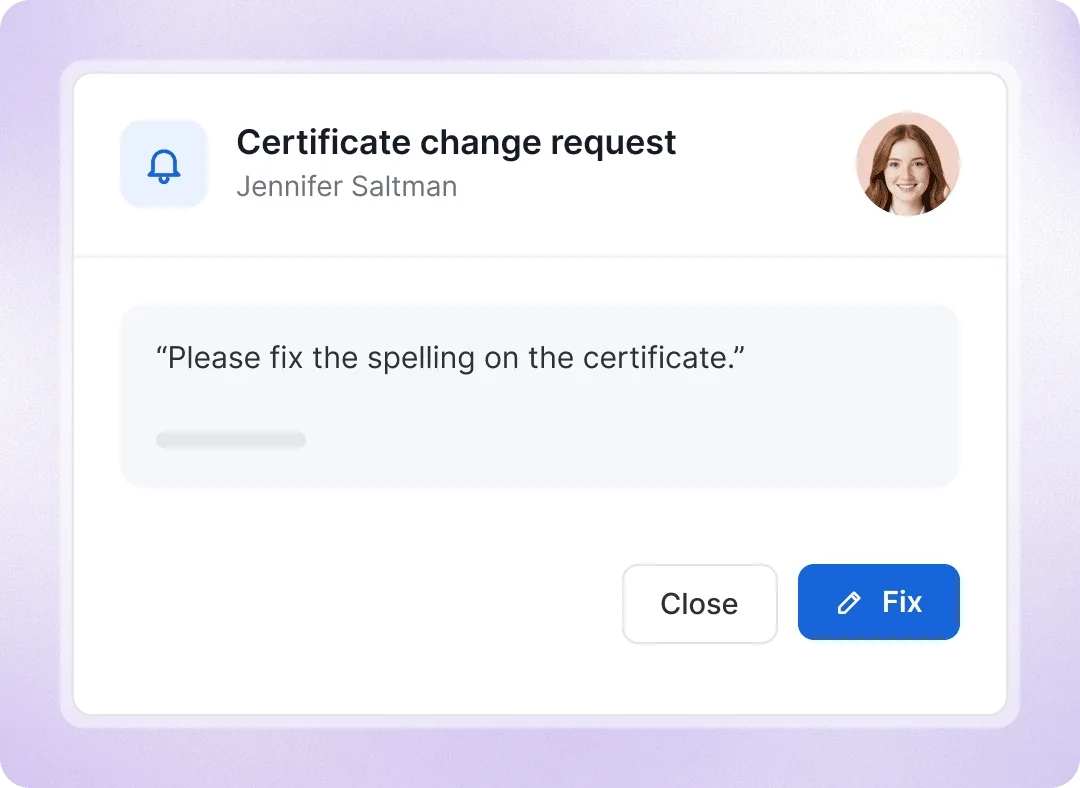
Edit recipient details on any issued credential. The credential page and verification link update automatically, with no reissuing needed. Recipients can also request corrections after email verification, and your team can track and resolve each request.
Audit records
Export the records an auditor or licensing body asks for
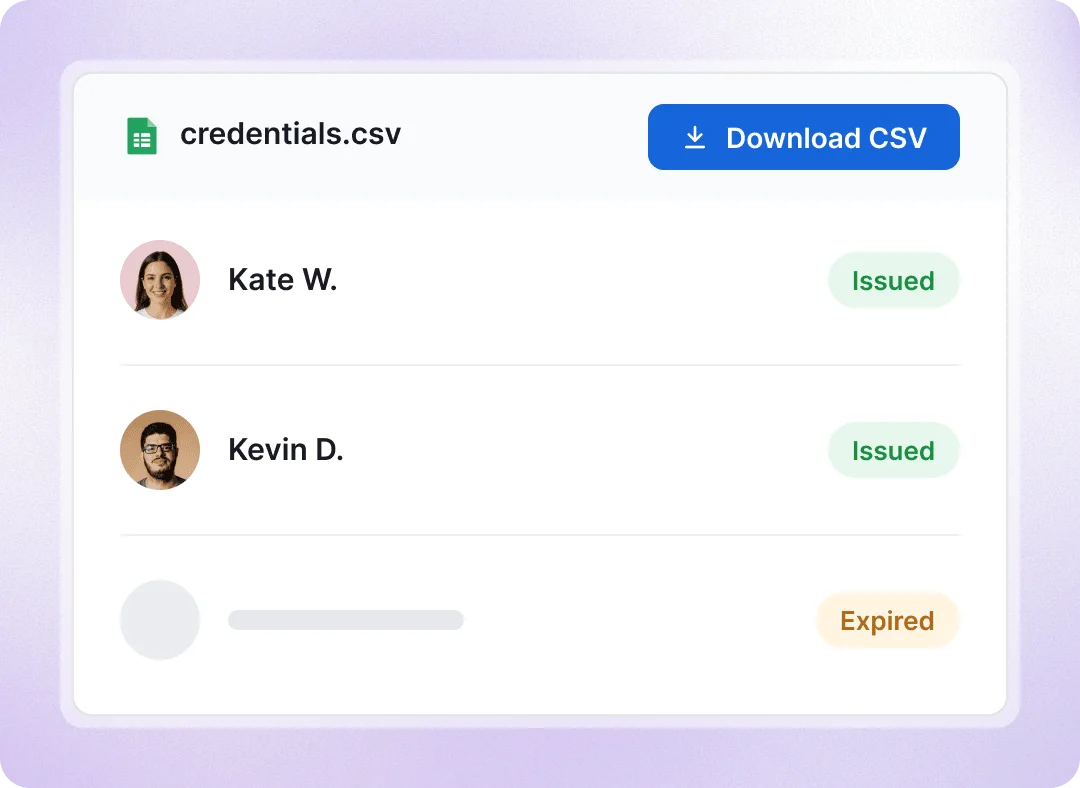
Filter credentials by program, date range, or cohort. Export a CSV with credential IDs, links, recipient details, dates, and delivery and engagement data, or a ZIP certificates and badges. Activity logs track when credentials are created, issued, resent, or expired, giving you ready-to-use certification evidence.
Credentials list
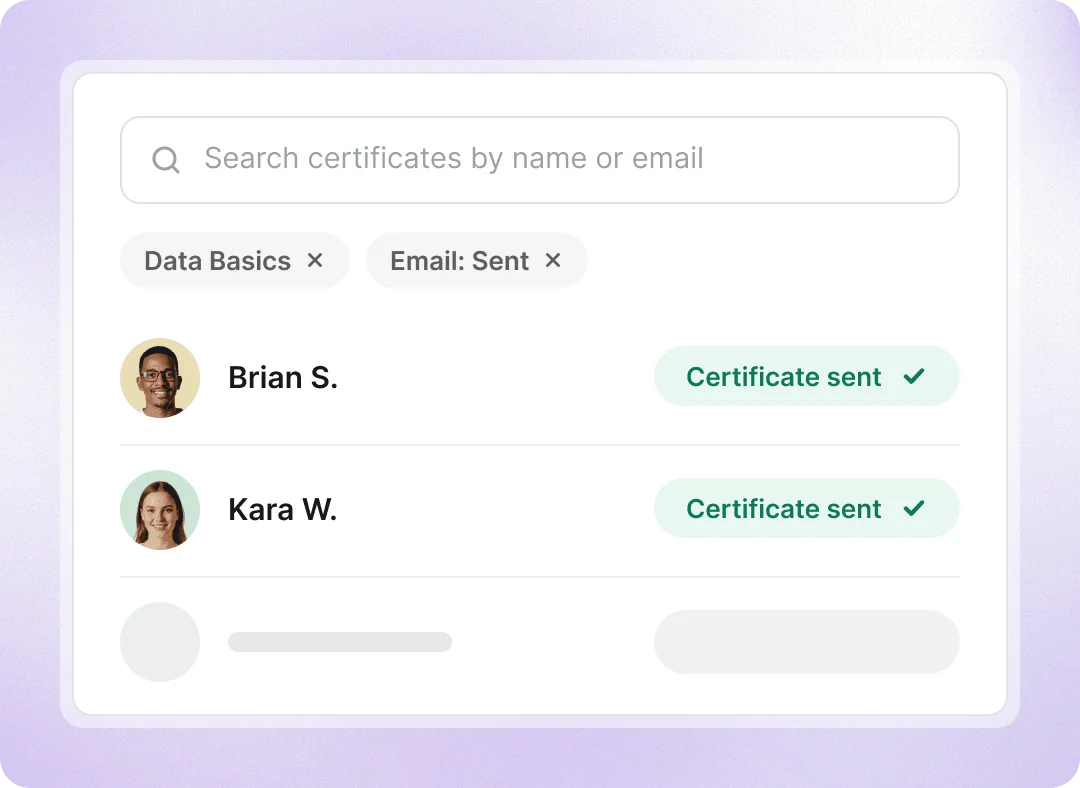
Find any credential by name, program, status or date
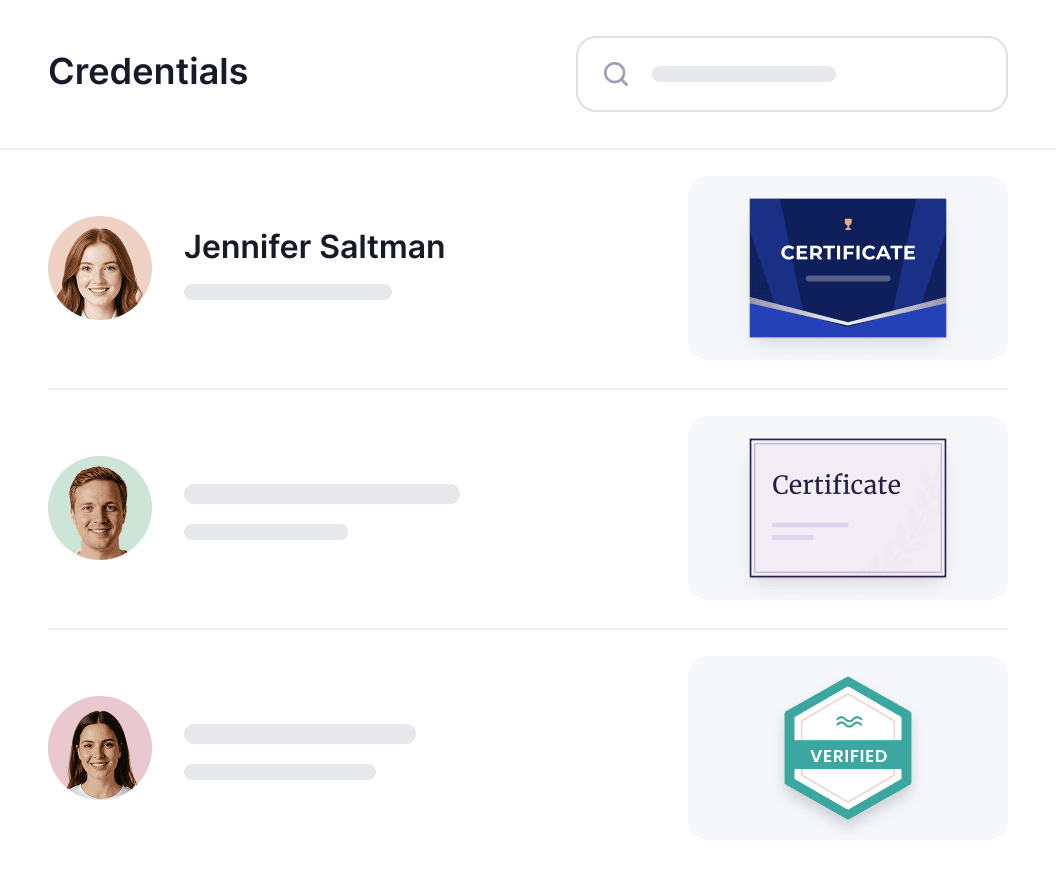
Manage all draft, scheduled, issued, and expired credentials in one place. Search by recipient or filter by program, status, dates, email delivery, engagement, change requests, or custom fields. Use these insights to identify recipients who need a follow-up.
Export, resend or delete in bulk
See why a credential email bounced
Show, hide, reorder and pin columns
Expiration and renewal
Track expiring credentials and manage renewals in one place
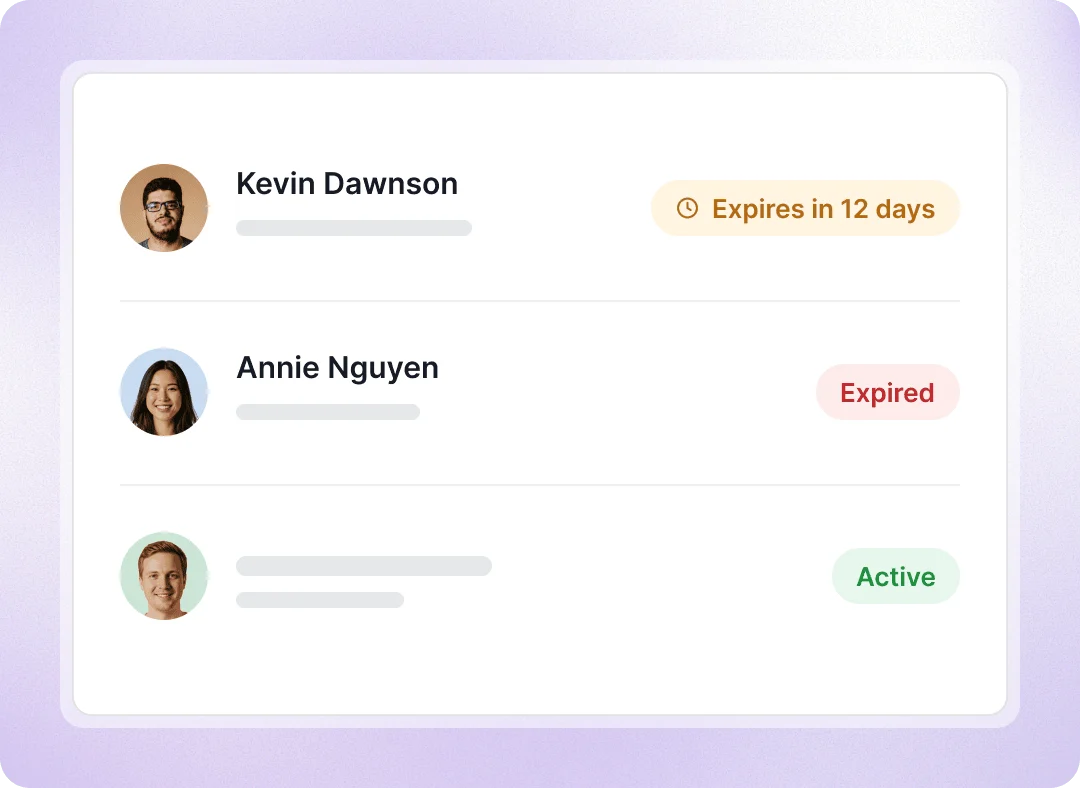
Set automatic renewal reminders for each program. Renew by extending the expiration date or issuing a new credential. Expired credentials are marked, with sharing and downloads disabled.
Add expiration date on an credential
Track expired credentials in your Certifier account
Show expiration notices on recipients’ pages
Revoking credentials
Revoke credentials when membership ends or requirements aren’t met
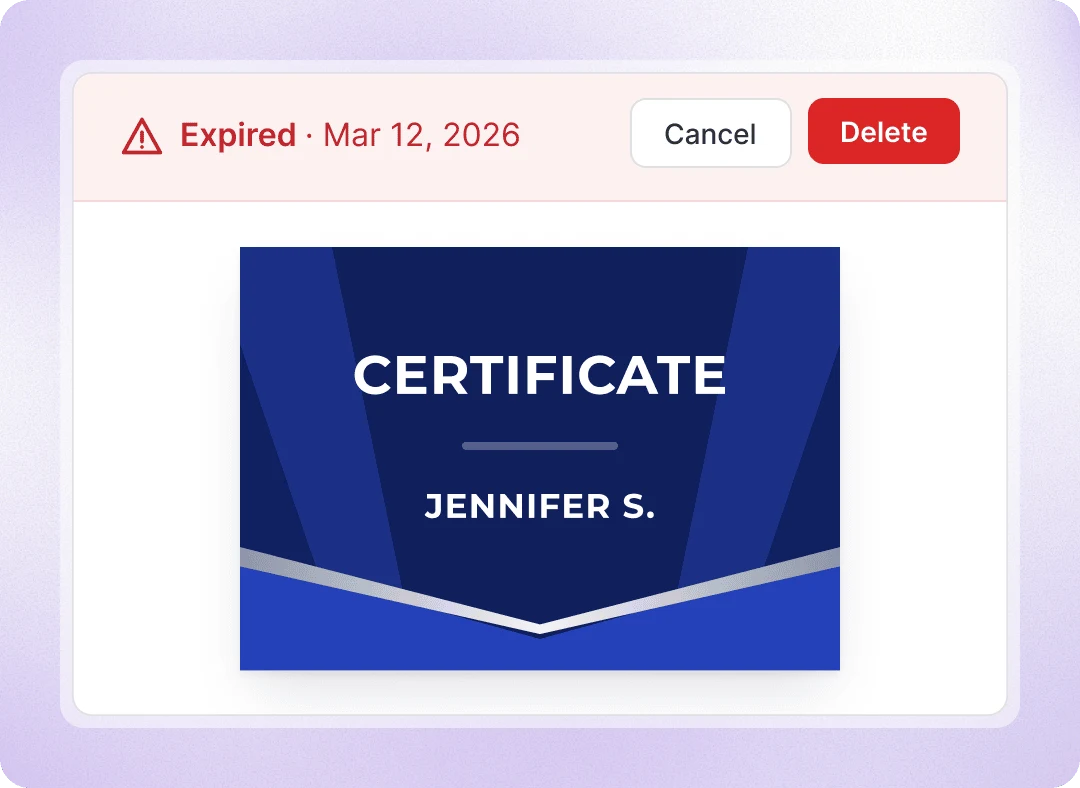
Invalid credentials can no longer be shared or downloaded, but their history stays available. You can also permanently delete duplicates or credentials issued by mistake.
Delete selected credentials in bulk
Revoke any credentials when you decided
An expired credential can be renewed later
Team access
Control team access to manage credentials
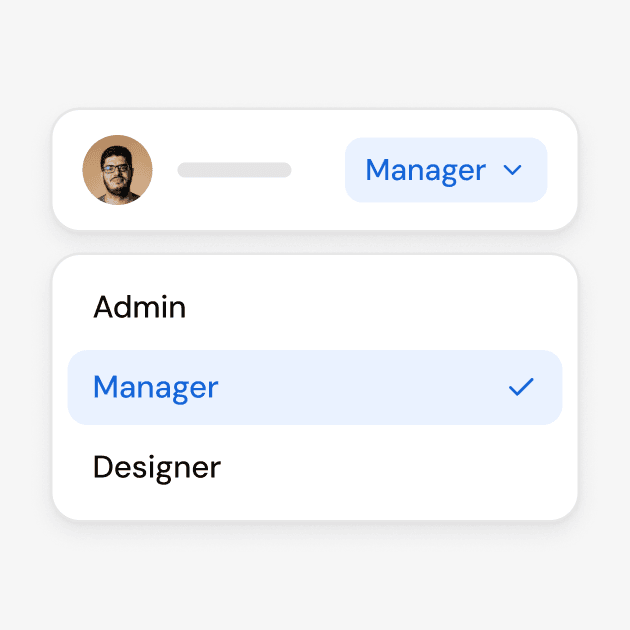
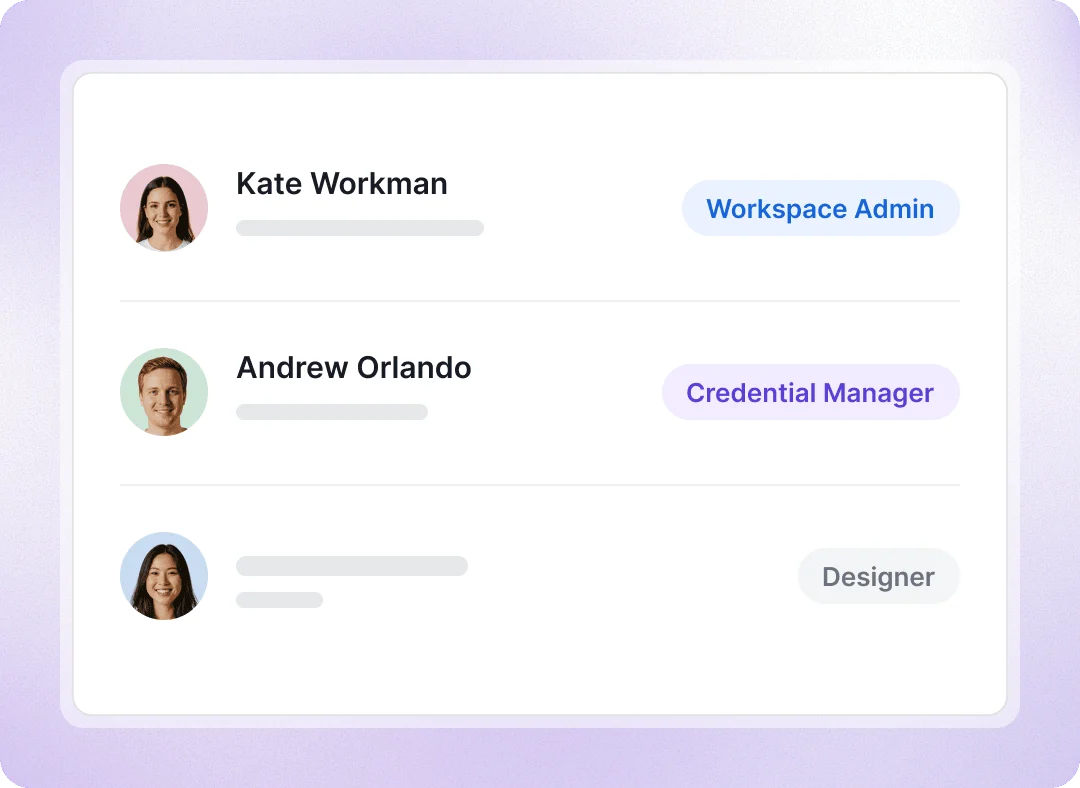
Create a custom role for each person’s responsibilities, with permission to issue, edit or delete credentials and manage change requests. Give team members access only to the programs and credential templates they work with, so a department, trainer or client can manage its own credentials without seeing other teams’ credentials.
Handle credential requests with less manual work
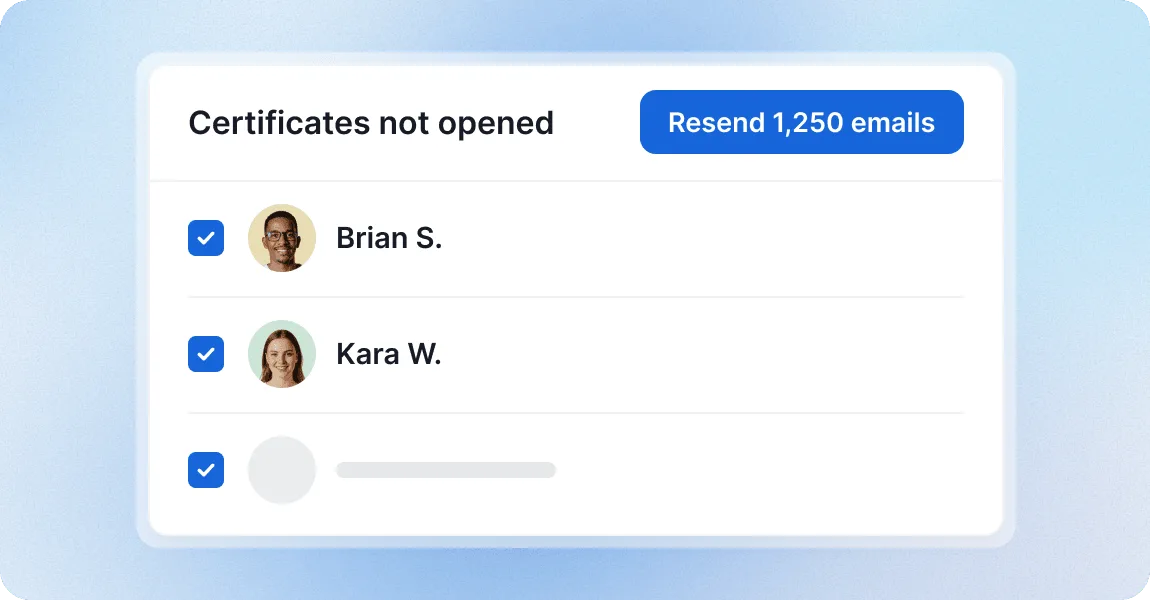
Resend the email to one recipient or selected recipients in bulk
When someone says they never got their certificate, check the email’s status and history, correct a mistyped address if needed, and resend the email to the current address.
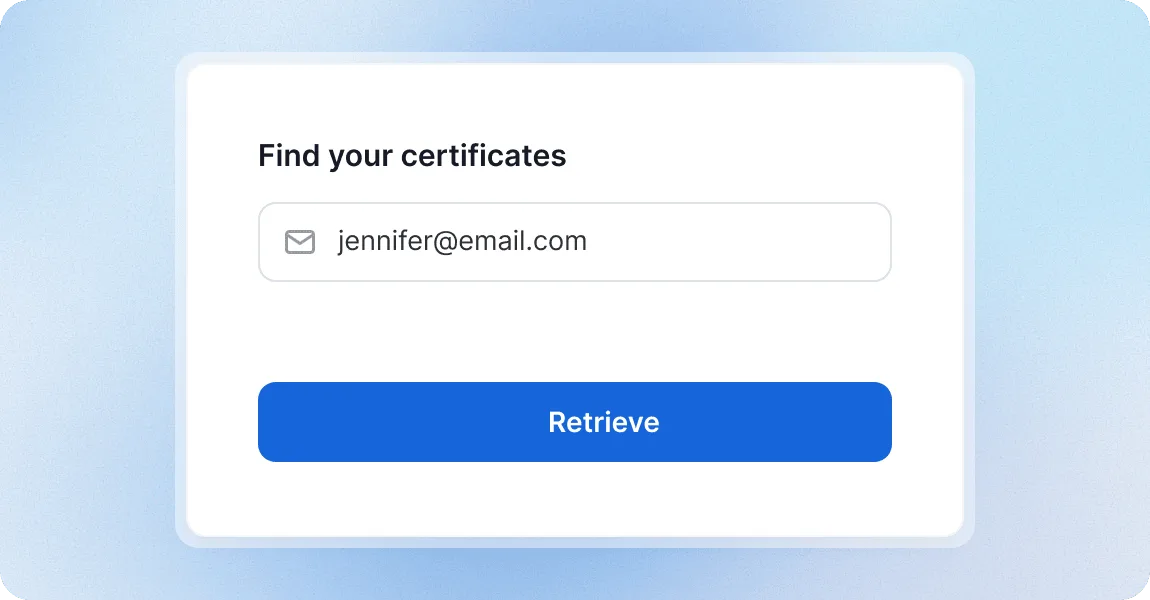
Let recipients find a lost credential without emailing you manually
Recipients who deleted the email or can’t find the link enter the address their credential was issued to on a retrieval page and get all their credentials back.
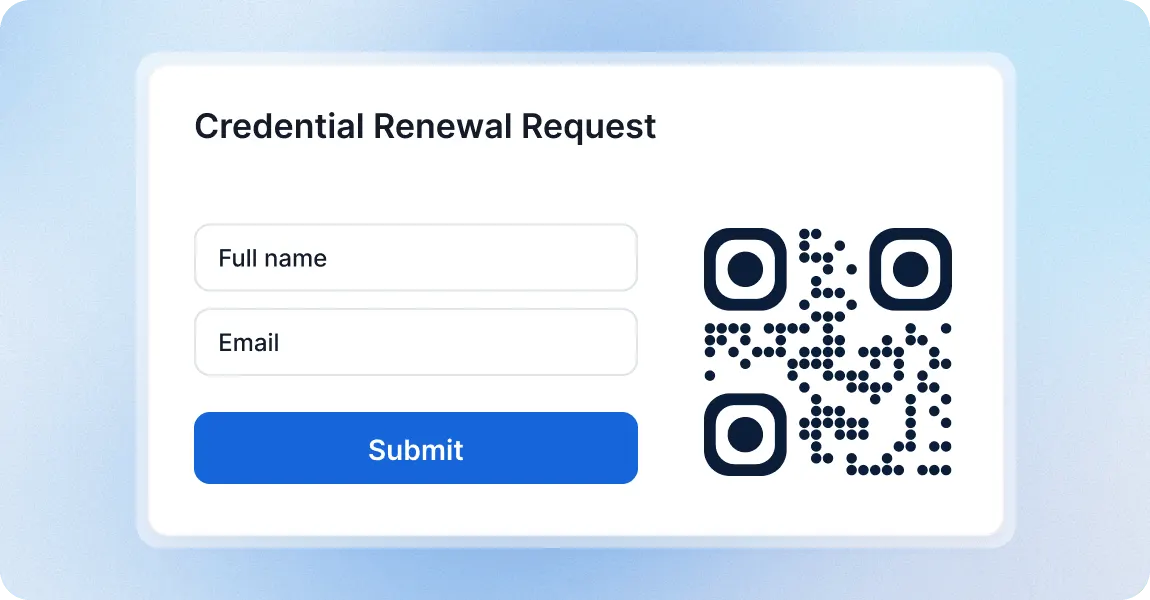
Collect renewal or credential requests with a built-in Certifier forms
Collect credential requests and renewals through forms shared by link or QR code, with no account required. Track and export submissions, and automatically issue credentials using the collected data.
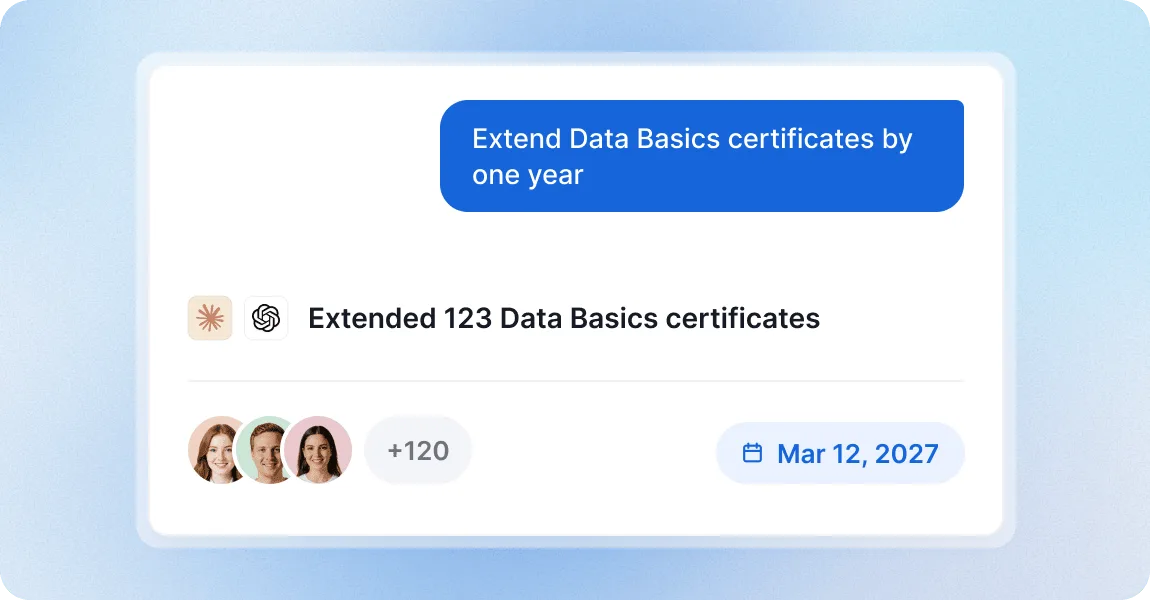
Manage credentials from ChatGPT or Claude account
Bring credential management into the AI tools your team already uses. Connect ChatGPT or Claude to your Certifier workspace through MCP, then ask the assistant to a renewal campaign or update credentials in bulk.
Manage credentials with a platform teams trust
G2 recognized Certifier as 2026 Leader in digital certificate and badge management for all teams.
Best for Enterprise
Best for Mid-Market
Best for Small Businesses