Workspaces
Multiple issuing workspaces under one account
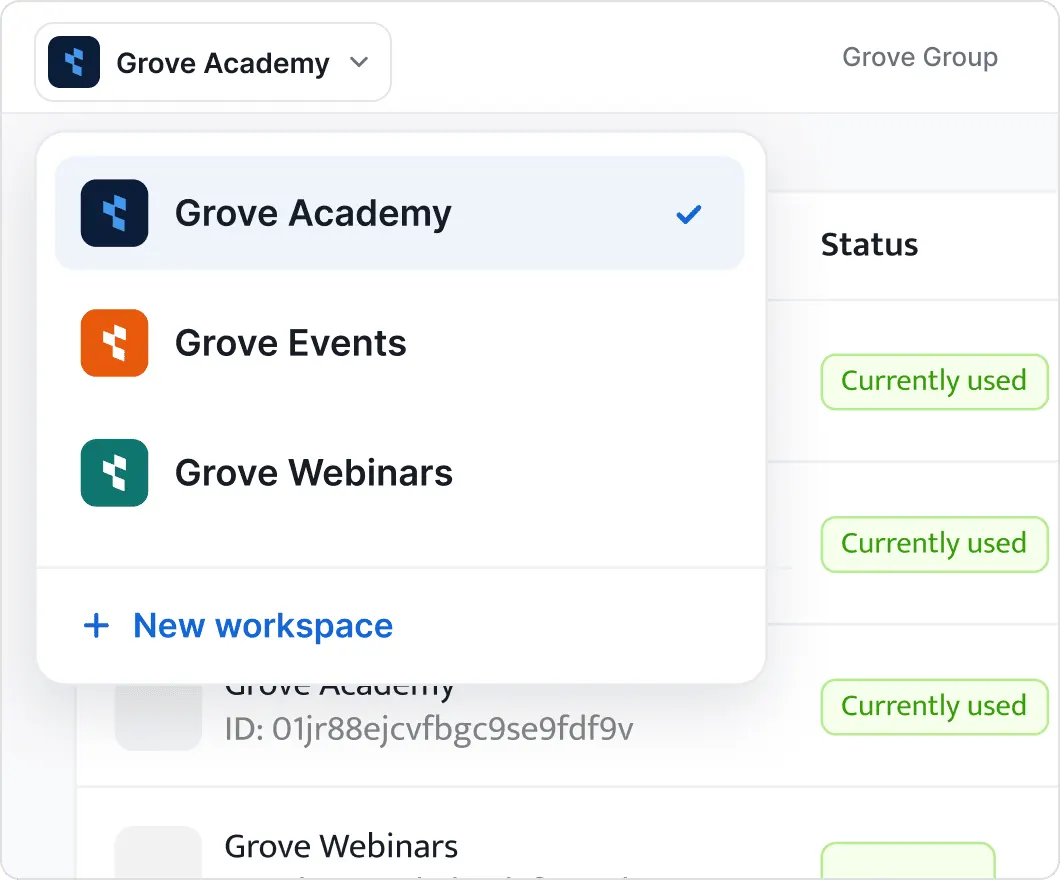
Each workspace works like a separate Certifier account, with its own name, branding, domain, emails, users and integrations. Your organization holds them all under one umbrella: one subscription and one invoice for all your workspaces.


2,000+ organizations and institutions use Certifier





ElevenLabs
ElevenLabs powers its conversational AI partner certification program with Certifier.
View credentials



The Economist
The Economist uses Certifier to award 2,000+ certificates for courses in AI and critical thinking.
View credentials

White-label identity
Issue credentials under separated brand
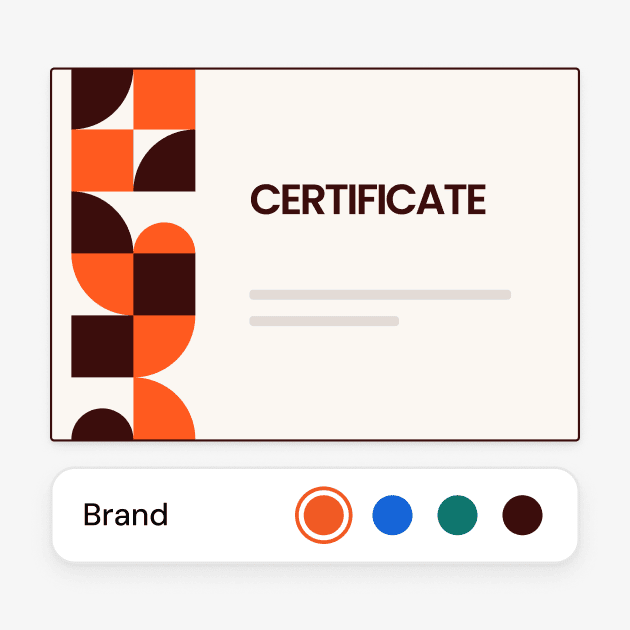
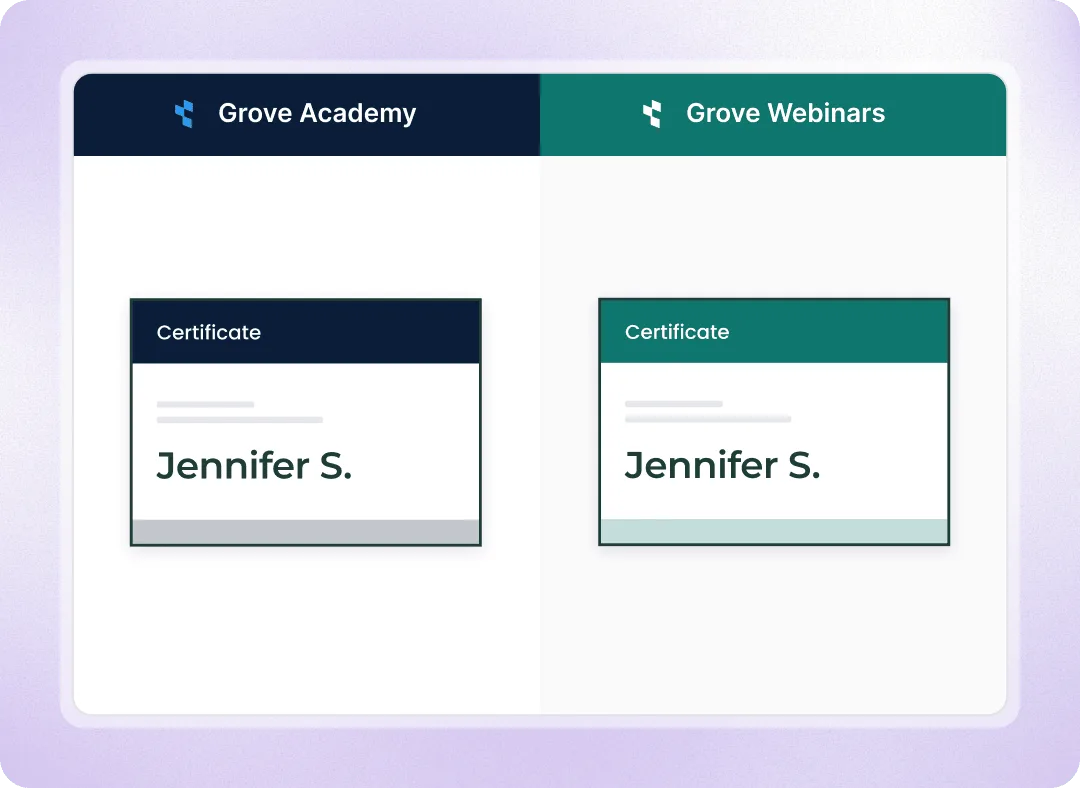
Give each workspace its own issuer name, logo, colors, custom domain, and email sender. Certificates, badges, and credential pages are fully branded, with no overlap between workspaces.
One custom domain per workspace
Every workspace has its own Issuer settings
Use differend sender details and emails
Organization Settings
Manage workspace usage and limits in one account
Create workspaces and manage them from one account. Track credential usage, set individual workspace limits, and share one annual credential allowance across all workspaces.
One subscription and one invoice
Pause issuing when a workspace reaches its limit
View analytics, dashboards, and activity logs for each workspace separately
Organization Admins can access any workspace without an invitation
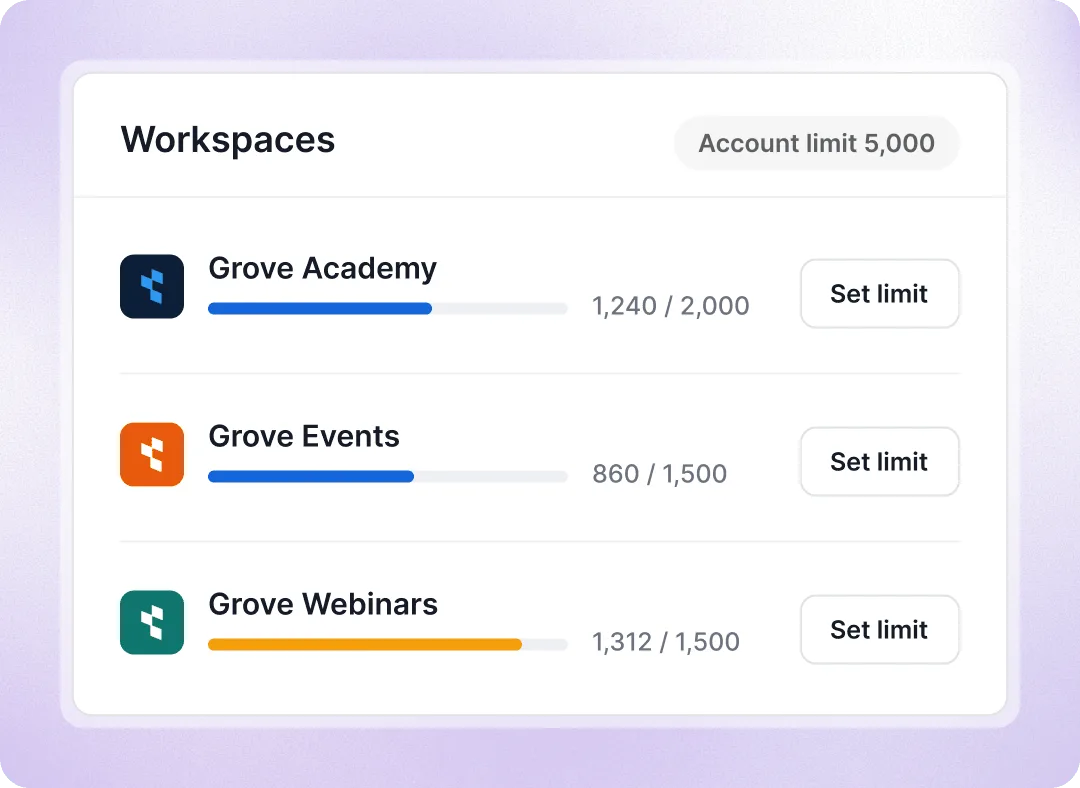
Control access, billing and tools across workspaces
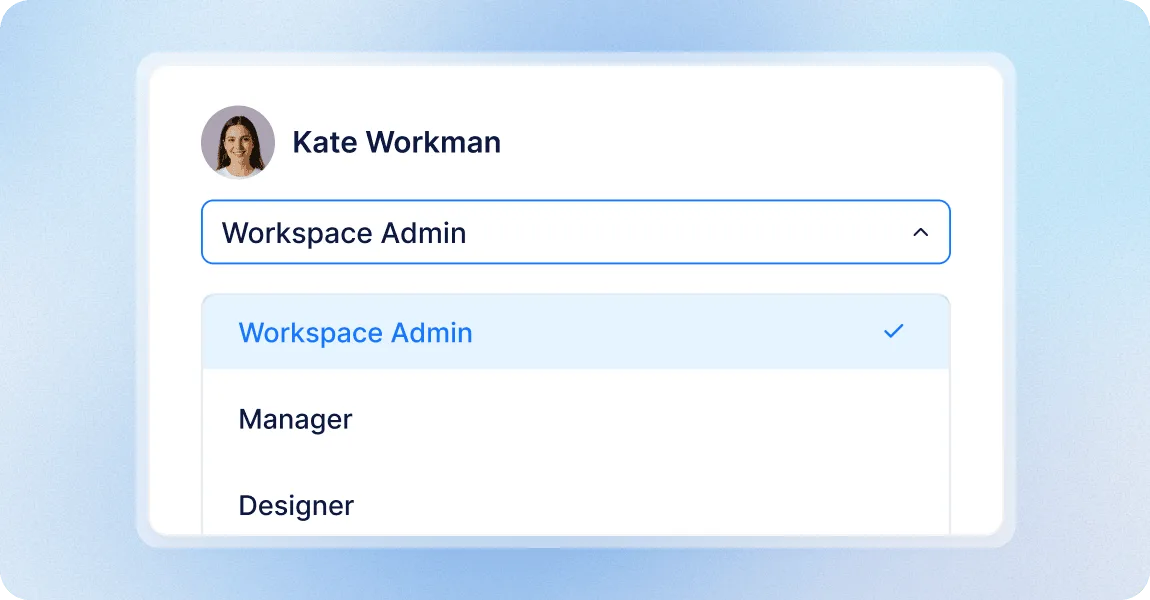
Give each team access to their own workspace
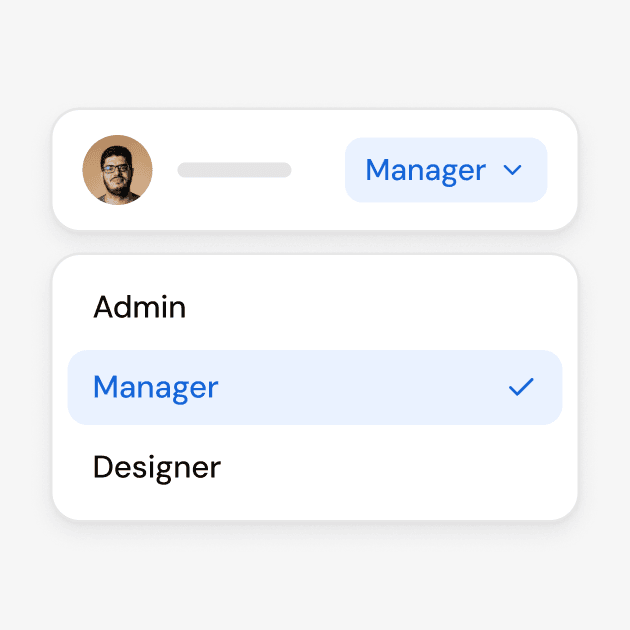
Users belong to a workspace, not to the whole account: a department’s staff or a client’s trainer sees only their own templates, credentials and recipients, never anyone else’s. Give each user a role, from Workspace Admin to Designer or a custom role, and limit their access to specific programs if needed; one person can hold different roles in different workspaces.
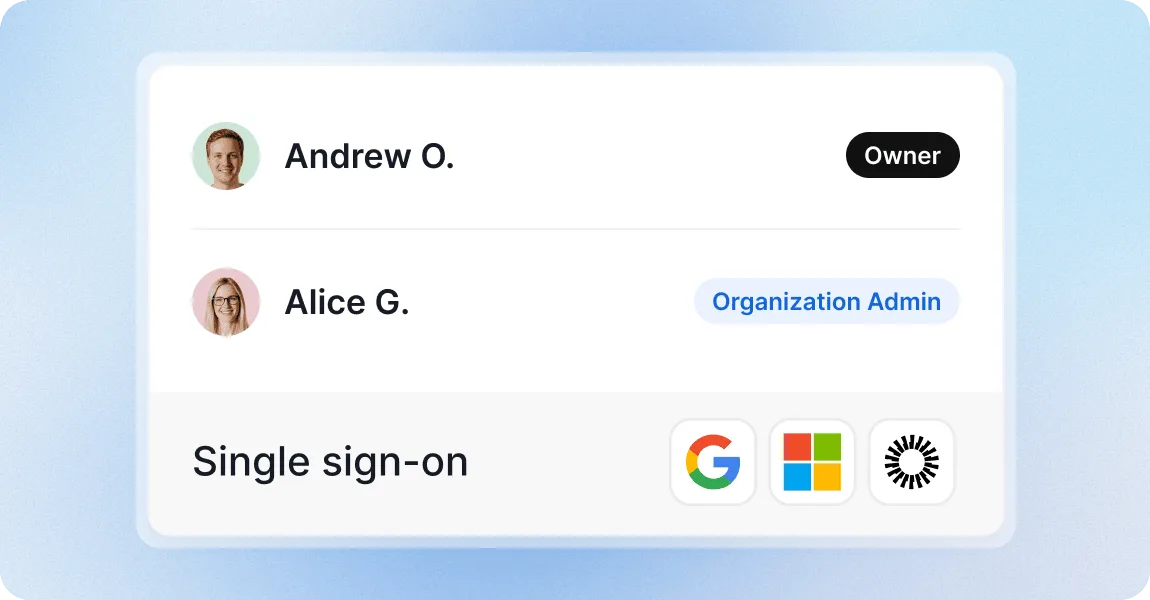
Decide who controls billing and workspaces
Workspace roles stay apart from organization control. The Owner appoints Organization Admins, who create and delete workspaces, set their limits and manage the plan and invoices; a Workspace Admin runs their workspace end to end but never sees billing. Add single sign-on (SSO) for everyone through Google Workspace, Microsoft Entra ID or Okta; each person signs in once for all their workspaces.
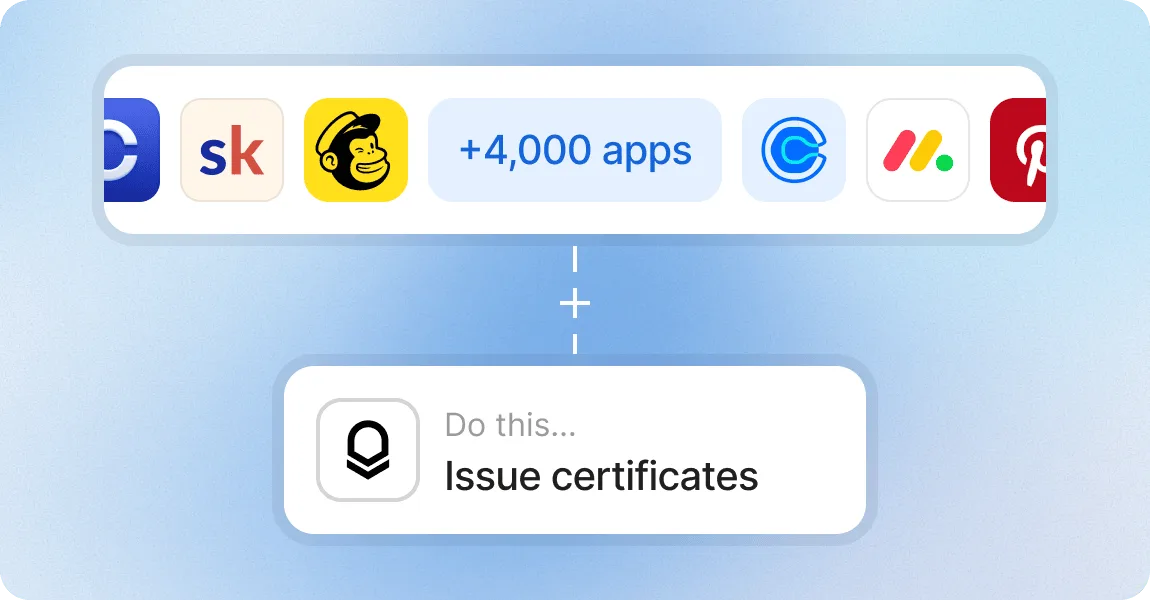
Connect tools to each workspace
API keys, webhooks, automations and native apps such as Canvas, Moodle or HubSpot are set up per workspace. A token created for one client’s LMS can only touch that workspace.
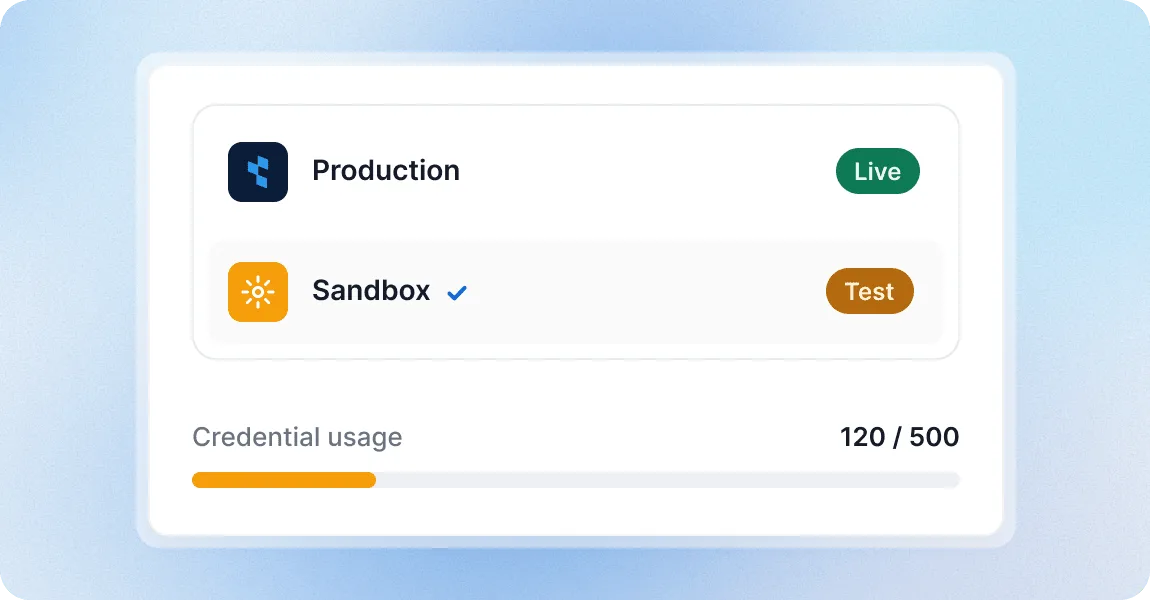
Keep a sandbox workspace for testing
Add a Sandbox workspace to play around with designs, email templates, spreadsheet uploads and API calls before you go live, then repeat the setup in the production workspace.
Manage multiple brands with a credential platform teams trust
G2 recognized Certifier as 2026 Leader in digital certificate and badge management for all teams.
Best for Enterprise
Best for Mid-Market
Best for Small Businesses