White-label credentials

White-label certificates and recipient experience

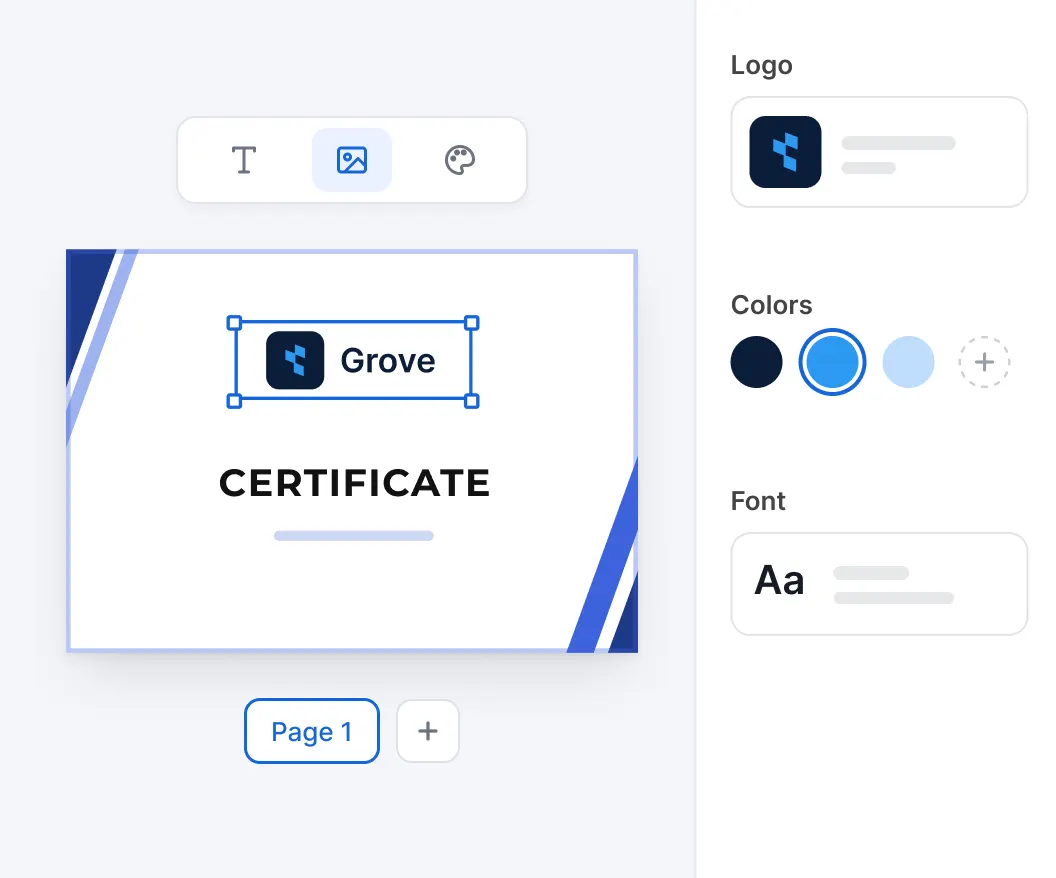
Make certificates, badges, emails, verification portal and landing pages match your brand. Use your own domain so recipients recognize your organization.

Connect tools
White-label certificates and recipient experience

2,000+ organizations and institutions use Certifier

ElevenLabs

ElevenLabs powers its conversational AI partner certification program with Certifier.

View credentials arrow right

The Economist

The Economist uses Certifier to award 2,000+ certificates for courses in AI and critical thinking.

View credentials arrow right


Branded delivery email

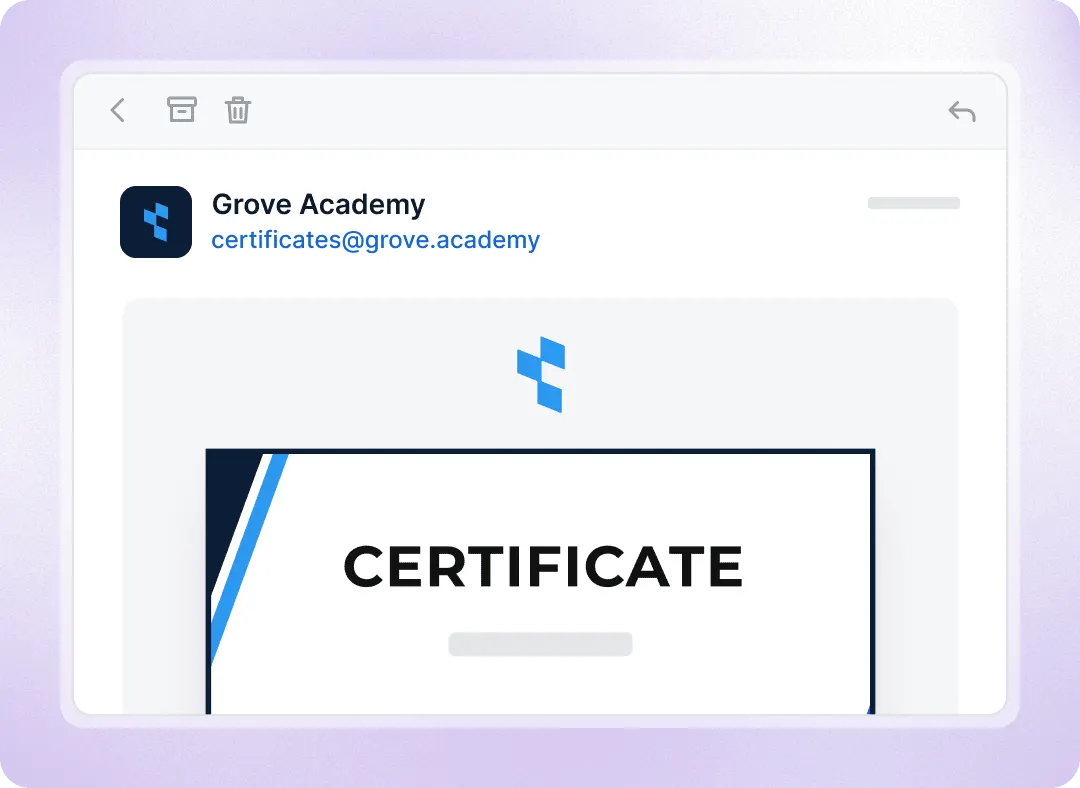
Send branded emails from your own email address

Customize the subject, logo, colors, and text, then choose a different email template for each course or program. Saved email styling keeps those messages consistent. Set your company’s sender name and email address so recipients recognize the message.

  • Fully customize your email templates

  • Personalize names, courses, and expiration dates

  • Use different email senders for different programs

  • Set a reply-to address for recipient questions
Send branded emails from your own email address

Branded issuer portal

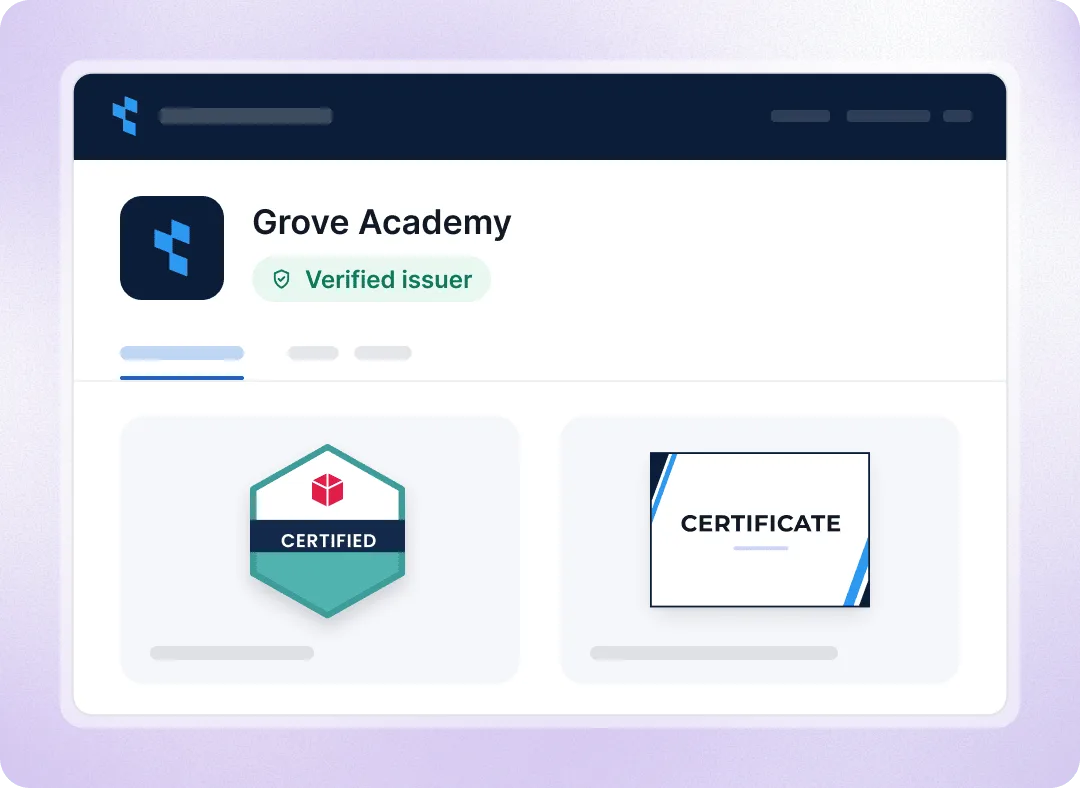
Launch your own branded Issuer and Recipient Portal

Bring your course pages, directory, and a verification page together in one branded portal. Let visitors explore your programs and certified recipients, while recipients can find their credentials even if they lost the original email.

  • Create a dedicated page for each program

  • Let recipients manage their own profiles

  • Verify certificates and badges by their unique ID
Launch your own branded Issuer and Recipient Portal

Branded workspaces

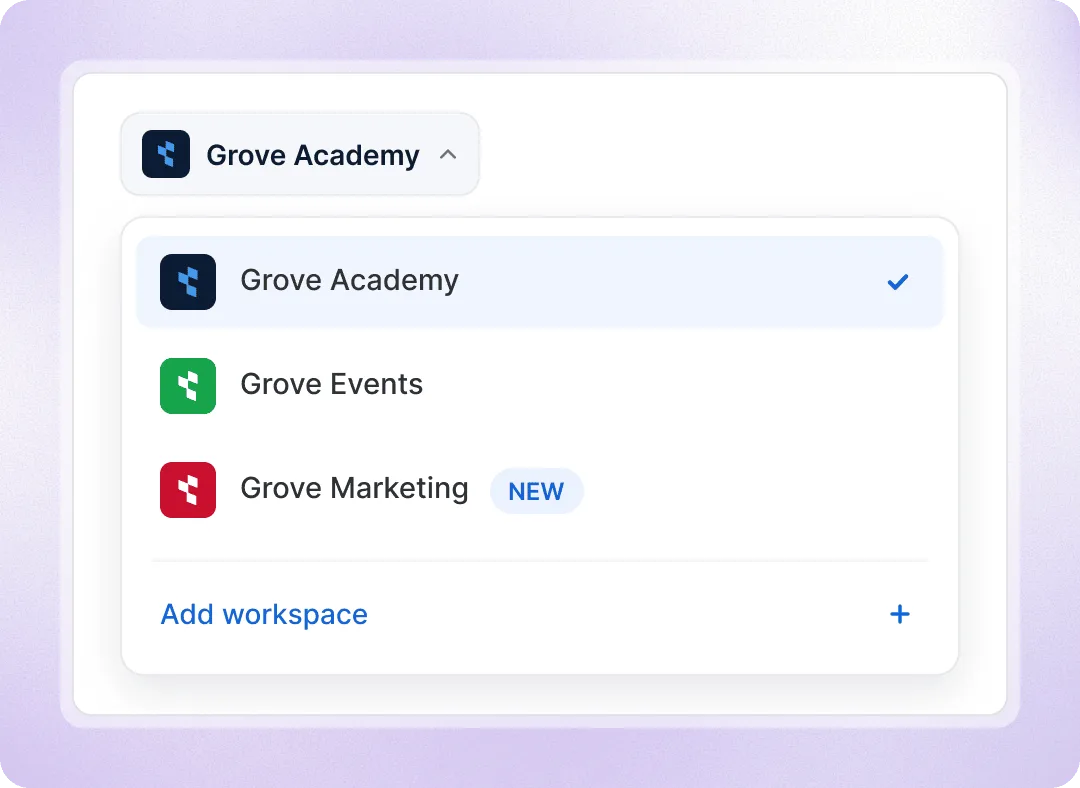
Manage multiple issuer brands from one Certifier account

Create separate workspaces for departments, clients, or brands. Give each one its own identity, logos, colors, domain, and email settings. Switch between workspaces in one Certifier account.

  • Set logos, colors, and senders per workspace

  • Control team access to each brand workspace

  • Keep credentials and recipient data separate
Manage multiple issuer brands from one Certifier account

See how recipients experience your brand

enterprise.root.explore-it-yourself.mobile-alt

Put your brand on credential pages and shared links
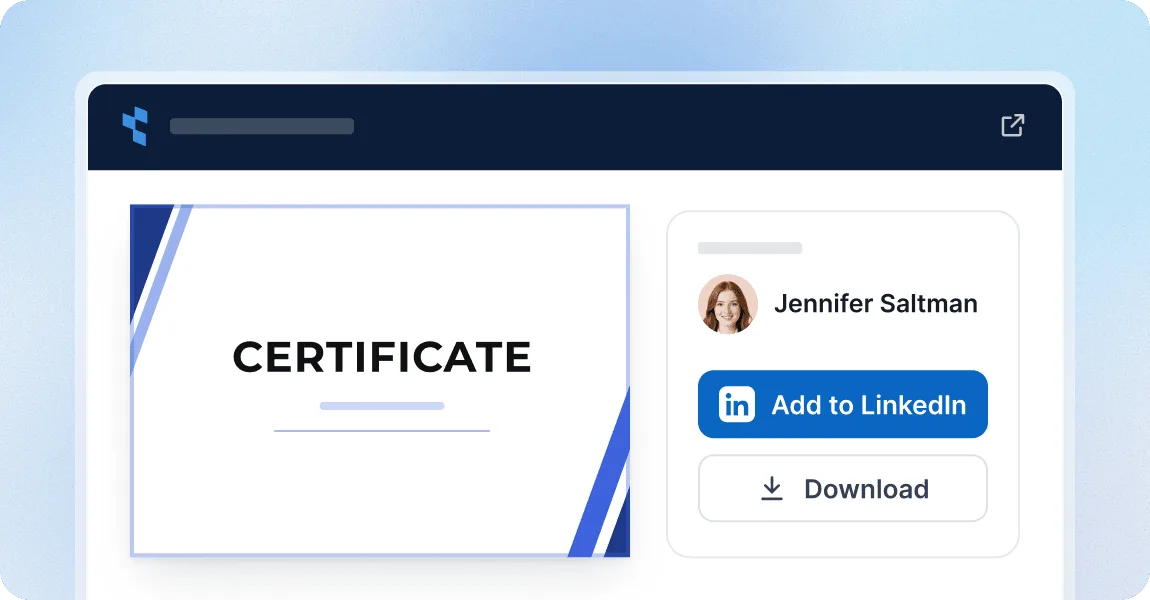
Give credential pages your own look and feel

Give credential pages your own look and feel

Use your logo and brand colors, down to the hex code, on the page people open, share, and verify. Add links to your website, course catalog, and social media so interested viewers can learn more about your organization.
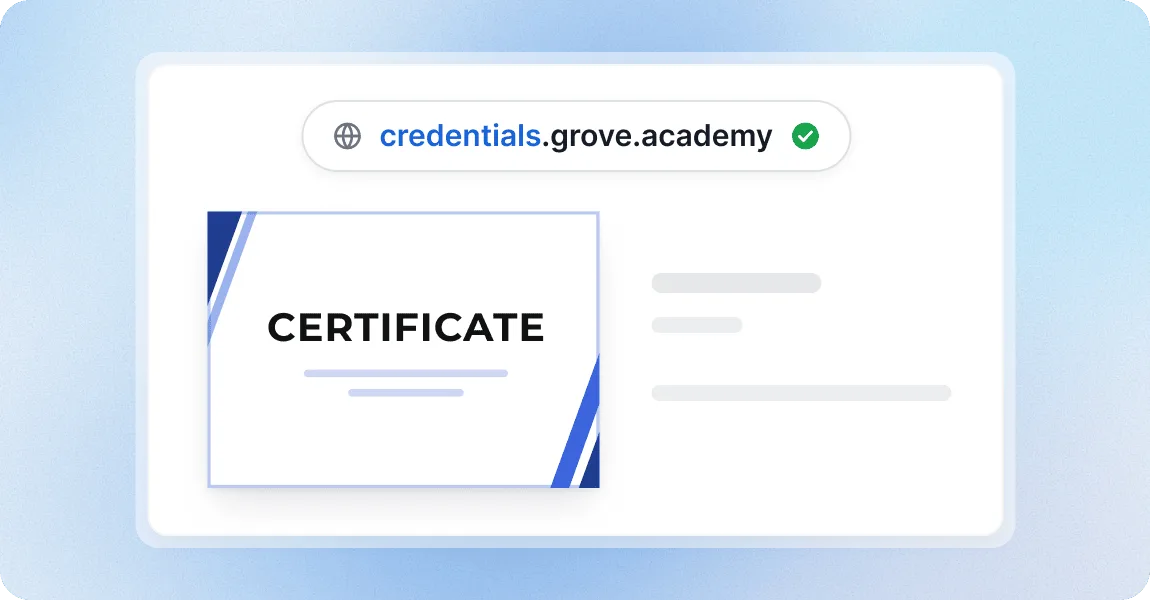
Host your certificates and badges on your own domain

Host your certificates and badges on your own domain

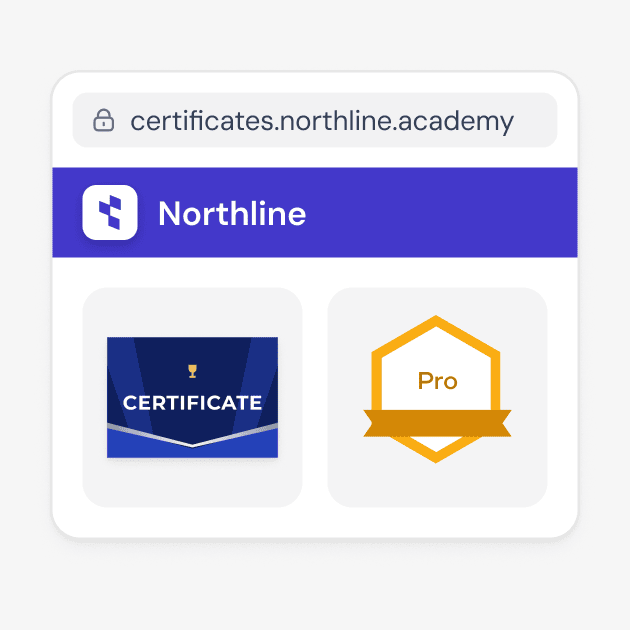
Host credential pages on your own subdomain, such as credentials.yourcompany.com. Shared links carry your organization’s name, and visitors verify credentials.
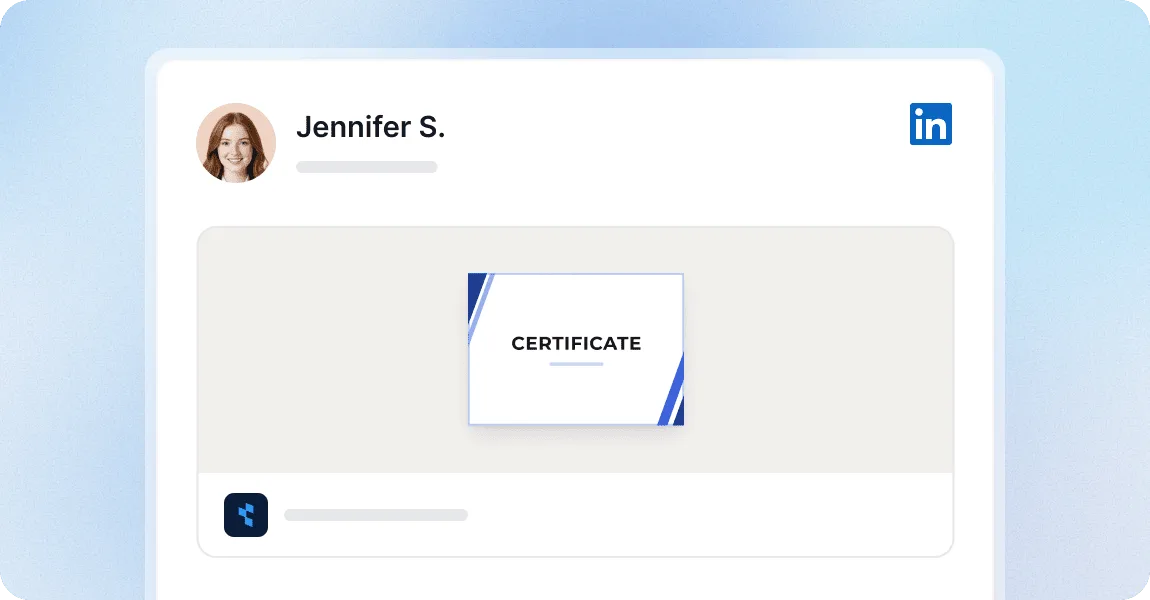
Increase your brand’s visibility with shared certificates

Increase your brand’s visibility with shared certificates

Shared credential pages carry your logo and brand colors. Connect your LinkedIn Company Page so credentials added to recipients’ profiles automatically tag your organization.

Build your brand with a platform teams trust

G2 recognized Certifier as 2026 Leader in digital certificate and badge management for all teams.

  • Best for Enterprise

  • Best for Mid-Market

  • Best for Small Businesses

Your questions about credential branding and white labeling

Every plan lets you customize certificate and badge designs. Professional adds email customization and one custom sender; branded credential pages require the Premium Branding add-on. Advanced includes Premium Branding, a custom domain, the Issuer Portal, custom certificate fonts, and multiple senders.
You’ll need access to your domain’s DNS settings for a custom domain. Certifier provides the records and handles SSL after verification. Sending from your company email requires separate inbox verification and may also need DNS setup. Your IT team or domain administrator can handle those steps.
Sending from your own company address helps recipients trust the email. When you set up a custom sender, Certifier shows the DNS records to add, including DMARC recommendations, so your emails are authenticated.
Yes. Certificate designs and email templates can vary within one workspace, but public-page branding and email styling are shared. If clients need separate branded pages and domains, use additional paid workspaces on Advanced. Multiple sender addresses are also available on Advanced.
No. Certifier’s built-in email editor supports visual editing, not HTML imports. You can change the subject, text, logos, colors, and button styling, then send a test email to check the layout. For existing HTML designs, use your own email platform to deliver credential links.
Yes. On Advanced, you can request custom CSS or JavaScript for styling, layout, or tracking beyond the standard controls. The Certifier team reviews the request and implements approved code. This is a managed customization process, rather than a self-service page builder.
No. Recipients can receive, view, download, and share their credentials without creating a Certifier account or logging in. If you enable private attachments or protected sharing, or recipients want to manage their privacy settings, they simply confirm their email with a short code. No password, registration form, or additional personal details are needed.
You can resend it from your dashboard at any time. Also with the Issuer Portal, recipients can also find their certificates and badges themselves, without contacting you.
Your paid features remain available until the billing period ends. After that, paid page branding, your custom domain, and the Issuer Portal are no longer included. Previously issued certificates and badges keep their designs and remain accessible and verifiable.