Credential sharing
Let recipients share credentials in one click
Recipients open their certificate or badge with no account needed and share it in one click: to a LinkedIn, Facebook, X, WhatsApp, or on a website. Every share links back to a page in your branding.


2,000+ organizations and institutions use Certifier




ElevenLabs
ElevenLabs powers its conversational AI partner certification program with Certifier.
View credentials


The Economist
The Economist uses Certifier to award 2,000+ certificates for courses in AI and critical thinking.
View credentials

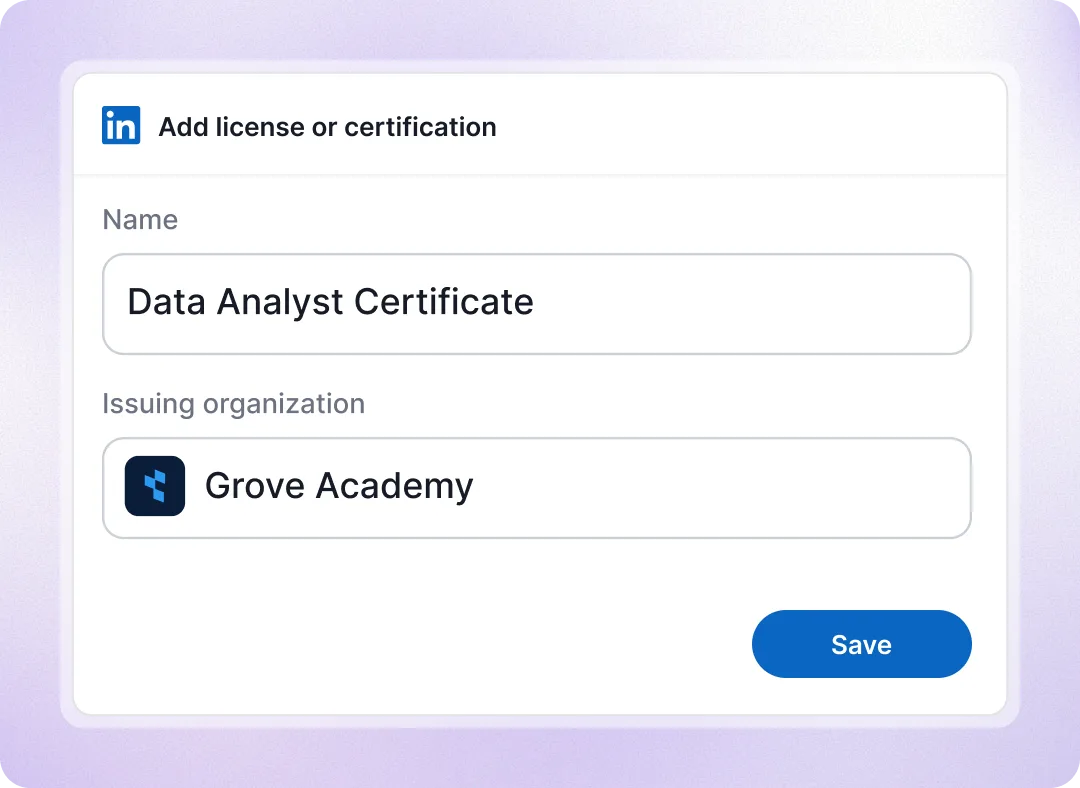
One click adds certificate to their LinkedIn profile
Recipients can add credentials to their LinkedIn profiles with all details pre-filled. They can also share them in a post with a ready-made message, credential link, and hashtags.
A permanent profile entry and a feed post
Nothing to upload or type, no Certifier account
Recipients can edit the sharing post
Social media
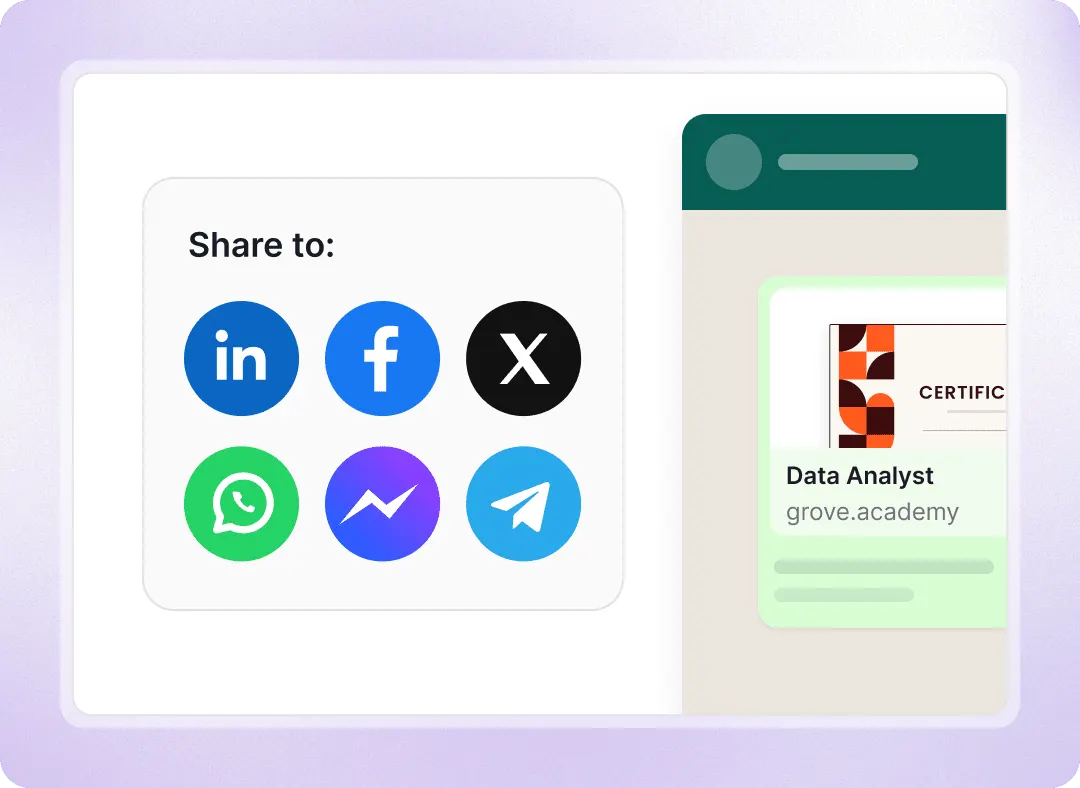
Share it to Facebook, X, WhatsApp, Messenger or Telegram
Recipients can share credentials directly to Facebook, X, WhatsApp, Messenger, Telegram, Weibo, Instagram, and Pinterest, with a link and preview.
Every share links back to your branded page
Copy link covers a CV, an intranet post or a chat
Switch any platform off per program
Branded landing page
Every credential share promotes you, not Certifier
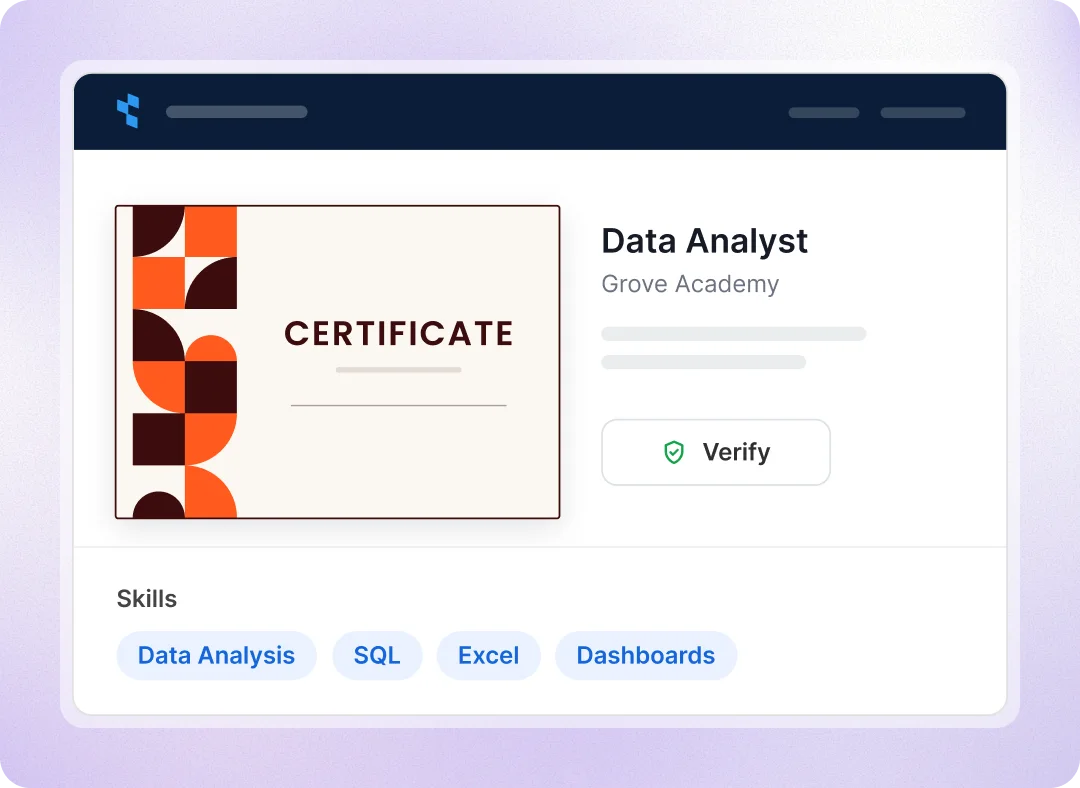
Shared links open a branded credential page with your logo, colors, program details, skills, earning criteria, and verification. With a custom domain, every shared link also carries your organization’s address.
Sharing controls
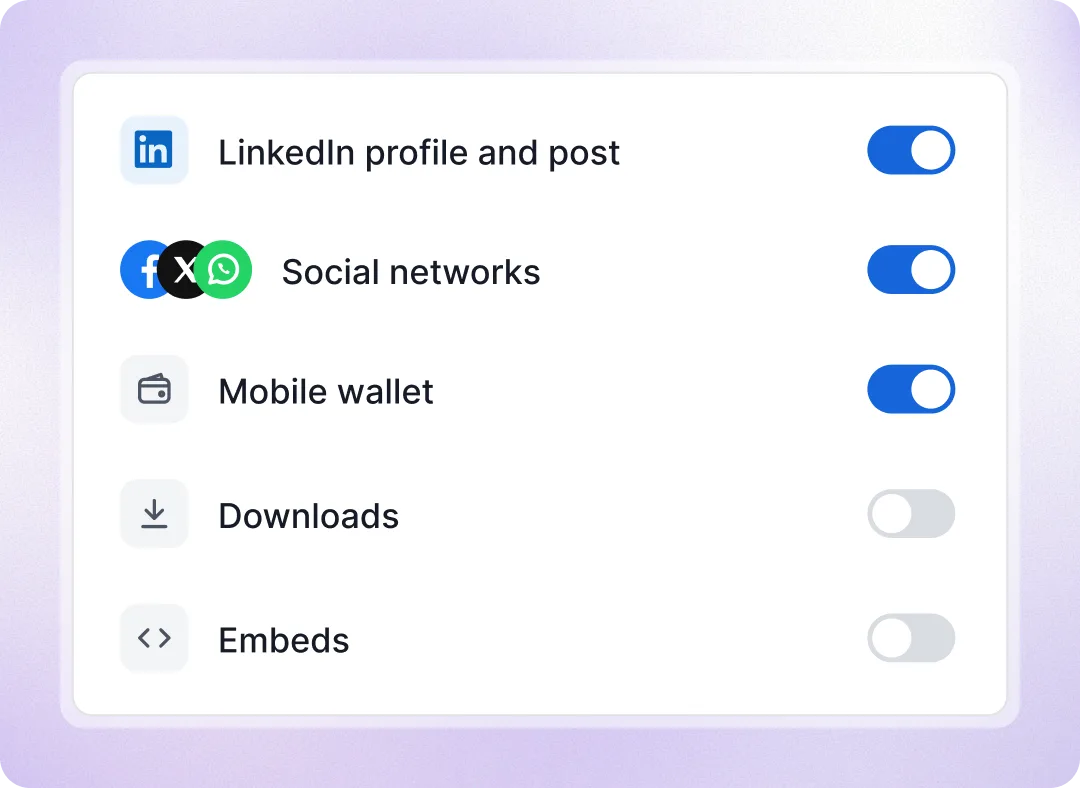
Choose which sharing options for each program
Control sharing options for each program, including LinkedIn, social networks, wallets, downloads, and embeds. Turn off sharing or restrict actions to recipients verified by email. Anyone with the link can still view and verify the credential.
Sharing analytics
See who shared and how many people it brought you
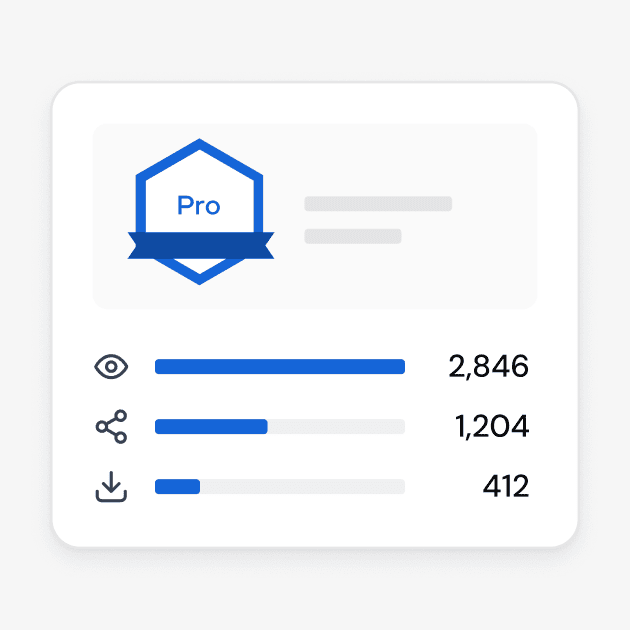
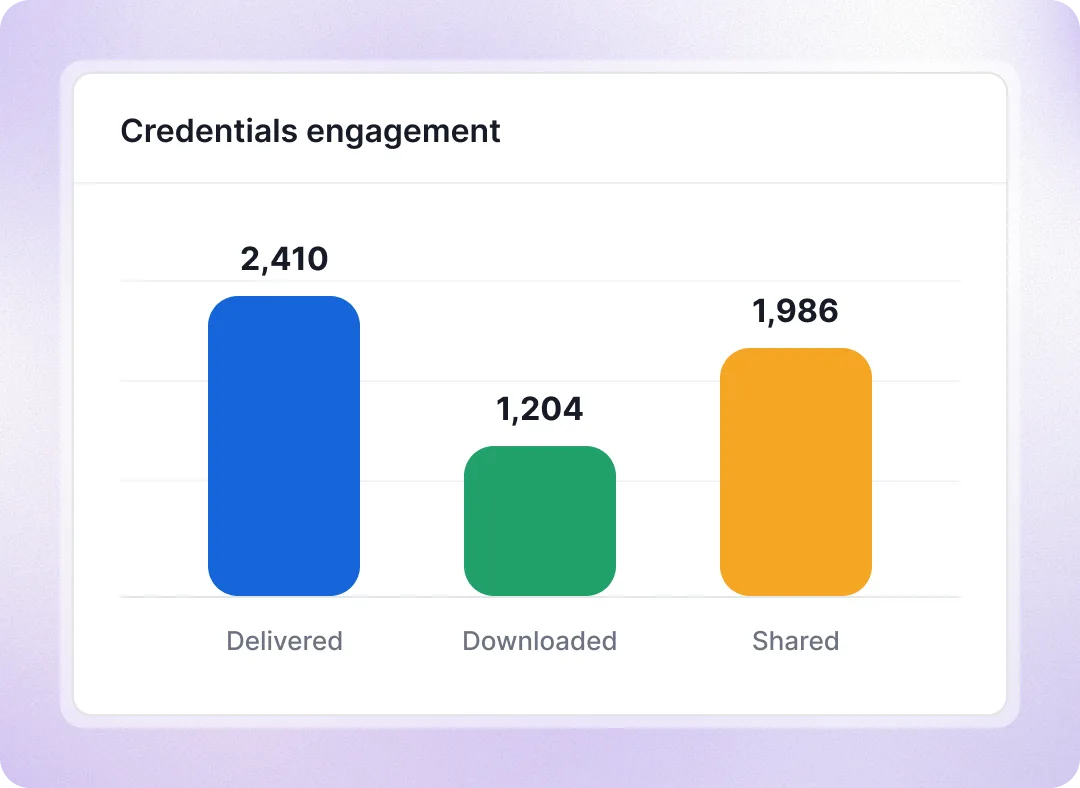
Every sharing action is recorded with a timestamp: added to a LinkedIn, shared on LinkedIn, Facebook or X. Marketing insights add what sharing brought you: views by people, their clicks to your website and course links.
Counts actions on each credential page
Views are page opens, not unique visitors
A monthly email sums up open and share rates


Connect credential sharing to your marketing workflows
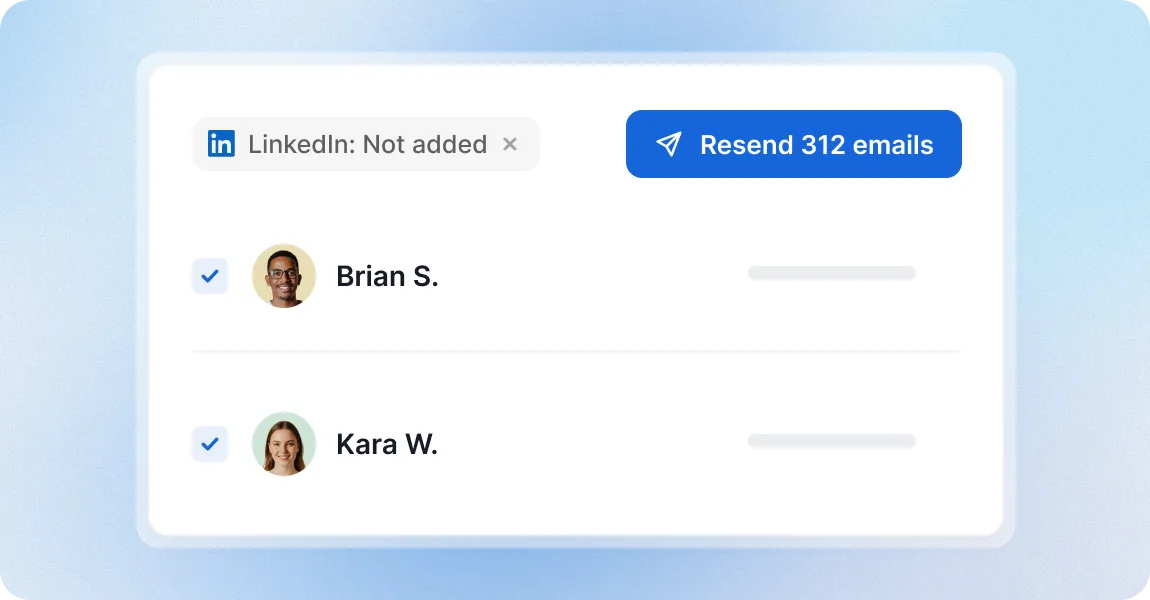
Resend to recipients who haven’t shared yet
Filter your credentials to everyone who hasn’t added theirs to LinkedIn or shared it, select them and resend the email, or export the list for your own campaign.
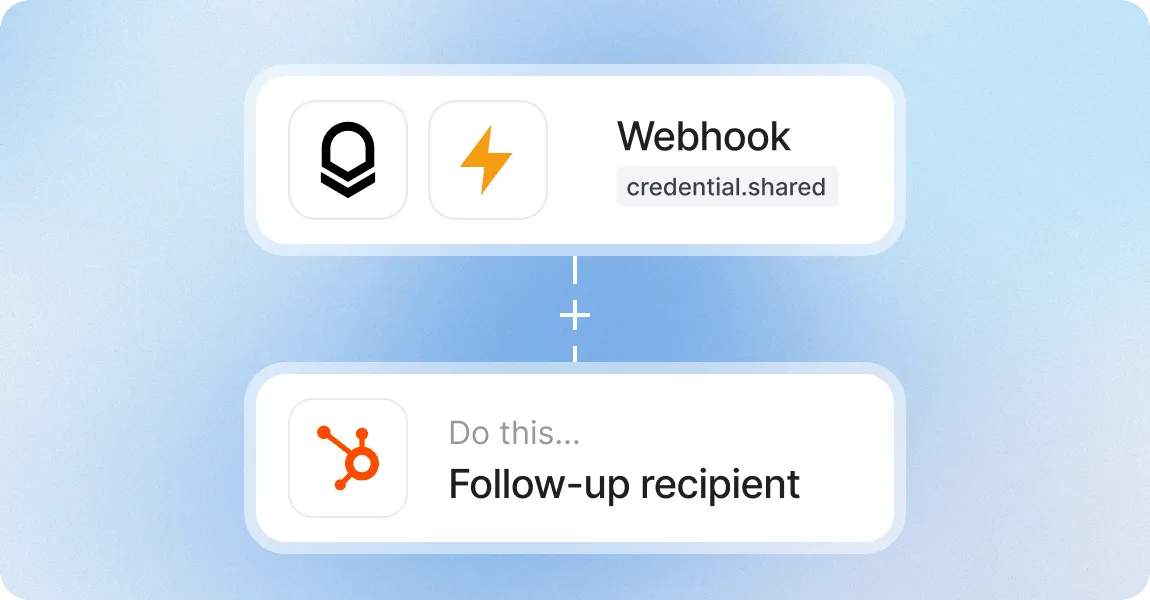
Send share events to your marketing platform and tools
Webhooks send engagement events, including shares and downloads, to a URL you choose as they happen, so your CRM or marketing platform can tag the contact or start a follow-up.
Share credentials with a platform teams trust
G2 recognized Certifier as 2026 Leader in digital certificate and badge management for all teams.
Best for Enterprise
Best for Mid-Market
Best for Small Businesses