Issuer portal

Give your certification programs one branded home

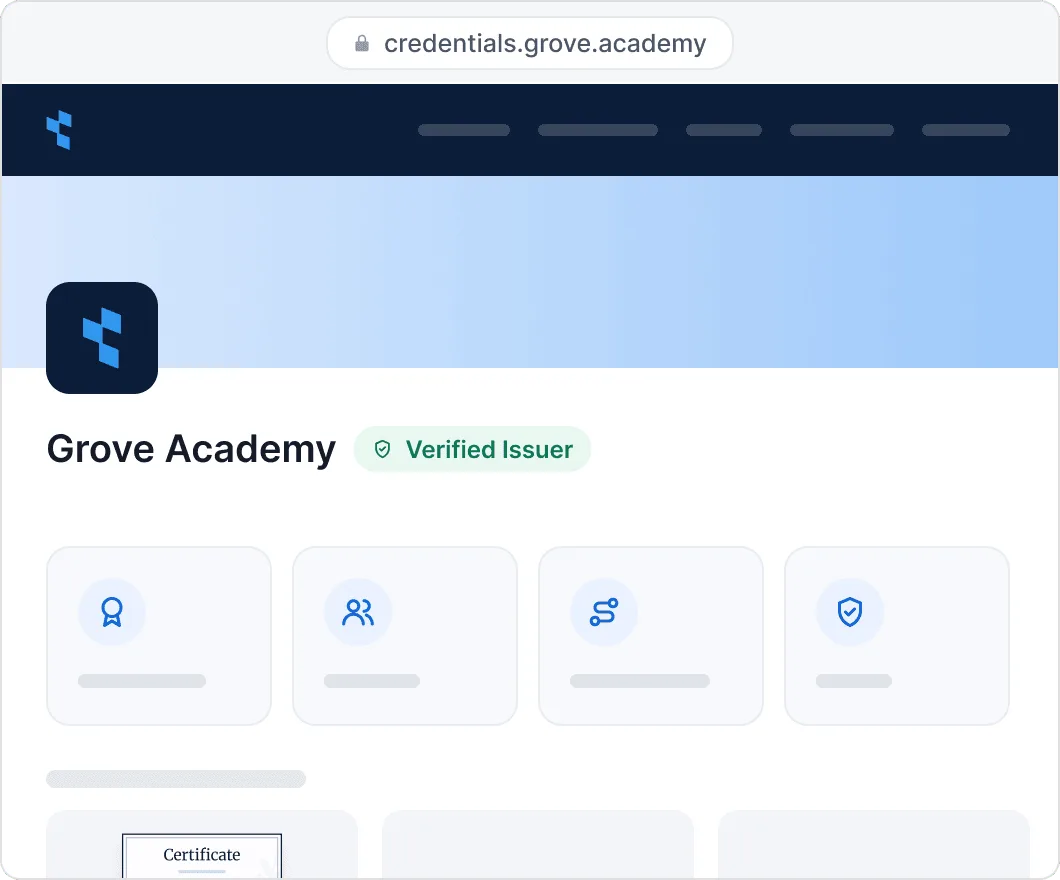
Open a portal at credentials.yourcompany.com with a catalog of your programs, a directory of the people you’ve certified, and pages where recipients retrieve credentials and anyone verifies them.

Connect tools
Give your certification programs one branded home

2,000+ organizations and institutions use Certifier

ElevenLabs

ElevenLabs powers its conversational AI partner certification program with Certifier.

View credentials arrow right

The Economist

The Economist uses Certifier to award 2,000+ certificates for courses in AI and critical thinking.

View credentials arrow right


Recipients Directory

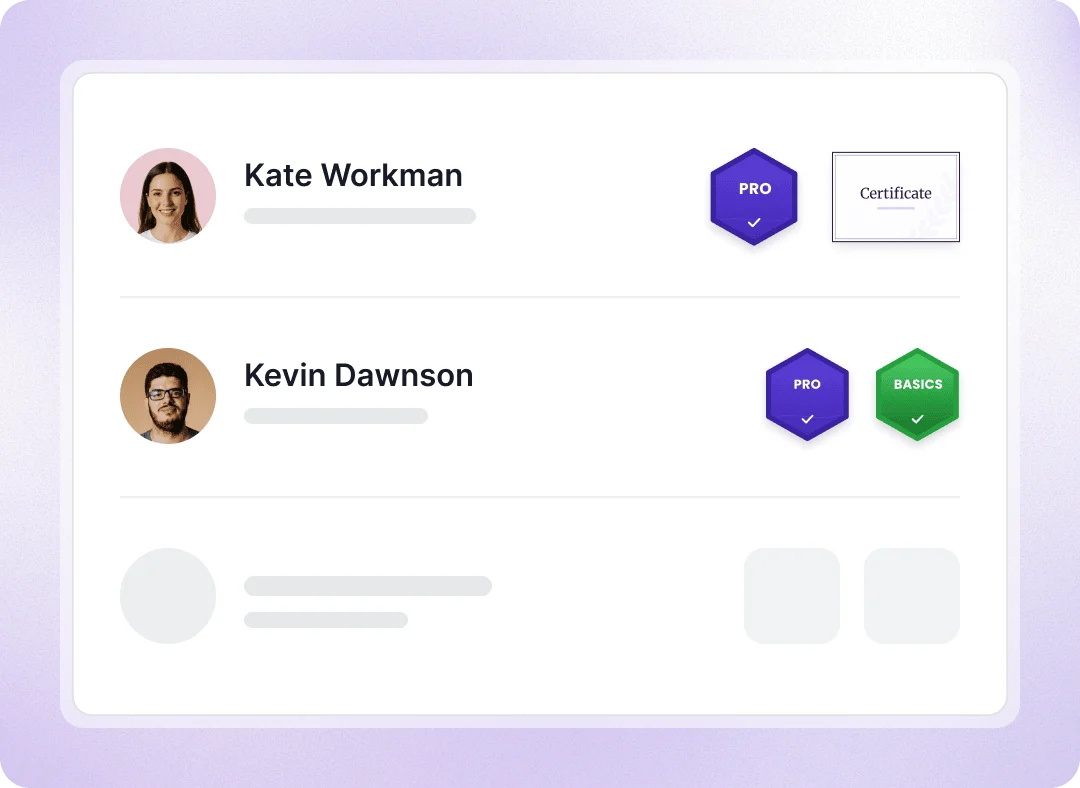
Let employers and recruiters find the people you’ve certified

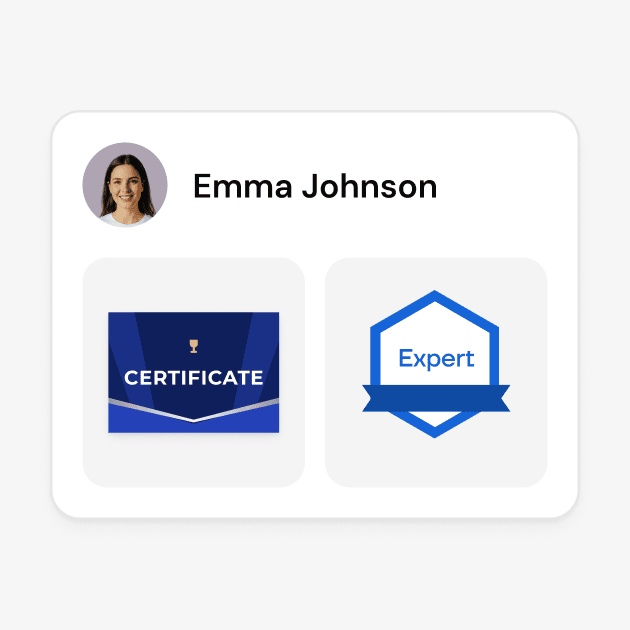
Publish a searchable directory of everyone you’ve certified. A hiring manager searches by name, filters by credential or certification date, and opens a profile to see every credential the person earned from you, each one verifiable with a click.

  • Turn it off for private programs

  • Hide individual recipients from the directory

  • Let recipients hide their own profile

Let employers and recruiters find the people you’ve certified

Credentials Directory

Show all your certification programs in one catalog

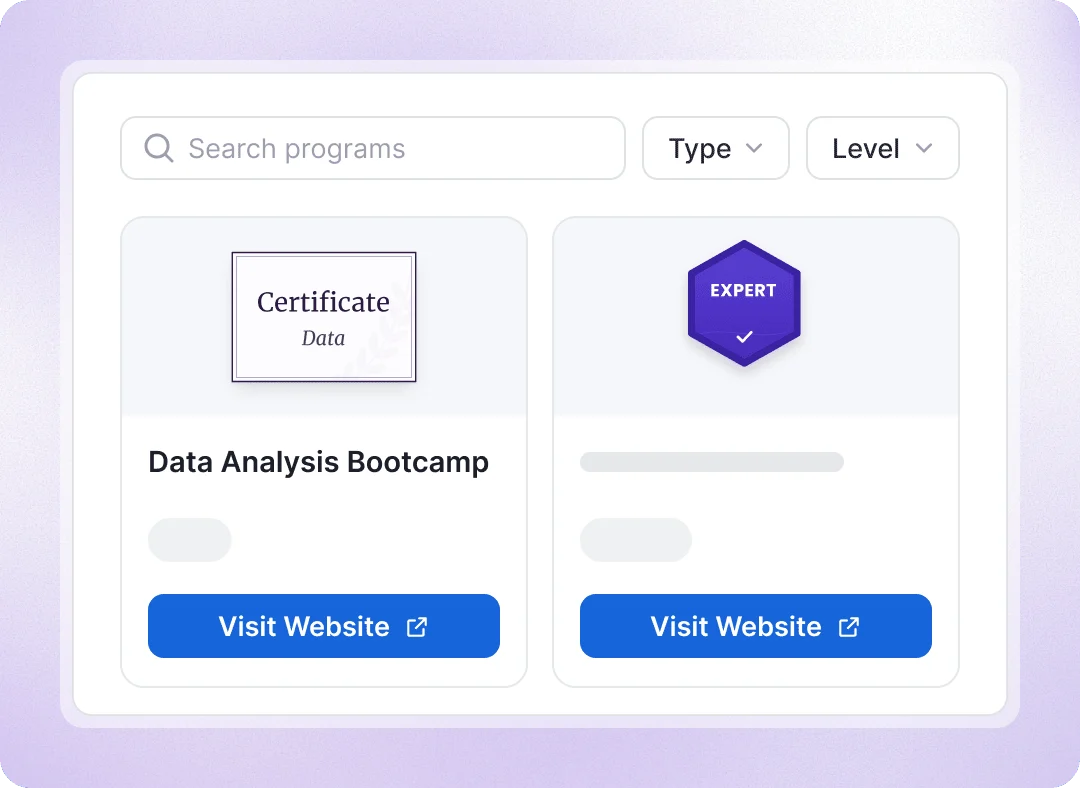
Publish your certification programs with details like certificates, badges, skills, levels, duration, and price. Let visitors search and filter programs, then explore your courses or events directly from the catalog.

  • Optionally display issued credentials and certified recipients for each program

  • Show active learning pathways alongside your certification programs
Show all your certification programs in one catalog

See your branded portal from a recipient’s perspective

enterprise.root.explore-it-yourself.mobile-alt

Bring credential retrieval and verification under your brand
Recipients recover lost certificates

Recipients recover lost certificates

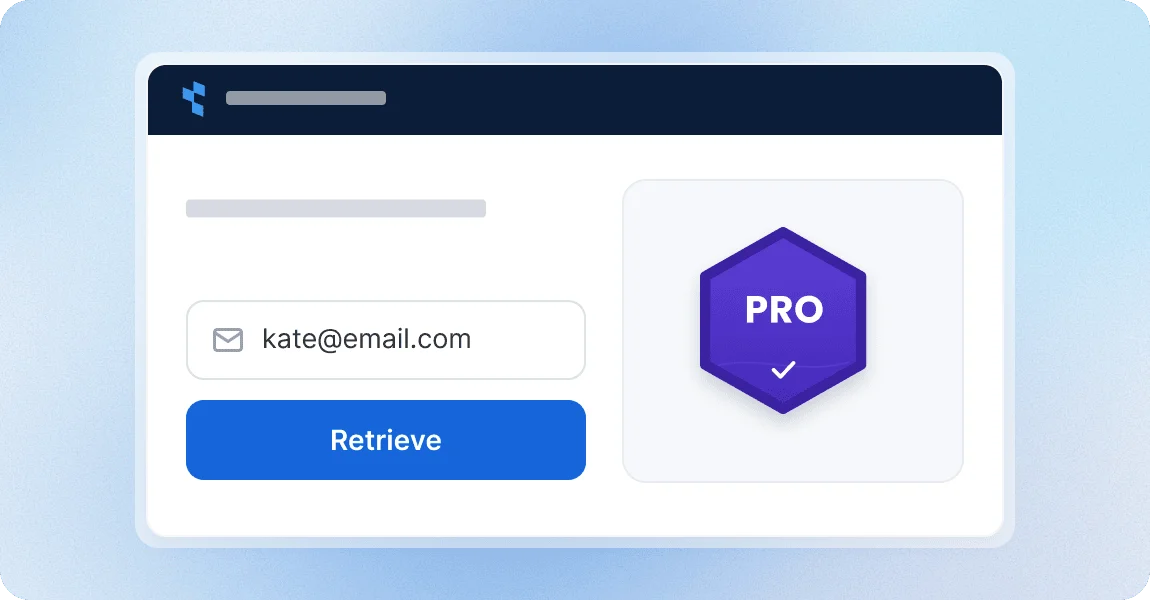
Recipients can retrieve all their issued credentials by entering their email on your branded Retrieval Page. Add it to your website to reduce certificate resend requests.
Anyone can verify a certificate

Anyone can verify a certificate

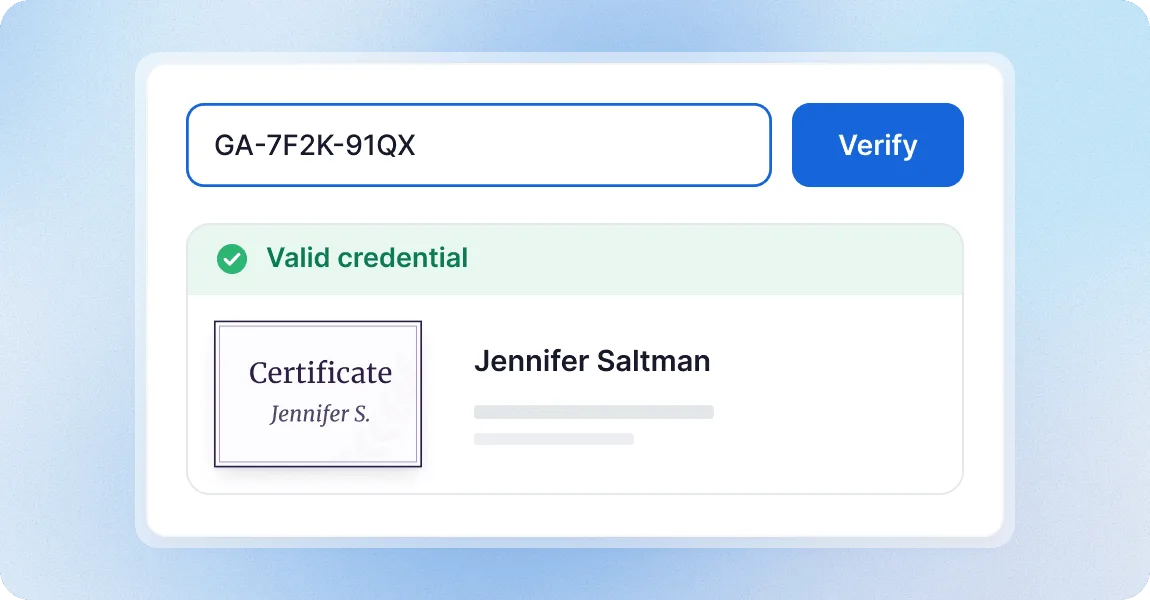
Let employers, inspectors, and partners verify credentials. They can check validity and issuer details, with additional verification.
Host everything on your own domain

Host everything on your own domain

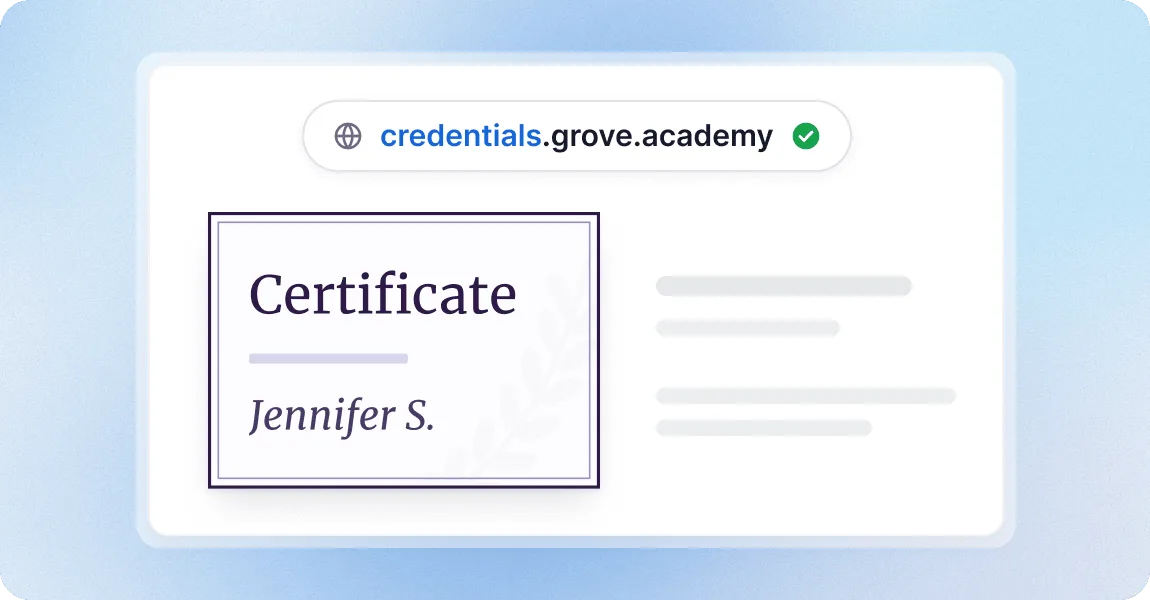
Choose a subdomain and every public page moves to your address: credential pages, directories, Retrieval and Verification Pages.
Add your logos, colors and code

Add your logos, colors and code

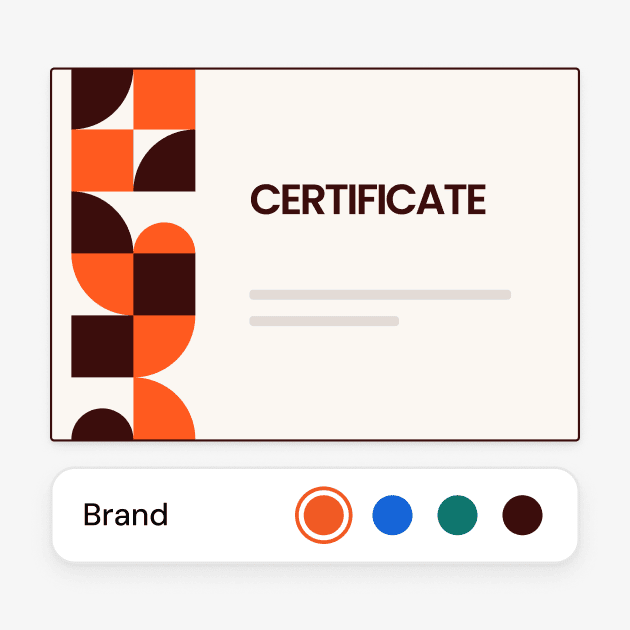
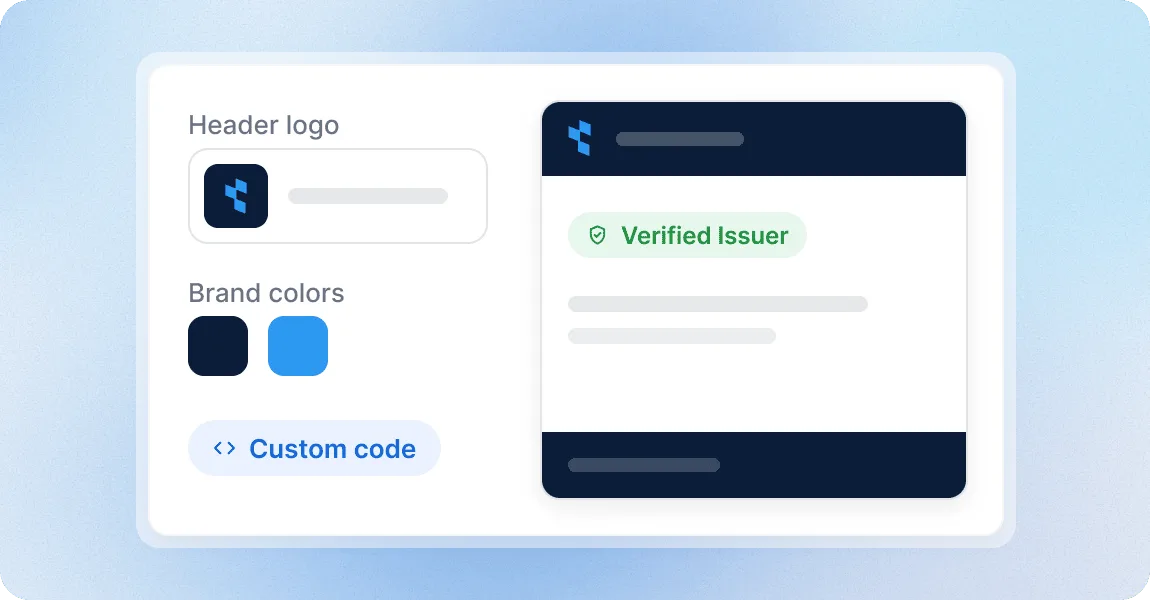
Customize your portal with logos, banners, brand colors, texts, and links to your social profiles. Add custom CSS or JavaScript for advanced customization and tracking.

Showcase your programs with a platform teams trust

G2 recognized Certifier as 2026 Leader in digital certificate and badge management for all teams.

  • Best for Enterprise

  • Best for Mid-Market

  • Best for Small Businesses

Your questions about the Issuer Portal

The full Issuer Portal is included in Advanced and Enterprise, with directories, recipient profiles, Retrieval and Verification Pages, and a custom domain. Contact our sales team to discuss Enterprise. Starter and Professional include a public page with one-click verification for every credential, and Professional also offers Premium Branding for those pages.
Only to add DNS records. Choose a subdomain such as credentials.yourcompany.com, enter it in Workspace Settings, and add the records Certifier shows you to your domain’s DNS. Certifier checks the records and provisions SSL automatically. You don’t build or host a website; the portal runs on Certifier and appears under your address.
No. Recipients can view credentials, browse public directories and verify certificates without creating an account or filling out a long sign-up form. To open My Profile, hide a credential or submit a correction, they enter a 6-digit code emailed to the address the credential was sent to. This starts a 72-hour session with no password to remember. Your team manages recipient data, email addresses and communication, while recipients can still reach you with correction requests when they need help.
Yes. Turn off the Recipients Directory and the certified-recipients lists on program pages, and the portal shows your Issuer Profile, catalog, Retrieval Page and Verification Page. Recipients still reach their own credentials and profiles, and visitors can still verify a credential by its ID or link.
Yes, by linking to it. Under your custom domain the portal, Verification Page and Retrieval Page look like part of your site, so add them to your navigation or a “Verify a certificate” button. The pages are hosted by Certifier rather than embedded; a search box built into your own pages would use the API.
Yes. You control search visibility in the Issuer’s Portal settings. Enable Allow search engines to index public pages to help people discover your credentials and programs through Google and other search engines, or disable it to ask search engines not to index those pages. With a custom domain, indexed pages appear under your domain. You can separately turn off the Recipients Directory or hide individual recipients to control public listings. Each Credential Template can also have its own SEO title and description.
Yes. You can manage separate portals under one organization account using different workspaces. Each workspace has its own portal, branding and custom domain, with separate credentials, templates and team access. Use them for different departments, regions or branches, or for several brands within one organization. Each audience gets a portal that matches its identity, while your team manages everything from one account.