LinkedIn Badge Templates
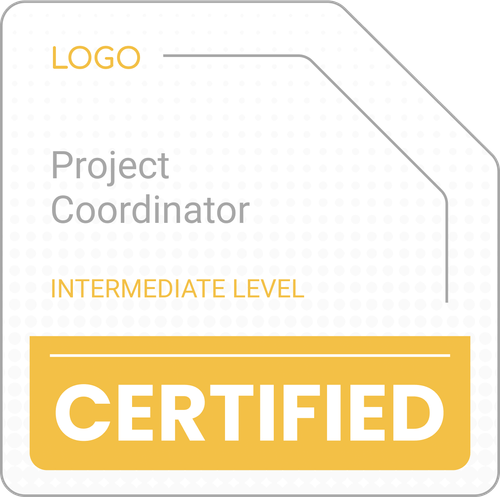
Stand out as a professional provider with expert-designed LinkedIn digital badge templates. Customize and export designs effortlessly with our badge generator. Spread the word about your brand effectively and match the design to branding.
Download your LinkedIn badges instantly in vector, Photoshop, or Word formats. Let your recipients share their digital badges on LinkedIn in just a few clicks. No watermarks. No skills needed.
Stand out as a professional provider with expert-designed LinkedIn digital badge templates. Customize and export designs effortlessly with our badge generator. Spread the word about your brand effectively and match the design to branding.
Download your LinkedIn badges instantly in vector, Photoshop, or Word formats. Let your recipients share their digital badges on LinkedIn in just a few clicks. No watermarks. No skills needed.
Read more






















Frequently asked questions
A LinkedIn digital badge is a visual representation of a skill, certification, or course completion that can be displayed on LinkedIn profile. It adds credibility and makes LinkedIn profile stand out (along with your brand!).
Yes, it’s possible on both ways:
On the profile page, in the Licenses & Certifications section.
As a post, shared with the LinkedIn network.
Adding a digital badge to LinkedIn with Certifier is simple.
Go to the digital wallet.
Click on the Share button.
Choose from two options – adding badges LinkedIn on the profile or as a post.
Certifier provides step-by-step instructions on how to upload badges to LinkedIn. More details are in this Certifier guide on how to add digital badges to LinkedIn.
You can get free LinkedIn badge examples within our templates collection. They’re all free and fully editable. You can change colors, text, elements, and upload your logo. Literally, it’ll take you a few minutes to create professional LinkedIn badges.
Yes, LinkedIn badges can make a difference. They help professionals highlight their skills and certifications in a visual, attention-grabbing way. Many employers look at legible badges as a quick indicator of expertise.
Therefore, Certifier offers verification features to add an extra layer of credibility to LinkedIn digital badges. Within a click, stakeholders can verify whether the badge is valid and verified.
To give a LinkedIn badge, you need to issue it through a platform like Certifier.
Choose the LinkedIn badge template.
Edit the LinkedIn badge design.
Upload your logo.
Now your learners can download and share digital badges on LinkedIn.