Pabbly Connect
Search
Connect Certifier with 2,000+ apps via Pabbly Connect
Issue certificates and badges after a form submission, course completion, or event check-in, and use filters to decide who qualifies.
Apps to pair with Certifier on Pabbly Connect

Google Sheets
Issue a certificate or badge when a new row is added or a status column changes to “Completed.”
Try it


LearnDash
Award a certificate when a learner completes a course or passes a quiz on your WordPress site.
Try it
Eventbrite
Send a certificate of attendance to each guest who checks in to your workshop or multi-day conference.
Try it
HubSpot
Issue a credential when a new contact is added or someone submits a HubSpot form, such as a training registration.
Try it
Slack
Post to a Slack channel when Certifier issues a credential, so your team sees completions as they happen.
Try it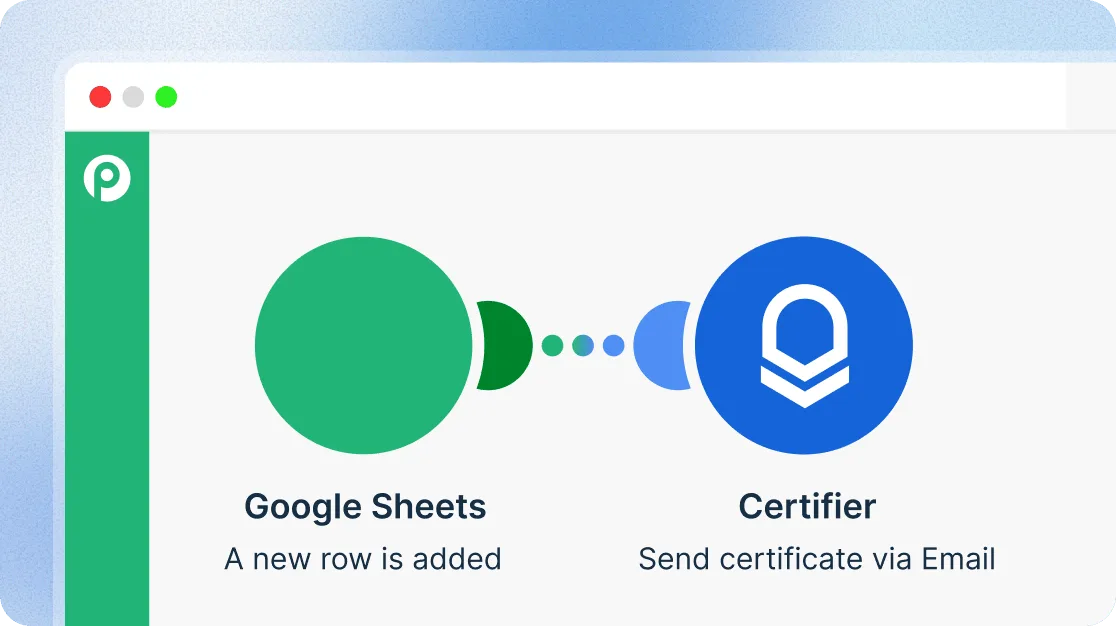
How to connect Certifier to your apps via Pabbly
Create a workflow
Create a new workflow in Pabbly Connect and give it a name.
Set the trigger
Pick the app and event that starts the workflow, then send a test record.
Add a Certifier action
Choose a Certifier action and map the trigger data to your credential template.
Test and go live
Click “Save & Send Test Request,” then enable the workflow.
How Pabbly Connect handles credential delivery
Automate certificate delivery
Issue certificates and badges from form submissions, course completions, spreadsheet updates, or event check-ins. Each recipient gets their credential by email, based on the design you set up in Certifier.
Book a demo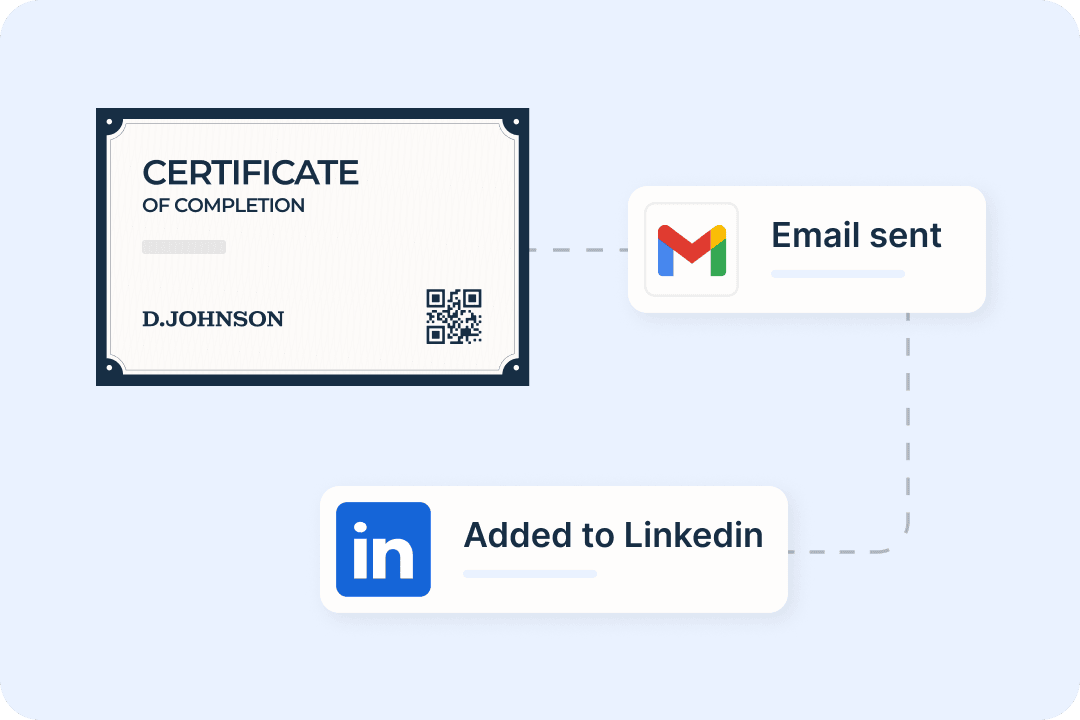
Connect 2,000+ apps
Link Certifier to the CRMs, forms, LMSs, and event tools you already use. If an app isn’t listed, Pabbly Connect’s API module can still connect it to Certifier.
Book a demo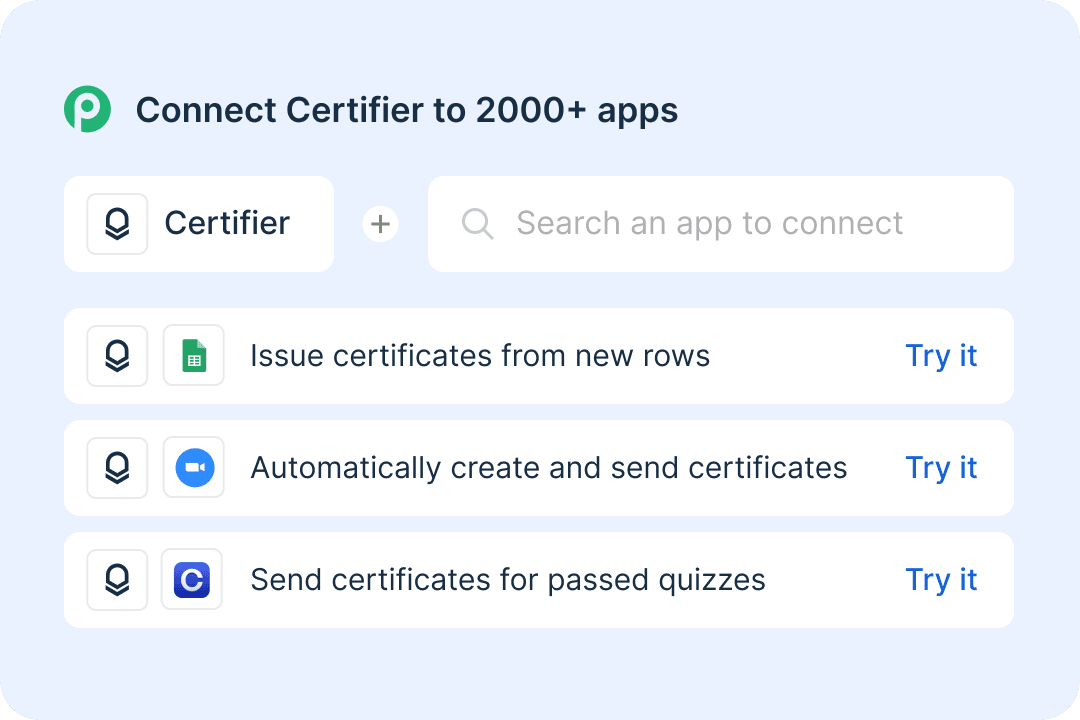
Build certificate workflows without code
Set up each workflow step by step in a visual editor. Decide what starts it, who qualifies, and which Certifier actions need to run.
Book a demo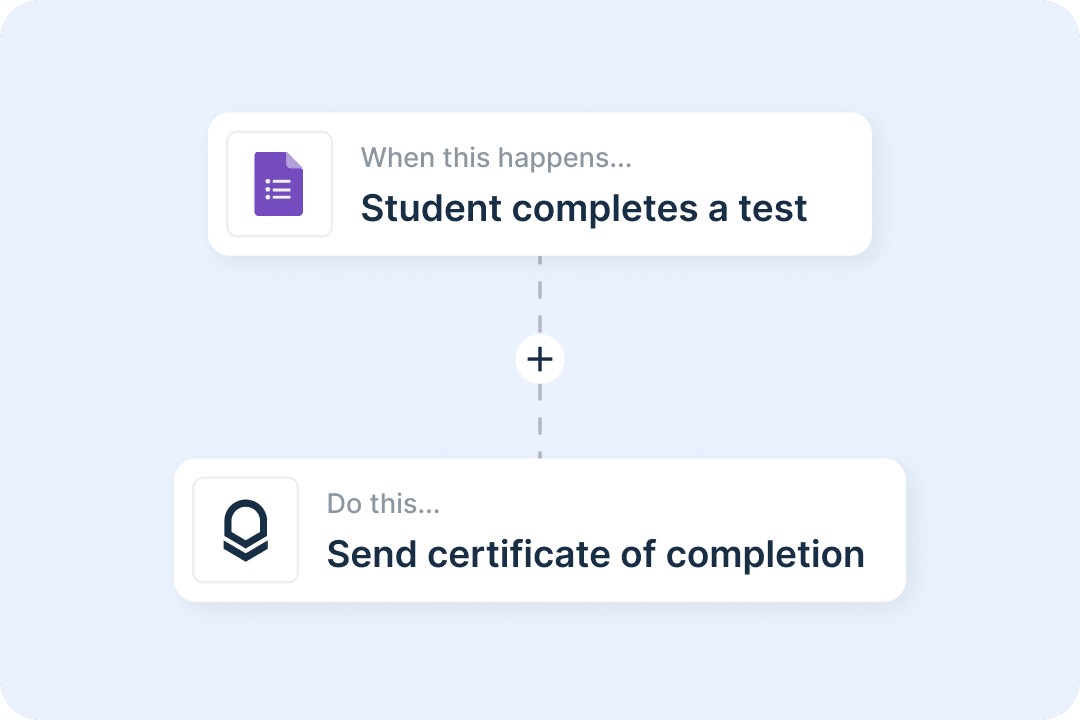
Start workflows from Certifier
When a credential is created, issued, or updated, Pabbly Connect can post to Slack, update the contact in your CRM, or add a row to your records.
Book a demo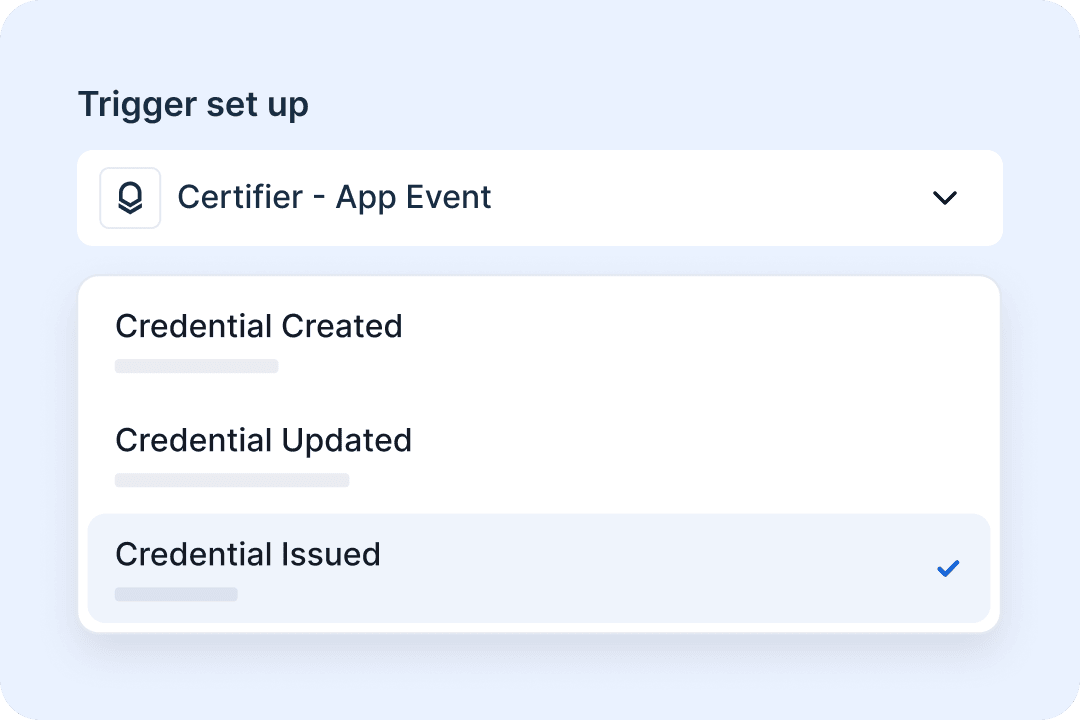
Start building with Certifier on Pabbly
See Certifier’s triggers and actions on Pabbly Connect, then build your first workflow from any trigger app.
View Certifier on Pabbly Connect
Get help from Certifier integration experts
Need help connecting Certifier to your apps in Pabbly Connect? Our team can help.
Integration questions?
Book a call to map your trigger, filters, and Certifier action before you build.
Book a demoCertifier experts
Prefer email? Send your Pabbly Connect questions, and we’ll reply with next steps.
Send requestPabbly Connect integration FAQs
A Pabbly Connect workflow has one trigger and one or more actions. You choose the starting event, such as a form submission or an event check-in. Then you add a Certifier action that creates, issues, and sends the digital credential.
Pabbly Connect has 10 Certifier actions. For credentials, you can create, issue, send, update, or look up a credential, or use Create, Issue, and Send Credential to do all three in one step. For credential templates (called groups in Pabbly Connect), you can create, update, or look up a template, or retrieve all of them. Certifier can also start workflows when a credential is created, updated, or issued.
Yes. One trigger can issue a certificate, add a row to Google Sheets, and post to Slack. Filters, routers, delays, and iterators control what runs and when.
Only action steps count. Triggers and internal steps such as filters, routers, and formatters are free. A workflow that sends one Certifier credential per form response uses one task per response.
Pabbly Connect and Certifier’s other connectors are available on all Certifier plans, including the free Starter plan. Pabbly Connect has its own free plan with 100 tasks per month and up to two workflows of two steps each. Paid plans are billed monthly, yearly, or as a one-time payment.
Generate an access token in Certifier under Account → Settings → Developers → Access Token, then paste it into Pabbly Connect when prompted. Certifier shows the token only once, so store it securely.
Use a native Certifier integration when a single app should issue credentials directly, such as Google Sheets, LearnDash, or Zoom. Native integrations take less setup and don’t use Pabbly tasks. Choose Pabbly Connect when an app has no native integration or when you need filters or several steps in one workflow.
Connect Certifier to Pabbly Connect
Start with a free Certifier account. No credit card required.