Automate certificates with low-code control via Pipedream
Connect Certifier to 2,500+ apps, AI agents and databases with Pipedream’s platform. Build secure, scalable certificate workflows with full control.
Popular Certifier integrations through Pipedream

Google Forms
Use form responses to instantly kick off certificate and badge delivery for events, training assessments, or quizzes.
Try it

Thinkific
Send certificates the moment a student finishes a course, clears a quiz, or completes a specific lesson in Thinkific.
Try it
Microsoft Excel
Trigger certificates when rows are added, cell values change, or new spreadsheets are created in Excel.
Try it
Pipedrive
Automatically issue certificates when a Pipedrive record is created, updated, or onboarding tasks are completed.
Try it
Zoom
Instantly generate certificates based on webinar or meeting participation—no follow-up or manual tracking needed.
Try it
Slack
Create credentials from Slack activity or send updates to Slack whenever new certificates are being issued.
Try it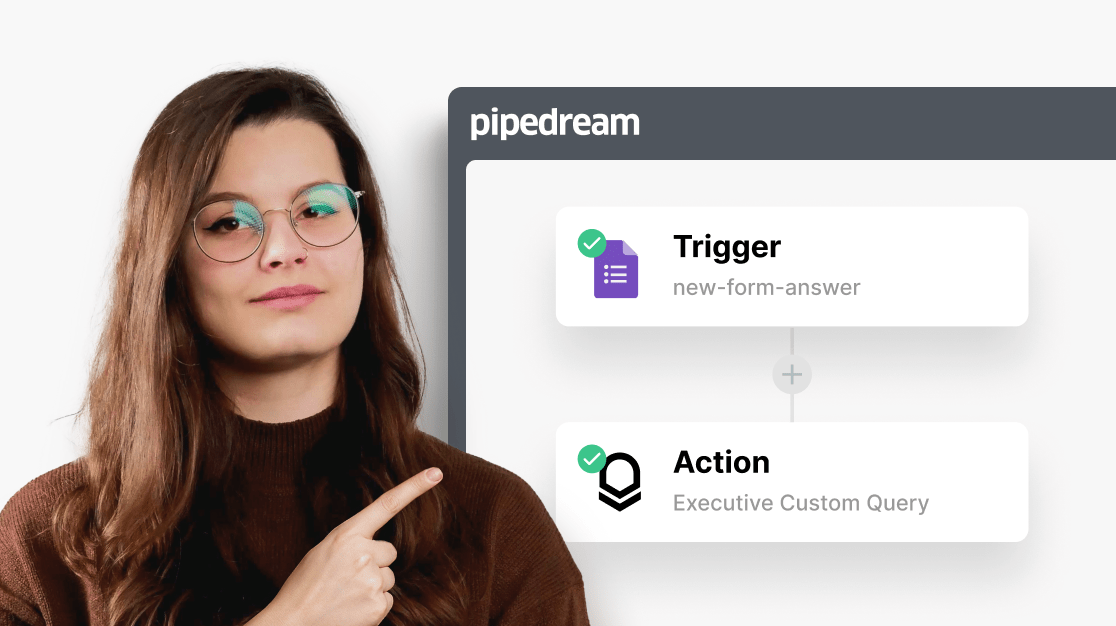

How to set up Certifier workflows in Pipedream
Set up a trigger
Choose an app and event to kick off the automation.
Add an action
Define what Certifier should do immediately after the trigger.
Deploy a Pipedream workflow
Run a test—if it works, deploy your workflow.
Use Pipedream for your Certifier integrations
Build flexible, code-first certificate workflows
Design credentialing workflows exactly how you need them with custom logic, full control, and flexible low-code automation in Pipedream.
Book a demo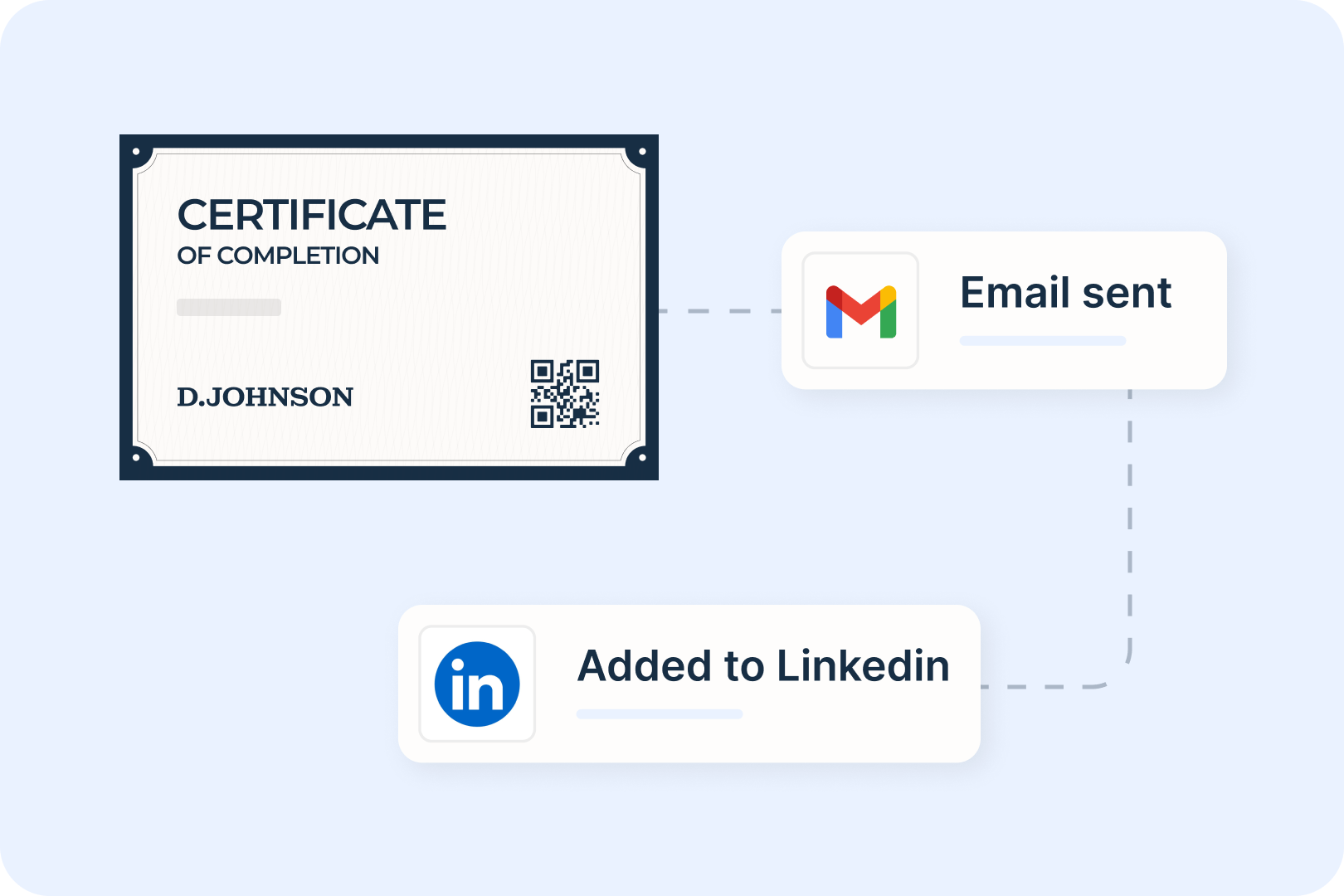
Link Certifier with 2500+ apps
Pipedream connects Certifier to 2,500+ tools like CRMs, form builders, and LMSs to automate certificates for events, badges courses, and more—all in one place.
Book a demo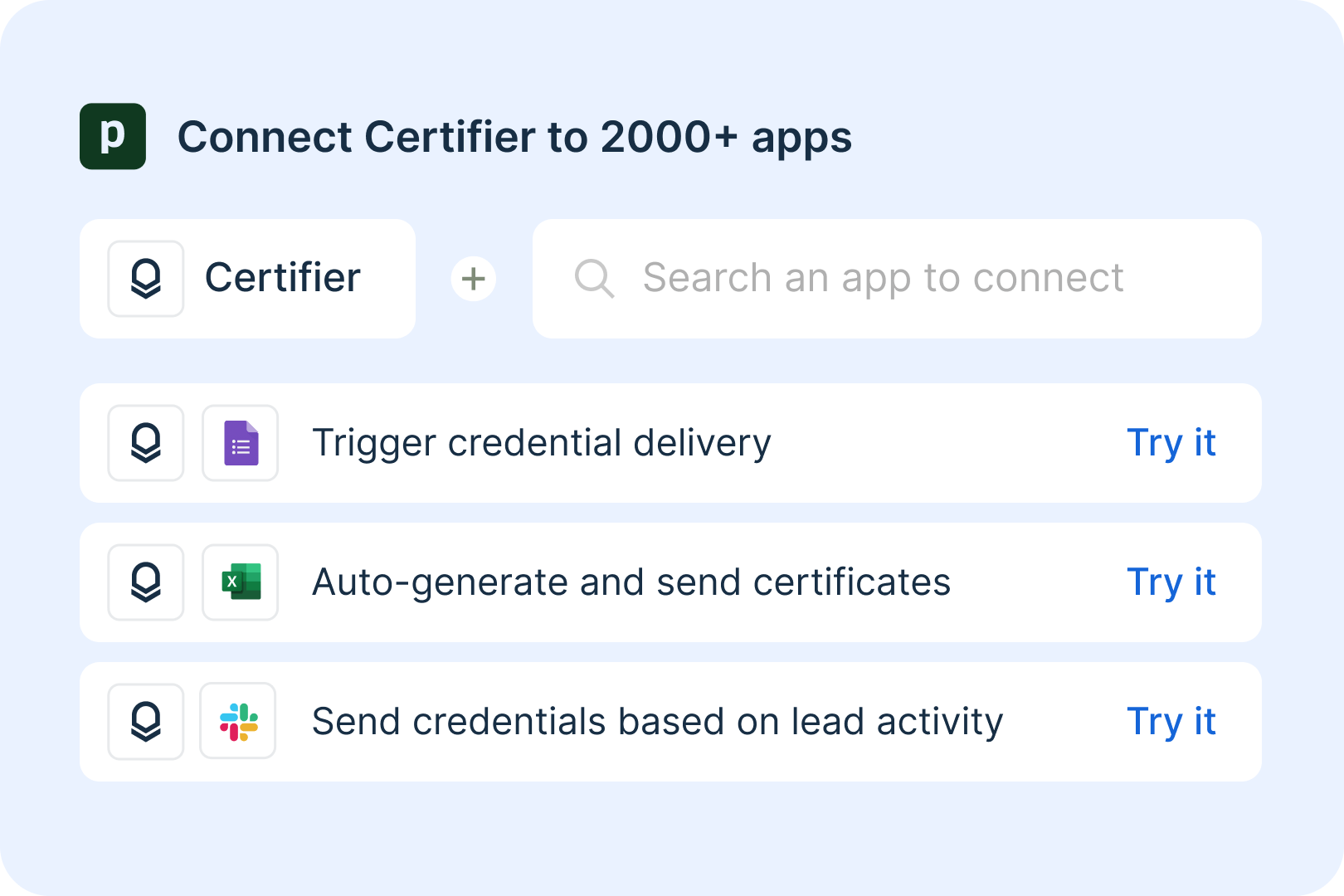
Automate certificate issuance with code-level control
Streamline every step—from personalizing credentials to issuing and sending them by email or social share—using triggers like quizzes or CRM updates.
Book a demo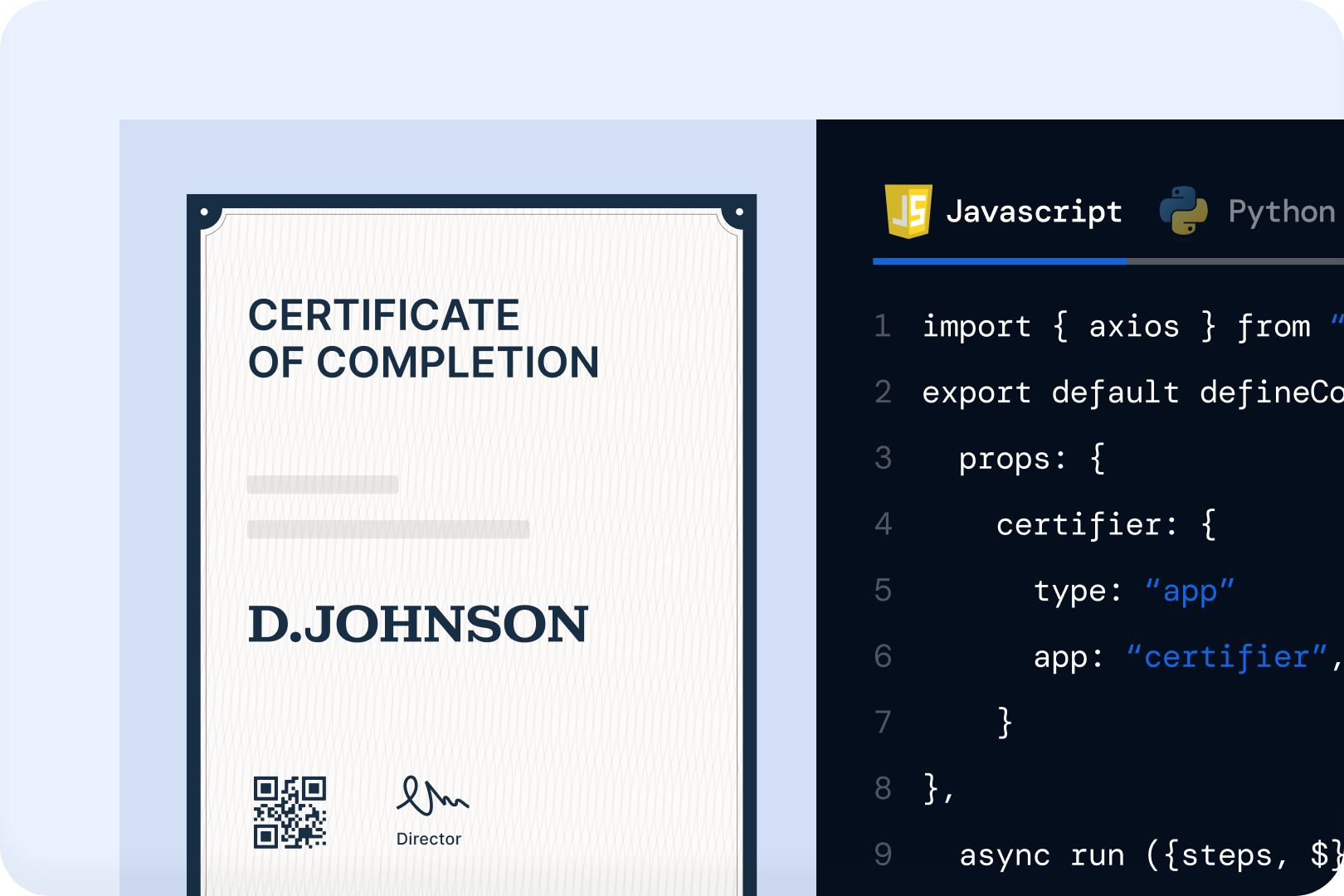
Scale your certification securely
Built for security, Pipedream ensures safe, reliable certificate and badge delivery—whether you're sending 50 or 50,000 credentials.
Book a demo
Learn how to automate certificates with Pipedream
Read our step-by-step tutorial with visuals and tips to help you build and deploy low-code certificate workflows using Pipedream.
Visit Help Center
Get help from Certifier integration experts
Need help automating certificates in Pipedream? We’re here to support you!
Pipedream integration questions?
Schedule a quick call and see how easy it is to set up certificate and badge automations in Pipedream.
Book a demoCertifier experts
Would rather talk via email? Send your questions our way, and we’ll get it sorted in no time.
Send requestFAQs about Certifier integrations
Pipedream gives you full control over certificate workflows using low-code automation. You can trigger certificate creation based on real-time events—like form submissions, course completions, webinar participation, or CRM updates—while customizing logic to fit your process exactly. It’s ideal for developers who want flexibility, precision, and security.
Yes—if you’re comfortable with basic JavaScript or using workflow templates, you can build and deploy certificate automations yourself. Pipedream is designed for technical users who want full control. You can even start from existing templates or adapt examples like creating certificates from Typeform or Zoom webinars.
Yes! With Pipedream, you can automatically issue certificates when learners complete courses, pass quizzes, or reach milestones in LMS like Thinkific.
Absolutely. You can trigger certificate delivery based on webinar attendance, registration, or completion using tools like Zoom or Microsoft Teams.
The integration is available on all Certifier plans. Pipedream offers a free tier with limited usage, plus paid plans for more volume, custom steps, and team collaboration. You only pay for what you use.
Yes—Certifier can start automations using webhooks. For example, when a certificate is issued, a webhook can trigger actions like logging the event in a Google Sheet or notifying your team in Slack. This enables real-time, event-driven automations.
Absolutely. With Pipedream, one trigger can launch multiple actions. For example, you can issue a certificate, send an email, update a CRM, and post to Slack—all from a single workflow. You have full control over conditions, branches, and custom logic.
To connect Certifier, you’ll need to generate an access token from your Certifier account. Go to Certifier → Account → Settings → Developers → Access Token and click Generate Access Token.
Please note that Certifier only shows your token once. Be sure to copy and store it securely after generating it. Paste it into Pipedream to complete the connection.
Control certificate automations with Certifier and Pipedream
Start for free now. No credit card required