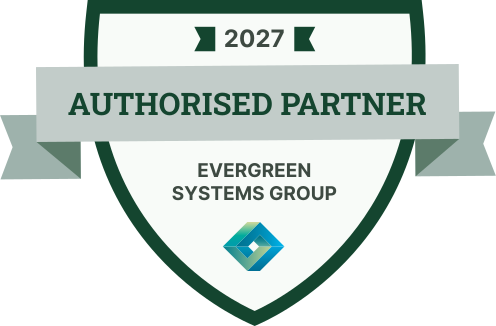

Annual Authorized Partner Badge
Put the program year front and center with this partner badge. Service partners show it on their website and email signature, and each one links to a credential page.
Customize this template for free
Email and export in bulk
Track recipient engagement
Download in
Don't have Certifier account? Sign up
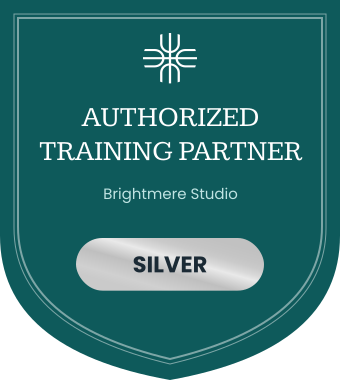
Professional sage and forest green authorized partner badge template
Vendors issue this authorized partner badge to service and implementation partners for the current program year, with a fresh badge each term. Partners show it on their website, quotes, and email signature so customers can see the approval is up to date. Each badge links to a credential page where anyone can confirm it.
The white shield has a thick forest green outline and a sage ribbon across the middle that reads "Authorised Partner". A small dark green tab at the top holds the year (e.g., 2027), and your company name (e.g., Evergreen Systems Group) and logo sit below the ribbon. You can change the year, wording, company name, logo, and colors, including switching to "Authorized".
Key features
- Year banner: The year tab makes the current term obvious; update it each time you issue a new badge.
- Pairs with the certificate: Renew this badge alongside the Professional classic green authorized service partner certificate template each term; both sit on one credential page.
- Your spelling: Keep "Authorised" for UK and Commonwealth markets, or edit the ribbon to "Authorized".
- Shareable and verifiable: Customers who see the badge on a partner's website, LinkedIn profile, or email signature can click through to its credential page.
With Certifier, you can roll every partner into the new term: pull renewals from HubSpot on Professional and Advanced plans, then send a new badge with the new year to each of them in one run. Issue this year's partner badges free on the Starter plan.
Featured fonts
- This template pairs the sturdy slab serif Roboto Slab Bold for the title with Inter Bold for the partner and year labels, a confident combination for authorized partner programs.
Important: We use fonts from the Google Fonts collection to ensure your badges look their best without any extra cost.
Free badge file formats available
- Certifier: Edit the badge online, issue it in bulk, and let partners download it as a PNG from their credential page.
- Badge template Word: Simple customization in Microsoft Word.
- Badge template Photoshop: Advanced editing in Photoshop.
- Badge vector (Illustrator): Scalable artwork for high-quality printing.
Please note that the redistribution of these templates for commercial purposes is strictly prohibited.