CPD Log Templates
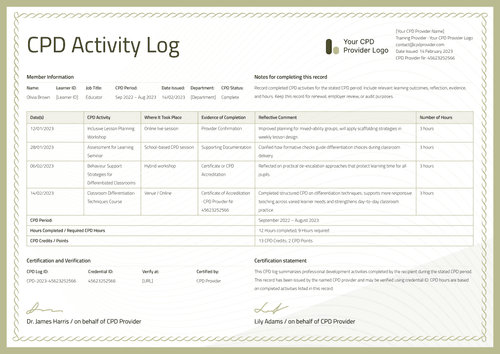
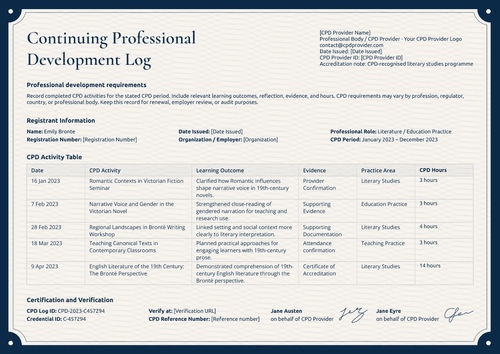
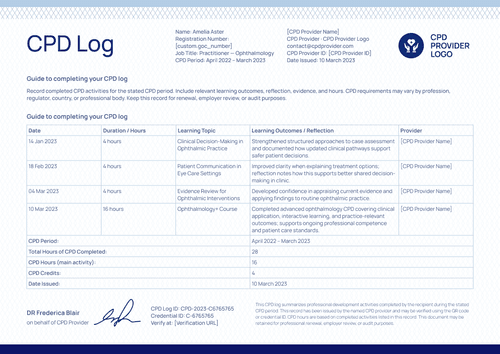
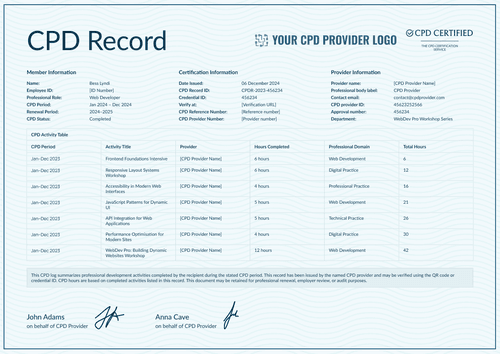
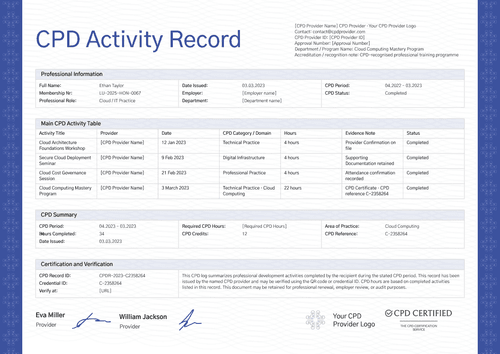
Show a member's progress toward their CPD requirement with these CPD log templates. Choose from CPD activity log and record templates and record completed activities with their category, hours or points earned, provider, and date, then run a total against the annual or cycle target.
Personalize the chosen design, then generate an updated log for each member as new activities come in. Import the activity data from a spreadsheet or one of Certifier's integrations, email each record, and host a verification page a professional body can check.
Show a member's progress toward their CPD requirement with these CPD log templates. Choose from CPD activity log and record templates and record completed activities with their category, hours or points earned, provider, and date, then run a total against the annual or cycle target.
Personalize the chosen design, then generate an updated log for each member as new activities come in. Import the activity data from a spreadsheet or one of Certifier's integrations, email each record, and host a verification page a professional body can check.
Read more
CPD Log Templates FAQs
Pick a CPD log template design, then decide whether you reissue it after every activity or on a periodic schedule, quarterly for example, to match how your accrediting body wants to see it.
The templates don't include a self-service entry portal for members. Entries come in through a spreadsheet import or one of Certifier's integrations when the administrator issues an update, so in most programs the administrator keeps the log current based on what members report to them.
Yes. Each log carries its own verification page, so you can share that link with a licensing board or accreditor and they can check it directly.
Yes. The log format is built to total each activity's credits or hours against the renewal period or cycle, so the running total against the requirement is part of the document itself, not something you calculate separately.