

Trusted by:
University of Southern California
Warner Bros.
Volvo
Amazon
Stanford University
Updated: November 02, 2026
6 min read
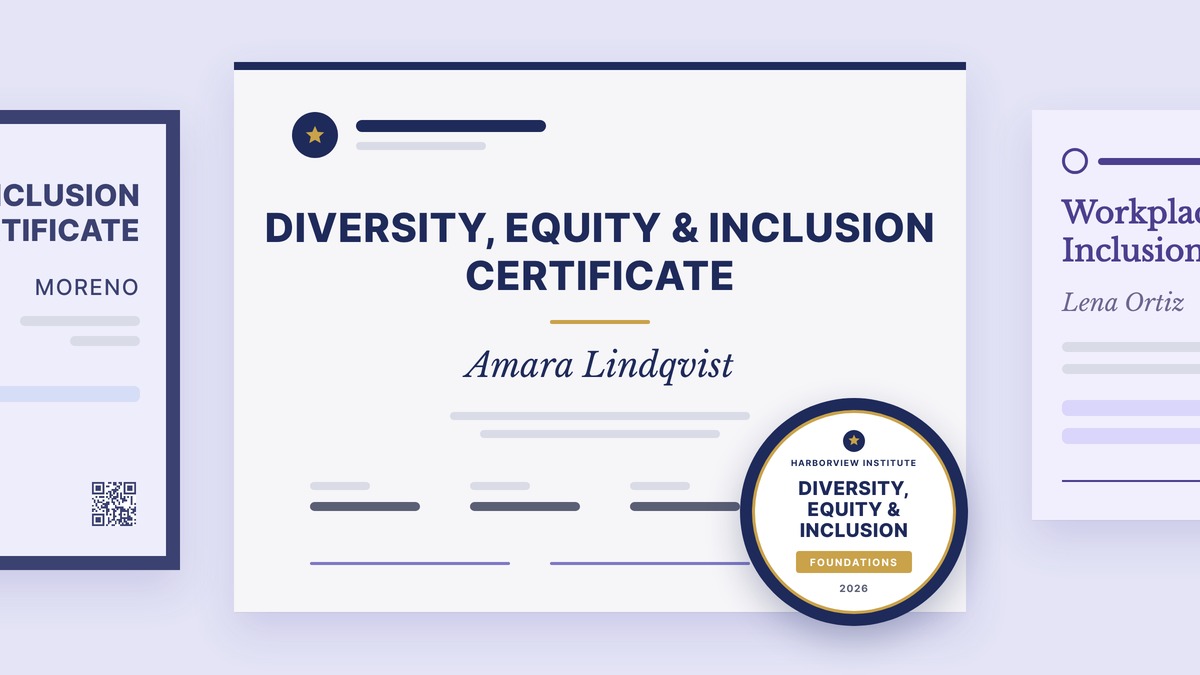
Decide what your DEI credential should prove, add the right fields on it, and issue it with a matching badge, using these five ready-made templates.
Research with AI:
To create a DEI certification, first decide what you're issuing. Most DEI programs end in a training certificate that records completion. Yet, a true certification adds an assessment, a designation, and an expiry date with renewal rules.
Then put the right fields on it, from the learner's name, program title, topics covered, completion date to the issuer, signatories, and a credential ID anyone can verify. Pick a design that fits who you are (e.g., a company, a university, a consultancy, an academy, or a professional body), attach a matching badge for LinkedIn, and issue it in bulk from one spreadsheet.
This guide walks through each step using five free DEI certificate designs and their matching badges. It also covers what a DEI certificate can and can't prove, so your credential doesn't claim more than the training delivered.

A DEI completion certificate says someone has undergone your training. A DEI certification says they met a standard you assessed, and it usually expires. The two words get used interchangeably, but recipients, employers, and auditors read them differently, so pick the one that matches what your program actually does.

Training certificate - Issued when a learner finishes a course, workshop, or program. It records what they completed and when. Most internal inclusion training ends here.
Program certificate with a level - Still a certificate, but it shows progress (for example, Foundations, Intermediate, Advanced) across a longer program.
Certification - Issued after an exam or practice requirement. It carries a designation the holder can use, a valid-through date, and renewal terms such as continuing education.
If you're not running an assessment, call it a certificate. You can still make it credible with a credential ID, verification page, and clear earning criteria.
Here's how the five DEI templates map to common issuing situations:
Whos Issuing | Template | What It Is | Fields That Do The Work |
|---|---|---|---|
A company training all staff | Completion certificate | Completed and issued dates, credential ID, DEI lead, and CPO signatures | |
A university or continuing studies school | Program certificate with a level | Level field, date of issue, two academic signatories | |
A consultancy training a client's team | Co-branded completion certificate | Provider and client names, areas covered, program name | |
An executive education academy | Leadership certificate with a level | Level seal, completion and issue dates, two directors | |
A council or association | Certification | Issue date, valid-through date, designation, renewal terms |
A DEI certificate needs enough detail that someone who wasn't in the room can tell what the learner did, who vouches for it, and how to check its authenticity. These are the fields all five templates share, plus the optional ones that change by program:

Recipient name: Pulled from your learner list, so every certificate is personalized.
Credential title: For example, "Diversity, Equity & Inclusion Certificate." You can rename it.
What the program covered: One or two lines listing topics such as inclusive leadership, bias awareness, belonging, and inclusive communication.
Completion date and issue date: Two dates if you issue after a review period, one if you issue on the day.
Issuer: Your organization's name and logo. For client programs, show both the training provider and the client.
Signatories: One or two named people with their titles, such as a Head of DEI and a Chief People Officer.
Credential ID and verification route: A unique ID and a link or QR code to a public verification page.
Level (optional): Foundations, Intermediate, Advanced, or Practitioner, if your program has tiers.
Valid-through date (certifications only): Plus the renewal requirement.
A DEI training certificate proves that a named person completed a named program on a specific date, as confirmed by your organization. However, it doesn't prove legal compliance and doesn't certify that someone behaves inclusively at work.
If you need evidence for an audit or policy review, treat the certificate as one record alongside your course content, attendance records, and written policies.
Pick the template built for your type of issuer, then change the logo, colors, text, and signatures to match your brand. Each one is editable in Certifier’s online design builder and can also be downloaded in Word format.
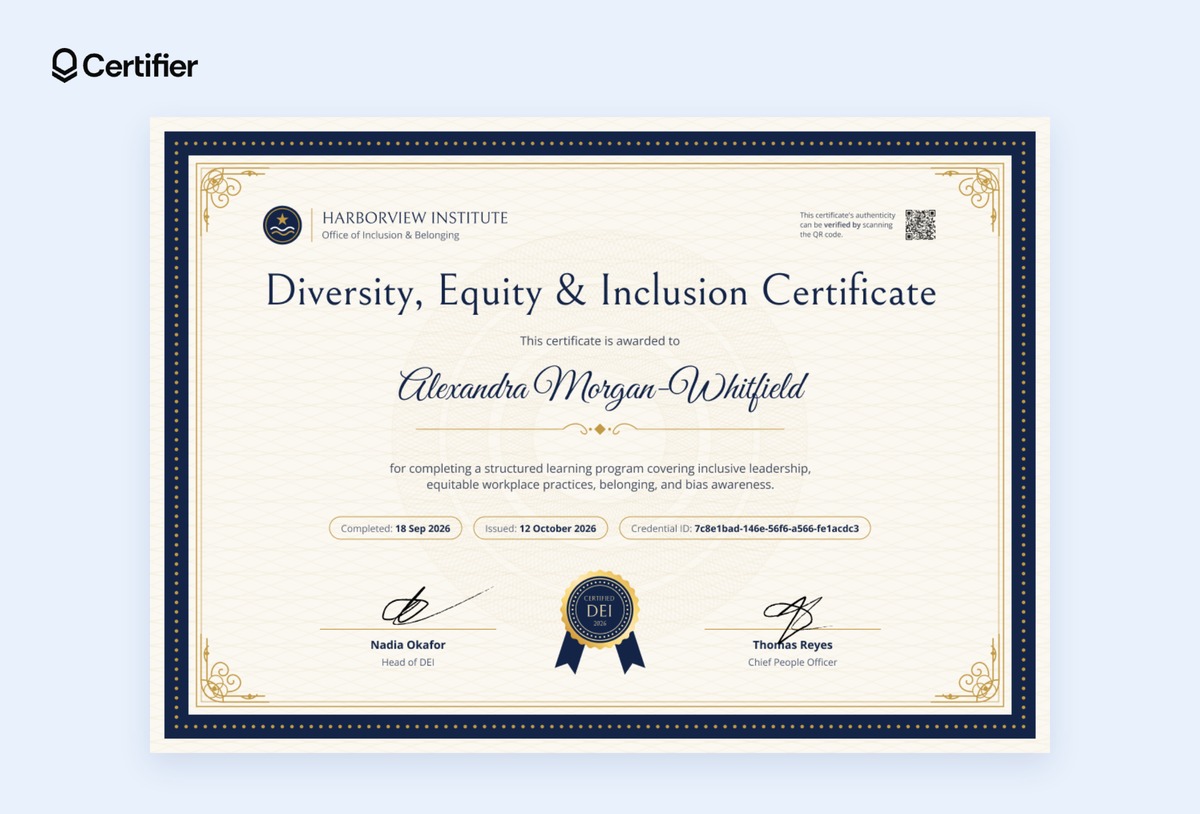
This navy and gold Diversity, Equity & Inclusion certificate is built for HR and L&D teams running inclusion training for all staff. Its formal frame, gold seal, and script recipient name give an internal course the weight of an official record, while separate completed and issued dates let you close a cohort and issue to everyone at once. Two signature lines fit a Head of DEI and a Chief People Officer, so learners see that leadership stands behind the program.
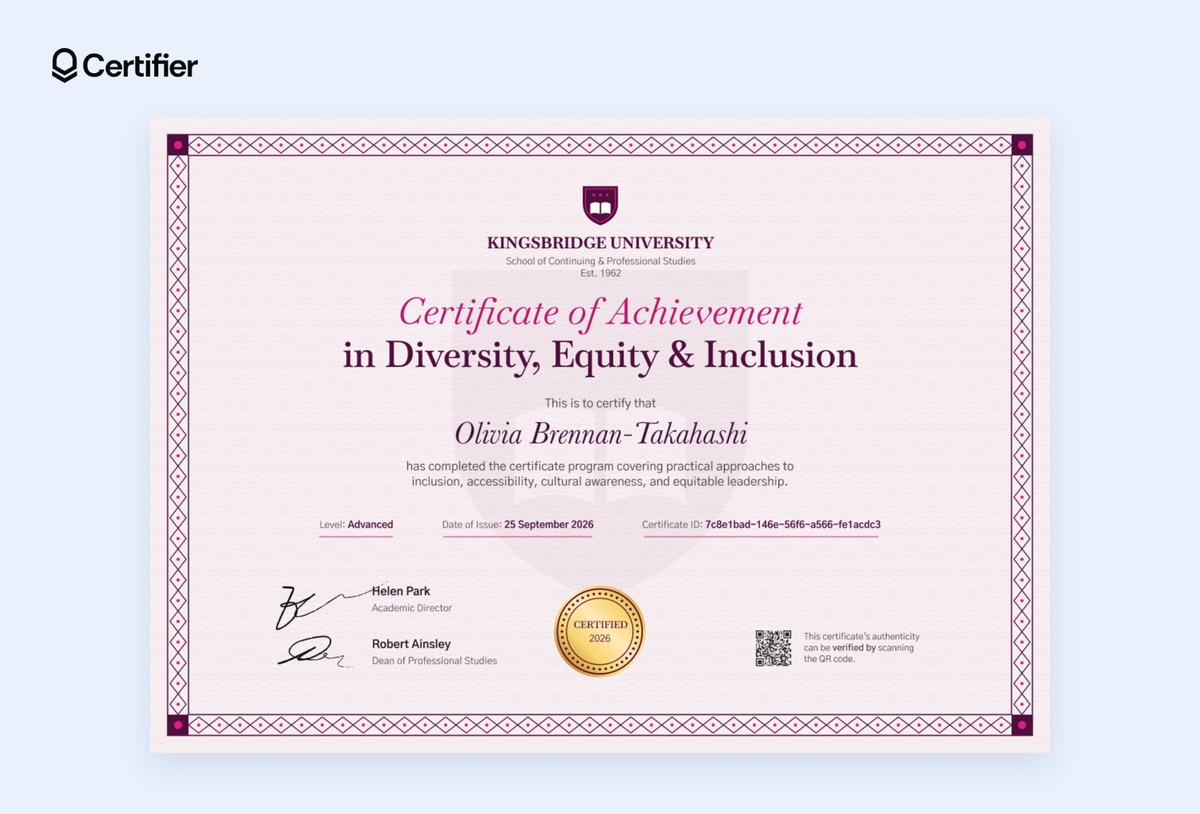
This rose pink DEI certificate of achievement suits universities and continuing studies schools that run a structured DEI program. The crest, serif title, and patterned border follow academic convention, and the level field shows where each learner finished, so one design covers every stage from Foundations to Advanced. Signature lines for an academic director and a dean make it feel like part of your institution's official credentials.
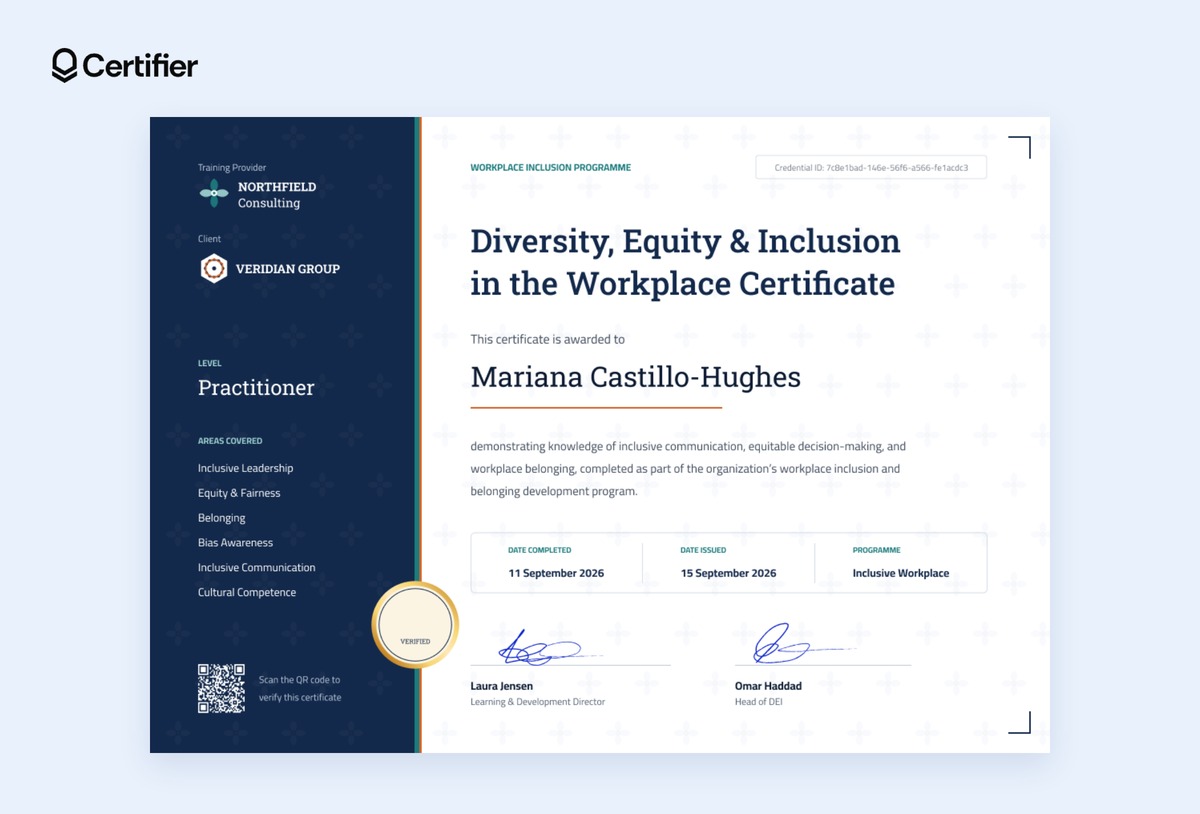
This workplace DEI certificate design is made for consultancies and training providers delivering DEI programs to client organizations. Its midnight blue side panel shows your firm as the training provider and the client company underneath, plus the level and every area covered.
That layout gives the client's HR team a clear record of what their people completed, while keeping your brand on every certificate.
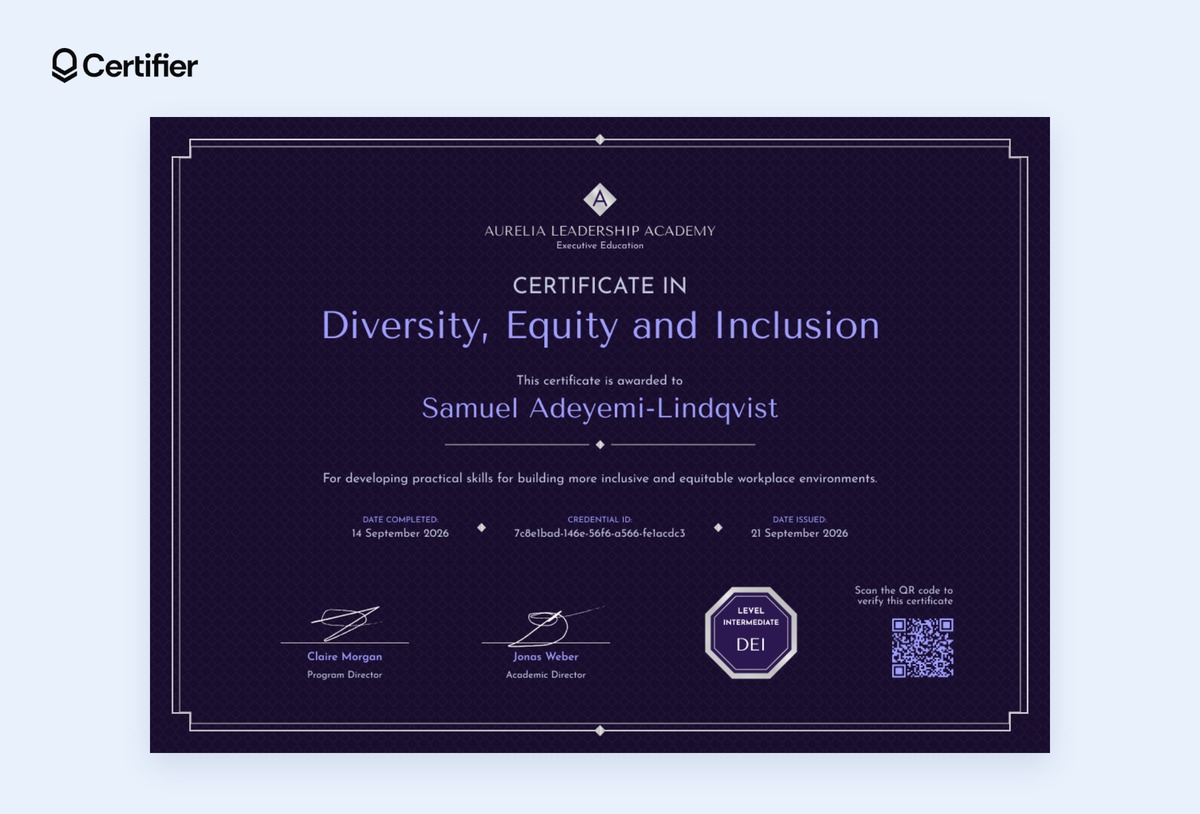
This deep violet Certificate in DEI fits executive education programs and leadership academies/programs. Its dark background, thin silver frame, and octagonal level seal give it a premium look that matches the price point and seniority of executive learners. It carries two director signatures, completion and issue dates, and a credential ID, so senior participants can share it with confidence.
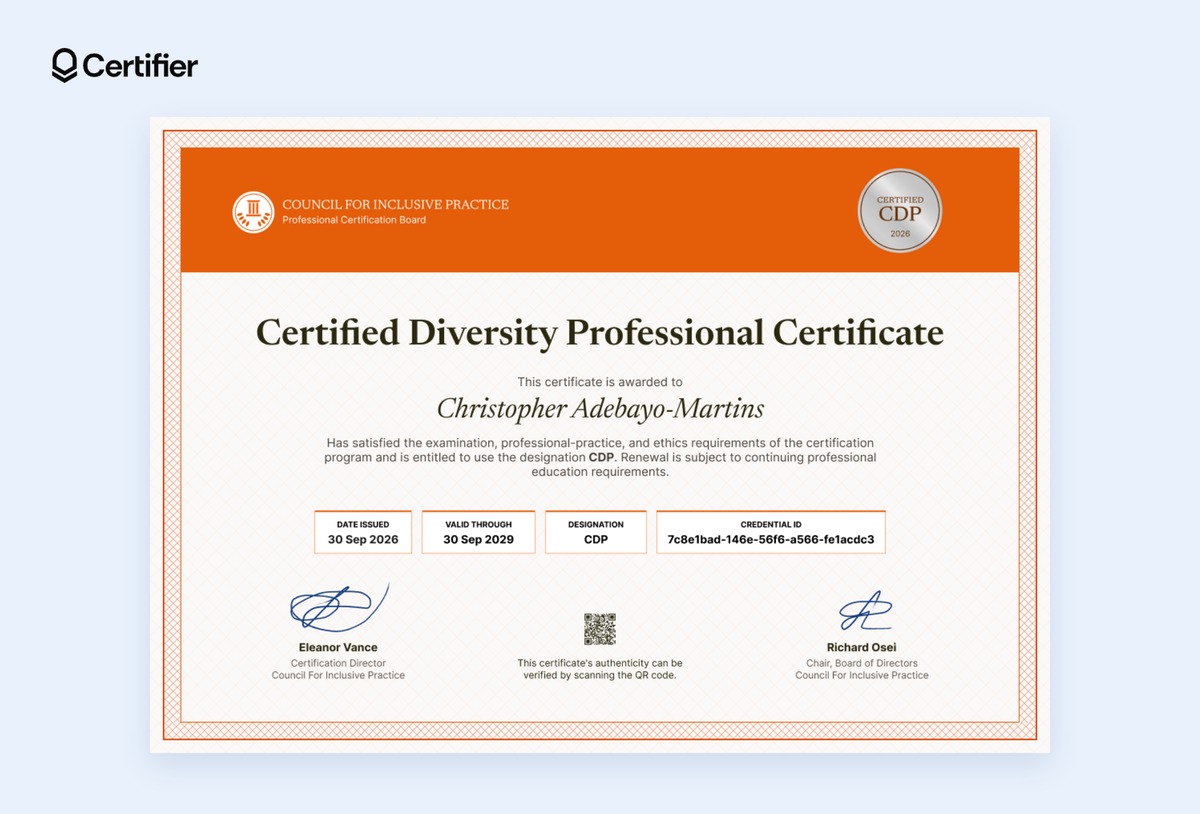
This orange Diversity Professional Certificate is perfect for councils, associations, and certification boards that award an exam-based designation. Its bold header band and boxed fields put the issue date, valid-through date, designation, and credential ID front and center, which is what employers check first.
It's the only template in the set with renewal language, so replace the sample designation with your own and set your renewal rules before issuing.
Each DEI certificate has a matching digital badge, and both can sit on the same credential. Your learner gets one credential page with the certificate and the badge together, verified from one link.
The certificate is the document they download or print. The badge is the image they share on their LinkedIn profile, in an email signature, or in a post. Anyone who clicks it lands on the credential page and can verify it.
If your program has several levels, give each level its own badge. Learners can then show progress (e.g., Foundations, then Intermediate, then Advanced) instead of a single generic "completed" badge.
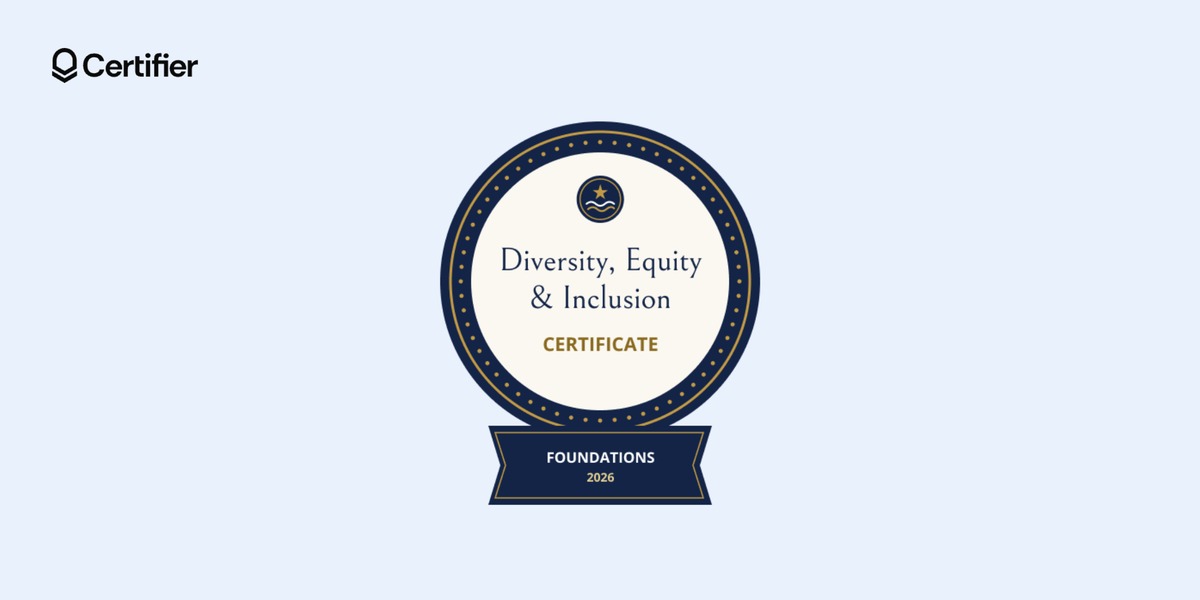
This navy and gold circular badge pairs with the company-wide DEI training certificate and suits employees completing their first inclusion course. The Foundations ribbon tells colleagues and recruiters this is an entry-level program, which sets honest expectations. It's a good default for organizations rolling out mandatory or all-staff training.
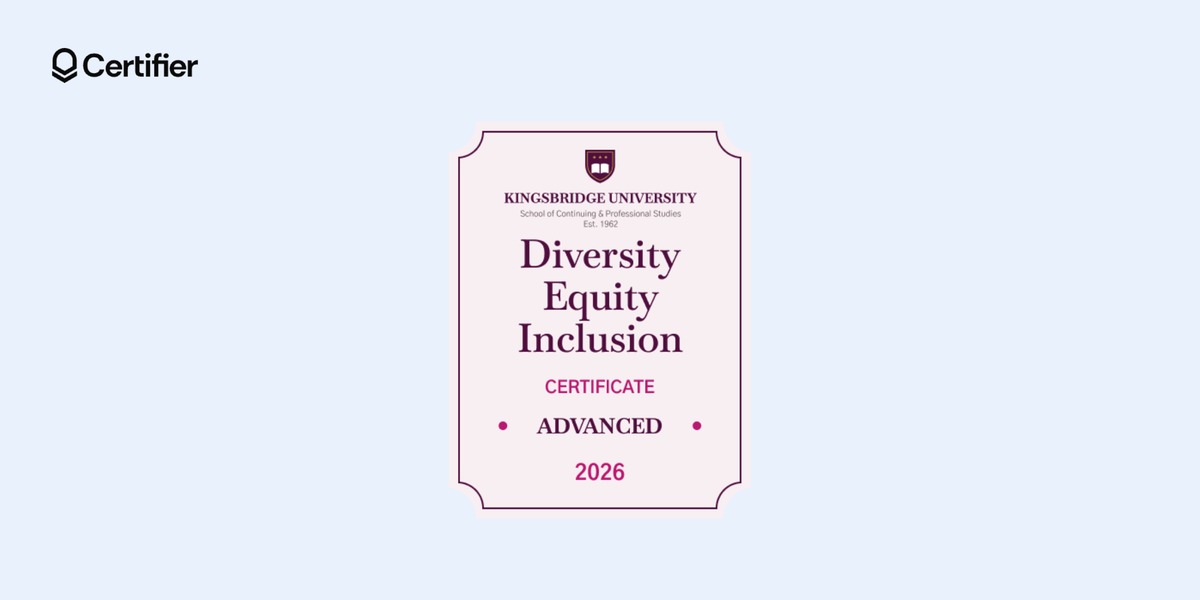
The rose and magenta badge matches the university certificate of achievement and is meant for learners who complete the top tier of a multi-level program. The institution's crest and the Advanced label make it clear the badge comes from an academic program, not a short workshop. Universities can issue a lower-level version for earlier stages and save this one for program completers.
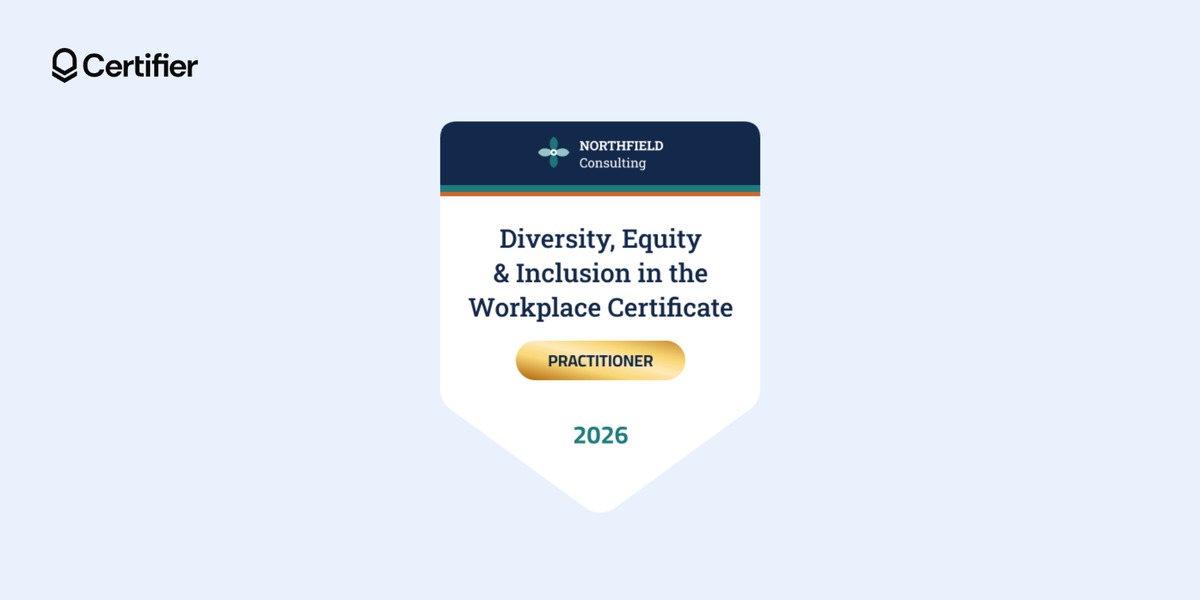
This shield-shaped badge carries the training provider's name in its header and a gold Practitioner pill, matching the co-branded workplace certificate. It's designed for consultancies whose clients' employees will share their achievements on LinkedIn. Every share puts the provider's brand in front of the learner's network.
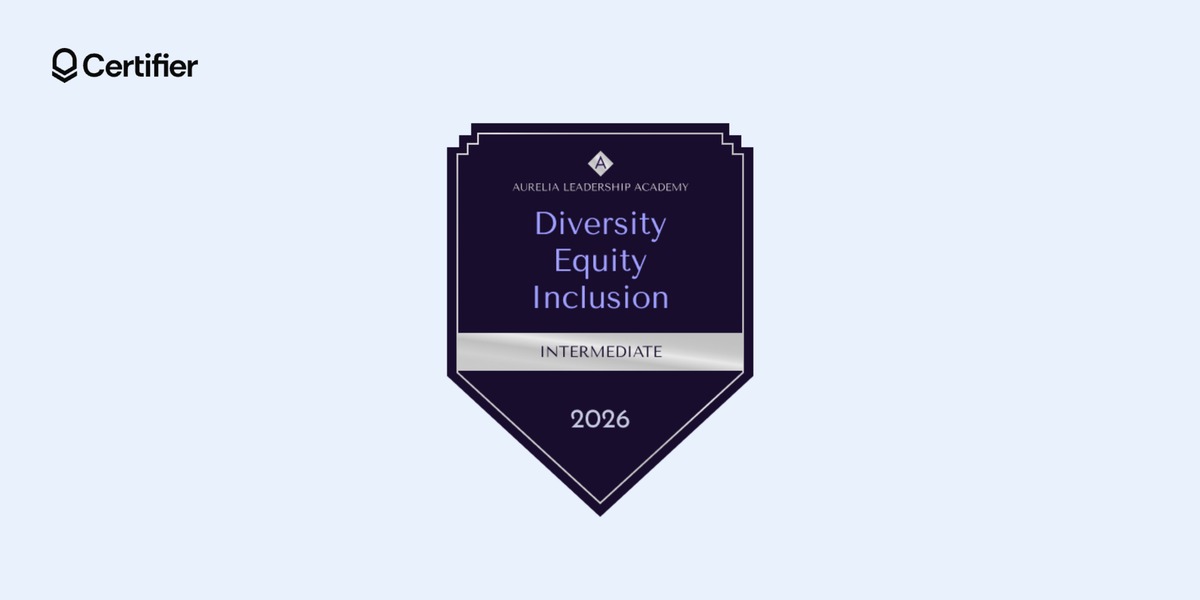
The deep purple pennant badge with a silver Intermediate band matches the executive education certificate. It suits leadership academies whose participants are midway through a development track. Also, the dark, minimalist style sits well on senior professionals' LinkedIn profiles.
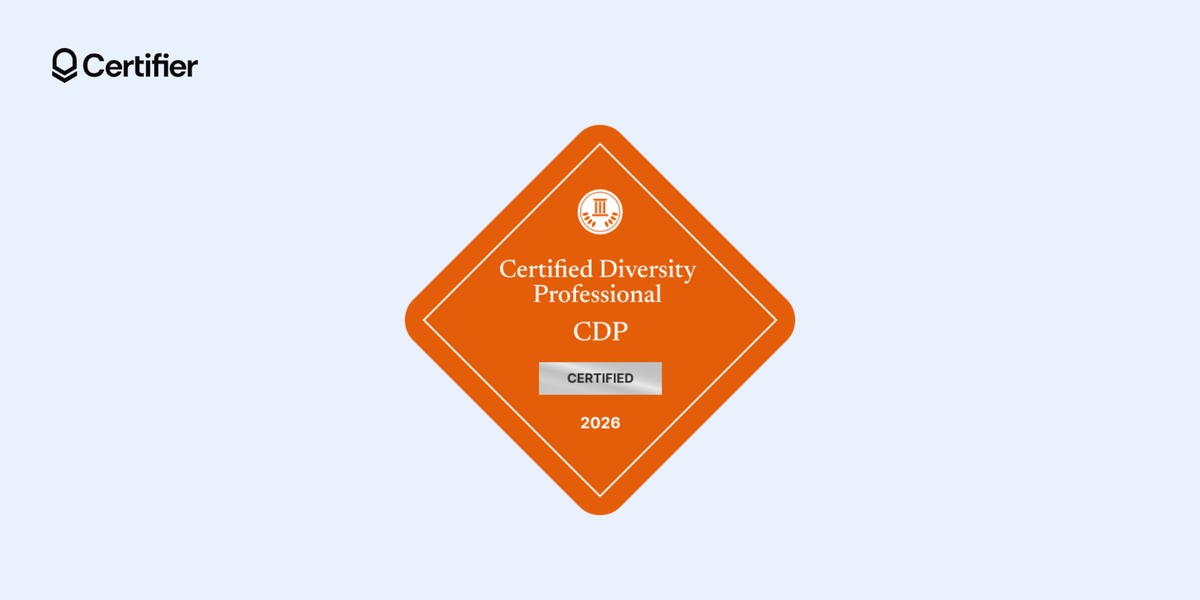
This orange diamond badge with a silver Certified bar pairs with the professional certification template. It's suitable for certification bodies whose holders need to show an active, verifiable designation. Because the badge links to the credential page, anyone can check that the certification hasn't expired.
You don't need to make DEI certificates one by one. Export your completion list, upload it, and issue every certificate and badge in one run.
Prepare a spreadsheet: One row per learner, with name and email, plus columns for anything that changes per person, such as level or completion date.
Upload and match the columns: Certifier maps each column to a field on the certificate and flags rows with problems, like a malformed email or a missing name. Fix them inline or leave them out, as flagged rows are skipped instead of blocking the whole batch.
Preview before you send: Check the certificate with real data filled in, the delivery email, and the credential page.
Send a test to yourself first: Each credential counts toward your plan's yearly limit when it's issued, so deleting it later doesn't give the credit back.
Issue in bulk: Each learner gets an email linking to their credential page, with a unique credential ID, a verify button, downloads, and options to add it to LinkedIn or a digital wallet.
Made a mistake after sending? A wrong job title on a signature line is a single edit that updates the credential page automatically, without a reissue.
Skip this step if you're issuing a training certificate. If you're running a certification, set the expiry rule before your first issue, because expiry settings don't apply retroactively to credentials you've already sent.
Valid-through date: Choose how long the certification lasts, such as three years.
Renewal: Decide what holders must do to renew, such as continuing education hours or a refresher course, then state it on the credential.
QR code: Add a QR code that opens the verification page, so a printed copy can be checked on the spot.
The quickest way to create a DEI certification is to start from a design that already has the right fields in place. Open the DEI training certificate template category, pick the one that matches your program, add a matching badge, and issue the credential to your first cohort.
You can do all of it on Certifier's free Starter plan, which covers up to 250 credentials a year and basic app connectors. Sign up for a free account.
No, it proves a named person completed a named program on a specific date. Keep it with your course content, attendance records, and policies if you need evidence for a review.
Yes. Every title and description on the templates above is editable. Inclusion Training, Belonging at Work, and Respectful Workplace are common alternatives.
Yes. Attach the matching DEI badge to the same credential, so the learner gets both on one credential page. They can add the badge to LinkedIn or their email signature, as it links back to the verifiable record.
Yes, Certifier's Starter plan is free and covers up to 250 credentials a year. QR codes, expiry rules, and LMS integrations need the Professional plan or above.

- copywriting
- B2B content marketing
- content strategy
- on-page SEO
- storytelling
Growth Marketer (Freelance)
Anita Coltuneac is a freelance B2B SaaS marketer with 5+ years helping tech companies grow organic visibility, build authority, and support pipeline. She uses storytelling to turn product expertise into useful content.


