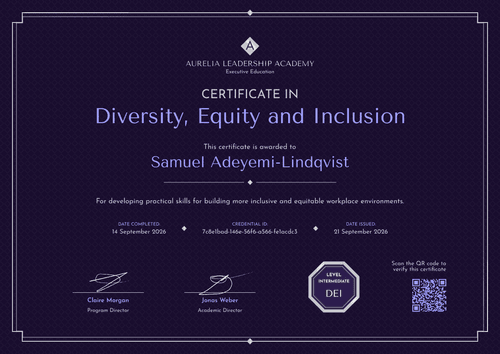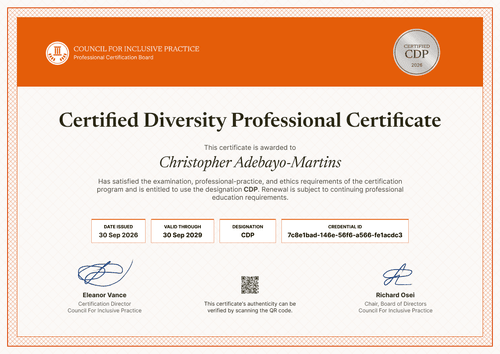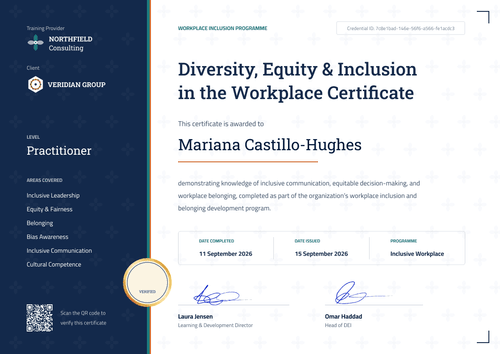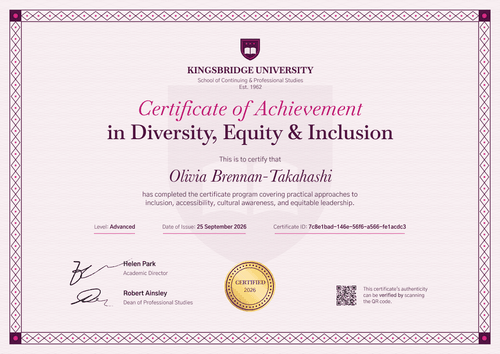

Diversity, Equity & Inclusion Certificate
Keep a dated record for every employee who completes your company-wide inclusion training. Rename the title to fit your program and issue to all staff in one run.
Customize this template for free
Email and export in bulk
Track recipient engagement
Download in
Don't have Certifier account? Sign up
Formal navy blue DEI training certificate template
This free DEI training certificate records that an employee completed your organization's diversity and inclusion training. It's built for inclusion offices and people teams that run one program for all employees and want a dated record for each person. Training providers who deliver in-house programs can use it too.
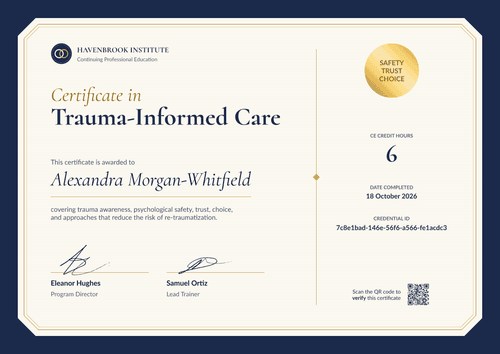
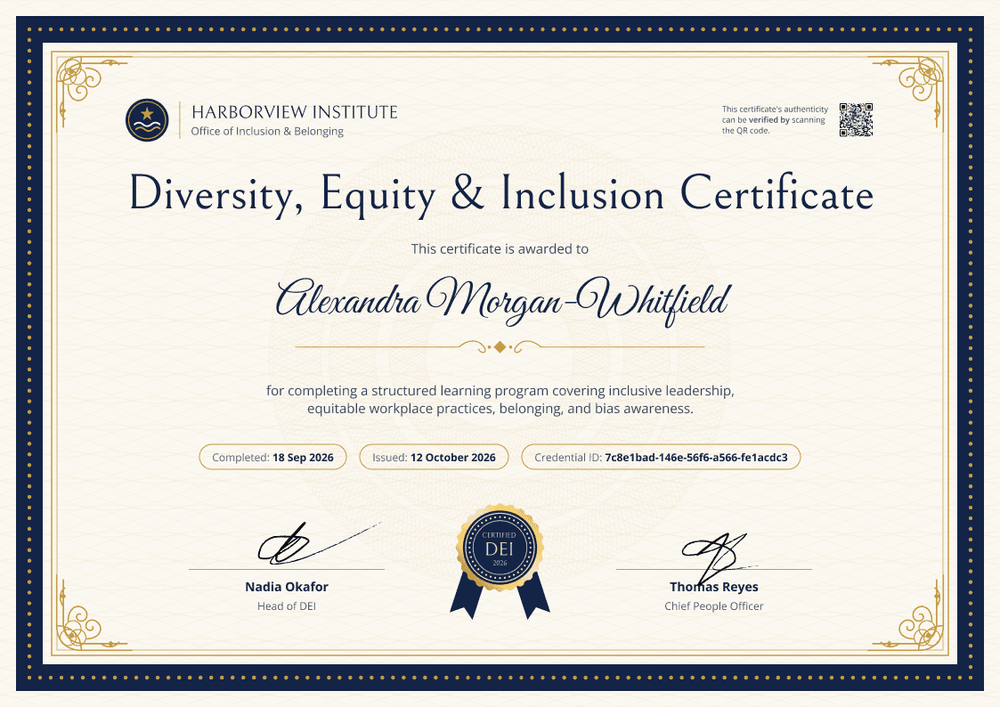
A navy blue border ringed with gold dots frames a cream panel, and inside, a thin gold double rule with ornate corners surrounds the text over a faint guilloche pattern. The recipient's name is set in a navy script above a gold divider. Three rounded fields hold the completion date, issue date, and credential ID, and a gold seal with navy blue ribbons sits between two signature lines.
When the training window closes, import completions from your HR system or a spreadsheet and issue every certificate in one run. Each employee gets a credential page with a verification link on every plan.
What is a DEI training certificate?
A DEI training certificate shows that a named person completed a diversity, equity, and inclusion course on a specific date. Courses often cover respectful conduct, equal opportunity and anti-discrimination law, bias awareness, and inclusive communication. Employers issue the certificate so each person, and the organization, has a record of the training.
A certificate doesn't prove compliance on its own. It shows who completed the training and when, alongside your course content and policies.
This template is laid out on A4 landscape (29.7 x 21 cm). Sign up for a free Certifier account to edit the design and issue it to your whole workforce.
What should a DEI training certificate include?
For a company-wide program, each certificate should show who completed the training, what it covered, and when.
Static fields
- Organization block: Your organization and office name (e.g., Harborview Institute, Office of Inclusion & Belonging).
- Logo: Your emblem beside the organization name.
- Certificate title: The program name (e.g., Diversity, Equity & Inclusion Certificate).
- Program description: What the training covered (e.g., inclusive leadership, equitable workplace practices, belonging, and bias awareness).
- Seal: A gold seal with the program label and year (e.g., Certified DEI 2026).
- Signature and role areas: Two signature lines (e.g., Head of DEI and Chief People Officer).
Dynamic fields (automatically populated by Certifier)
- Recipient name: The employee's full name (e.g., Alexandra Morgan-Whitfield).
- Completion date: When the employee finished the training (e.g., 18 Sep 2026).
- Date issued: The issue date (e.g., 12 October 2026).
You can rename, add, or remove fields in Certifier's design builder until the layout matches your training records.
How to issue DEI training certificates to all employees
- Set the title and description: Rename the certificate to match your program, then list the topics the course covered. Upload your logo and the two signatures.
- Pull in the completion list: Upload a spreadsheet of everyone who finished (up to 1,000 recipients per upload), or connect your HR system or LMS.
- Issue to every employee in one run: Certifier emails each person their certificate and matching badge with a link to their own credential page.
- Keep records easy to find: Use the Credential Repository to see who received, opened, or downloaded their certificate. Fix a misspelled name without reissuing.
Available DEI training certificate template formats
Edit and issue online with Certifier
Edit the design in your browser, add employee data from a spreadsheet, and email every certificate from one place.
Download in Microsoft Word
Enter your email to receive a ZIP with editable Word files.
PDF document export
Employees can download a print-ready PDF from the credential page linked in their delivery email.
Who issues DEI training certificates?
Inclusion and DEI offices
Running one inclusion program for every employee calls for a dated record per person, and this template gives each employee one.
HR and L&D teams
When a policy refresh adds inclusion and respectful-workplace training, HR teams keep the records as evidence of the steps taken.
In-house training providers
Programs delivered across sites or subsidiaries can still issue every certificate from one account.
Frequently asked questions
Yes, you can customize this DEI training certificate on the free Starter plan, which allows up to 5 custom attributes. This template's custom field (completion date) fits within that limit. The QR code needs the Professional or Advanced plan; on Starter, each certificate still links to its credential page.
Yes. Every word of the title and description is editable, so you can call it an Inclusion Certificate, a Belonging at Work Certificate, or a Respectful Workplace Certificate. Design changes also apply to certificates you've already issued, so duplicate the design first if earlier certificates should keep the old title.
Yes. Certifier connects to BambooHR and other tools through native integrations and Zapier, on every plan including Starter.
The employee can request a change from their credential page. You update the field in your dashboard, and the public page updates right away, with nothing to reissue.
Certifier templates are provided for general informational and design purposes only. They do not constitute legal, regulatory, or compliance advice and are not guaranteed to satisfy the requirements of any regulator, auditor, standard, insurer, or jurisdiction. The issuing organization is responsible for the content of its training program and for verifying that its records meet the requirements that apply to it.