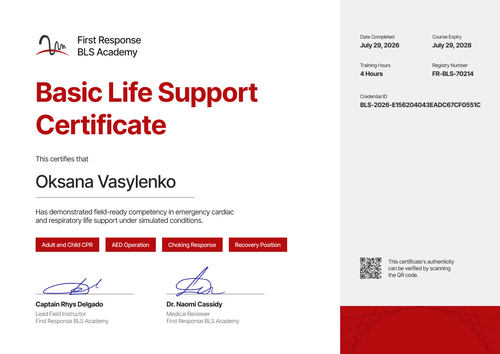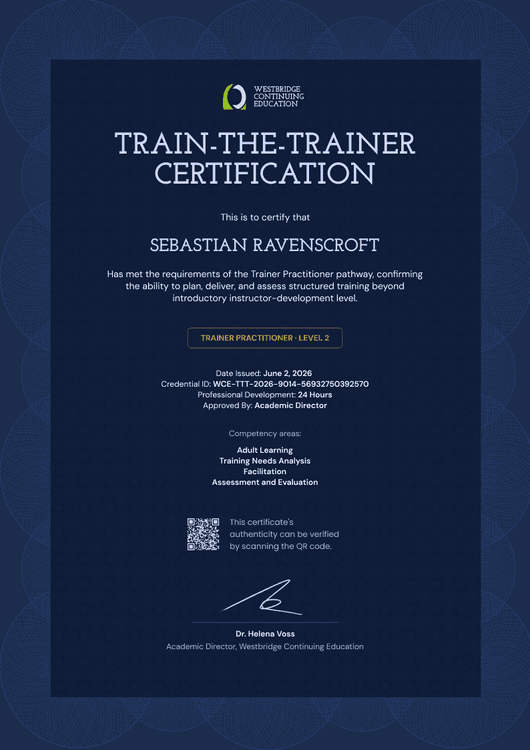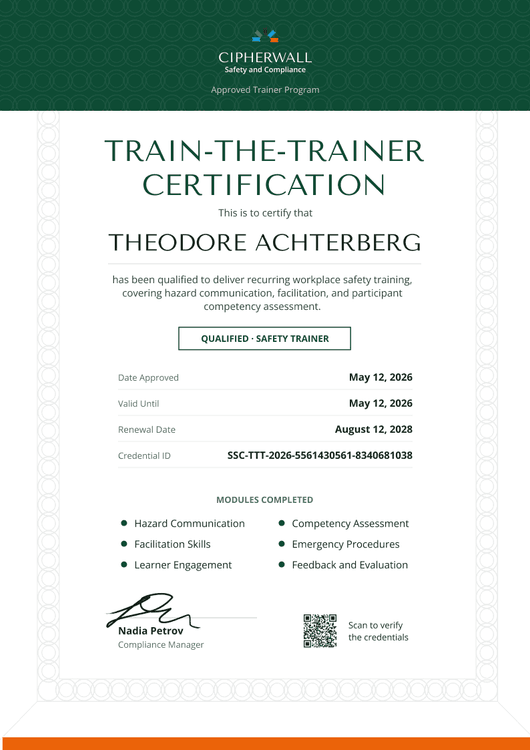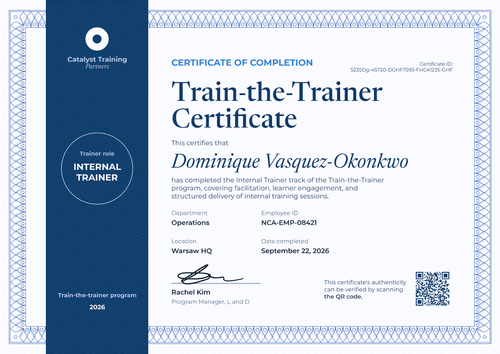

Lead Trainer Train-the-Trainer Certificate
Recognize trainers who finish every module of your train-the-trainer program. The roadmap shows all five modules, and the credential page lets clients confirm the Lead Trainer level.
Customize this template for free
Email and export in bulk
Track recipient engagement
Download in
Don't have Certifier account? Sign up
Formal sage green lead trainer certificate template
This free lead trainer certificate confirms that a trainer finished every module of your train-the-trainer program and reached the Lead Trainer level. It suits training companies that sell multi-module train-the-trainer courses and want each graduate to leave with a record they can show clients and employers.
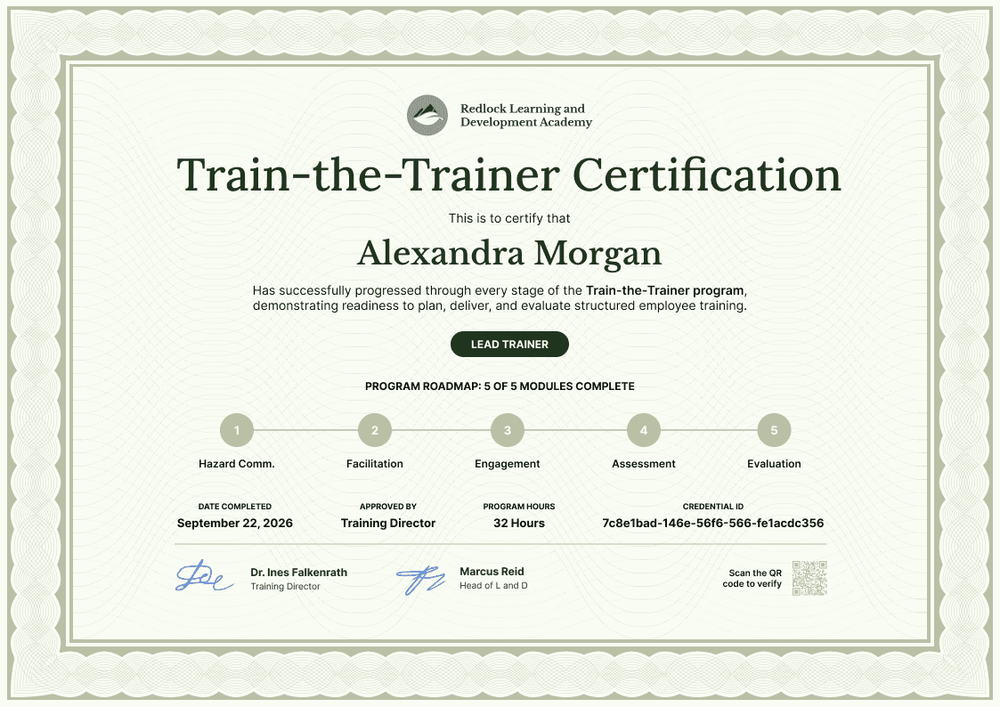
A sage green guilloche frame surrounds a pale green center, with your logo and academy name above the serif title. A dark green pill holds the trainer level, and below it a numbered roadmap marks five modules as complete.
When a cohort graduates, import completions from a spreadsheet or connect your LMS and issue every certificate in one run. Each trainer gets a credential page with a verification link on every plan.
What is a lead trainer certificate?
A lead trainer certificate is a train-the-trainer certificate of completion. It shows that a named person finished your instructor development program, which modules they covered, and the level your academy assigned them. Training companies issue it so graduates can show clients and employers what they trained in and when.
Completion means the person finished your course, and authorization is permission to deliver a specific program, usually for a set period. This template records completion and the level you assign: it doesn't award a qualification or authorize anyone to deliver another organization's program.
This template is laid out on A4 landscape (29.7 x 21 cm). Sign up for a free Certifier account to edit the roadmap and start issuing certificates to your graduates.
What should a lead trainer certificate include?
Clients who hire a trainer want to know what the program covered and how much of it the trainer finished. These fields answer both questions.
Static fields
- Organization block: Your logo and academy name (e.g., Redlock Learning and Development Academy).
- Title and statement: The award name and what the trainer achieved (e.g., Train-the-Trainer Certification, "has successfully progressed through every stage of the Train-the-Trainer program").
- Program roadmap: The module names and the completion line (e.g., Program Roadmap: 5 of 5 Modules Complete, with Hazard Comm., Facilitation, Engagement, Assessment, and Evaluation). Rename them to match your curriculum.
- Signature areas: Two signatures for the people who stand behind the program (e.g., Dr. Ines Falkenrath, Training Director, and Marcus Reid, Head of L and D).
Dynamic fields (automatically populated by Certifier)
- Recipient name: The trainer's full name (e.g., Alexandra Morgan).
- Trainer level: The level your academy awards (e.g., Lead Trainer).
- Date completed: The day the trainer finished the last module (e.g., September 22, 2026).
- Approved by: The role that signed off the result (e.g., Training Director).
- Program hours: Total training time (e.g., 32 Hours).
Add, rename, or remove fields in Certifier's design builder until the roadmap matches your program.
How to issue lead trainer certificates
- Match the roadmap to your curriculum: Rename the five modules, or add and remove steps, so the roadmap shows your real program. Upload your logo and both signatures.
- Set up level, hours, and approver: Add trainer level, program hours, and approved by as attributes. One design then covers Lead Trainer and any other level you award.
- Import the graduating cohort: Upload a spreadsheet of up to 1,000 trainers per upload, or connect your LMS. Rows with errors are skipped, so the rest of the cohort still gets their certificates.
- Issue and let graduates share: Certifier emails each trainer their certificate and credential page. Graduates can add it to LinkedIn, where every view points back to your academy.
Available lead trainer certificate template formats
Edit and issue online with Certifier
Edit the roadmap in your browser, add trainer data from a spreadsheet, and email every certificate from one place. Each trainer gets a credential page where anyone can verify the certificate.
Download in Microsoft Word
Enter your email to receive a ZIP with editable Word files.
PDF document export
Trainers can download a print-ready PDF from the credential page linked in their delivery email.
Who issues lead trainer certificates?
Training companies selling train-the-trainer courses
Multi-module programs for open cohorts need each graduate's level and hours on record, and this certificate holds both. Every certificate shared on LinkedIn also shows your academy's name to the graduate's network.
Corporate academies
In-house academies that develop staff into lead trainers use the roadmap to show which stages each person has finished.
Licensed curriculum vendors
Vendors that train client staff to lead their programs use the level badge on the certificate to separate lead trainers from facilitators.
Frequently asked questions
Yes, you can customize this lead trainer certificate on the free Starter plan. Its custom fields (trainer level, program hours, and approved by) fit Starter's limit of 5 custom attributes, so keep the module names in the design instead of adding five more fields. The QR code needs the Professional or Advanced plan.
Yes, on the Advanced plan. Set the program up as a Pathway: each module gets its own credential, and Certifier issues the completion credential automatically when a trainer has them all. Every credential in a pathway counts toward your plan's credential allowance, so a five-module program uses six credentials per trainer.
"Lead Trainer" is a level your academy assigns, and it isn't a regulated title. Set clear criteria for each level, apply them the same way to every cohort, and change the label for trainers who reach a different level.
Yes. From their credential page, graduates can add the certificate to their LinkedIn profile under Licenses & Certifications or post it to their feed. The post links back to the credential page with your academy as the issuer.
A train-the-trainer certificate of completion has no set validity period, because it records that the trainer finished your program on a given date. If your academy expects lead trainers to refresh their skills, add an expiry date when you issue (Professional and Advanced plans), and the credential page shows whether the certificate is still current.
Certifier templates are provided for general informational and design purposes only. They do not constitute legal, regulatory, or compliance advice and are not guaranteed to satisfy the requirements of any regulator, auditor, standard, insurer, or jurisdiction. The issuing organization is responsible for the content of its training program and for verifying that its records meet the requirements that apply to it.