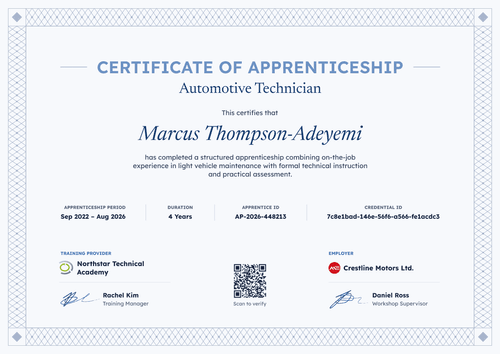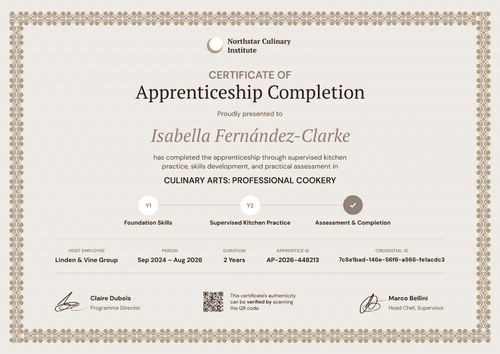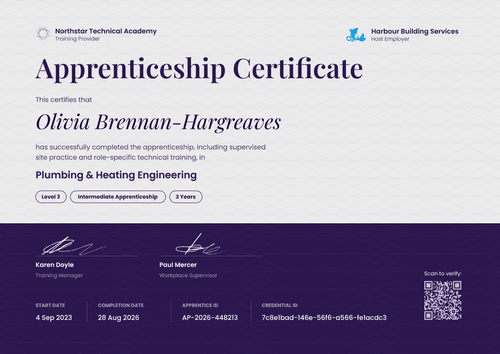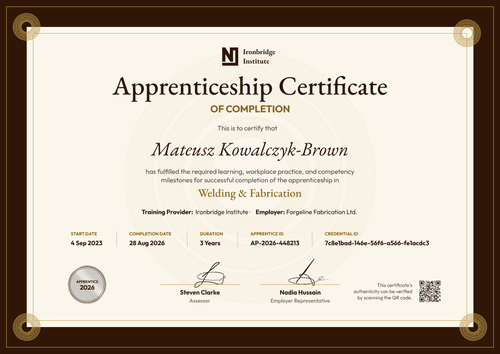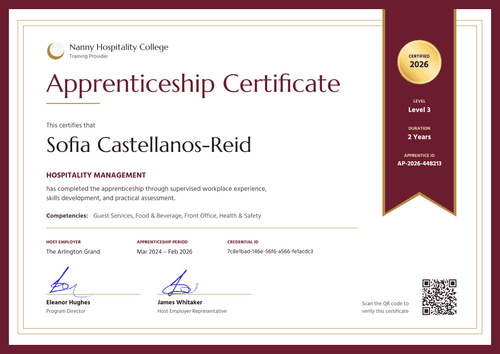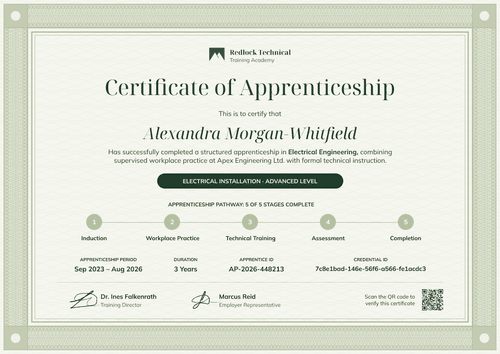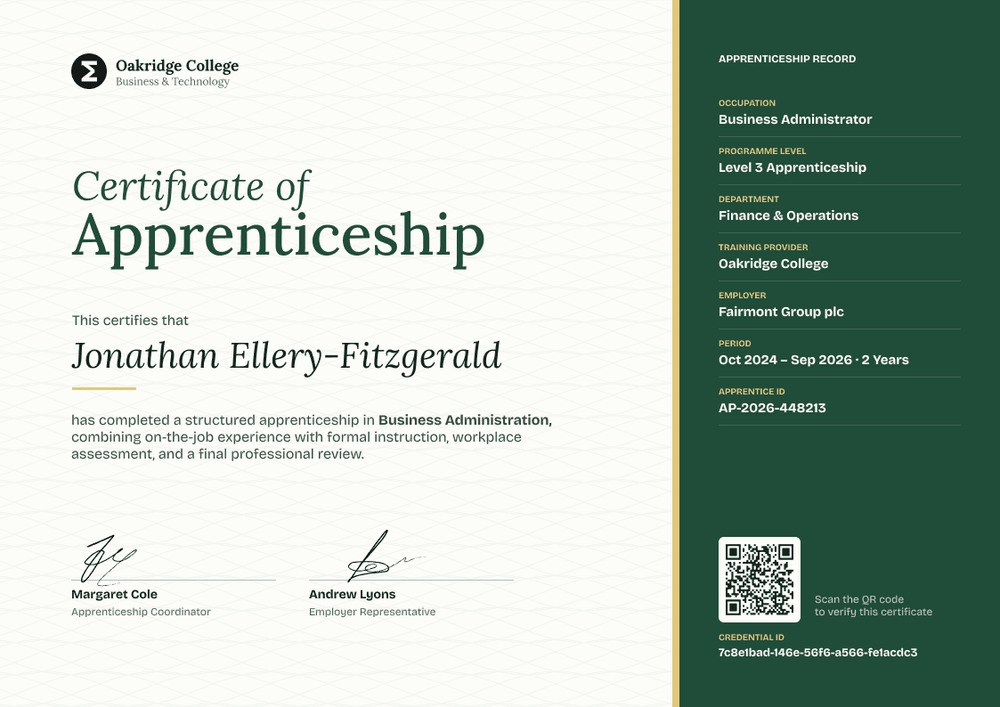

Business Administration Apprenticeship Certificate
A side panel on this business administration apprenticeship certificate holds the full apprenticeship record, so colleges can show occupation, level, employer, and period at a glance.
Customize this template for free
Email and export in bulk
Track recipient engagement
Download in
Don't have Certifier account? Sign up
Professional forest green business apprenticeship certificate template
This free business apprenticeship certificate recognizes an apprentice who completed a structured business administration programme with on-the-job experience, workplace assessment, and a final review. It suits colleges and training providers delivering business standards in England, where the employer, department, and level all matter to the record.
The page splits in two. On the left, a cream panel with a soft wave pattern holds your logo and a green serif title. On the right, a dark forest green panel behind a gold divider lists the apprenticeship record.
Your student system already holds this data. Export it to Excel and upload it, up to 1,000 apprentices at a time, and issue every certificate in one run with no retyping. Each apprentice gets a credential page with a verification link that an employer can open, and on Professional and Advanced, the QR code opens it too.
What is a business apprenticeship certificate?
A business apprenticeship certificate is a document a college or training provider issues to recognize an apprentice who completed its business administration programme. The record panel gives employers the details they'd otherwise ask for: role, level, department, and dates.
This certificate sits alongside the government certificate and doesn't replace it. In England, once the apprentice passes end-point assessment, the end-point assessment organisation requests the official certificate from the Department for Education.
This template is laid out on A4 landscape (29.7 x 21 cm). Sign up for a free Certifier account to upload your first group.
What should a business apprenticeship certificate include?
The record panel works best when every row comes straight from your student system.
Static fields
- Organization block: Your logo and name (e.g., Oakridge College, Business & Technology).
- Certificate title: Certificate of Apprenticeship.
- Training provider row: Your college's name (e.g., Oakridge College).
- Signature and role areas: Two signature lines (e.g., Apprenticeship Coordinator and Employer Representative).
Dynamic fields (automatically populated by Certifier)
- Recipient name: The apprentice's full name (e.g., Jonathan Ellery-Fitzgerald).
- Occupation: The role (e.g., Business Administrator).
- Programme level: The level (e.g., Level 3 Apprenticeship).
- Department: The team the apprentice worked in (e.g., Finance & Operations).
- Employer: The company (e.g., Fairmont Group plc).
- Period: Dates and length (e.g., Oct 2024 – Sep 2026 · 2 Years).
- Apprentice ID: Your learner number (e.g., AP-2026-448213).
Add or remove record rows in Certifier's design builder.
How to issue business apprenticeship certificates
- Match the record panel to your system: Rename the panel rows to match the column names in your student system export.
- Export and upload: Export completers with names, emails, occupation, level, department, employer, period, and apprentice ID, then upload the file. Invalid rows are skipped, so the rest still go out.
- Preview and issue: Check a few certificates for long employer or department names, then send the batch.
- Keep the record current: If an employer name changes, edit the field. The credential page updates right away, with nothing to reissue.
Available business apprenticeship certificate template formats
Edit and issue online with Certifier
Edit the design in your browser, upload your export, and send every certificate from one workspace.
Download in Microsoft Word
Enter your email to receive a ZIP with editable Word files.
PDF document export
Apprentices and employers can download a print-ready PDF from the credential page.
Who issues business apprenticeship certificates?
Further education colleges
Colleges delivering business administration apprenticeships with many employers need one design that works for every placement.
Independent training providers
Providers running business standards for employer clients recognize completers before the official certificate arrives.
Large employers
Companies with in-house apprentice programmes recognize business apprentices across departments.
Frequently asked questions
Yes. You can customize the design on the free Starter plan, which allows up to 5 custom attributes. This template has 6 custom fields: occupation, programme level, department, employer, period, and apprentice ID. On Starter, remove 1 of them (department is the easiest to drop); the Professional plan supports up to 25.
Yes, the level on a business apprenticeship certificate should match the standard. Use the level of the standard the apprentice is on, such as Level 3 for business administrator. Certifier prints whatever is in your upload, so check the column before you issue.
Yes. Export the records to a spreadsheet and upload it, or connect the system through Zapier or the API. Name your spreadsheet columns to match the record rows so the upload maps cleanly.
Edit the employer field on the issued credential. The credential page updates right away, so there's nothing to reissue.
Certifier templates are provided for general informational and design purposes only. They do not constitute legal, regulatory, or compliance advice and are not guaranteed to satisfy the requirements of any regulator, auditor, standard, insurer, or jurisdiction. The issuing organization is responsible for the content of its training program and for verifying that its records meet the requirements that apply to it.