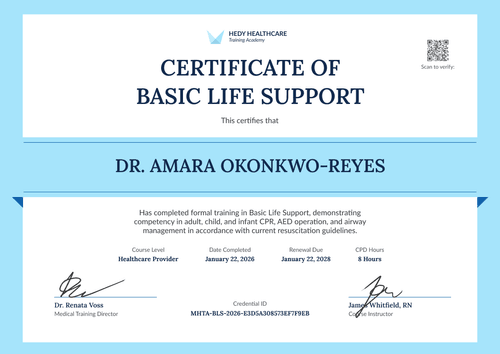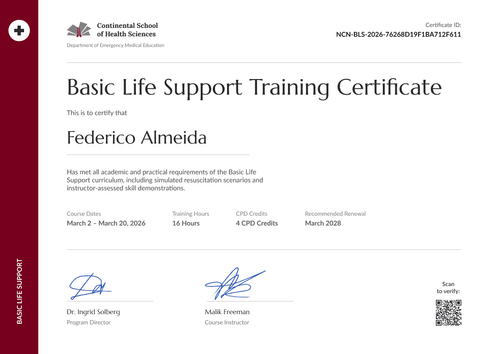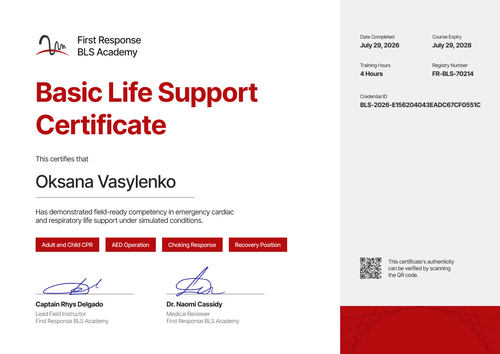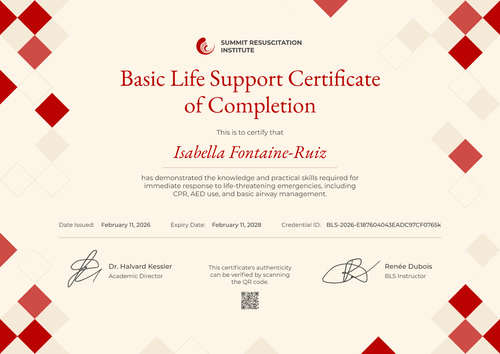

Hospital BLS Training Certificate
Document each staff member's in-house BLS training with an employee ID and renewal date. Issue certificates to clinical and non-clinical teams straight from HR data.
Customize this template for free
Email and export in bulk
Track recipient engagement
Download in
Don't have Certifier account? Sign up
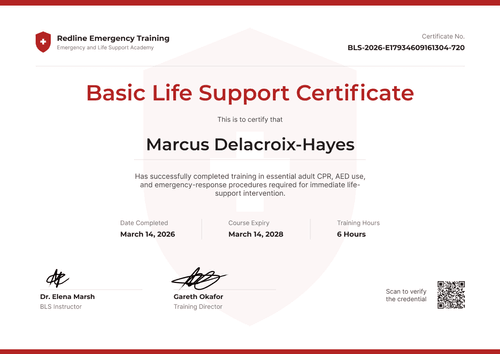
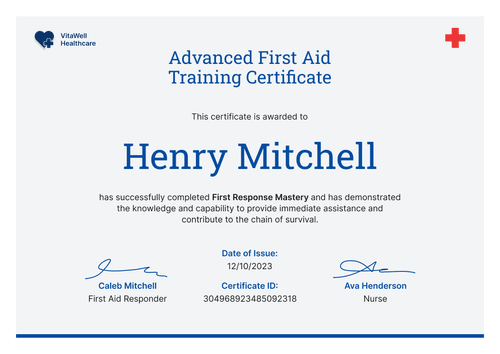
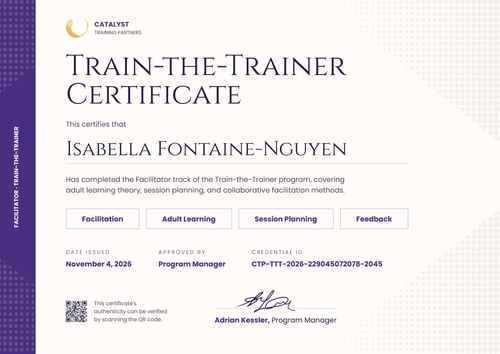
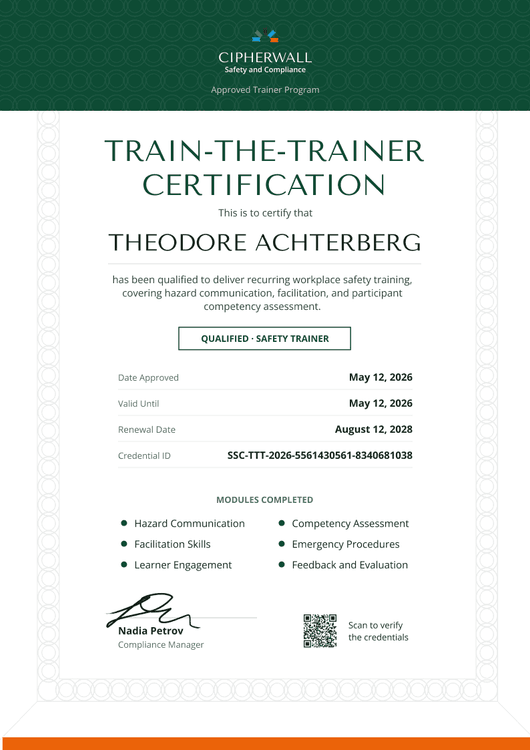
Professional teal hospital BLS training certificate template
This free hospital BLS training certificate records that a staff member completed your hospital's basic life support program, covering CPR, AED use, and recognizing cardiac and respiratory emergencies. It's built for hospital and health-system education departments that train both clinical and non-clinical staff and need a dated record for each employee.
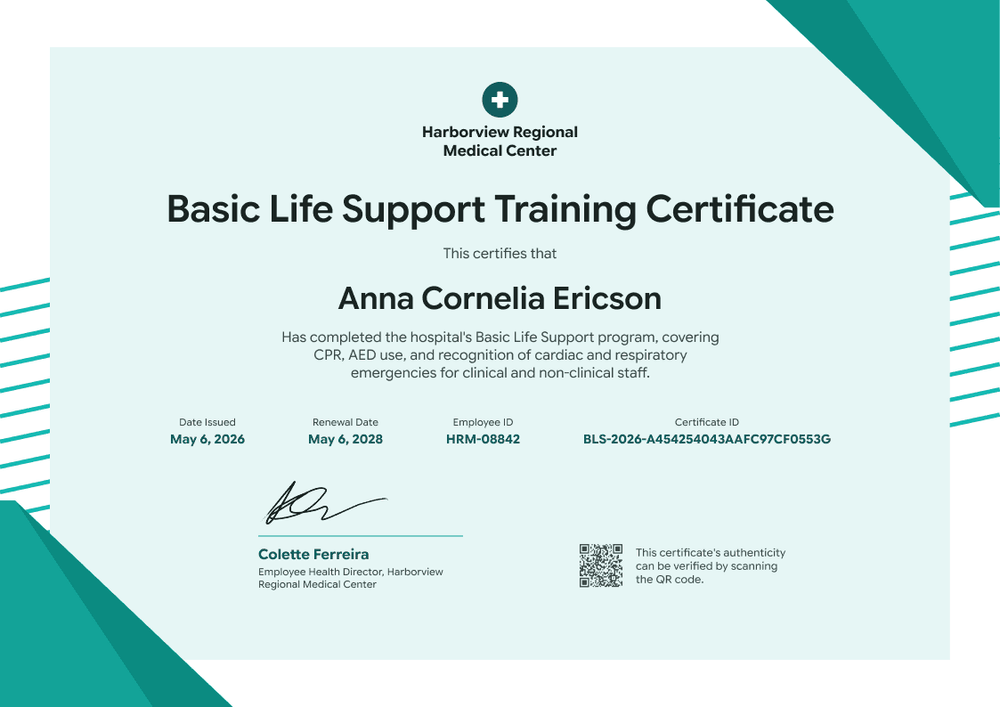
A large pale mint panel fills the page, framed by teal triangles in the top right and bottom left corners and thin teal stripes along both sides. A teal circle with a white cross and your hospital's name sit top center above a bold, dark title. Under the staff member's name and program description, four teal fields show the date issued, renewal date, employee ID, and certificate ID.
When an annual competency cycle closes, issue from your HR system or upload a staff list to send every certificate at once. Each employee gets a credential page with a verification link, on every Certifier plan.
What is a hospital BLS training certificate?
A hospital BLS training certificate shows that an employee completed the hospital's own basic life support program or skills check on a specific date. Education departments use it as an internal training record, kept alongside staff files and pulled out when a manager or accreditation surveyor asks for training evidence.
Many staff also hold a card from a training network. This certificate doesn't replace that card, it only records the internal training or skills check your hospital ran.
This template is laid out on A4 landscape (29.7 x 21 cm). Sign up for a free Certifier account to connect your staff data and issue certificates for your next cycle.
What should a hospital BLS training certificate include?
A hospital training record should tie the certificate to one employee and show when the training needs to be repeated. Use the online builder to edit these fields.
Static fields
- Organization block: Your hospital's logo and name (e.g., Harborview Regional Medical Center).
- Certificate title: The award name (e.g., Basic Life Support Training Certificate).
- Signature and role area: One signature line with role and hospital (e.g., Colette Ferreira, Employee Health Director, Harborview Regional Medical Center).
- Authenticity note: The line next to the QR code (e.g., "This certificate's authenticity can be verified by scanning the QR code.").
Dynamic fields (automatically populated by Certifier)
- Recipient name: The employee's full name (e.g., Anna Cornelia Ericson).
- Program description: What the program covered and who it's for (e.g., CPR, AED use, and recognition of cardiac and respiratory emergencies for clinical and non-clinical staff).
- Date issued: The completion date (e.g., May 6, 2026).
- Renewal date (Professional and Advanced): Set as the expiry date (e.g., May 6, 2028). This template defaults to 2 years, and you can change it.
- Employee ID: The staff number from your HR system (e.g., HRM-08842).
A department or ward field is a common addition for hospitals. Rename, add, or remove fields in Certifier's design builder.
How to issue hospital BLS training certificates
- Brand it for your hospital: Add your hospital logo and the employee health director's signature. Edit the program description for your course.
- Pull staff from HR: Connect BambooHR or upload a list with each employee's name, email, employee ID, and completion date.
- Issue for the whole cycle: Set the renewal period (Professional and Advanced expiry feature) and send. Clinical and non-clinical staff get the same design with their own data.
- Answer survey and manager requests: Search the Credential Repository by name, or check expiry dates to see which staff are due for their next session.
Available hospital BLS training certificate template formats
Edit and issue the template online with Certifier
Edit the design in your browser, add staff data, and send every certificate from one place. Each employee gets a credential page where anyone can verify it.
Download the template in Microsoft Word
Enter your email address to receive a ZIP file with editable Word documents.
PDF document export
Staff and managers can download a print-ready PDF from the credential page.
Who issues hospital BLS training certificates?
Hospital and health-system education departments
Education teams issue a certificate after each in-house BLS course or skills check, with the employee ID that links it to HR records.
Employee health teams
Employee health departments track who is due for retraining and issue new certificates after each session.
Healthcare training academies
Academies that run BLS for a hospital under contract issue certificates with the hospital's employee IDs.
Frequently asked questions
Yes, you can customize this hospital template on Certifier's free Starter plan, which allows up to 5 custom attributes. Its custom fields (program description and employee ID) fit within that limit. The renewal date uses Certifier's expiry feature, which needs the Professional or Advanced plan, and so does the QR code.
A hospital BLS training certificate records your hospital's own training or skills check, which a network card doesn't show. It carries the employee ID and date, so you have a record your department controls.
Yes. Use one design and change the program description, or add a department field for each group. On Starter, a new field counts toward your 5 custom attributes.
Search Certifier's Credential Repository for the employee, or share their verification link, and each record shows the issue date, renewal date, and employee ID.
Certifier templates are provided for general informational and design purposes only. They do not constitute legal, regulatory, or compliance advice and are not guaranteed to satisfy the requirements of any regulator, auditor, standard, insurer, or jurisdiction. The issuing organization is responsible for the content of its training program and for verifying that its records meet the requirements that apply to it. This template does not replace an AHA eCard, Red Cross certificate or other card issued by an authorized training network.