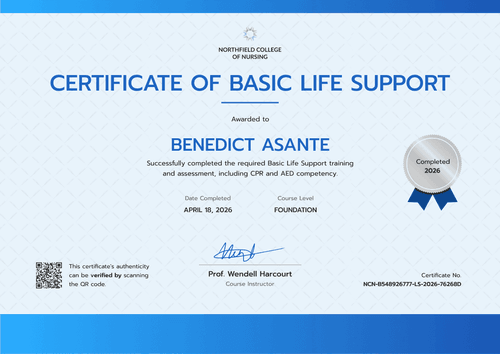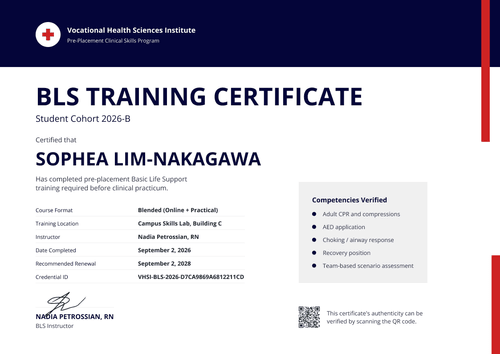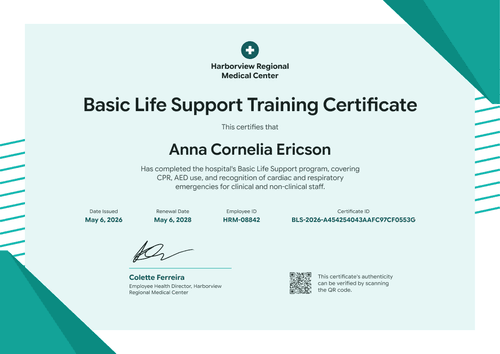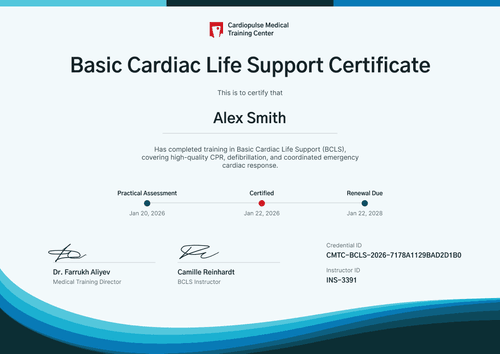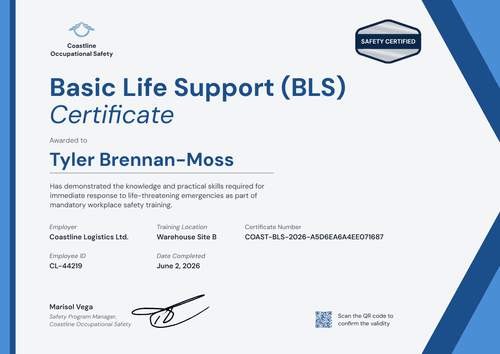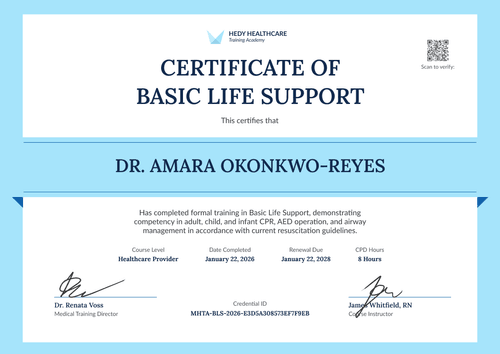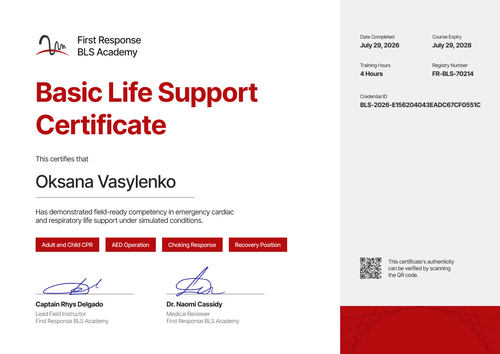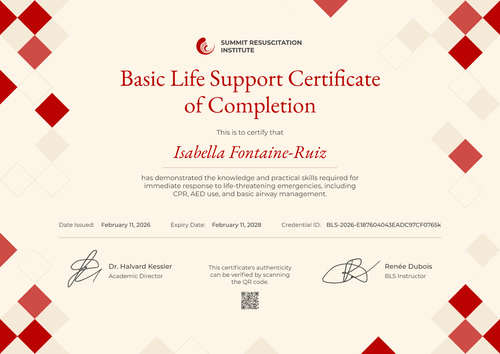

EMS Basic Life Support Training Certificate
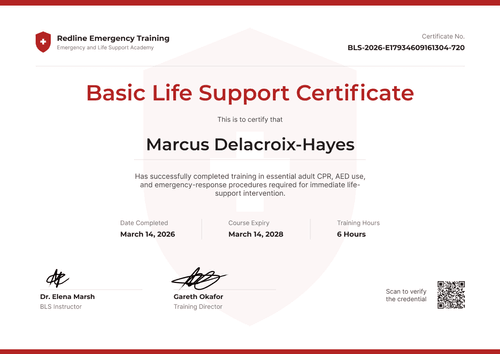
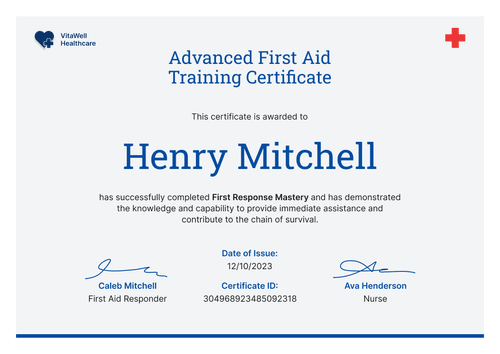
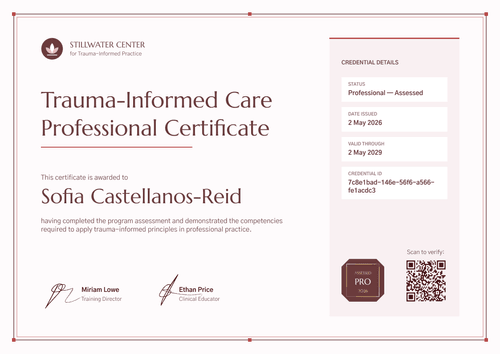
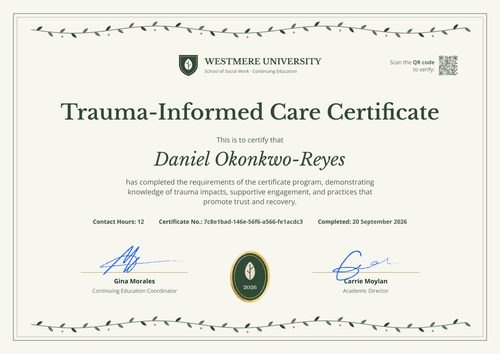
Record course dates, training hours, and CPD credits for every EMS student who finishes your BLS module. The renewal date and certificate ID sit on the same page.
Customize this template for free
Email and export in bulk
Track recipient engagement
Download in
Don't have Certifier account? Sign up
Simple burgundy EMS basic life support training certificate template
This free EMS BLS training certificate confirms that a student met the academic and practical requirements of your basic life support curriculum, including simulated resuscitation scenarios and instructor-assessed skills. It's made for EMS and paramedic programs that run BLS as a multi-day module and award CPD credits for it.
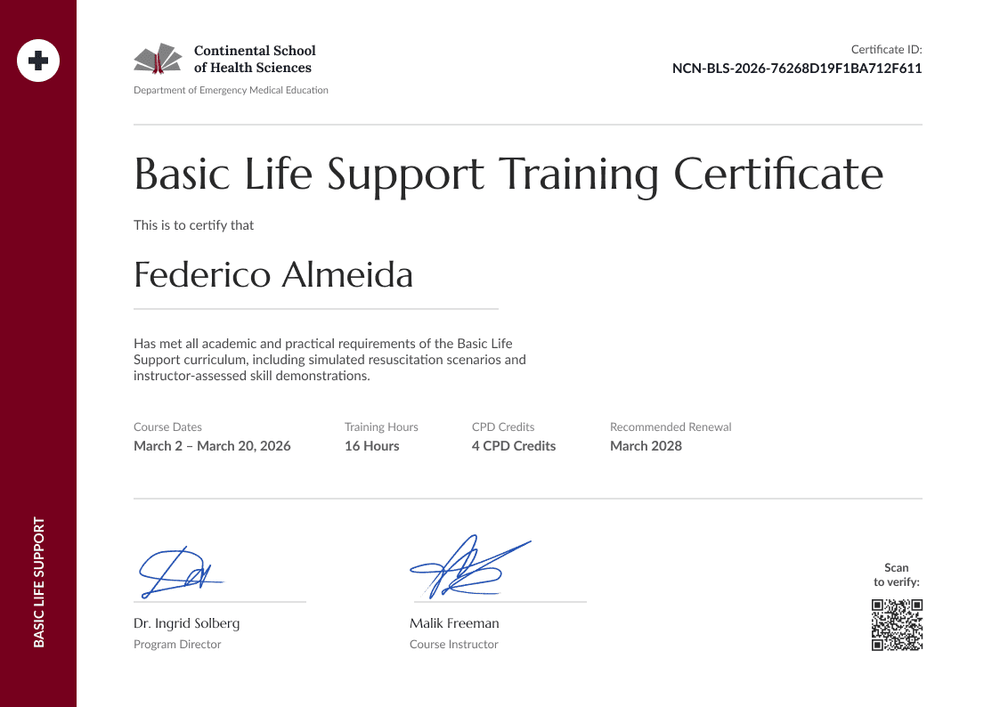
A burgundy band runs down the left edge, with a white circle and cross at the top and "Basic Life Support" set vertically near the bottom. The rest of the page is white and spacious. Your school logo, name, and department sit top left, with the certificate ID top right.
When a module ends, connect your LMS or upload your gradebook export to issue every certificate at once. Each student gets a credential page with a verification link, on every plan.
What is an EMS BLS training certificate?
An EMS BLS training certificate shows that a student completed a basic life support module in an emergency medical education program. It lists the course dates, hours, and any CPD credits earned. Schools issue it as a course record that students can show to placement sites and future employers.
Validity periods vary by network and region. This template defaults to 2 years (editable to match your program's guideline) and records your module, so it isn't a certification issued by any training network.
This template is laid out on A4 landscape (29.7 x 21 cm). Sign up for a free Certifier account to add your department details and issue certificates to your next cohort.
What should an EMS BLS training certificate include?
An EMS program's certificate should show the dates of the module, the hours and credits earned, and when the training should be renewed. Use the online builder to edit these fields.
Static fields
- Organization block: Your school logo, name, and department (e.g., Continental School of Health Sciences, Department of Emergency Medical Education).
- Certificate title: The award name (e.g., Basic Life Support Training Certificate).
- Sidebar label: The vertical text on the burgundy band (e.g., Basic Life Support).
- Signature and role areas: Two signature lines (e.g., Dr. Ingrid Solberg, Program Director, and Malik Freeman, Course Instructor).
Dynamic fields (automatically populated by Certifier)
- Recipient name: The student's full name (e.g., Federico Almeida).
- Course description: What the student completed (e.g., simulated resuscitation scenarios and instructor-assessed skill demonstrations).
- Course dates: The start and end of the module (e.g., March 2 to March 20, 2026).
- Training hours: Total contact hours (e.g., 16 Hours).
- CPD credits: Credits awarded for the module (e.g., 4 CPD Credits).
- Recommended renewal (Professional and Advanced): Set as the expiry date (e.g., March 2028). This template defaults to 2 years, and you can change it.
EMS programs often record more, such as a placement site or module code. Rename, add, or remove fields in Certifier's design builder.
How to issue EMS BLS training certificates
- Add your department details: Upload your school logo, enter your department name, and add the program director's and instructor's signatures.
- Export module results: Pull each student's name, email, course dates, hours, and CPD credits from your LMS or gradebook into a spreadsheet.
- Set the renewal period and issue: Keep the 2-year default or match your guideline for the expiration date (Professional and Advanced plan feature). Certifier emails every student their certificate.
- Support placement checks: Students share their verification link with placement sites, which can confirm the module, hours, and credits without contacting your office.
Available EMS BLS training certificate template formats
Edit and issue the template online with Certifier
Edit the design in your browser, add student data, and send every certificate from one place. Each student gets a credential page where anyone can verify it.
Download the template in Microsoft Word
Enter your email address to receive a ZIP file with editable Word documents.
PDF document export
Students can download a print-ready PDF from their credential page.
Who issues EMS BLS training certificates?
EMS and paramedic programs
Programs that teach BLS as part of EMT or paramedic training issue a certificate for the module, with hours and credits students can carry into their portfolio.
Health science schools
Schools running BLS for several health programs use one design and change the department name for each.
Non-US training providers
Providers that follow ERC or Resuscitation Council UK guidelines set the validity period their guideline uses.
Frequently asked questions
Yes, you can customize this EMS template on Certifier's free Starter plan, which allows up to 5 custom attributes. Its custom fields (course description, course dates, training hours, and CPD credits) fit within that limit. The QR code needs the Professional or Advanced plan, and so does the renewal date, which uses Certifier's expiry feature.
Yes. They're separate fields, so you can show contact hours and credits side by side, or remove either one. If your program awards CE hours instead, rename the field.
No. The certificate shows what your program awards. Whether those credits count toward a license or registration depends on the body that accepts them.
Yes. The course dates field holds a range, such as March 2 to March 20, 2026. The date issued is recorded separately on the credential page.
Yes, on the Professional and Advanced plans. Change the expiry period before you issue, for example to follow the ERC's 3-year validity.
Certifier templates are provided for general informational and design purposes only. They do not constitute legal, regulatory, or compliance advice and are not guaranteed to satisfy the requirements of any regulator, auditor, standard, insurer, or jurisdiction. The issuing organization is responsible for the content of its training program and for verifying that its records meet the requirements that apply to it. This template does not replace an AHA eCard, Red Cross certificate or other card issued by an authorized training network.