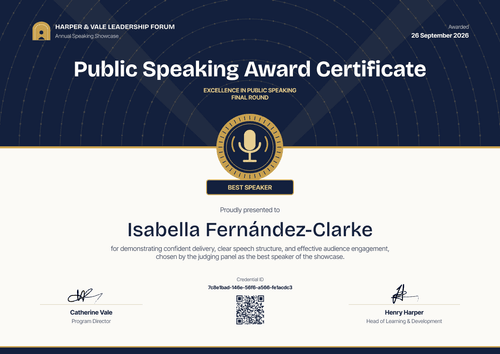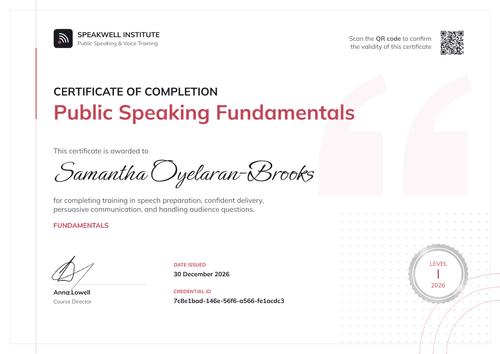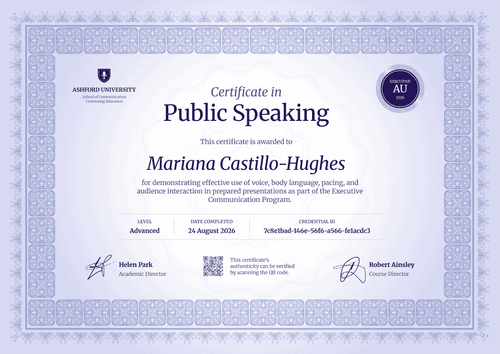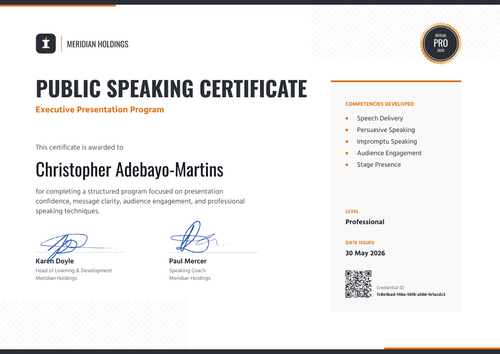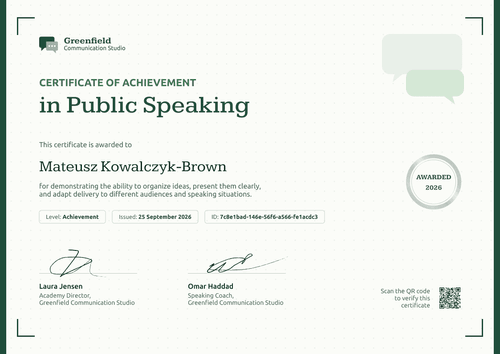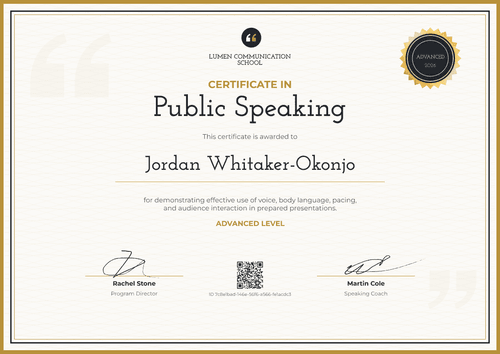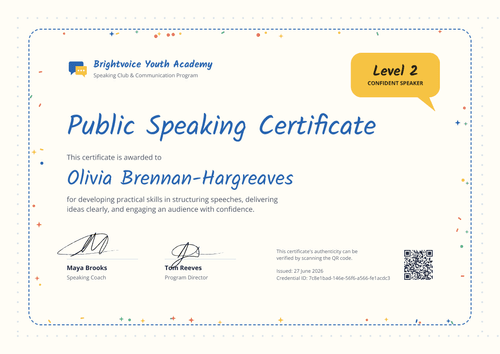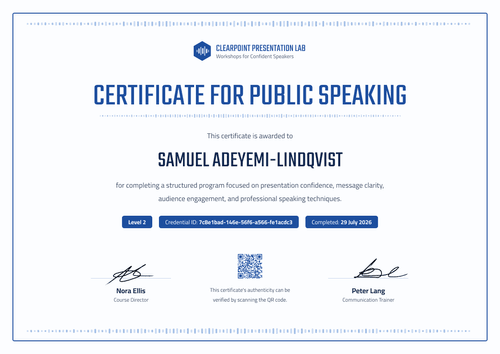

Public Speaking & Presentation Skills Certificate
Confirm that a client's staff completed your public speaking and presentation skills course, with the level and skills covered on every certificate. Client HR teams can check each one from its verification link.
Customize this template for free
Email and export in bulk
Track recipient engagement
Download in
Don't have Certifier account? Sign up
Simple teal public speaking and presentation skills certificate template
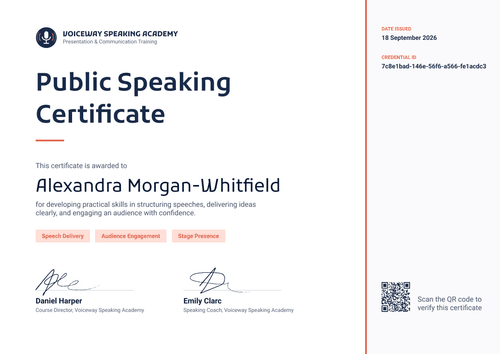
This free public speaking and presentation skills certificate confirms that a participant completed your public speaking and presentation course. It suits corporate training providers that deliver communication courses to client companies, and business schools that run short professional programs. Employers that train their own staff can use it for internal records too.
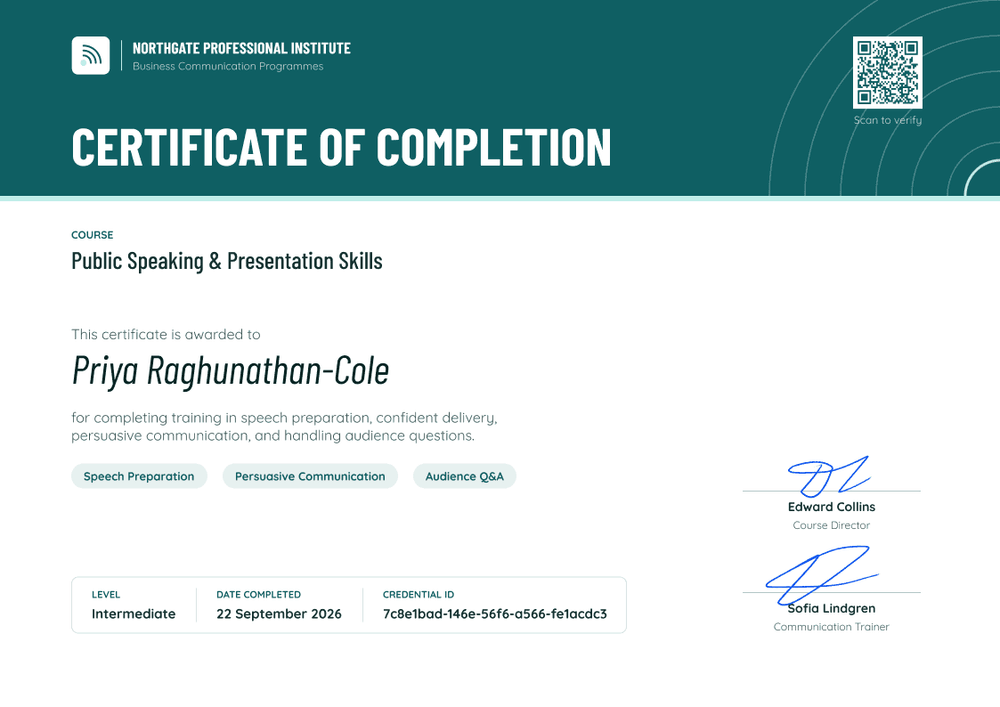
A deep teal header band runs across the top, with "Certificate of Completion" in large white capitals and thin concentric arcs on the right. The QR code sits inside the header with a "Scan to verify" note. Below, on white, the course name appears above the recipient's name, followed by three pale teal skill tags (e.g., Speech Preparation, Persuasive Communication, Audience Q&A). A bordered box at the bottom shows the level, completion date, and credential ID.
When a client course ends, import completions from a spreadsheet and issue every participant's certificate in one run. Each certificate links to a credential page that the client's HR team can open on every plan. On the Professional and Advanced plans, the QR code opens the same page.
What is a public speaking and presentation skills certificate?
A public speaking and presentation skills certificate shows that a named person completed a course on planning and delivering presentations in front of an audience. Training providers issue it at the end of a client course, and clients can keep it as a record of training delivered to their staff.
There's no external standard for presentation skills courses, so the certificate should say exactly what was covered. Listing the skills and the level gives a manager a clear picture of the training. The certificate confirms course completion, so a manager can file it as a training record.
This template is laid out on A4 landscape (29.7 x 21 cm). Sign up for a free Certifier account to brand it for your first client.
What should a public speaking and presentation skills certificate include?
A training record for a client should show the course, the skills, and the level. These fields are on the design.
Static fields
- Provider block: Your logo, name, and department (e.g., Northgate Professional Institute, Business Communication Programmes).
- Certificate title: The award type (e.g., Certificate of Completion).
- Course name: The program title (e.g., Public Speaking & Presentation Skills).
- Signature and role areas: Two signature lines (e.g., Edward Collins, Course Director, and Sofia Lindgren, Communication Trainer).
Dynamic fields (automatically populated by Certifier)
- Recipient name: The participant's full name (e.g., Priya Raghunathan-Cole).
- Course description: What the course covered (e.g., speech preparation, confident delivery, persuasive communication, and handling audience questions).
- Skill tags: Three skills from the course (e.g., Speech Preparation, Persuasive Communication, Audience Q&A).
- Level: The course level (e.g., Intermediate).
- Credential ID, date issued, and verification link: On every plan (e.g., 22 September 2026).
Add the client's name or a cohort code in Certifier's design builder.
How to issue public speaking and presentation skills certificates
Use these four steps for each client course:
- Brand the design for the client: Duplicate the design, add the course name, and include the client's logo next to yours if your agreement allows it.
- Collect the attendance list: Get the list of participants who completed the course, with names, emails, and level.
- Issue in one run: Upload the list. Each upload takes up to 1,000 recipients, and Certifier emails each participant their certificate.
- Share the records with the client: Send the client's training lead each participant's credential link, so their HR team can file or check any certificate.
Available public speaking and presentation skills certificate template formats
Edit and issue online with Certifier
Edit the design in your browser, upload participants, and keep every client's certificates in one place. Each certificate has a credential page anyone can open.
Download in Microsoft Word
Enter your email to receive a ZIP with editable Word files.
PDF document export
Participants can download a print-ready PDF from their credential page for their own records.
Who issues presentation skills certificates?
Corporate training providers
Client companies book these providers for presentation courses. A verifiable certificate gives each client a clean record of the training they paid for.
Business schools and professional institutes
Short communication programs for working professionals are part of what these schools offer. The level field separates intermediate and advanced runs of the same course.
Employers and L&D teams
When L&D runs presentation training in-house, each employee gets a record they can show at review time.
Frequently asked questions
Yes. You can customize the design and issue it on the free Starter plan, which allows up to 5 custom attributes. This template's custom fields (course description, three skill tags, and level) fit within that limit. The QR code needs the Professional or Advanced plan; on Starter, each certificate still links to its credential page.
Yes. Each certificate has a verification link to its credential page, which shows the issuer, the recipient, the issue date, and the credential ID. Anyone can open it without logging in. On the Professional and Advanced plans, the QR code in the header opens the same page.
Yes, on the Professional and Advanced plans. Set a custom sender email so participants see your training company's name in their inbox. On Starter, certificates are sent from Certifier's default address.
Yes. Create one branded design per client, upload each client's list separately, and keep each group organized in the Credential Repository. Every participant gets the version with their company's course details.
Certifier templates are provided for general informational and design purposes only. They do not constitute legal, regulatory, or compliance advice and are not guaranteed to satisfy the requirements of any regulator, auditor, standard, insurer, or jurisdiction. The issuing organization is responsible for the content of its training program and for verifying that its records meet the requirements that apply to it.