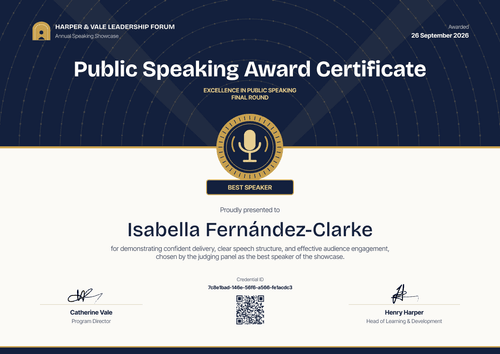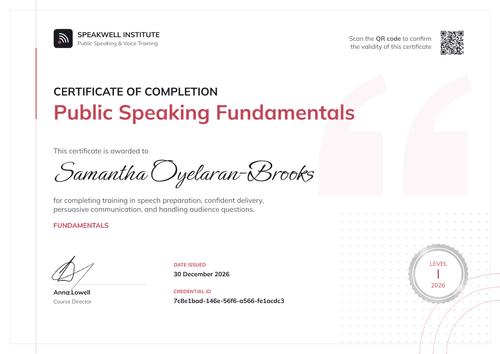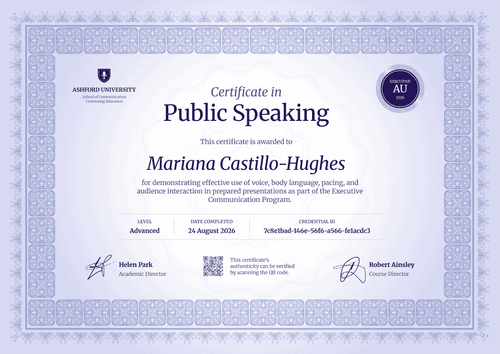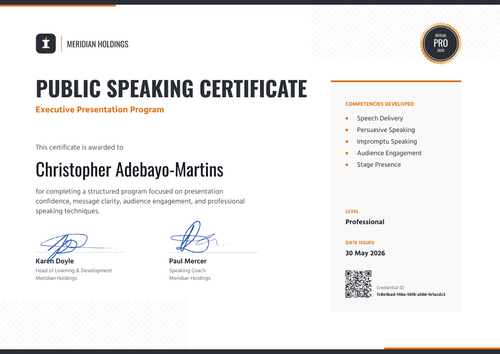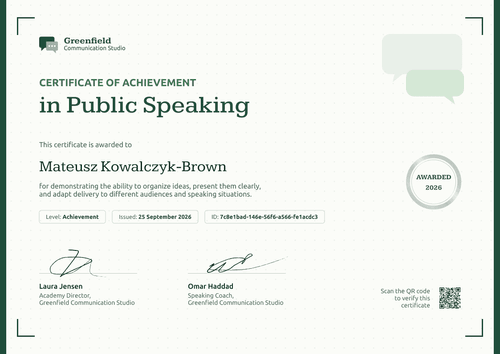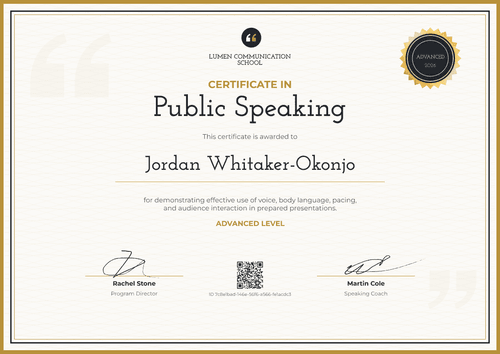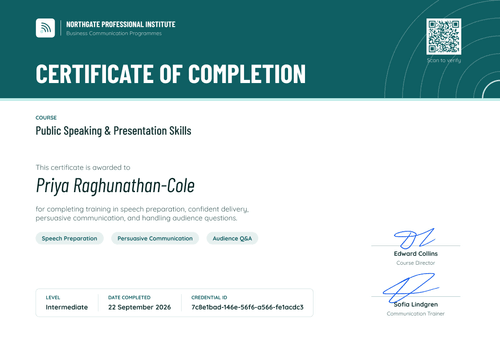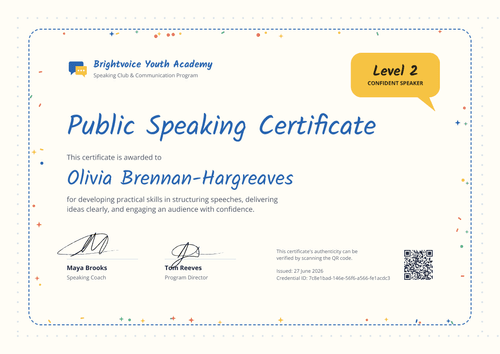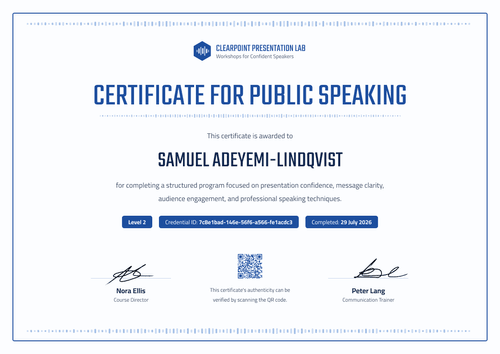

Public Speaking Certificate
Give every graduate of your speaking course a certificate they can add to LinkedIn. Issue the whole cohort in one run, and each certificate links back to your academy as the issuer.
Customize this template for free
Email and export in bulk
Track recipient engagement
Download in
Don't have Certifier account? Sign up
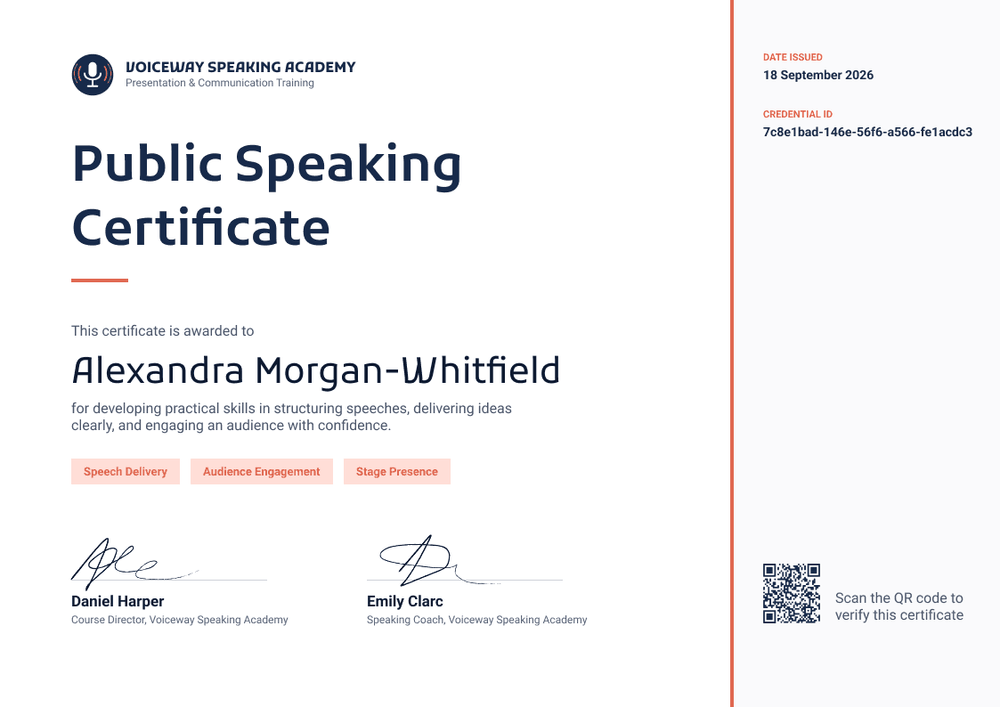
Simple ink blue public speaking certificate template
This free public speaking certificate confirms that a learner finished your speaking course and practiced the skills it taught. It suits speaking academies and presentation coaches who run group courses and want graduates to share the result. Communication trainers and independent speaking clubs can use it too.
The layout is clean and direct. A large ink blue headline sits on a white panel with a short coral rule under it. Below the recipient's name, three coral skill tags list what the course covered (e.g., Speech Delivery, Audience Engagement, Stage Presence). A light grey sidebar on the right, set off by a coral line, holds the issue date, the credential ID, and a QR code.
When a cohort ends, import your class list from a spreadsheet and issue every certificate at once. Each learner gets an email with a link to their credential page, where they can download the certificate or add it to LinkedIn.
What is a public speaking certificate?
A public speaking certificate is a document a coach, training provider, or club issues to show that a named person completed a speaking course. Providers use it to mark the end of a course and to give learners something they can show employers and clients.
No single body accredits public speaking, so the certificate carries the weight of the organization that issued it. That makes your name, your course title, and a working verification link the parts that matter most. The certificate shows that someone completed your course; it doesn't rate how well they'll speak on a given day.
This template is laid out on A4 landscape (29.7 x 21 cm). Sign up for a free Certifier account to edit the design and issue your first cohort.
What should a public speaking certificate include?
A course certificate should tell a reader who finished, what they learned, and who taught them. Use the online builder to edit these fields.
Static fields
- Academy block: Your logo, organization name, and tagline (e.g., Voiceway Speaking Academy, Presentation & Communication Training).
- Certificate title: The award name (e.g., Public Speaking Certificate).
- Signature and role areas: Two signature lines (e.g., Daniel Harper, Course Director, and Emily Clarc, Speaking Coach).
Dynamic fields (automatically populated by Certifier)
- Recipient name: The learner's full name (e.g., Alexandra Morgan-Whitfield).
- Course description: One line on what the learner practiced (e.g., structuring speeches, delivering ideas clearly, and engaging an audience with confidence).
- Skill tags: Up to three skills from the course (e.g., Speech Delivery, Audience Engagement, Stage Presence).
- Credential ID, date issued, and verification link: Shown in the sidebar (e.g., 18 September 2026).
Change the skill tags for each course you run, or add fields in Certifier's design builder.
How to issue public speaking certificates
Follow these four steps to send certificates to a full cohort:
- Brand the design: Upload your logo, add your coaches' signatures, and set the course title. Edit the three skill tags to match what this course covered.
- Add your learners: Upload a spreadsheet with names, emails, and any per-learner fields. Each upload takes up to 1,000 recipients, and rows with errors are skipped so the rest still go out.
- Issue and email: Certifier emails each learner a personalized certificate with a link to their credential page.
- Watch the shares: Use the Credential Repository to see who opened, downloaded, or shared their certificate. Each LinkedIn share points back to a page with your academy's name on it.
Available public speaking certificate template formats
Edit and issue online with Certifier
Edit the design in your browser, upload your class list, and email every certificate from one place. Each learner gets a credential page where anyone can verify the certificate.
Download in Microsoft Word
Enter your email to receive a ZIP with editable Word files.
PDF document export
Learners can download a print-ready PDF from their credential page, so they can print it or attach it to a job application.
Who issues public speaking certificates?
Speaking academies and presentation coaches
Group courses and workshops on delivery and stage presence are the core of this work. A shareable certificate closes the course and puts the academy's name in front of each learner's network.
Communication training providers
Providers that add public speaking to wider communication programs can reuse one design across every intake, with the skill tags changed per course.
Independent speaking clubs
Clubs that run their own beginner courses can issue a certificate at the end of each run, without designing a new file every time.
Frequently asked questions
Yes. You can customize the design and issue it on the free Starter plan, which allows up to 5 custom attributes. This template's custom fields (course description and three skill tags) fit within that limit. The QR code needs the Professional or Advanced plan; on Starter, each certificate still links to its credential page.
Learners open the link in their delivery email, go to their credential page, and choose the option to add it to their LinkedIn profile. The entry links back to the credential page, so anyone who clicks it sees your academy as the issuer. This works on every plan.
A design tool gives you a file for each learner, but you still have to send them one by one. Certifier issues the whole cohort from one spreadsheet, emails each learner, gives every certificate its own verification link, and shows you who opened and shared it.
Yes. Edit the tags in the design for each course, or make them dynamic fields and fill them from your spreadsheet. That way one design covers a delivery course, a storytelling course, and a confidence course.
The learner can request a change from their credential page after verifying their email. You review the request in your dashboard and update the field. The public page updates right away, with nothing to reissue.
Certifier templates are provided for general informational and design purposes only. They do not constitute legal, regulatory, or compliance advice and are not guaranteed to satisfy the requirements of any regulator, auditor, standard, insurer, or jurisdiction. The issuing organization is responsible for the content of its training program and for verifying that its records meet the requirements that apply to it.