Public Speaking Certificate Templates
Give learners who finish your speaking course, workshop, or contest a public speaking certificate they can share and verify.
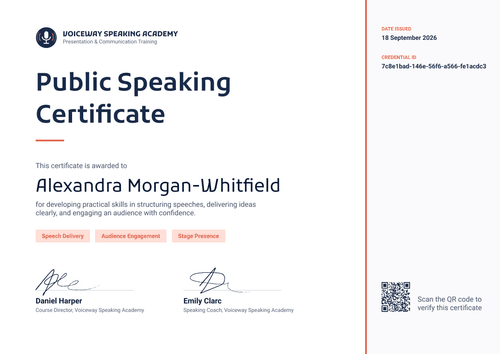
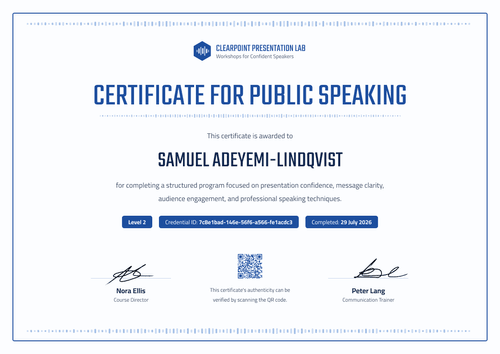
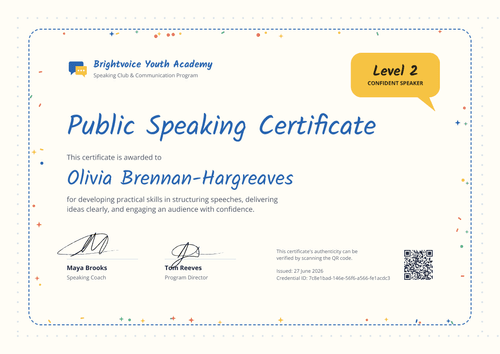
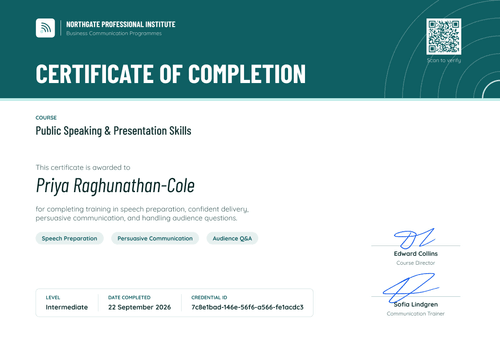
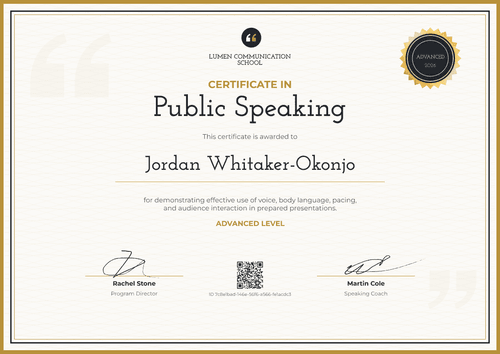
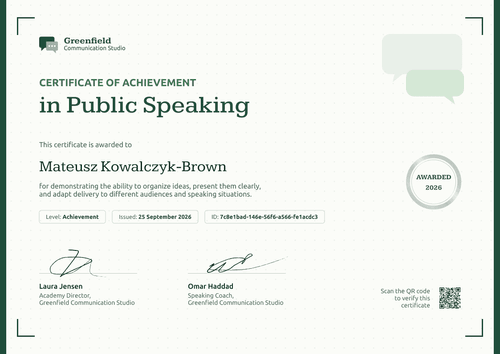
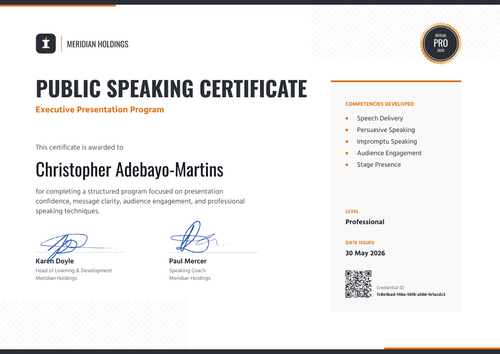
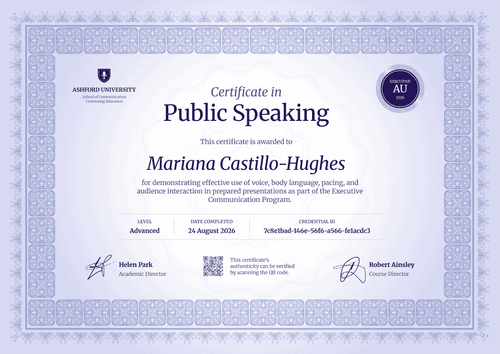
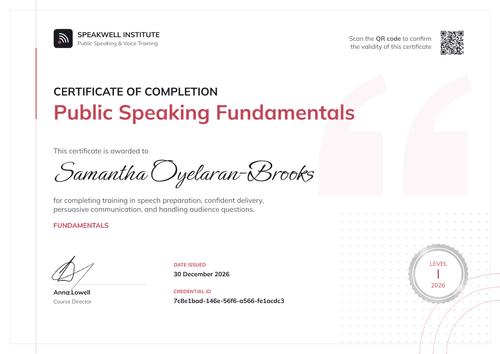
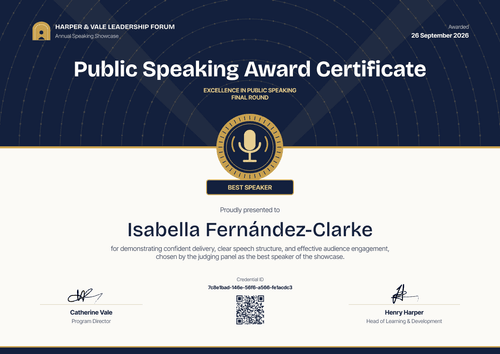
Pick a template for a beginner course, a levelled workshop, an executive presentation program, or a best speaker award. Add your logo, the skills covered, and the level reached, then import your class list from a spreadsheet or connect your course platform to issue a whole cohort at once.
Coaches and training providers use these certificates to close a course. Employers, schools, and independent speaking clubs use them for leadership programs, end-of-term awards, and contest results. Each certificate links to its own credential page, where anyone can check who issued it.
Give learners who finish your speaking course, workshop, or contest a public speaking certificate they can share and verify.
Pick a template for a beginner course, a levelled workshop, an executive presentation program, or a best speaker award. Add your logo, the skills covered, and the level reached, then import your class list from a spreadsheet or connect your course platform to issue a whole cohort at once.
Coaches and training providers use these certificates to close a course. Employers, schools, and independent speaking clubs use them for leadership programs, end-of-term awards, and contest results. Each certificate links to its own credential page, where anyone can check who issued it.
Read more
FAQ about public speaking certificate templates
Answers to common questions from speaking coaches, training providers, employers, schools, and speaking clubs.
Yes. Every template here can be customized on Certifier's free Starter plan, which includes up to 250 credentials a year. Edit the design online or download the Word file. QR codes are available on the Professional and Advanced plans; on Starter, each certificate still links to a credential page anyone can open.
No. A public speaking certificate isn't an accredited qualification, because no single body accredits public speaking skills the way some professions are licensed. The coach, training provider, school, or club that ran the course issues it. It confirms that a person completed that course or reached a level you set. Some associations run their own speaker designations; a template certificate does not replace one of those.
Write the contest or event name, the round, the award or placing (for example, Best Speaker or Runner-up), the speaker's full name, and the date. Add one line on what the judges recognized, and signature lines for the program director or head judge. On Certifier, the placing can be a custom field, so you can issue winners and finalists from one design.
Yes. Several templates include a level field (for example, Level 2, Intermediate, or Advanced). Add a level column to your spreadsheet, and each certificate shows the level for that learner. Issue a new certificate when a learner moves up, so each level has its own credential page.
Yes, on every plan. Each learner gets a credential page with an option to add the certificate to their LinkedIn profile. The LinkedIn entry links back to the credential page, which names your organization as the issuer. You can also attach a digital badge to the same credential if your learners prefer a badge for their profile.