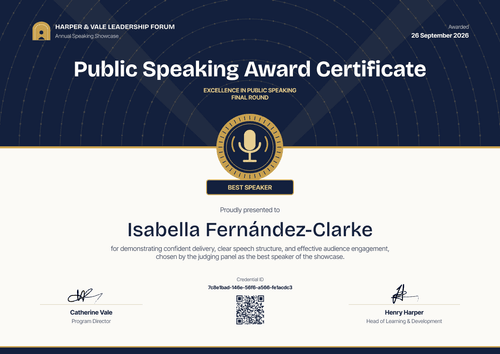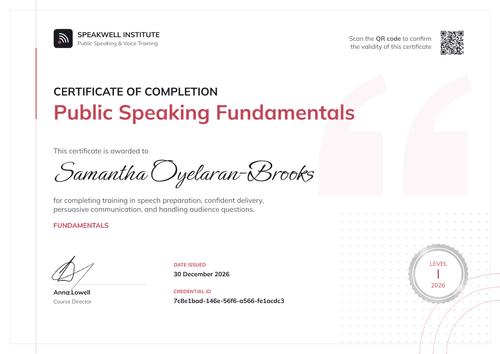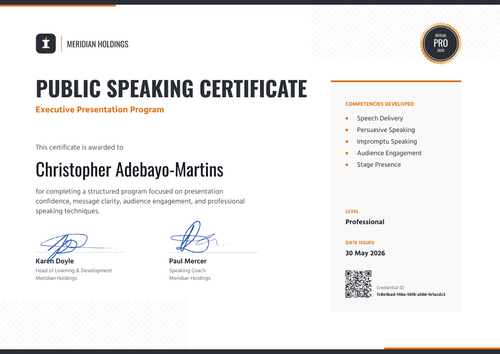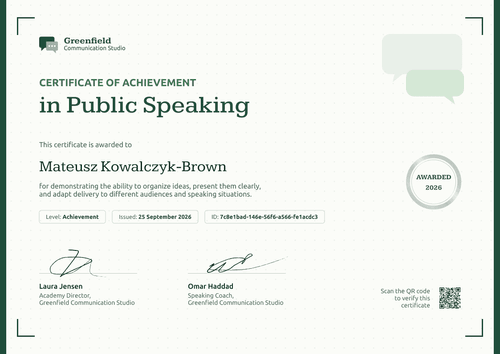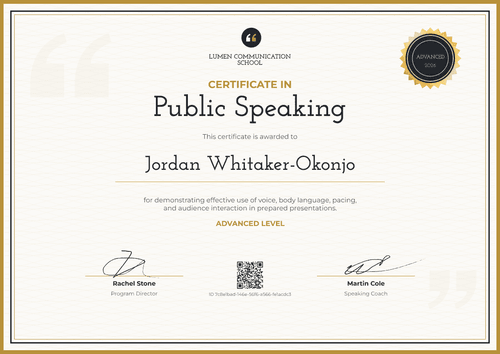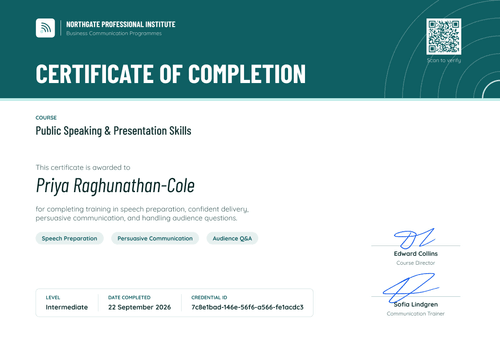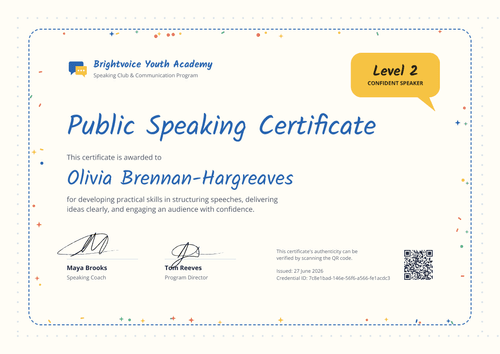

Public Speaking Course Certificate
Mark each level of your presentation workshop with its own certificate. Set the level per learner from your spreadsheet and issue the whole group at the end of the course.
Customize this template for free
Email and export in bulk
Track recipient engagement
Download in
Don't have Certifier account? Sign up
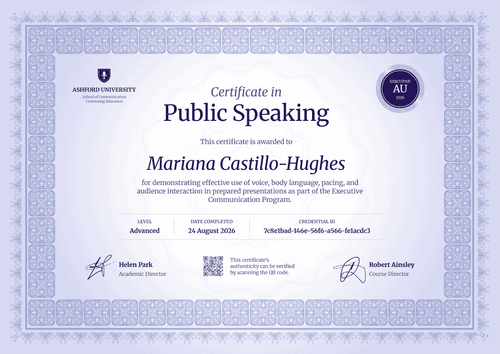
Simple royal blue public speaking course certificate template
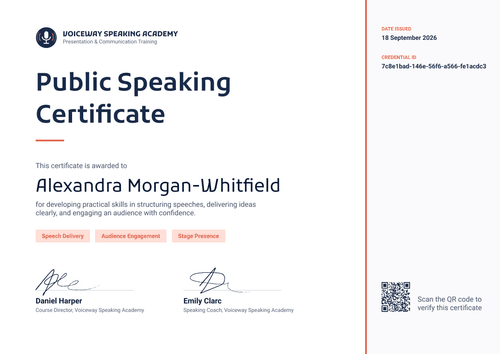
This free public speaking course certificate confirms that a learner completed one level of your workshop program and suits presentation labs and workshop providers that run courses in stages. Corporate trainers and university extension programs with staged courses can use it the same way.
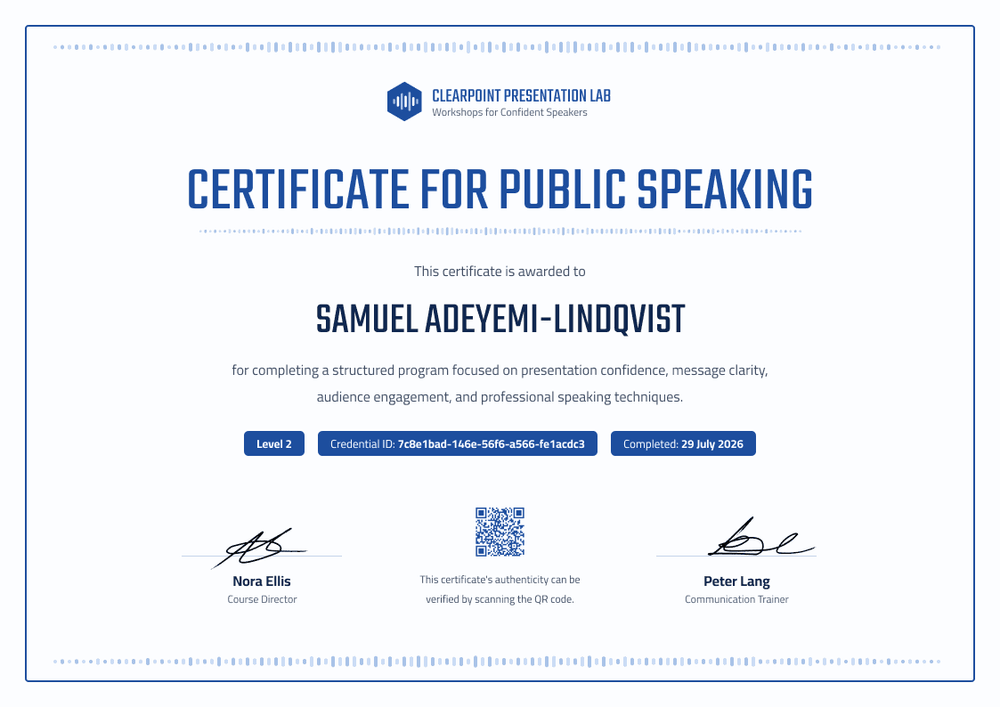
The design is centered and symmetrical. A thin royal blue border frames the page, and dotted sound-wave lines run along the top, the bottom, and under the title. The bold, condensed headline reads "Certificate for Public Speaking." Three blue tags under the course description show the level, the credential ID, and the completion date.
At the end of each workshop, connect your course platform or upload a spreadsheet with a level column, and every learner gets the right level on their certificate. Each certificate links to its own credential page on every plan.
What is a public speaking course certificate?
A public speaking course certificate is a certificate a workshop provider issues when a learner completes a set course, often one level in a sequence. Providers use it to show progress from one level to the next and to give learners a reason to come back for the next stage.
The level on the certificate is yours to define. There's no shared scale for public speaking levels, so describe what each level covers in your course materials and in the certificate description. The certificate records that the learner completed your course at that level, as your program defines it.
This template is laid out on A4 landscape (29.7 x 21 cm). Sign up for a free Certifier account to set up your first level and start issuing.
What should a public speaking course certificate include?
A levelled course certificate should make the level easy to spot. These fields are on the design, and you can edit each one.
Static fields
- Provider block: Your logo, name, and tagline (e.g., Clearpoint Presentation Lab, Workshops for Confident Speakers).
- Certificate title: The award name (e.g., Certificate for Public Speaking).
- Signature and role areas: Two signature lines (e.g., Nora Ellis, Course Director, and Peter Lang, Communication Trainer).
- Verification note: A short line under the QR code (e.g., This certificate's authenticity can be verified by scanning the QR code).
Dynamic fields (automatically populated by Certifier)
- Recipient name: The learner's full name (e.g., Samuel Adeyemi-Lindqvist).
- Course description: What the program covered (e.g., presentation confidence, message clarity, audience engagement, and professional speaking techniques).
- Level: The stage the learner completed (e.g., Level 2).
- Completion date: The date the course ended (e.g., 29 July 2026).
Rename the level tag or add a course code in Certifier's design builder.
How to issue public speaking course certificates
Use one design for every level with these four steps:
- Set up the design once: Add your logo and trainers' signatures. Make the level a dynamic field so you don't need a separate design for each stage.
- Export your completions: Pull the list of learners who finished from your course platform, with a column for the level each one completed.
- Issue the group: Upload the list or send it through Zapier. Certifier emails each learner a certificate showing their level.
- Invite them to the next level: Learners keep each certificate on its own credential page. Use the end of one level to tell them when the next workshop starts.
Available public speaking course certificate template formats
Edit and issue online with Certifier
Edit the design in your browser, add learner data, and issue every level from one place. Each certificate has a credential page anyone can open.
Download in Microsoft Word
Enter your email to receive a ZIP with editable Word files.
PDF document export
Learners can download each level's certificate as a print-ready PDF from their credential page.
Who issues public speaking course certificates?
Presentation labs and workshop providers
When speaking workshops run in levels, each stage needs its own certificate. A level field keeps one design working across the whole program.
Corporate communication trainers
Trainers who deliver staged presentation courses to client teams can give each participant a record of the level they reached.
University extension and adult education programs
For short public speaking courses aimed at adult learners, a certificate per course gives learners something to show at work.
Frequently asked questions
Yes. You can customize the design and issue it on the free Starter plan, which allows up to 5 custom attributes. This template's custom fields (course description, level, and completion date) fit within that limit. The QR code needs the Professional or Advanced plan; on Starter, each certificate still links to its credential page.
Yes. Make the level a dynamic field and add a level column to your spreadsheet. Each learner's certificate shows the level in their row, so one design covers every stage of your program.
Yes. Each level is issued as its own credential with its own page, so learners keep their Level 1 certificate after finishing Level 2. From each credential page, learners can add that level to their LinkedIn profile, and the entry links back to a page that names your organization as the issuer. This works on every plan.
Employers recognize a Level 2 public speaking certificate as a record from your organization, not as an external qualification. No outside body sets public speaking levels, so describe what each level covered in the course description. Anyone can open the certificate's credential page to confirm who issued it and when.
Yes. Certifier connects with learning platforms through native integrations, Zapier, or the API, on every plan, including Starter. When a learner completes a level, the certificate can go out without a manual upload.
Certifier templates are provided for general informational and design purposes only. They do not constitute legal, regulatory, or compliance advice and are not guaranteed to satisfy the requirements of any regulator, auditor, standard, insurer, or jurisdiction. The issuing organization is responsible for the content of its training program and for verifying that its records meet the requirements that apply to it.