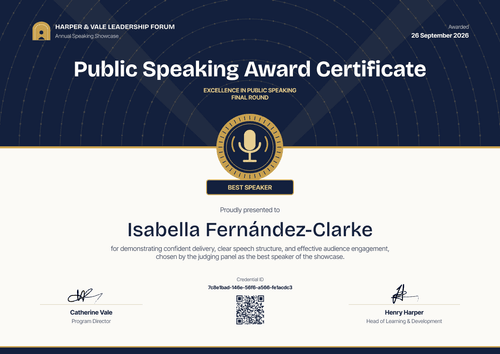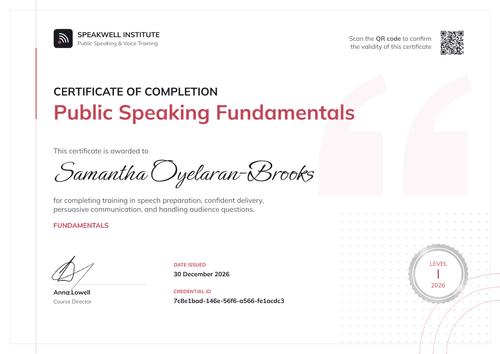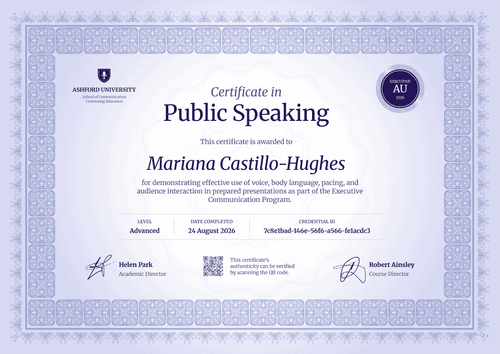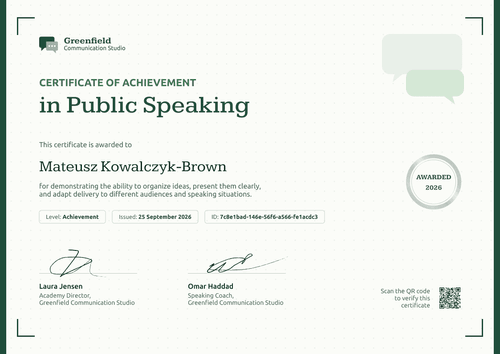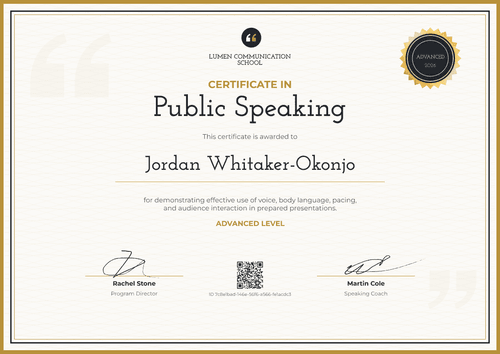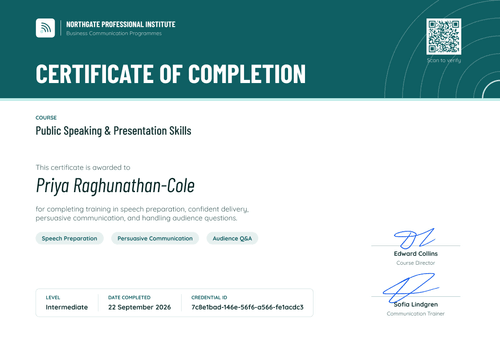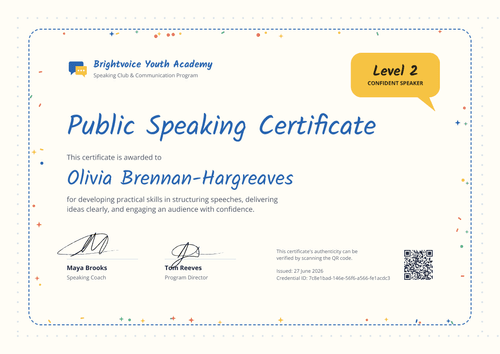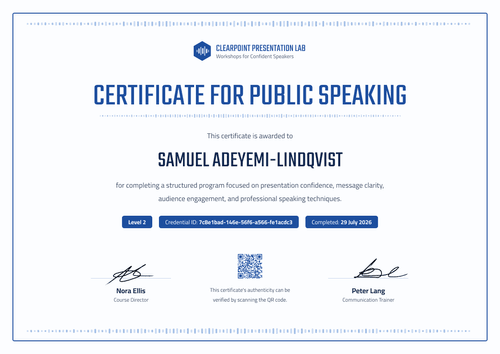

Public Speaking Executive Presentation Certificate
Close your executive presentation program with a certificate that lists the public speaking competencies each leader developed. HR keeps a verifiable record for every participant.
Customize this template for free
Email and export in bulk
Track recipient engagement
Download in
Don't have Certifier account? Sign up
Professional black public speaking executive presentation certificate template
This free public speaking executive presentation certificate confirms that a manager or leader completed your in-house presentation program. It suits employer L&D teams running leadership and executive presence programs, and sales enablement teams that train pitch skills before a kickoff. Training providers who deliver these programs for client companies can use it too.
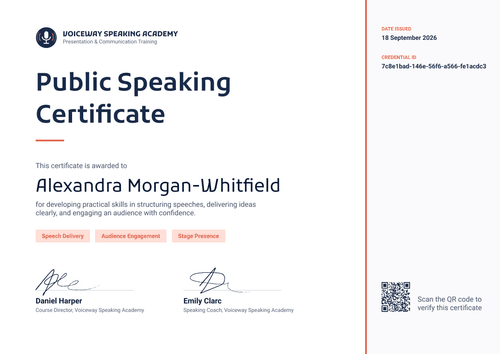
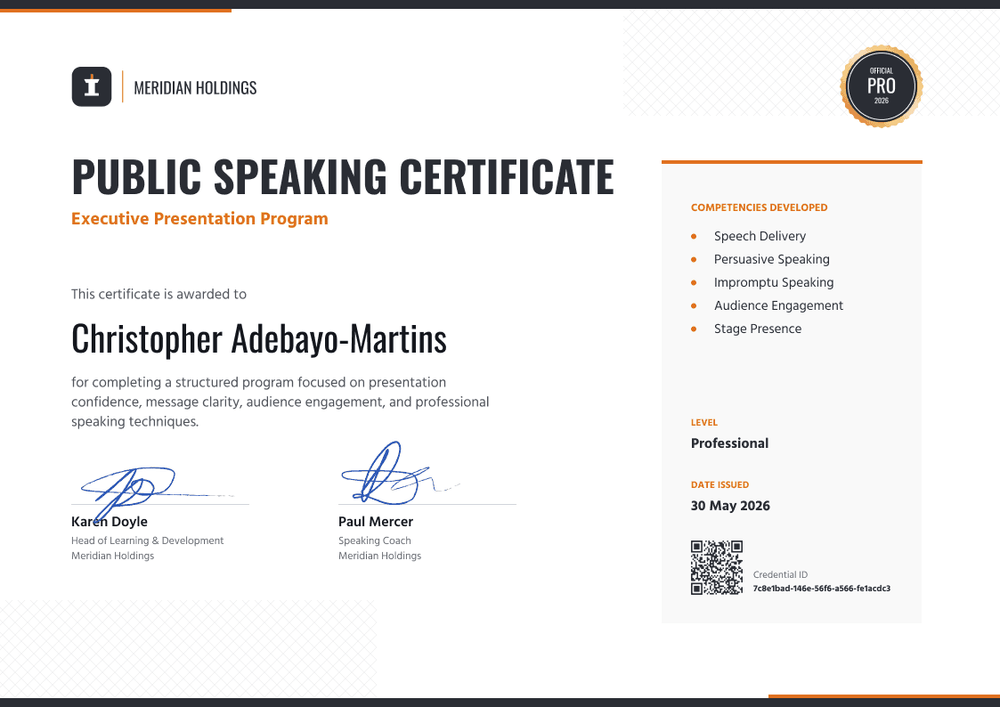
The design is bold and businesslike. Dark charcoal bars run along the top and bottom edges, with orange accent segments, and faint crosshatch patterns fill two corners. The headline "Public Speaking Certificate" is set in heavy black capitals, with the program name in orange beneath it. A black-and-gold seal in the top right reads "Official Pro 2026." A light grey panel on the right, topped with an orange rule, lists five competencies developed, then the level, the issue date, the QR code, and the credential ID.
When the program closes, issue from your HR system or upload a spreadsheet of participants, and every leader gets their certificate in one run. HR can open each leader's credential page from its verification link on every plan.
What is a public speaking executive presentation certificate?
A public speaking executive presentation certificate is issued when a leader completes a program on presenting to senior audiences, boards, or clients. L&D teams use it to record the training, tie it to a leadership development plan, and recognize the time participants invested.
There's no outside standard for executive presentation skills, so the competencies list does the explaining. It tells a manager or a future employer exactly which skills the program worked on. The certificate records completion of your program, which makes it easy to attach to a development plan.
This template is laid out on A4 landscape (29.7 x 21 cm). Sign up for a free Certifier account to set up the program and issue your first cohort.
What should a public speaking executive presentation certificate include?
A program certificate for leaders should show the program, the competencies, and who stands behind it. These fields are on the design.
Static fields
- Company block: Your logo and company name (e.g., Meridian Holdings).
- Certificate title and program name: The award and the program (e.g., Public Speaking Certificate, Executive Presentation Program).
- Seal: A seal in the top right (e.g., Official Pro 2026). Change the wording to your own program tier.
- Signature and role areas: Two signature lines (e.g., Karen Doyle, Head of Learning & Development, and Paul Mercer, Speaking Coach).
Dynamic fields (automatically populated by Certifier)
- Recipient name: The participant's full name (e.g., Christopher Adebayo-Martins).
- Description: What the program covered (e.g., presentation confidence, message clarity, audience engagement, and professional speaking techniques).
- Competencies developed: Five skills from the program (e.g., Speech Delivery, Persuasive Speaking, Impromptu Speaking, Audience Engagement, Stage Presence).
- Level: The program tier (e.g., Professional).
Edit the competencies to match your leadership framework in Certifier's design builder.
How to issue public speaking executive presentation certificates
Use these four steps at the end of each program cohort:
- Match the competencies to your framework: Replace the five competencies with the ones your leadership program actually assesses, and add your L&D lead's signature.
- Pull the participant list: Export the cohort from your HR system or connect it directly, so names and emails come across as they are.
- Issue the cohort: Certifier emails each participant their certificate with a link to their credential page.
- Keep the records in one place: Use the Credential Repository to see who received, opened, and shared their certificate, and fix any name errors without reissuing.
Available public speaking executive presentation certificate template formats
Edit and issue online with Certifier
Edit the design in your browser, add participants, and keep every program's records in one place. Each certificate has a credential page anyone can open.
Download in Microsoft Word
Enter your email to receive a ZIP with editable Word files.
PDF document export
Participants can download a print-ready PDF for their development file.
Who issues public speaking executive presentation certificates?
Employer L&D and leadership teams
Executive presence and presentation programs for managers need a record that fits a development plan. A certificate with competencies listed fits neatly into one.
Sales enablement teams
Before a sales kickoff, enablement teams train pitch and demo skills. Each rep gets a record of the program they completed.
Corporate training providers
Providers that deliver executive programs for client companies can put the client's logo and signatories on the design.
Frequently asked questions
Yes. You can customize the design on the free Starter plan, which allows up to 5 custom attributes. If you make every field dynamic, this template has 7 custom fields: description, level, and five competencies. On Starter, remove 2 of them, or keep the competencies as fixed text in the design; the Professional plan supports up to 25. The QR code needs the Professional or Advanced plan.
Yes. Edit the five competencies in the design if they're the same for everyone, or make them dynamic fields and fill them from your spreadsheet if they differ by participant. Dynamic competencies count toward your plan's custom attribute limit.
Yes, if you issue up to 250 credentials a year: Certifier's free Starter plan covers that volume at no cost. Move to a paid plan if you need QR codes, expiry dates, or more custom fields.
Yes. Certifier integrates with HR tools such as BambooHR, and with others through Zapier or the API. Integrations are available on every plan, including Starter.
Certifier templates are provided for general informational and design purposes only. They do not constitute legal, regulatory, or compliance advice and are not guaranteed to satisfy the requirements of any regulator, auditor, standard, insurer, or jurisdiction. The issuing organization is responsible for the content of its training program and for verifying that its records meet the requirements that apply to it.