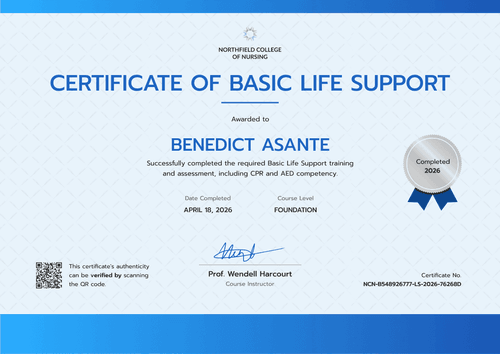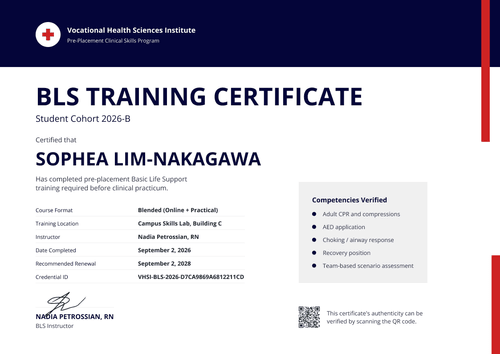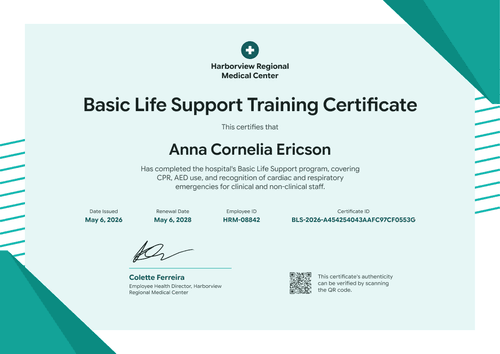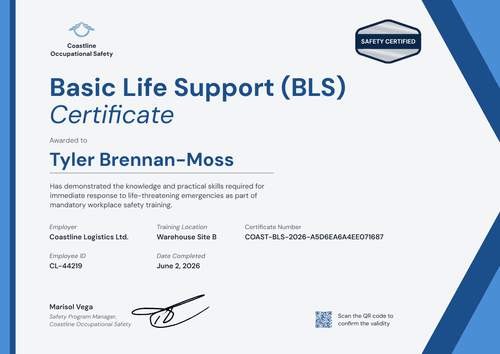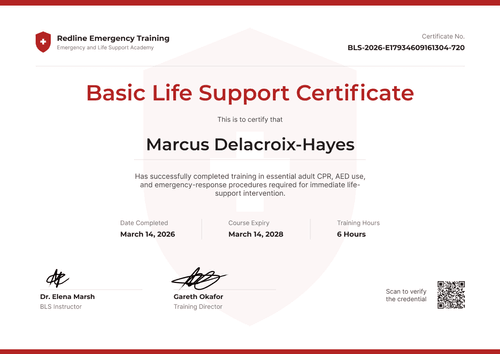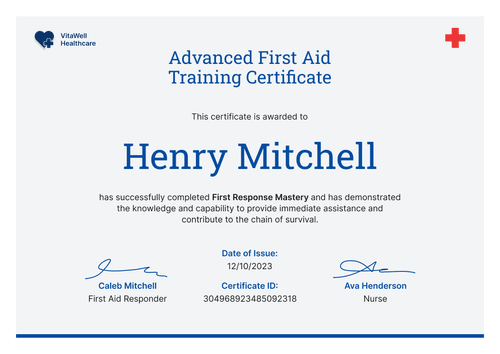

Basic Cardiac Life Support Certificate
Map each learner's path from practical assessment to certification to renewal on one timeline. Built for training centers that call their course Basic Cardiac Life Support.
Customize this template for free
Email and export in bulk
Track recipient engagement
Download in
Don't have Certifier account? Sign up
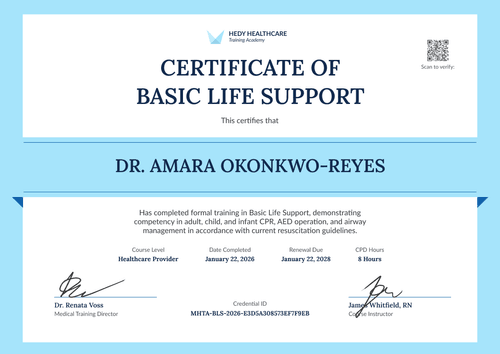
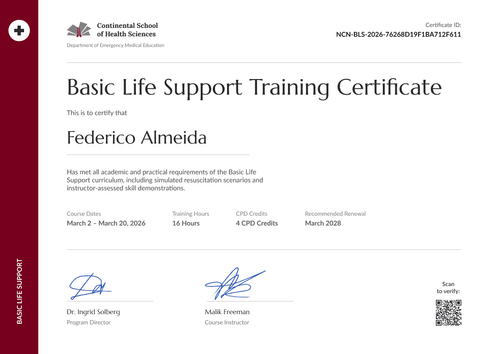
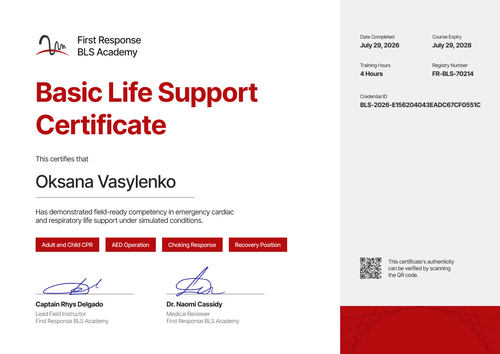
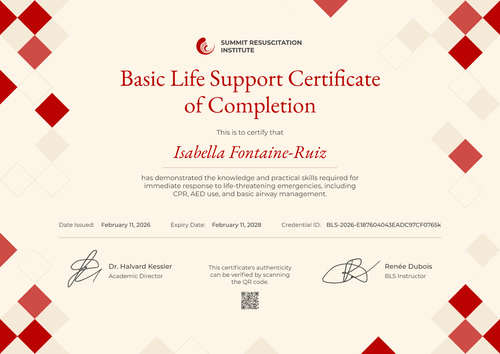
Professional wave blue basic cardiac life support certificate template
This free basic cardiac life support certificate confirms that a learner completed your BCLS course, covering high-quality CPR, defibrillation, and coordinated emergency cardiac response. It's made for medical training centers that use the BCLS name for their course and want the renewal date front and center.
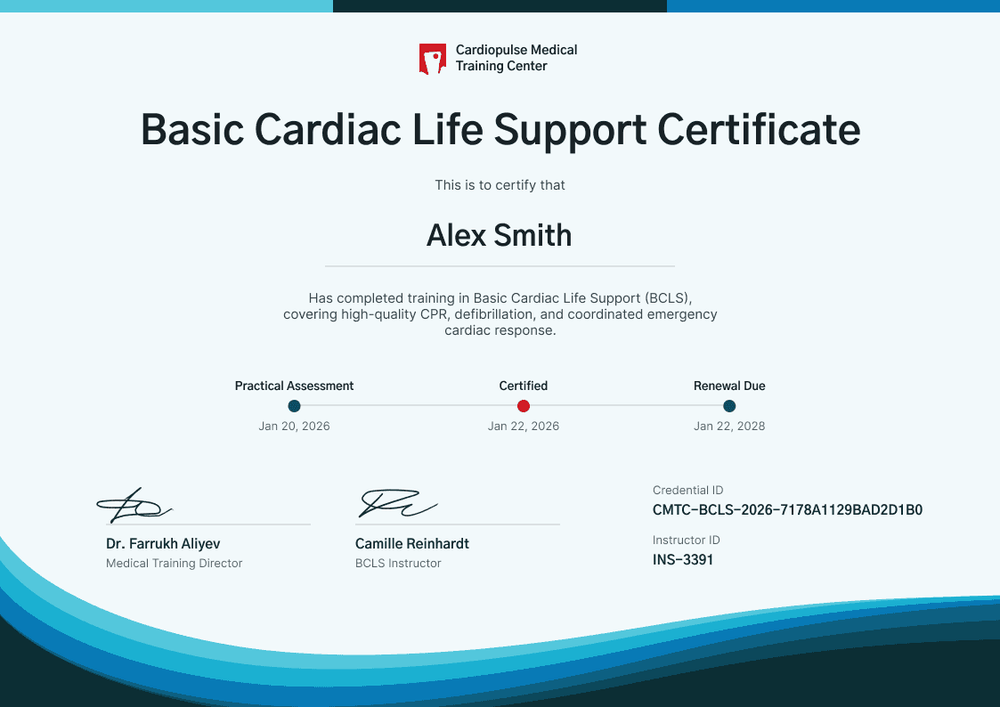
The page is a very pale aqua, with a three-tone bar of cyan, navy, and blue across the top and layered waves in the same colors sweeping across the bottom. Your logo sits top center above a bold, dark title. Under the recipient's name and course statement, a timeline with three dots marks the practical assessment date, the certified date, and the renewal due date.
When a course closes, import results from a spreadsheet and issue the whole class, and each learner gets a credential page with a verification link on every plan.
What is a basic cardiac life support certificate?
A basic cardiac life support (BCLS) certificate shows that a named person completed a course in CPR, defibrillation, and emergency cardiac response, and passed a practical assessment. Some training centers use BCLS as their course name; the content usually overlaps with what others call BLS. The certificate tells an employer when the learner was assessed and when they're due to retrain.
Renewal periods vary, so set the period your course and guideline use. The certificate records your course, but it isn't a card from any training network.
This template is laid out on A4 landscape (29.7 x 21 cm). Sign up for a free Certifier account to set your renewal period before the first class finishes.
What should a basic cardiac life support certificate include?
A BCLS certificate should show when the learner was assessed, when they were certified, and when they need to renew. Use the online builder to edit these fields.
Static fields
- Organization block: Your logo and training center name (e.g., Cardiopulse Medical Training Center).
- Certificate title: The award name (e.g., Basic Cardiac Life Support Certificate).
- Timeline labels: The three milestone names (e.g., Practical Assessment, Certified, Renewal Due).
- Signature and role areas: Two signature lines (e.g., Dr. Farrukh Aliyev, Medical Training Director, and Camille Reinhardt, BCLS Instructor).
Dynamic fields (automatically populated by Certifier)
- Recipient name: The learner's full name (e.g., Alex Smith).
- Course statement: What the course covered (e.g., high-quality CPR, defibrillation, and coordinated emergency cardiac response).
- Practical assessment date: The day of the hands-on assessment (e.g., Jan 20, 2026).
- Certified date: The issue date (e.g., Jan 22, 2026).
- Renewal due (Professional and Advanced): Set as the expiry date (e.g., Jan 22, 2028). This template defaults to 2 years, and you can change it.
- Instructor ID: The assessing instructor's number (e.g., INS-3391).
A center that records the assessment venue can add it as one more field. Rename, add, or remove fields in Certifier's design builder.
How to issue basic cardiac life support certificates
- Set the timeline labels: Keep or rename the three milestones, add your logo, and add the director's and instructor's signatures.
- Record assessment results: For each learner, list the name, email, practical assessment date, certified date, and instructor ID.
- Choose the renewal period and issue: Keep the 2-year default or set your own expiry date (Professional and Advanced plan feature). The renewal dot on the timeline fills in for every learner.
- Bring learners back on time: Filter the Credential Repository by expiry date each month to see who's coming up for renewal, and invite them to your next course.
Available basic cardiac life support certificate template formats
Edit and issue the template online with Certifier
Edit the design in your browser, add learner data, and send every certificate from one place. Each learner gets a credential page where anyone can verify it.
Download the template in Microsoft Word
Enter your email address to receive a ZIP file with editable Word documents.
PDF document export
Learners can download a print-ready PDF from their credential page.
Who issues basic cardiac life support certificates?
Medical training centers
Centers that teach BCLS to clinical and support staff issue a certificate that shows the assessment, certification, and renewal dates in order.
Hospital education departments
Education teams that run cardiac life support refreshers use the timeline to show staff when their next session is due.
Independent BLS providers
Providers that use the BCLS name for their course keep the same layout and change the title to suit.
Frequently asked questions
Yes, you can customize this BCLS template on Certifier's free Starter plan, which allows up to 5 custom attributes. Its custom fields (course statement, practical assessment date, and instructor ID) fit within that limit. The renewal date uses Certifier's expiry feature, which needs the Professional or Advanced plan, and so does a QR code if you add one.
Yes, on the Professional and Advanced plans. Issue with a 2-year expiry, or any period you choose. If you need to change one learner's renewal date later, edit it and their credential page updates right away.
Yes. If a credential has an expiration date, Certifier emails the recipient two weeks before it expires. It sends a second email on the expiration date to say the credential has expired. You can edit both templates, so add a link to your renewal page or course to show learners what to do next.
Basic cardiac life support and BLS are often names for similar courses, but content varies by provider. Edit the course statement so it lists exactly what your course covers.
An instructor ID ties each certificate to the instructor who assessed the learner, which helps when you audit your own courses or answer an employer's question.
Certifier templates are provided for general informational and design purposes only. They do not constitute legal, regulatory, or compliance advice and are not guaranteed to satisfy the requirements of any regulator, auditor, standard, insurer, or jurisdiction. The issuing organization is responsible for the content of its training program and for verifying that its records meet the requirements that apply to it. This template does not replace an AHA eCard, Red Cross certificate or other card issued by an authorized training network.