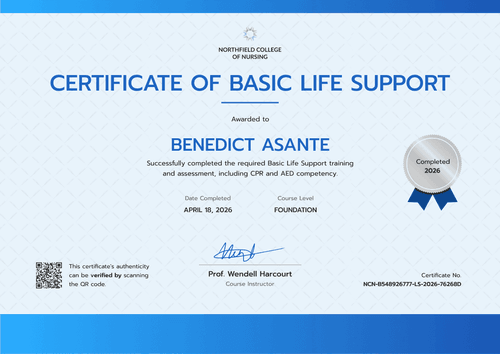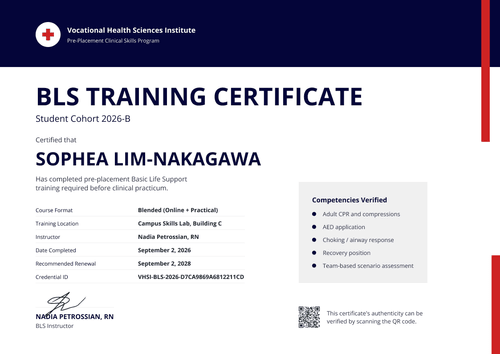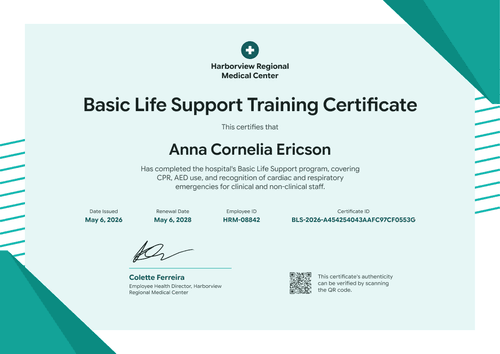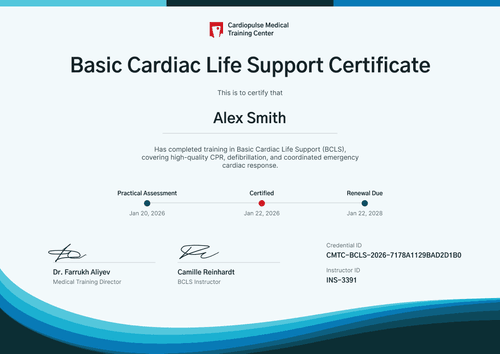

Workplace BLS Certificate
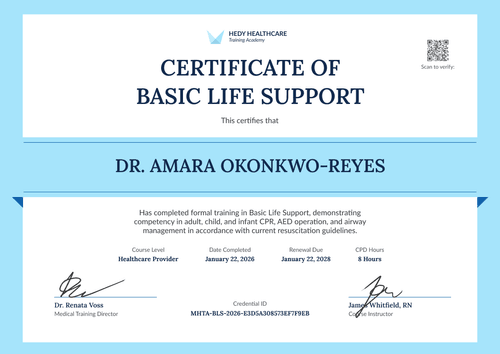
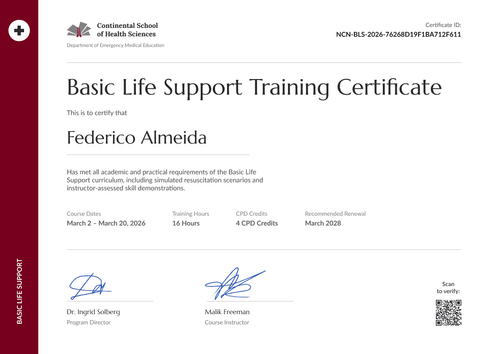
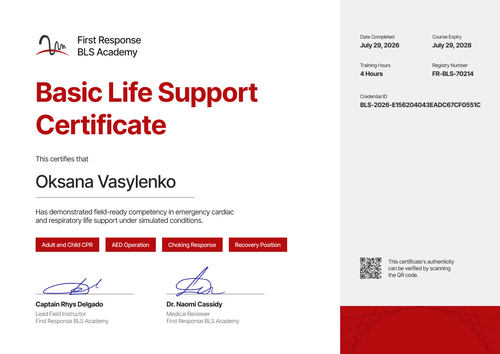
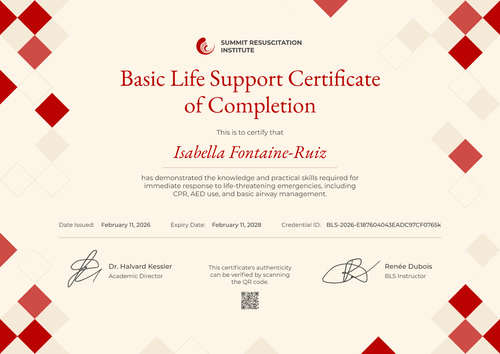
Put the employer, training site, and employee ID on every BLS certificate you issue to client staff. Safety managers can confirm each one from a verification link.
Customize this template for free
Email and export in bulk
Track recipient engagement
Download in
Don't have Certifier account? Sign up
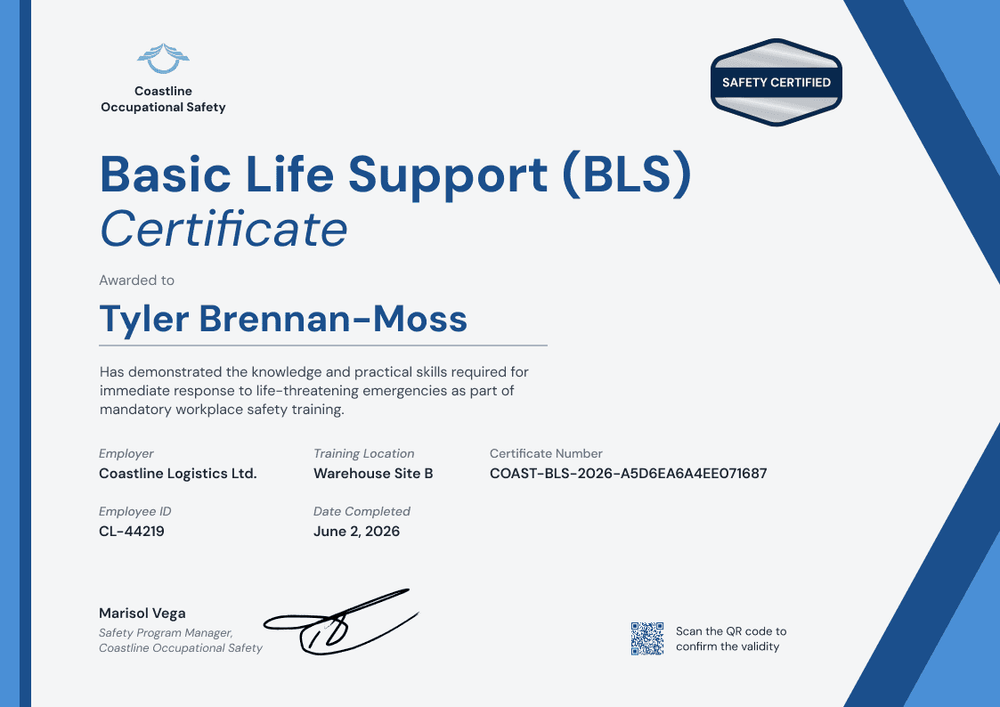
Professional cobalt blue workplace BLS certificate template
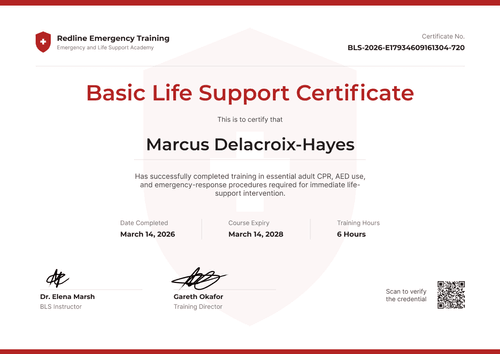
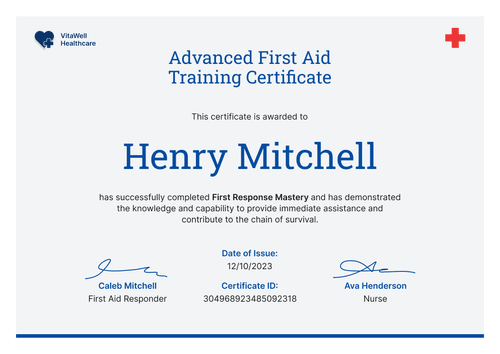
This free workplace BLS certificate records that an employee completed basic life support training as part of a workplace safety program. It's built for workplace safety trainers who deliver BLS on site for client companies, and for employers that run the training themselves and need records by site and employee.
The background is a pale grey with cobalt and lighter blue diagonal stripes cutting across the right edge and a thin cobalt strip on the left. Your logo sits top left, and a silver hexagon seal reading "Safety Certified" sits top right. The title pairs a bold cobalt "Basic Life Support (BLS)" with an italic "Certificate" below it.
Trainers can upload one spreadsheet per client and site, and employers can issue from their HR system instead. Each employee gets a credential page with a verification link, on every plan.
What is a workplace BLS certificate?
A workplace BLS certificate shows that a named employee completed basic life support training at work, where and when it happened, and which employer it was for. Safety trainers issue it so employers can keep a record per site, and employees can show their training if they change roles.
Refresher cycles differ by provider: HSI, for example, issues its cards through approved Training Centers or authorized instructors, valid for 1 or 2 years. Set an expiry that matches your client's program. This certificate records your training, but it isn't a card from any training network.
This template is laid out on A4 landscape (29.7 x 21 cm). Sign up for a free Certifier account to add your first client and issue BLS certificates for the next session.
What should a workplace BLS certificate include?
A workplace record should answer which employer, which site, which employee, and when. Use the online builder to edit these fields.
Static fields
- Organization block: Your logo and company name (e.g., Coastline Occupational Safety).
- Certificate title: The award name (e.g., Basic Life Support (BLS) Certificate).
- Seal: The hexagon seal text (e.g., Safety Certified). Edit or remove it to suit your program.
- Signature and role area: One signature line with role and company (e.g., Marisol Vega, Safety Program Manager, Coastline Occupational Safety).
Dynamic fields (automatically populated by Certifier)
- Recipient name: The employee's full name (e.g., Tyler Brennan-Moss).
- Course description: What the training covered (e.g., the knowledge and practical skills for immediate response to life-threatening emergencies, as part of mandatory workplace safety training).
- Employer: The client company (e.g., Coastline Logistics Ltd.).
- Training location: The site where the session ran (e.g., Warehouse Site B).
- Employee ID: The employer's staff number (e.g., CL-44219).
- Date completed: The session date (e.g., June 2, 2026).
If a client asks for a department or shift, add it as a field. Rename, add, or remove fields in Certifier's design builder.
How to issue workplace BLS certificates
- Set up your design: Add your logo and your safety program manager's signature. Edit the seal text and the course description.
- Prepare one sheet per client and site: List each employee's name, email, employee ID, employer, training location, and session date.
- Issue after each session: Upload the sheet and send. Add a 2-year expiry or the period your client uses, on the Professional and Advanced plans.
- Give the client a record: The client's safety manager can open any employee's verification link. Correct a wrong employee ID by editing the field, with nothing to reissue.
Available workplace BLS certificate template formats
Edit and issue the template online with Certifier
Edit the design in your browser, add employee data, and send every certificate from one place. Each employee gets a credential page where anyone can verify it.
Download the template in Microsoft Word
Enter your email address to receive a ZIP file with editable Word documents.
PDF document export
Employees and safety managers can download a print-ready PDF from the credential page.
Who issues workplace BLS certificates?
Workplace safety trainers
Trainers who teach BLS at client sites issue certificates that name the client and the site, so each employer has its own record.
Employers with in-house safety programs
Companies that train their own first responders issue certificates with employee IDs, straight from their HR data.
Non-US training providers
Trainers who follow ERC or Resuscitation Council UK guidelines add an expiry date only when a client's program calls for one.
Frequently asked questions
Yes, you can customize this workplace template on Certifier's free Starter plan, which allows up to 5 custom attributes. Its custom fields (course description, employer, training location, and employee ID) fit within that limit. The QR code needs the Professional or Advanced plan, and so does an expiry date if you add one.
Yes. Employer and training location are fields, so you fill them in from your spreadsheet. One design covers every client and site.
Yes. Upload a separate sheet for each client, or one sheet with an employer column. The Credential Repository lets you find certificates by recipient and see who has opened them.
Include the "Safety Certified" seal only if it fits your program. The seal is decorative text, so you can change it to your own wording or remove it in the builder.
A workplace BLS certificate records the training you delivered. Whether that training meets a regulation depends on the course content and the rules where your client operates.
Certifier templates are provided for general informational and design purposes only. They do not constitute legal, regulatory, or compliance advice and are not guaranteed to satisfy the requirements of any regulator, auditor, standard, insurer, or jurisdiction. The issuing organization is responsible for the content of its training program and for verifying that its records meet the requirements that apply to it. This template does not replace an AHA eCard, Red Cross certificate or other card issued by an authorized training network.