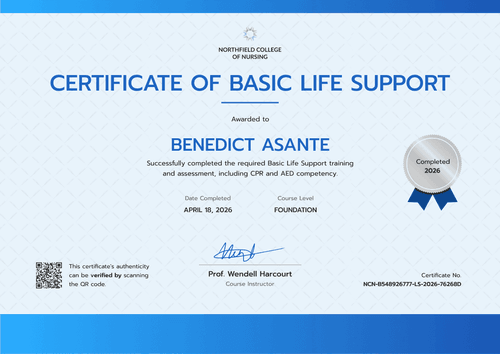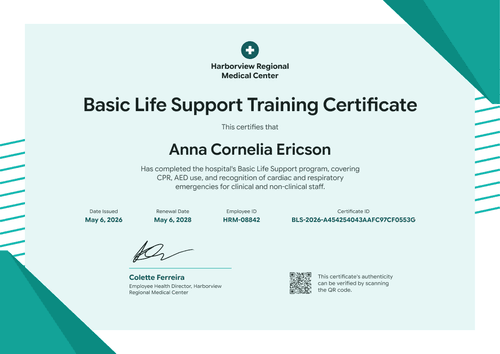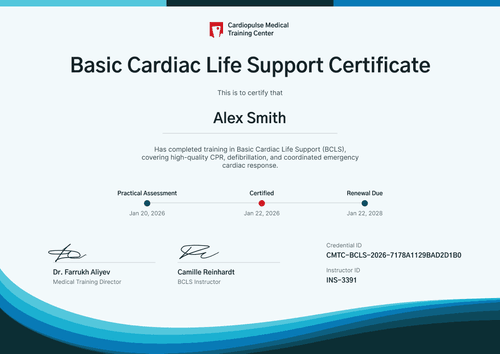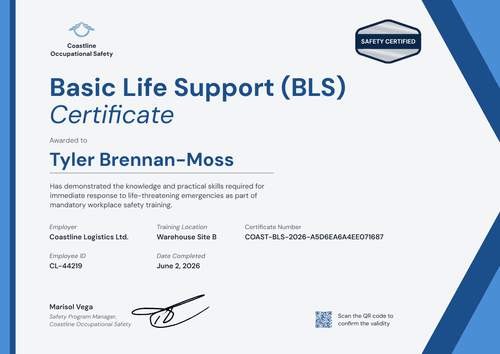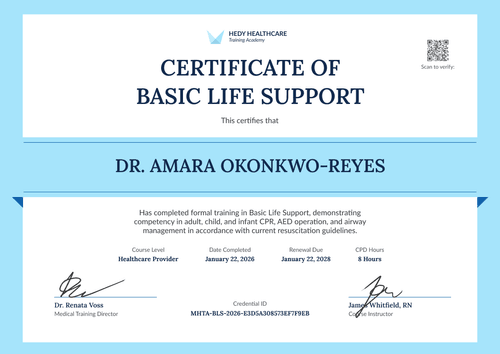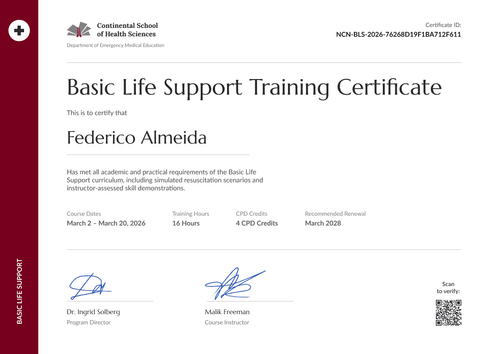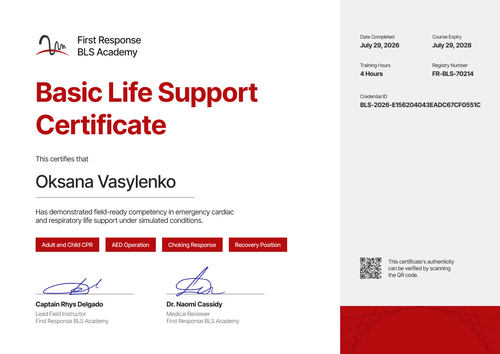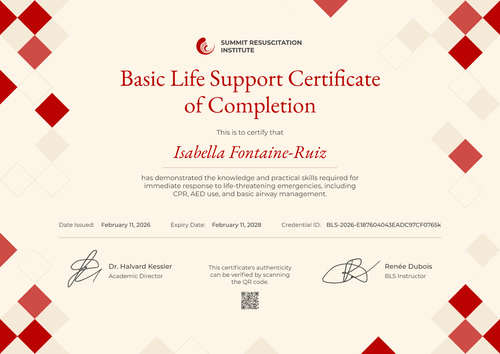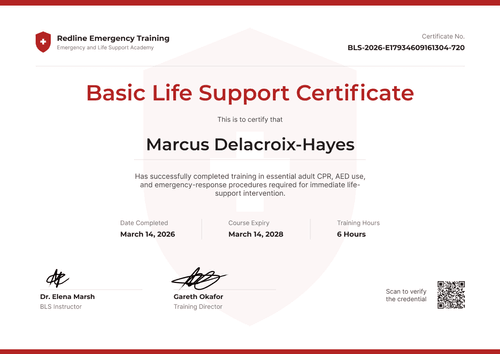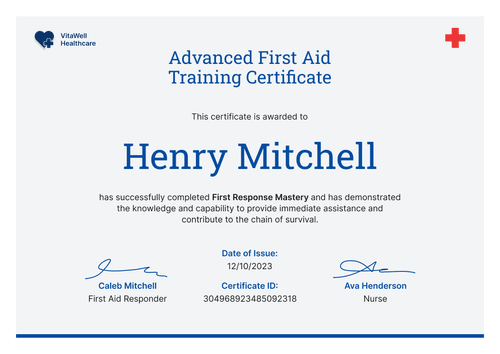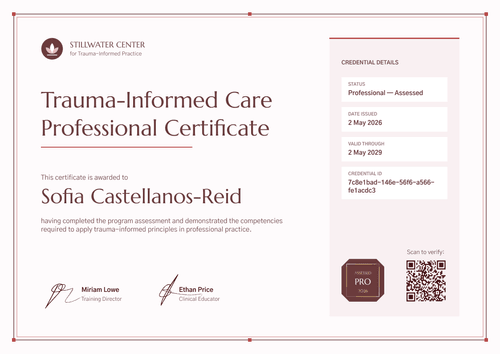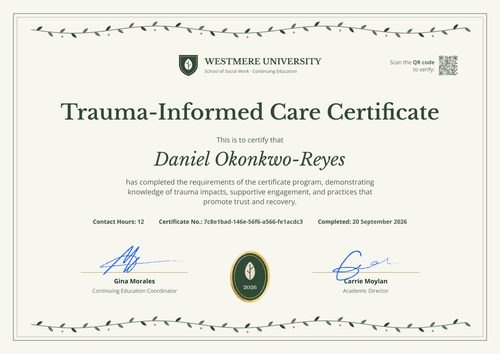

Student BLS Training Certificate
Send each student proof of BLS training the day the skills session ends, before clinical placement starts. The certificate lists the cohort, format, instructor, and competencies verified.
Customize this template for free
Email and export in bulk
Track recipient engagement
Download in
Don't have Certifier account? Sign up
Simple navy blue student BLS training certificate template
This free student BLS training certificate records that a student completed the basic life support training your program requires before clinical practicum. It's made for health science and vocational schools that need to show placement sites, quickly, that every student in a cohort has trained.
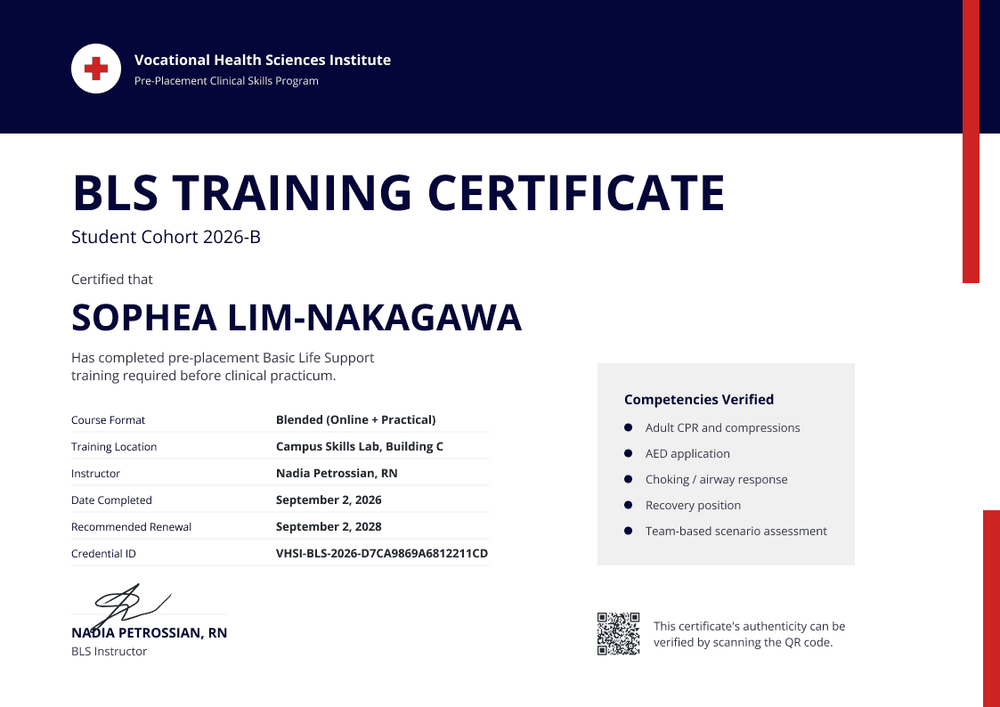
A navy blue band runs across the top, holding a white circle with a red cross, your institute's name, and the program name. Two red bars sit on the right edge, one near the top and one near the bottom. Below the band, a bold uppercase navy title is followed by the cohort name, the student's name in capitals, and a one-line course statement.
The day your skills session ends, import the cohort from a spreadsheet and issue every certificate at once. Each student gets a public credential page with a verification link.
What is a student BLS training certificate?
A student BLS training certificate shows that a named student completed basic life support training as part of a school program, with the skills that were checked and the date. Schools issue it so students can prove their training to a clinical placement site before their first shift.
If your curriculum is aligned with current resuscitation guidelines, say which ones in the course statement. The certificate records your program's training, but it isn't a card from any training network.
This template is laid out on A4 landscape (29.7 x 21 cm). Sign up for a free Certifier account and have the cohort's certificates ready before placement starts.
What should a student BLS training certificate include?
A placement site wants to see the cohort, the skills checked, who checked them, and when. Use the online builder to edit these fields.
Static fields
- Header block: Your logo, institute name, and program (e.g., Vocational Health Sciences Institute, Pre-Placement Clinical Skills Program).
- Certificate title: The award name (e.g., BLS Training Certificate).
- Signature and role area: One instructor signature (e.g., Nadia Petrossian, RN, BLS Instructor).
Dynamic fields (automatically populated by Certifier)
- Recipient name: The student's full name (e.g., Sophea Lim-Nakagawa).
- Student cohort: The class or intake (e.g., Student Cohort 2026-B).
- Course statement: What the training was for (e.g., pre-placement Basic Life Support training required before clinical practicum).
- Course format: How it was delivered (e.g., Blended (Online + Practical)).
- Training location: Where the practical session ran (e.g., Campus Skills Lab, Building C).
- Instructor: Who ran the session (e.g., Nadia Petrossian, RN).
- Competencies verified: The skills checked (e.g., adult CPR and compressions, AED application, choking and airway response, recovery position, and team-based scenario assessment).
- Date completed: The day of the skills session (e.g., September 2, 2026).
- Recommended renewal (Professional and Advanced): Set as the expiry date (e.g., September 2, 2028). This template defaults to 2 years, and you can change it.
Some placement sites also want a student ID, which you can add. Rename, add, or remove fields in Certifier's design builder.
How to issue student BLS training certificates
- Set up the program details: Add your logo, institute name, and program name, plus the instructor's signature.
- Build the cohort sheet: List each student's name, email, cohort, format, location, instructor, and completion date. Keep the competencies as fixed text if every student is checked on the same skills.
- Issue on the last day of the skills session: Upload the sheet and send. Students have their certificate the same day, ready for placement paperwork.
- Share with placement sites: Students forward their verification link, or download the PDF, so the site can confirm the training without calling your office.
Available student BLS training certificate template formats
Edit and issue the template online with Certifier
Edit the design in your browser, add cohort data, and send every certificate from one place. Each student gets a credential page where anyone can verify it.
Download the template in Microsoft Word
Enter your email address to receive a ZIP file with editable Word documents.
PDF document export
Students can download a print-ready PDF from their credential page.
Who issues student BLS training certificates?
Health science and vocational schools
Schools that train students for clinical placements issue a certificate for each cohort, ready before the placement deadline.
Nursing schools
Nursing programs record BLS training for first-year students and use the cohort field to keep intakes apart.
EMS programs
EMS and paramedic programs use the competencies box to list the skills checked in each practical session.
Frequently asked questions
Yes, you can customize this student template on Certifier's free Starter plan, which allows up to 5 custom attributes. The design uses 6 (student cohort, course statement, course format, training location, instructor, and competencies verified), so remove 1 or make the competencies fixed text.
Yes. Upload one spreadsheet for the cohort, with up to 1,000 recipients per upload. The cohort field keeps each intake easy to find in the Credential Repository.
Yes. The competencies box lists the skills verified, and the date completed shows the day of the hands-on session. If skills differ by student, make the competencies a field.
Yes. Issue the certificates as soon as the skills session ends. Students receive them by email right away and can share the verification link with their placement site.
Certifier templates are provided for general informational and design purposes only. They do not constitute legal, regulatory, or compliance advice and are not guaranteed to satisfy the requirements of any regulator, auditor, standard, insurer, or jurisdiction. The issuing organization is responsible for the content of its training program and for verifying that its records meet the requirements that apply to it. This template does not replace an AHA eCard, Red Cross certificate or other card issued by an authorized training network.