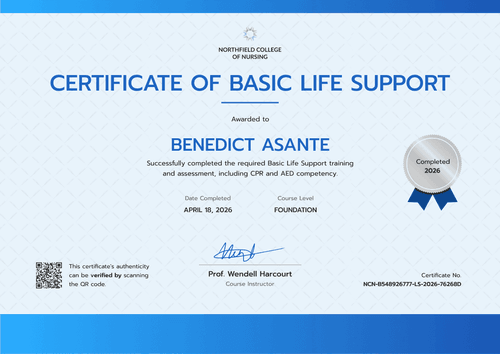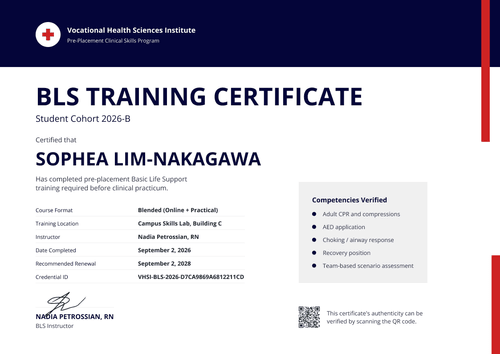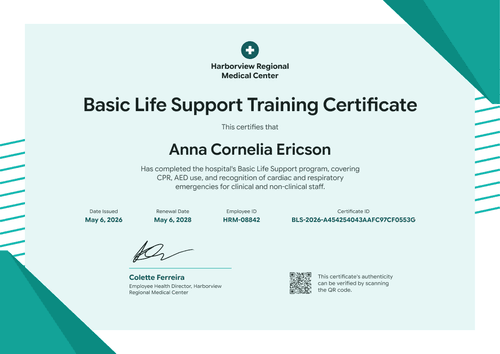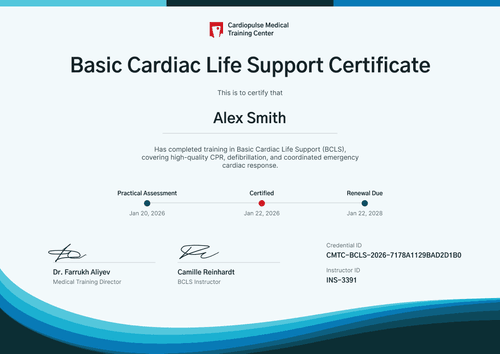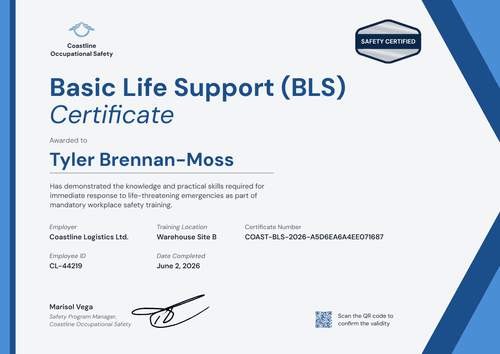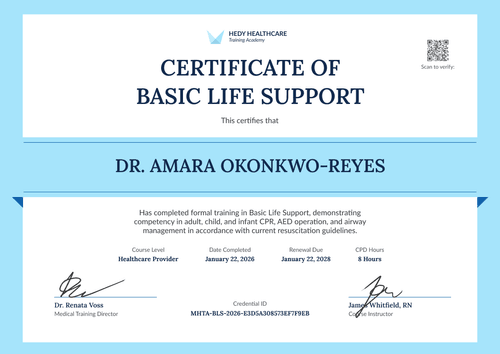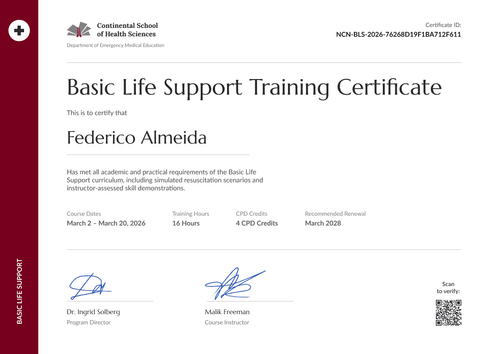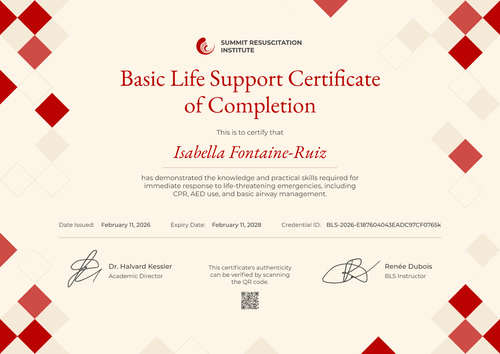

First Responder BLS Certificate
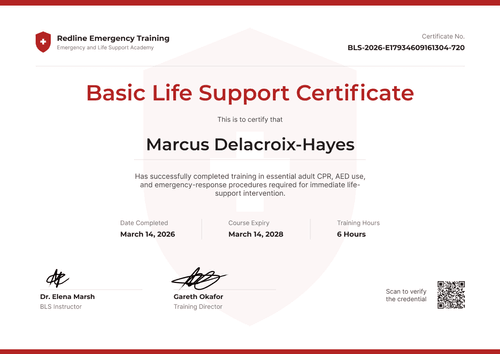
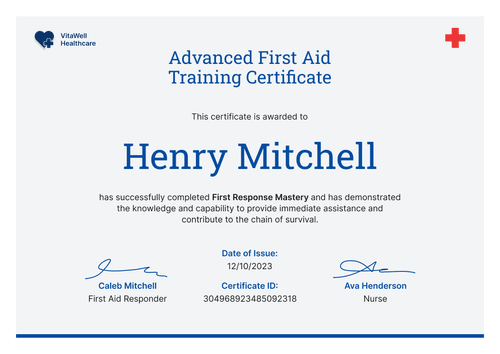
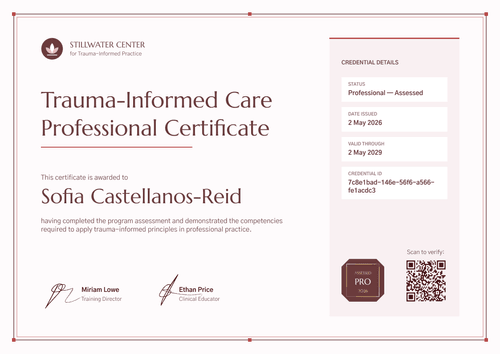
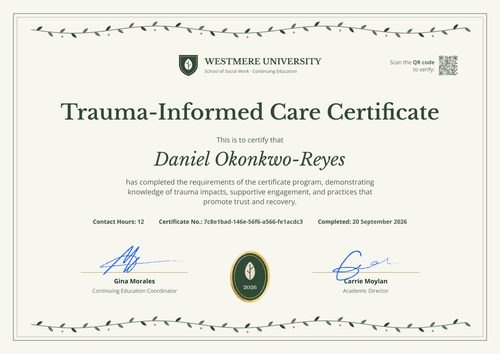
List the hands-on skills each first responder practiced, from adult and child CPR to the recovery position. A side panel keeps the dates, hours, and registry number in one place.
Customize this template for free
Email and export in bulk
Track recipient engagement
Download in
Don't have Certifier account? Sign up
Simple scarlet first responder BLS certificate template
This free first responder BLS certificate records that a learner showed field-ready life support skills in a simulated scenario. It's built for first-responder and field training providers, such as fire, rescue, and security training teams, that want each certificate to name the exact skills a learner practiced.
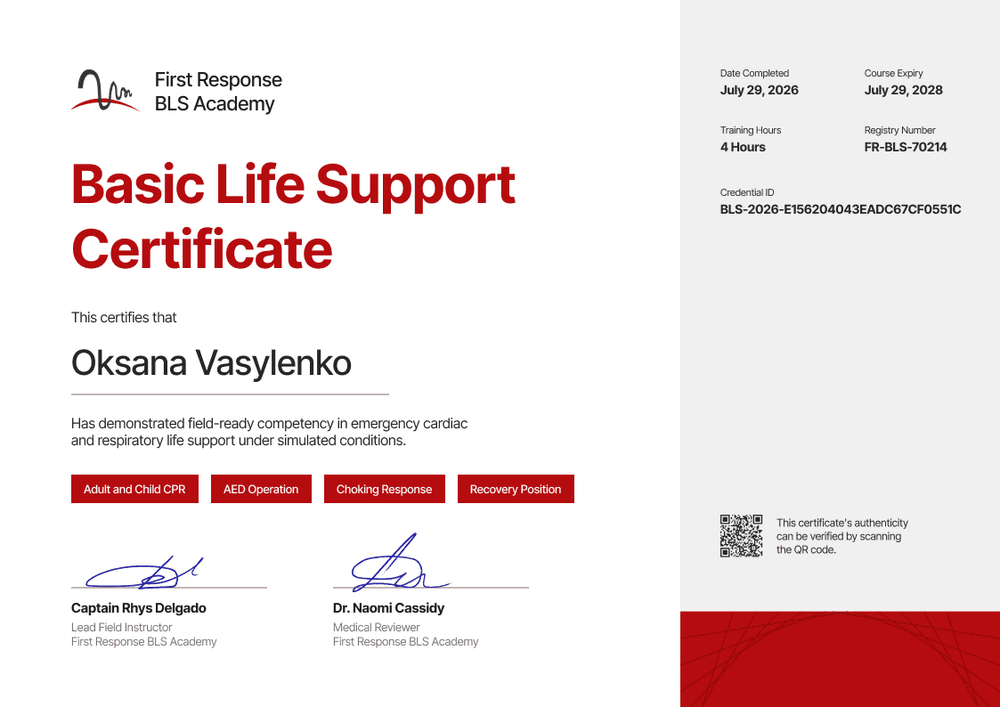
The left side is white, with your logo top left and a large, bold scarlet title over two lines. Under the recipient's name and a short competency statement, four scarlet chips list the skills covered: adult and child CPR, AED operation, choking response, and recovery position.
A light grey panel down the right side holds the date completed, course expiry, training hours, registry number, and credential ID. A QR code sits near the bottom of the panel, and a scarlet block with fine line patterns runs along the base.
After each field session, import results from Excel or Google Sheets and issue the whole group at once. Each responder gets a credential page with a verification link, on every plan.
What is a first responder BLS certificate?
A first responder BLS certificate shows that a named person completed basic life support training and showed the core skills in practice, on a specific date. Field training providers issue it so responders, and the teams that deploy them, can see which skills were checked and when.
Listing the skills on the certificate makes it clear what the learner practiced in person. It records your course, but it isn't a certification from any training network.
This template is laid out on A4 landscape (29.7 x 21 cm). Sign up for a free Certifier account to edit the skills list and issue your next group.
What should a first responder BLS certificate include?
A responder's certificate should show which skills were assessed, who assessed them, and how long the training holds. Use the online builder to edit the fields below.
Static fields
- Organization block: Your logo and academy name (e.g., First Response BLS Academy).
- Certificate title: The award name (e.g., Basic Life Support Certificate).
- Skills chips: The skills covered in the course (e.g., Adult and Child CPR, AED Operation, Choking Response, Recovery Position).
- Signature and role areas: Two signature lines with roles and organization (e.g., Captain Rhys Delgado, Lead Field Instructor, and Dr. Naomi Cassidy, Medical Reviewer).
Dynamic fields (automatically populated by Certifier)
- Recipient name: The responder's full name (e.g., Oksana Vasylenko).
- Competency statement: What the learner showed (e.g., field-ready competency in emergency cardiac and respiratory life support under simulated conditions).
- Date completed: The day of the final skills session (e.g., July 29, 2026).
- Course expiry (Professional and Advanced): When the training lapses (e.g., July 29, 2028). This template defaults to 2 years, and you can change it.
- Training hours: The course length (e.g., 4 Hours).
- Registry number: Your internal registry or roster number (e.g., FR-BLS-70214).
Responder teams often add a station or unit name. Rename, add, or remove fields in Certifier's design builder.
How to issue first responder BLS certificates
- Match the skills chips to your course: Edit the four chips to list the skills your instructors actually check. Add your logo and both signatures.
- Record the skills session: After the hands-on session, add each responder's name, email, completion date, hours, and registry number to a spreadsheet.
- Issue the group: Upload the sheet, keep or change the 2-year expiry date (Professional and Advanced plan feature), and send. Each responder gets a certificate by email.
- Share proof with the team lead: Station chiefs or team leads can open each verification link to confirm a responder's training before a shift or deployment.
Available first responder BLS certificate template formats
Edit and issue the template online with Certifier
Edit the chips and fields in your browser, add responder data, and send every certificate from one place. Each responder gets a credential page where anyone can verify it.
Download the template in Microsoft Word Enter your email address to receive a ZIP file with editable Word documents.
PDF document export
Responders can download a print-ready PDF from their credential page.
Who issues first responder BLS certificates?
First-responder and field training providers
Providers that train fire, rescue, and security teams list the skills checked in each session, so a team lead knows exactly what a responder practiced.
Independent BLS and CPR providers
Providers that teach their own course use the skills chips to show the scope of the class at a glance.
Workplace safety trainers
Trainers who prepare workplace first responders give each employee a dated record with the skills covered and the registry number.
Frequently asked questions
Yes, you can customize this template on Certifier's free Starter plan, which allows up to 5 custom attributes. Its custom fields (competency statement, training hours, and registry number) fit within that limit, even if you make the skills chips a fourth per-learner field. The QR code needs the Professional or Advanced plan, and so does the expiry date.
Yes. The four chips list the skills covered. Edit them to match your course, or turn them into a field if different learners pass different skills.
Yes. If the skills session falls on a different day from the course end, add a "Skills session date" field in the builder and fill it from your spreadsheet. On Starter, it counts toward your 5 custom attributes.
You can, but a certificate issued after an online-only course should say what was done. If there was no hands-on session, edit the competency statement and remove the skills chips, so nobody reads it as a practical skills check.
The registry number links each certificate to your own records, such as a class roster or an internal registry. The credential ID that Certifier adds is separate and is what the verification link uses.
Certifier templates are provided for general informational and design purposes only. They do not constitute legal, regulatory, or compliance advice and are not guaranteed to satisfy the requirements of any regulator, auditor, standard, insurer, or jurisdiction. The issuing organization is responsible for the content of its training program and for verifying that its records meet the requirements that apply to it. This template does not replace an AHA eCard, Red Cross certificate or other card issued by an authorized training network.