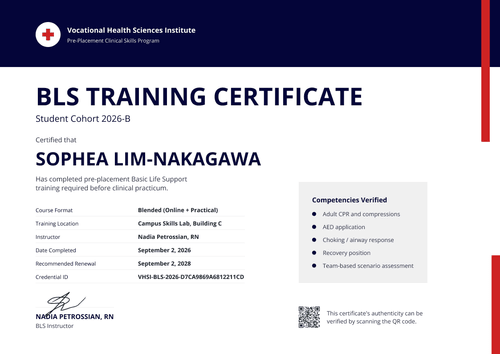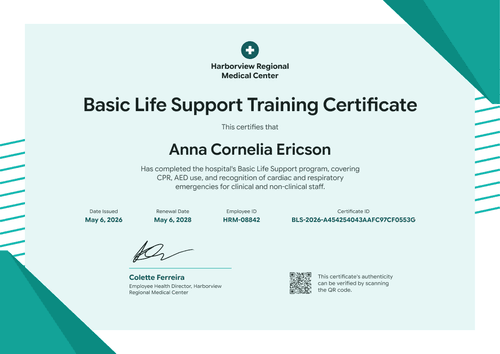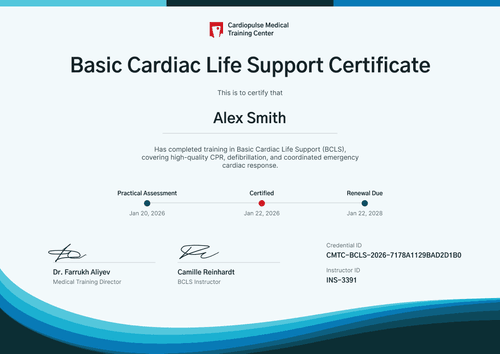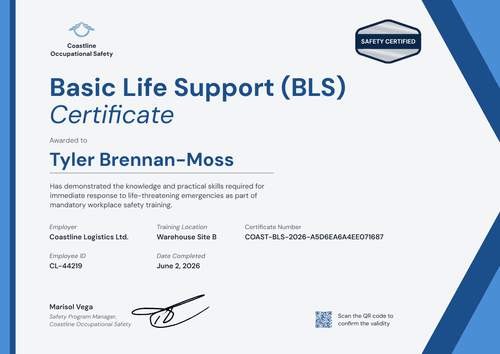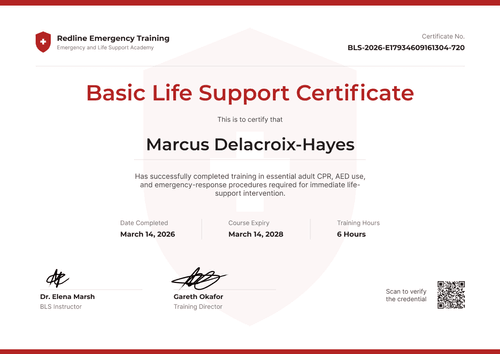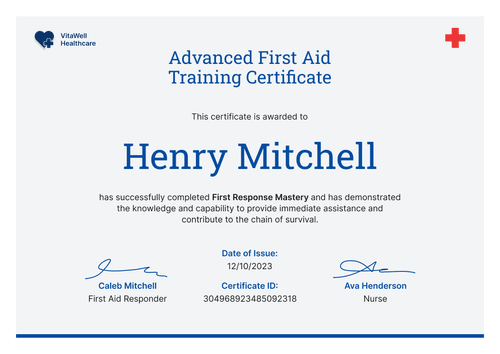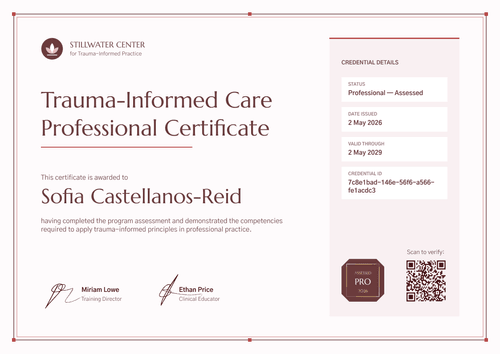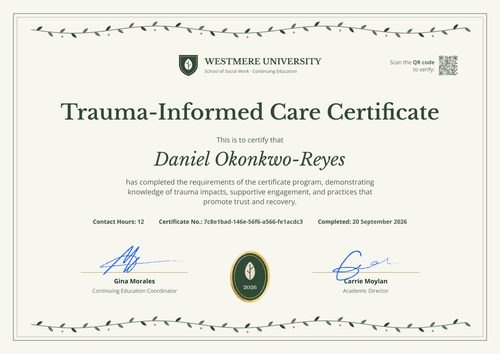

Nursing School BLS Certificate
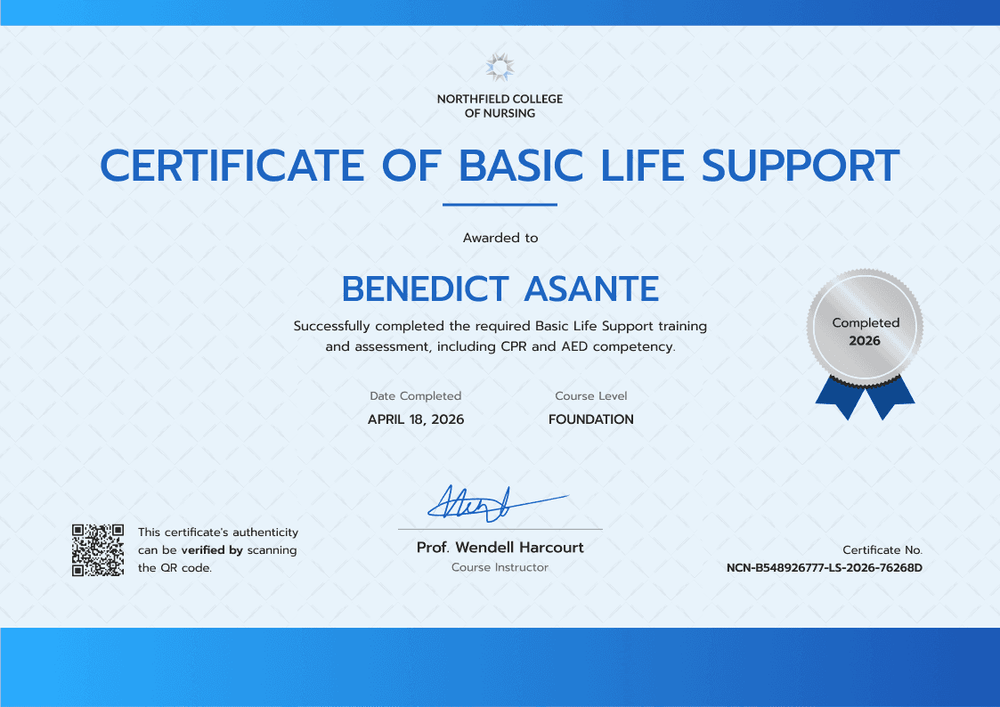
Recognize every nursing student who completes foundation-level BLS training and assessment. A "Completed" seal and course level field make each certificate easy to read at a glance.
Customize this template for free
Email and export in bulk
Track recipient engagement
Download in
Don't have Certifier account? Sign up
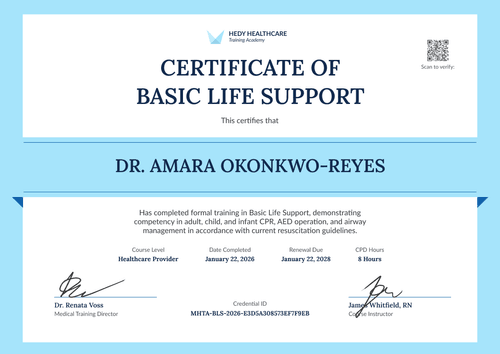
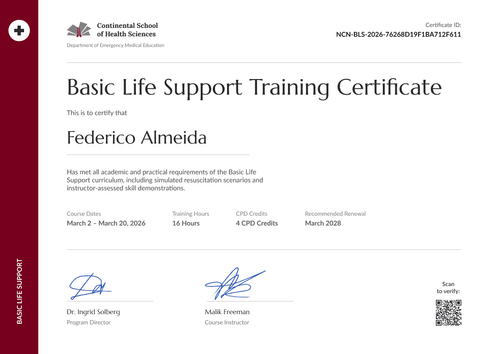
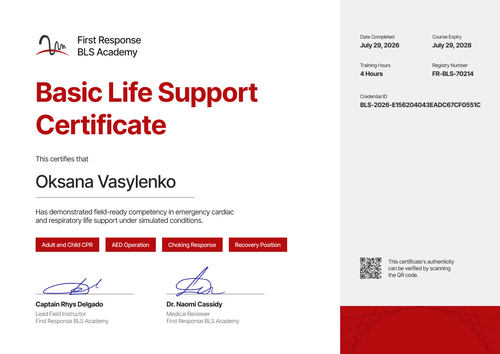
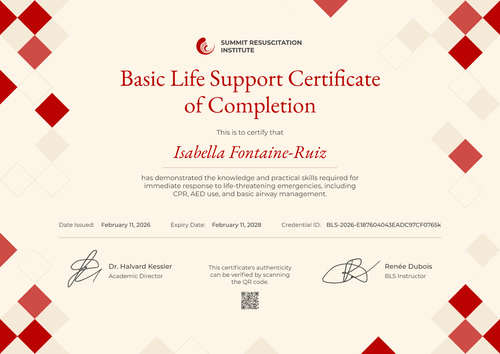
Simple bright blue nursing school BLS certificate template
This free nursing school BLS certificate confirms that a student completed your required basic life support training and assessment, including CPR and AED competency. It's designed for nursing schools and colleges that teach BLS as part of the program and want to mark it with a certificate students are glad to share.
The background is a pale blue with a faint crosshatch pattern, with bright blue gradient bands across the top and bottom. Your logo and college name sit top center above a one-line uppercase title in bright blue and a short blue rule. The student's name follows in bold blue capitals, then a short statement and two fields: date completed and course level.
At the end of term, connect your LMS or upload your class list to issue every certificate at once. Each student gets a credential page with a verification link, on every plan, and can add the certificate to LinkedIn from it.
What is a nursing school BLS certificate?
A nursing school BLS certificate shows that a student completed the school's basic life support training and passed its assessment, on a specific date. Nursing programs issue it as a course record that students keep in their portfolio and show to placement sites.
Some placements also ask students for a card from a specific training network, and those cards come only from that network's authorized centers. Your certificate records the training your school delivered, but it doesn't replace a network card.
This template is laid out on A4 landscape (29.7 x 21 cm). Sign up for a free Certifier account and have this term's certificates out before clinical rotations begin.
What should a nursing school BLS certificate include?
A nursing student's certificate should show what was assessed, at what level, and when. Use the online builder to edit these fields.
Static fields
- Organization block: Your logo and college name (e.g., Northfield College of Nursing).
- Certificate title: The award name (e.g., Certificate of Basic Life Support).
- Authenticity note: The line next to the QR code (e.g., "This certificate's authenticity can be verified by scanning the QR code.").
- Signature and role area: One signature line (e.g., Prof. Wendell Harcourt, Course Instructor).
Dynamic fields (automatically populated by Certifier)
- Recipient name: The student's full name (e.g., Benedict Asante).
- Course statement: What the student completed (e.g., the required Basic Life Support training and assessment, including CPR and AED competency).
- Date completed: The assessment or completion date (e.g., April 18, 2026).
- Course level: The level of the course (e.g., Foundation).
- Seal year: The year on the rosette (e.g., Completed 2026). Keep it as fixed text and update it each year, or make it a field.
A clinical rotation or student ID can go on the page too. Rename, add, or remove fields in Certifier's design builder.
How to issue nursing school BLS certificates
- Add your college details: Upload your logo, edit the college name, and add the course instructor's signature. Update the seal year for this term.
- Export the class results: Pull each student's name, email, completion date, and course level from your LMS or gradebook.
- Issue to the class: Upload or sync the list and send. Each student receives their certificate by email.
- Encourage certificate sharing: Students can add the certificate to LinkedIn or download the PDF for their portfolio, straight from their credential page.
Available nursing school BLS certificate template formats
Edit and issue the template online with Certifier
Edit the design in your browser, add student data, and send every certificate from one place. Each student gets a credential page where anyone can verify it.
Download the template in Microsoft Word
Enter your email address to receive a ZIP file with editable Word documents.
PDF document export
Students can download a print-ready PDF from their credential page.
Who issues nursing school BLS certificates?
Nursing schools and colleges
Nursing programs issue a certificate when students pass their BLS assessment, often in the first year, so it's ready before clinical rotations.
Health science schools
Schools with several health programs use the course level field to separate foundation and advanced classes.
Hospital education departments
Hospitals that host nursing students run BLS sessions for them and issue a certificate under the hospital's name.
Frequently asked questions
Yes, you can customize this nursing school template on Certifier's free Starter plan, which allows up to 5 custom attributes. Its custom fields (course statement and course level, plus the seal year if you make it a field) fit within that limit. The QR code needs the Professional or Advanced plan, and so does an expiry date if you add one.
Yes. Upload a list for each intake, up to 1,000 students per upload. To keep intakes apart, add a cohort field or include the term in the course statement.
A nursing school BLS certificate is valid for as long as your program decides. On the Professional and Advanced plans you can add an expiry date, often 2 years, and it shows on each student's credential page. Placement sites may set their own renewal rules, so check them before you choose a period.
Yes. Every credential page has an option to add the certificate to LinkedIn, on every plan. The link on their profile leads back to the credential page with your college as the issuer.
Whether nursing students need a card depends on the placement site. Some ask for a card from a specific training network. Check each site's requirement and tell students early, so they can book that course if needed.
Certifier templates are provided for general informational and design purposes only. They do not constitute legal, regulatory, or compliance advice and are not guaranteed to satisfy the requirements of any regulator, auditor, standard, insurer, or jurisdiction. The issuing organization is responsible for the content of its training program and for verifying that its records meet the requirements that apply to it. This template does not replace an AHA eCard, Red Cross certificate or other card issued by an authorized training network.