Apprenticeship Certificate Templates
Recognize every apprentice your association, training committee, or company brings through its program with an apprenticeship certificate employers can check online.
Pick a design for your trade, from electrical and carpentry to hospitality and software development. Import apprentice records from a spreadsheet or connect your training system to issue a whole graduating class at once. Each certificate links to its own credential page, so employers and members can confirm it without phoning your training office.
Recognize every apprentice your association, training committee, or company brings through its program with an apprenticeship certificate employers can check online.
Pick a design for your trade, from electrical and carpentry to hospitality and software development. Import apprentice records from a spreadsheet or connect your training system to issue a whole graduating class at once. Each certificate links to its own credential page, so employers and members can confirm it without phoning your training office.
Read more



FAQ about apprenticeship certificate templates
Answers to common questions from trade associations, program sponsors, training providers, and employers.
Yes. Every template here can be customized on Certifier's free Starter plan, which includes up to 250 credentials a year. Starter allows up to 5 custom attributes, and many apprenticeship designs carry more (apprentice ID, period, duration, level, occupation, employer).
Yes, as recognition of your own program: graduation, a level or year completed, classroom hours, or safety modules. Put your organization's name on the issuer line, name the stage the certificate covers, and leave out seals or wording that could look like a government credential.
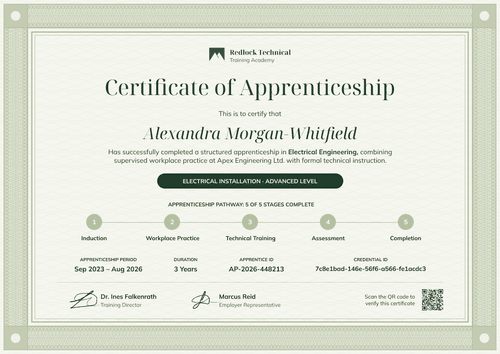
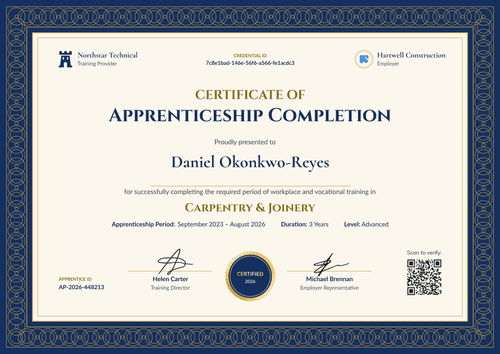
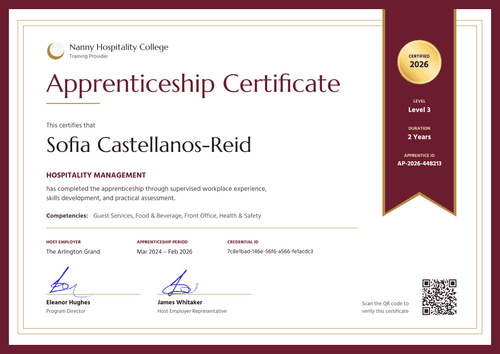
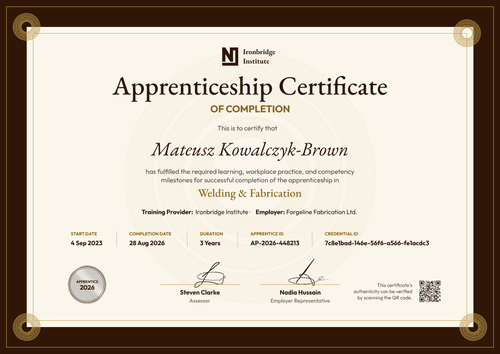
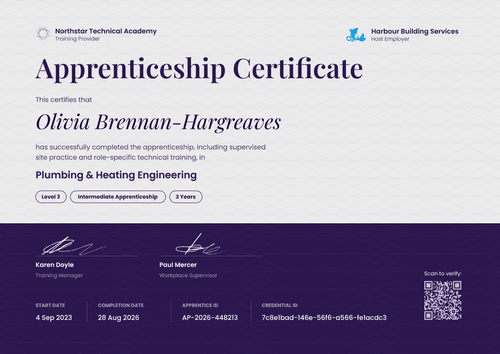
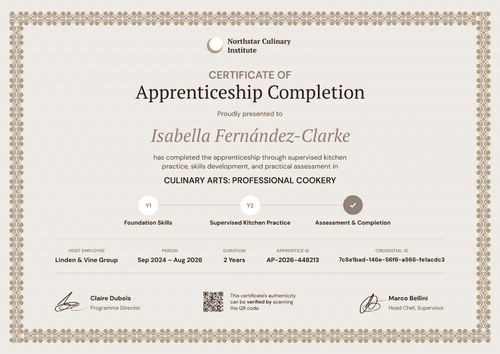
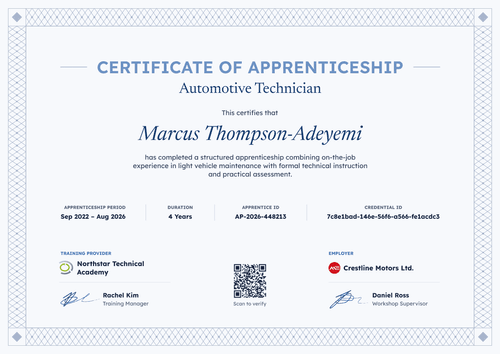
A sponsor's apprenticeship certificate should include the apprentice's name, the occupation or trade, the program stage or level, the apprenticeship period, and your organization as issuer. Add an apprentice ID and a credential ID so an employer can match the certificate to your records, plus signature lines for your training director and the employer.
Yes. Several designs have a second logo slot and an employer signature line. Duplicate the design for each employer, or keep the employer name as a field in your upload so one design covers every company in the cohort.
Yes. Upload a spreadsheet with up to 1,000 apprentices per upload, or connect your LMS or student system through native integrations, Zapier, or the API. These options are on every plan, including Starter.
Each certificate has a verification link to its credential page, which shows your organization as the issuer, the apprentice, the issue date, and the credential ID. No login is needed. On Professional and Advanced, a QR code on the certificate opens the same page.