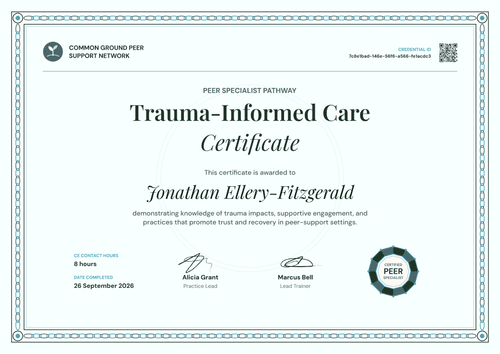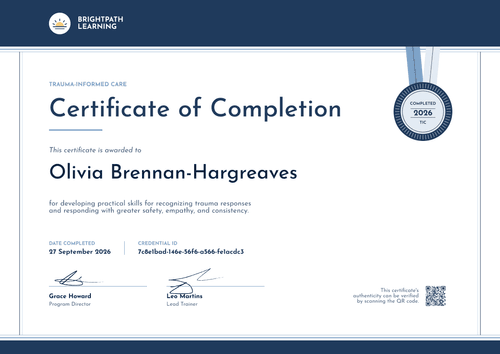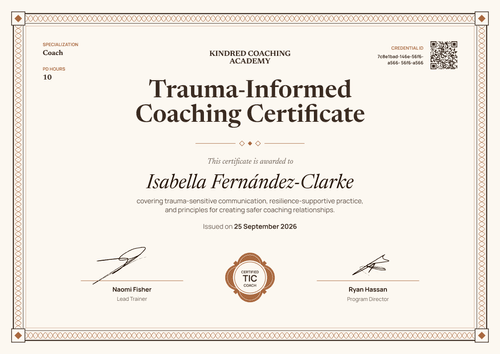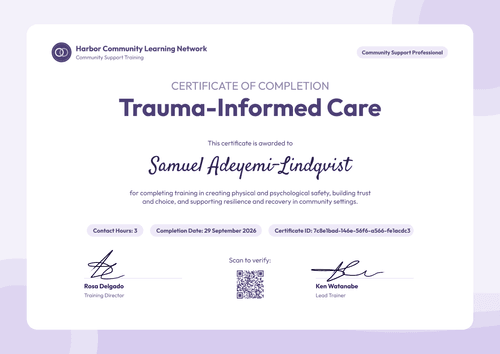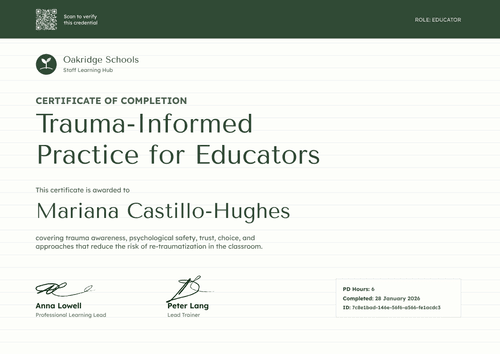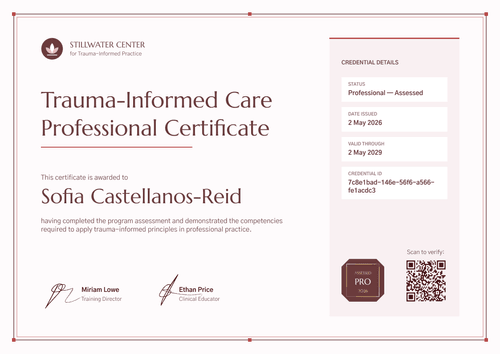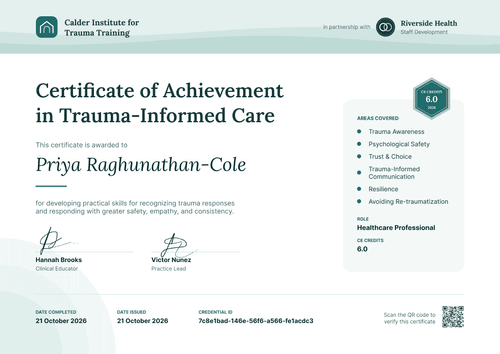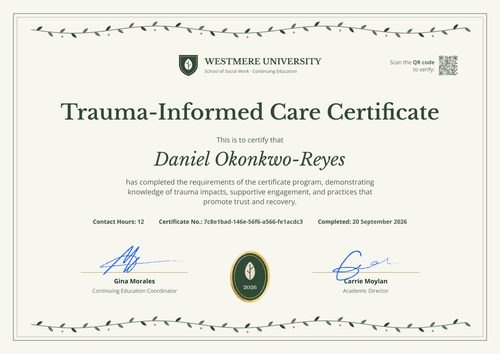

Trauma-Informed Care CE Certificate
Issue this trauma-informed care CE certificate after every workshop or webinar, with contact hours and your approval details on each copy. Participants keep a record they can show their licensing board.
Customize this template for free
Email and export in bulk
Track recipient engagement
Download in
Don't have Certifier account? Sign up
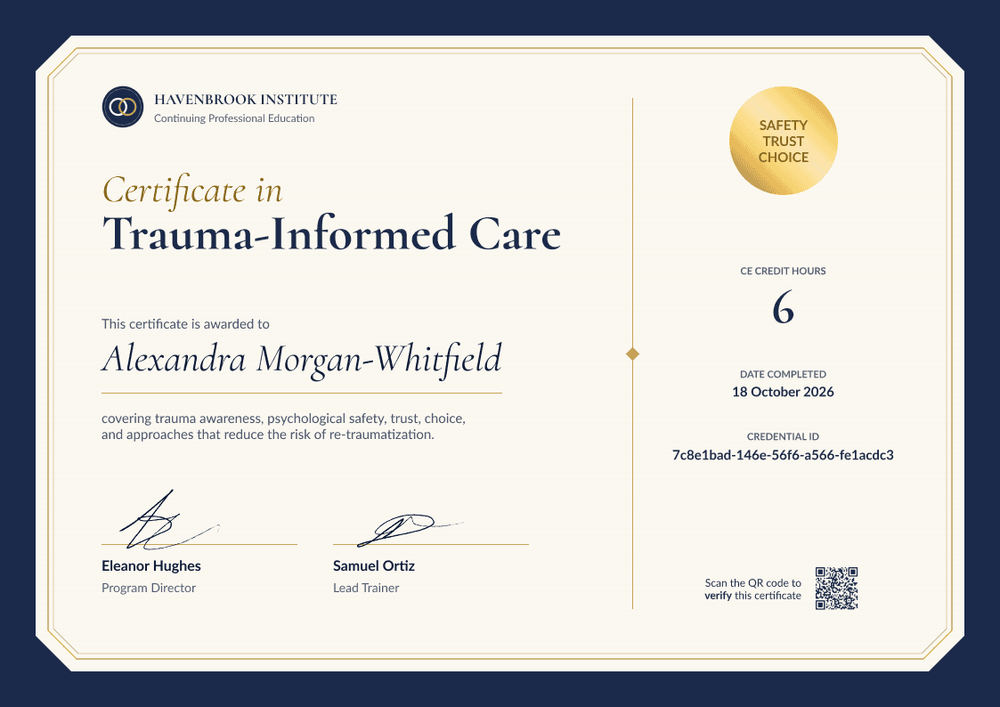
Formal navy blue trauma-informed care CE certificate template
This free trauma-informed care CE certificate confirms that a participant completed your continuing education program and lists the contact hours they earned. It suits approved CE providers who train counselors, social workers, psychologists, and nurses, and who need the same details on every certificate.
The design sets a cream card inside a deep navy blue frame with cut corners and a thin gold double border. The left side holds your provider name, the title "Certificate in Trauma-Informed Care," the participant's name in script, and a short line on what the course covered. A gold seal reading "Safety, Trust, Choice" sits top right, above a column for hours, completion date, and credential ID.
After a live workshop or a Zoom webinar, bring the attendee list into Certifier and issue certificates to everyone in one run. Each participant gets a credential page with a verification link on every plan.
What is a trauma-informed care CE certificate?
A trauma-informed care CE certificate records the continuing education hours someone earned in a trauma-informed care program. Counselors, social workers, psychologists, and nurses use these records when they renew a license, so the details need to match what their accreditor asks for.
Only approved providers can award accredited CE. If your organization isn't an approved provider, you can still issue a certificate of completion or attendance with hours, but it can't claim accredited CE.
A certificate doesn't prove someone is skilled in trauma-informed practice. It records that they completed your program and earned the listed hours.
This template is laid out on A4 landscape (29.7 x 21 cm). Sign up for a free Certifier account to add your provider details and start issuing.
What should a trauma-informed care CE certificate include?
Start with your accreditor's required fields, then add anything participants need for their renewal paperwork.
Static fields
- Provider block: Your organization name as approved, with a department line (e.g., Havenbrook Institute, Continuing Professional Education).
- Logo: Your logo beside the provider name.
- Certificate title: The award and topic (e.g., Certificate in Trauma-Informed Care).
- Seal: A gold seal with a short message (e.g., Safety, Trust, Choice). Change the words or remove it.
- Approval statement and provider number: Not on the sample. Add your accreditor's statement and number (e.g., NBCC ACEP No.) before you issue.
- Signature lines: Two signers and their roles (e.g., Eleanor Hughes, Program Director, and Samuel Ortiz, Lead Trainer).
Dynamic fields (automatically populated by Certifier)
- Recipient name: The participant's full name (e.g., Alexandra Morgan-Whitfield).
- Course description: What the program covered (e.g., trauma awareness, psychological safety, trust, choice, and approaches that reduce the risk of re-traumatization).
- Contact hours: The hours earned (e.g., 6). The sample label reads "CE Credit Hours." The label is editable, so rename it to "Contact Hours" or the term your accreditor uses.
- Date completed: The date the participant finished (e.g., 18 October 2026).
Rename, add, or remove fields in Certifier's design builder until the layout matches your approval.
How to issue trauma-informed care CE certificates
- Add your approval details: Upload your logo and signatures. Add your provider number and approval statement exactly as your accreditor worded them, and rename the hours label to match.
- Bring in your attendees: Connect Zoom for webinars, or import a spreadsheet with names, emails, and hours. For self-paced courses, connect your LMS.
- Check hours, then issue: Confirm each participant's hours, especially if anyone joined late or left early. Certifier then emails each person a personalized certificate with a verification link.
- Keep records ready for review: Every certificate stays in your Credential Repository by program and date. If your accreditor reviews a program, you can show who received a certificate and when.
Available trauma-informed care CE certificate template formats
Edit and issue online with Certifier
Edit the design in your browser, map your attendee data, and send every certificate from one place. Each participant gets a credential page where anyone can verify it.
Download in Microsoft Word
Enter your email to receive a ZIP with editable Word files.
PDF document export
Participants download a print-ready PDF from their credential page to keep with their license renewal records.
Who issues trauma-informed care CE certificates?
Approved CE providers
Training companies approved by NBCC, NASW, ASWB ACE, APA, or ANCC run trauma-informed care workshops and webinars for licensed professionals. Each event needs certificates that carry the provider's approval details.
Professional associations
Associations offer trauma-informed care sessions at conferences and in member webinar series, often for more than one profession at a time.
Behavioral health training teams
Agencies with their own CE approval train clinical staff in-house and issue hours to each clinician after every session.
Frequently asked questions
Yes. You can customize the design on the free Starter plan, which allows up to 5 custom attributes. This template's custom fields (course description, contact hours, and date completed) fit within that limit. The QR code needs the Professional or Advanced plan.
Yes. Add text fields for your provider number, course approval ID, approval statement, presenter, or the participant's license number. Text that's the same for everyone, like the approval statement, can stay fixed in the design. Details that change per person come from your spreadsheet, and each one counts toward your plan's custom attribute limit.
Use the term your accreditor uses. NBCC accepts contact, clock, or CE hours. This template's hours label is editable, so change it once in the design and every certificate follows.
Yes. Connect Zoom to bring webinar participants into Certifier, then issue certificates to the people who attended. If your accreditor sets a minimum attendance time, check it before you issue.
The participant can request a change from their credential page after verifying their email. You review the request in your dashboard and update the field. The public page updates right away, with nothing to reissue.
Certifier templates are provided for general informational and design purposes only. They do not constitute legal, regulatory, or compliance advice and are not guaranteed to satisfy the requirements of any regulator, auditor, standard, insurer, or jurisdiction. The issuing organization is responsible for the content of its training program and for verifying that its records meet the requirements that apply to it.