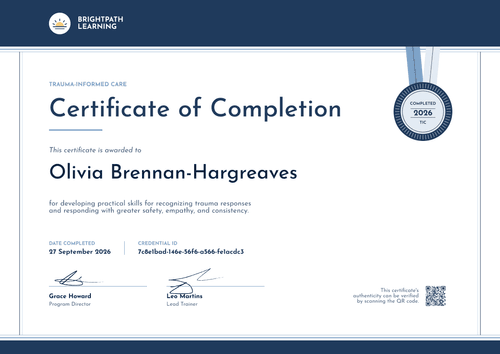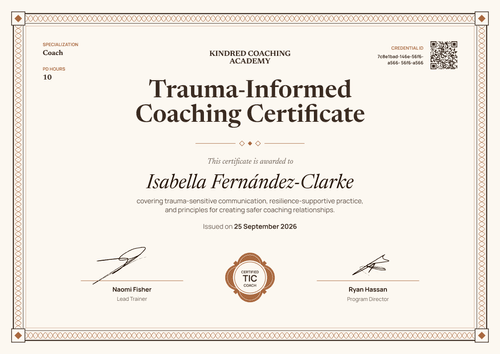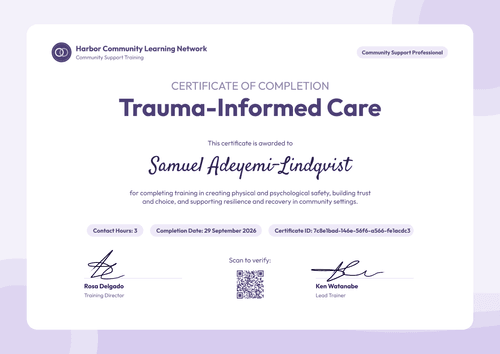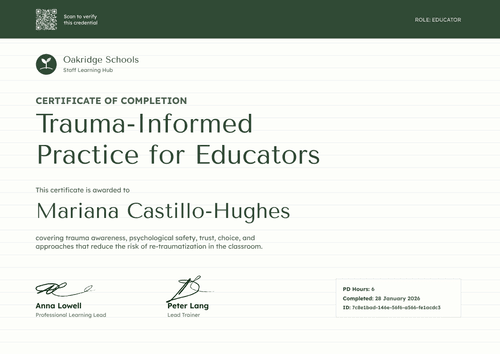

Trauma-Informed Peer Support Certificate
Peer-support and recovery organizations can mark each step of a peer specialist's training with this certificate. It names the pathway, the contact hours, and the date completed.
Customize this template for free
Email and export in bulk
Track recipient engagement
Download in
Don't have Certifier account? Sign up
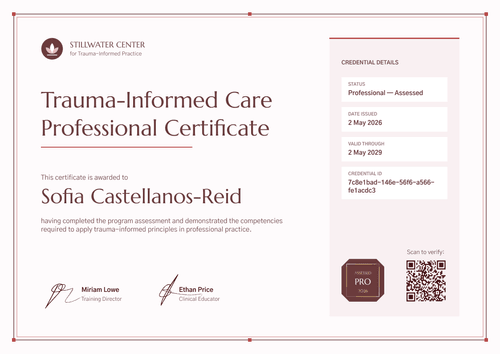
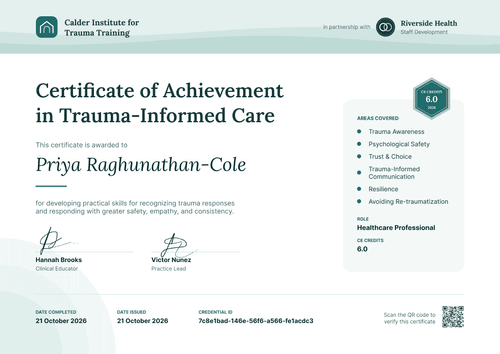
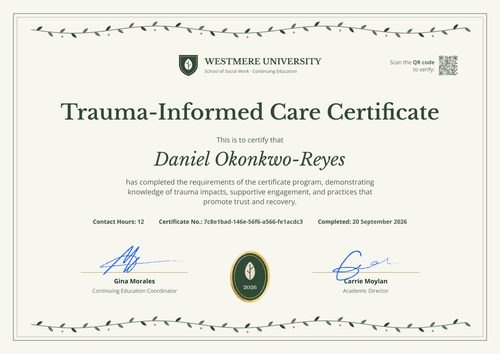
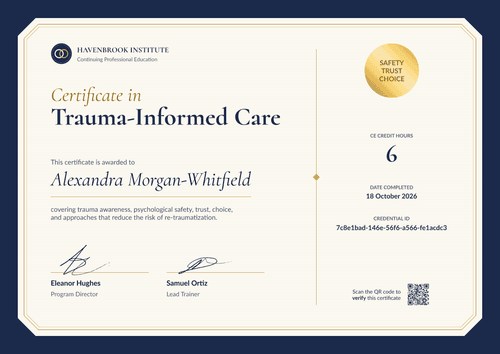
Professional aqua blue trauma-informed peer support certificate template
This free trauma-informed peer support certificate records that a peer specialist completed trauma-informed care training as part of your pathway. It's for peer-support networks and recovery organizations that train people with lived experience to support others.
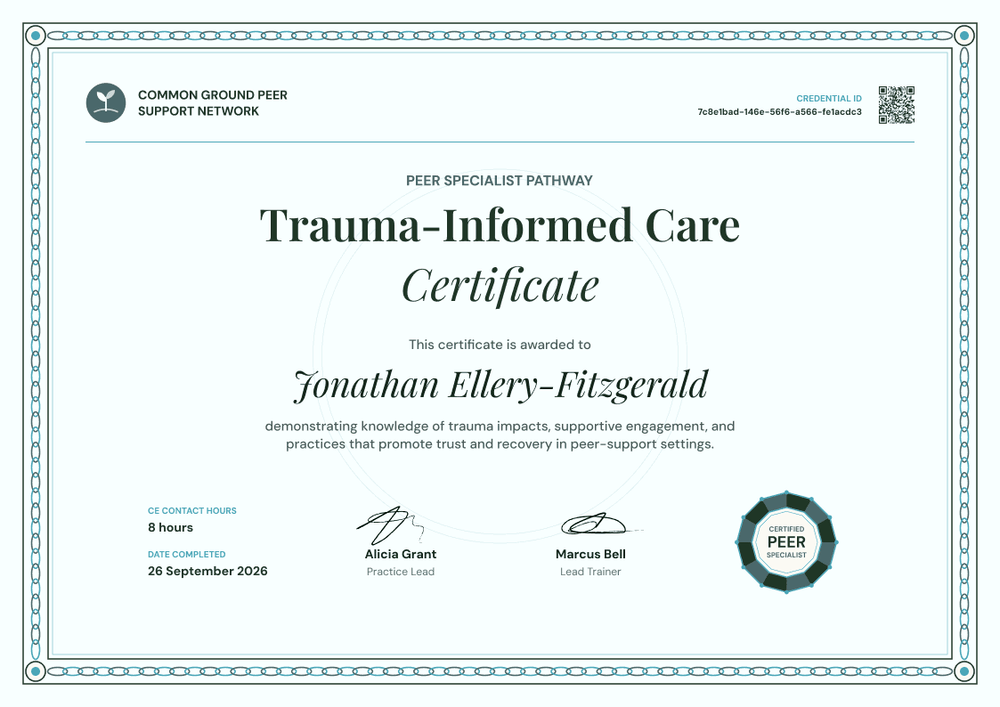
A teal chain-link border with small circles at the corners frames a very pale aqua blue page. Your sprout logo and network name sit top left, with the credential ID and QR code top right above a thin rule. A small "Peer Specialist Pathway" label sits above the title, set in a dark green serif with "Certificate" in italics beneath it.
A faint circle sits behind the name, which is in a flowing script. Contact hours and completion date sit bottom left, two signatures sit in the middle, and a segmented slate and dark green seal sits bottom right.
After each training round, import completions from a spreadsheet and issue every certificate at once. Each peer specialist gets a credential page with a verification link on every plan.
What is a trauma-informed peer support certificate?
A trauma-informed peer support certificate is a record that a peer specialist, recovery coach, or peer volunteer completed trauma-informed care training designed for peer-support settings. Organizations use it to track training across a pathway, and peers keep it as part of their work history.
Only approved providers can award accredited CE. A peer network without that approval can still record training hours on each certificate, but it can't present them as accredited CE. Many US states run their own peer specialist certification with separate training-hour rules, so check what your state board accepts.
The sample seal reads "Certified Peer Specialist." In many states that's a credential only the state or its designated board can grant. Change the seal (for example, to "Peer Specialist Pathway") unless your organization is the certifying body.
This template is laid out on A4 landscape (29.7 x 21 cm). Sign up for a free Certifier account to set up your pathway.
What should a trauma-informed peer support certificate include?
Show where this training fits in the pathway, so the peer and any future employer can see their progress.
Static fields
- Network block: Your logo and organization name (e.g., Common Ground Peer Support Network).
- Certificate title: The training name (e.g., Trauma-Informed Care Certificate).
- Seal: A round segmented seal. The sample reads "Certified Peer Specialist"; edit it to match what your organization can award.
- Signature lines: Two signers and roles (e.g., Alicia Grant, Practice Lead, and Marcus Bell, Lead Trainer).
Dynamic fields (automatically populated by Certifier)
- Recipient name: The peer's full name (e.g., Jonathan Ellery-Fitzgerald).
- Pathway: The program or stage (e.g., Peer Specialist Pathway).
- Training description: What the peer showed (e.g., knowledge of trauma impacts, supportive engagement, and practices that promote trust and recovery in peer-support settings).
- Contact hours: Hours completed (e.g., 8 hours). The sample label reads "CE Contact Hours." It's editable, so drop "CE" unless you're an approved provider.
Adjust any field in Certifier's design builder.
How to issue trauma-informed peer support certificates
- Check the seal and labels: Edit the seal and the hours label so they match what your organization can award. Add your logo and signers.
- List each training group: Collect names, emails, pathway stage, and hours in a spreadsheet after each session.
- Issue certificates: Upload the list and send. Each peer receives an email with their certificate and a link to their credential page.
- Follow progress through the pathway: Use the Credential Repository to see which certificates each peer has received. On the Advanced plan, Pathways can group the steps of a longer program.
Available trauma-informed peer support certificate template formats
Edit and issue online with Certifier
Edit the design in your browser, add participants, and send every certificate from one place. Each peer gets a credential page where anyone can verify it.
Download in Microsoft Word
Enter your email to receive a ZIP with editable Word files.
PDF document export
Peers download a print-ready PDF from their credential page to include with job applications or state paperwork.
Who issues trauma-informed peer support certificates?
Peer-support networks
Networks train peer specialists through a multi-step pathway and record each completed module.
Recovery community organizations
Organizations train recovery coaches and peer volunteers in trauma-informed care before they start supporting others.
Behavioral health agencies with peer programs
Agencies that employ peer staff add trauma-informed care to their onboarding and keep a record for each person.
Frequently asked questions
Yes. You can customize the design on the free Starter plan, which allows up to 5 custom attributes. This template's custom fields (pathway, training description, and contact hours) fit within that limit. The QR code needs the Professional or Advanced plan.
No. It records that they completed your trauma-informed care training. Peer specialist certification usually comes from a state or a designated board, with its own requirements. The certificate can be one record a peer uses when they apply.
Yes. Duplicate the design for each module, change the title and pathway label, and issue as peers complete each one. On the Advanced plan, Pathways can link those steps together.
No, unless your organization is an approved CE provider. Only approved providers can award accredited CE, so a peer network without approval should rename the sample's "CE Contact Hours" label to "Contact Hours" or "Training Hours" and leave out any approval statement. The label is editable, so one change in the design updates every certificate.
A peer specialist can ask for a correction from their credential page after verifying their email. Once you review the request and update the field in your dashboard, the corrected name appears on the public page without reissuing the certificate.
Certifier templates are provided for general informational and design purposes only. They do not constitute legal, regulatory, or compliance advice and are not guaranteed to satisfy the requirements of any regulator, auditor, standard, insurer, or jurisdiction. The issuing organization is responsible for the content of its training program and for verifying that its records meet the requirements that apply to it.