Conflict Resolution Training Certificate Templates
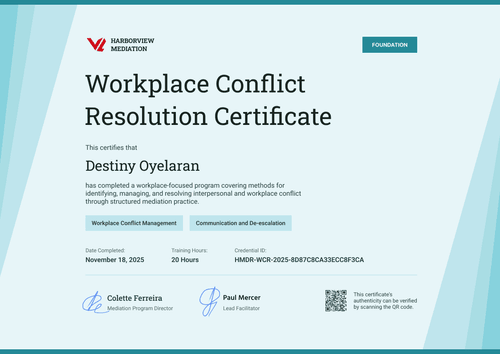
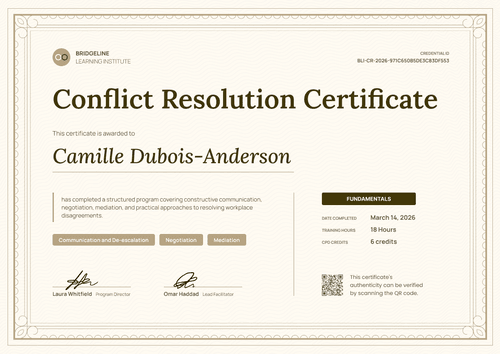
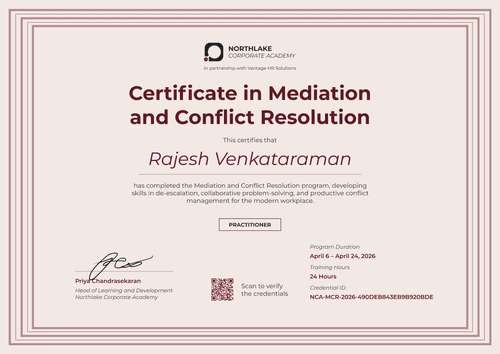
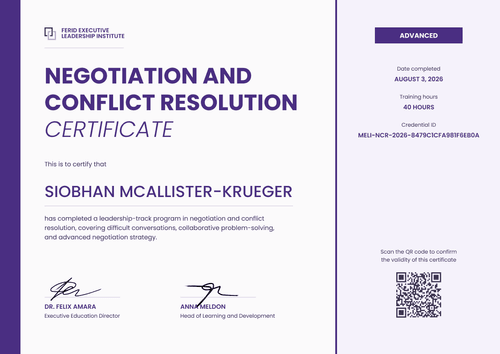
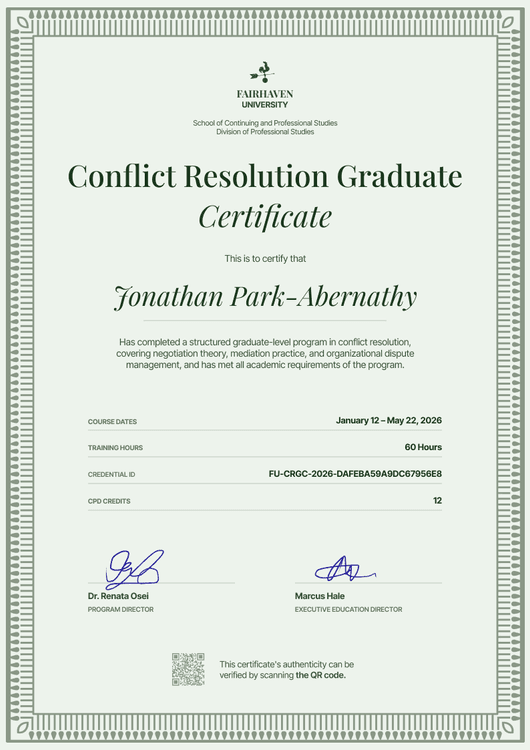
Use a conflict resolution training certificate to show what each employee learned: the hours, the skills practised, and the level they reached.
Pick a template for a company-wide workplace conflict program, frontline de-escalation, mediation, or a manager track. Add your logo, program level, and training hours, then issue from your HR system or import completions from a spreadsheet to reach every employee at once. Each certificate links to its own credential page, where managers, HR, and clients can confirm it.
Use a conflict resolution training certificate to show what each employee learned: the hours, the skills practised, and the level they reached.
Pick a template for a company-wide workplace conflict program, frontline de-escalation, mediation, or a manager track. Add your logo, program level, and training hours, then issue from your HR system or import completions from a spreadsheet to reach every employee at once. Each certificate links to its own credential page, where managers, HR, and clients can confirm it.
Read more
FAQ about conflict resolution training certificate templates
Answers to common questions from HR and L&D teams, people-manager programs, and the providers who train their staff.
Yes. Every template here can be customized on Certifier's free Starter plan, which includes up to 250 credentials a year. Edit the design online or download the Word file. QR codes are available on the Professional and Advanced plans; on Starter, each certificate still links to a credential page anyone can open.
A conflict resolution certificate should include the employee's full name, the program title, the completion date, and your organization's name and logo. To show the training was more than a box to tick, add the hours, the skills covered (such as de-escalation or mediation), and the level. A credential ID and signatures let HR trace each certificate back to your records.
Add training hours and skills as fields in Certifier's design builder, then map each field to a column in your spreadsheet or a value from your LMS. Every employee's certificate shows their own hours and skills, and the same details appear on their credential page.
Each conflict resolution certificate issued through Certifier has a verification link to its credential page, which shows the issuer, the recipient, the issue date, and the credential ID. Anyone can open it without logging in. On Professional and Advanced, a QR code on the certificate opens the same page.
Yes. Use one design for the whole company and upload each site's completion list separately, up to 1,000 recipients per upload. Every certificate carries the same branding, and you can see who received theirs in the Credential Repository.
Yes. Attach a matching badge design to the same credential, and each manager receives both on one credential page. They can add the badge to LinkedIn, and every share links back to the verifiable record. Browse training badge templates to pair with your certificate.