
Certificate in Mediation and Conflict Resolution
Recognize the internal mediators and HR business partners who complete your mediation program. Training hours, program dates, and the Practitioner level all sit on the certificate.
Customize this template for free
Email and export in bulk
Track recipient engagement
Download in
Don't have Certifier account? Sign up
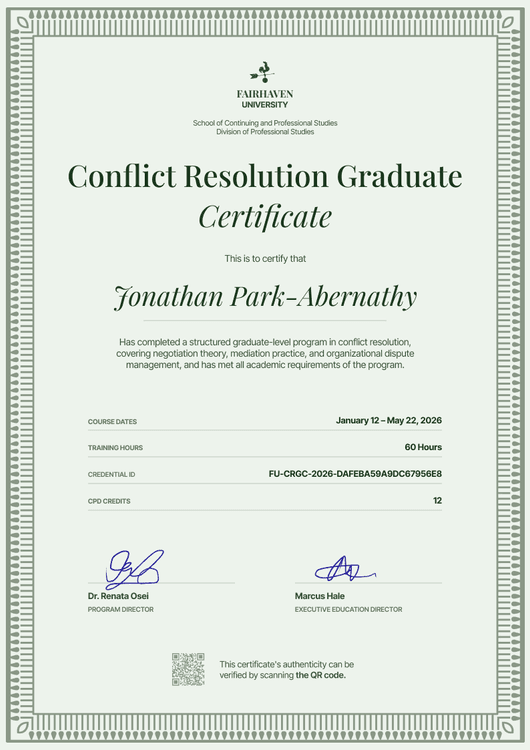
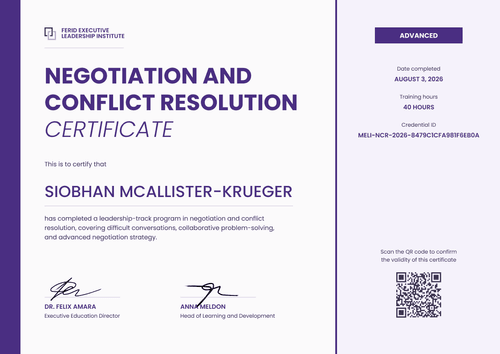
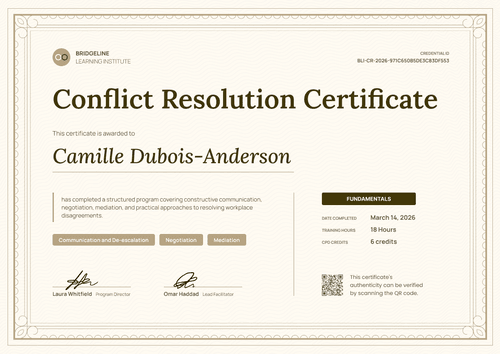
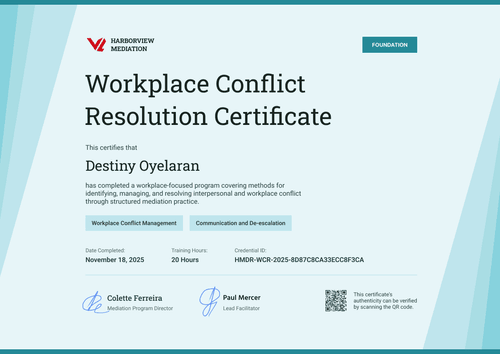
Modern red mediation and conflict resolution certificate template
This free mediation and conflict resolution certificate shows that an employee completed your workplace mediation program at a set level. It's made for organizations building a team of internal mediators, HR business partners who step in before a dispute turns formal, and the providers who train them.
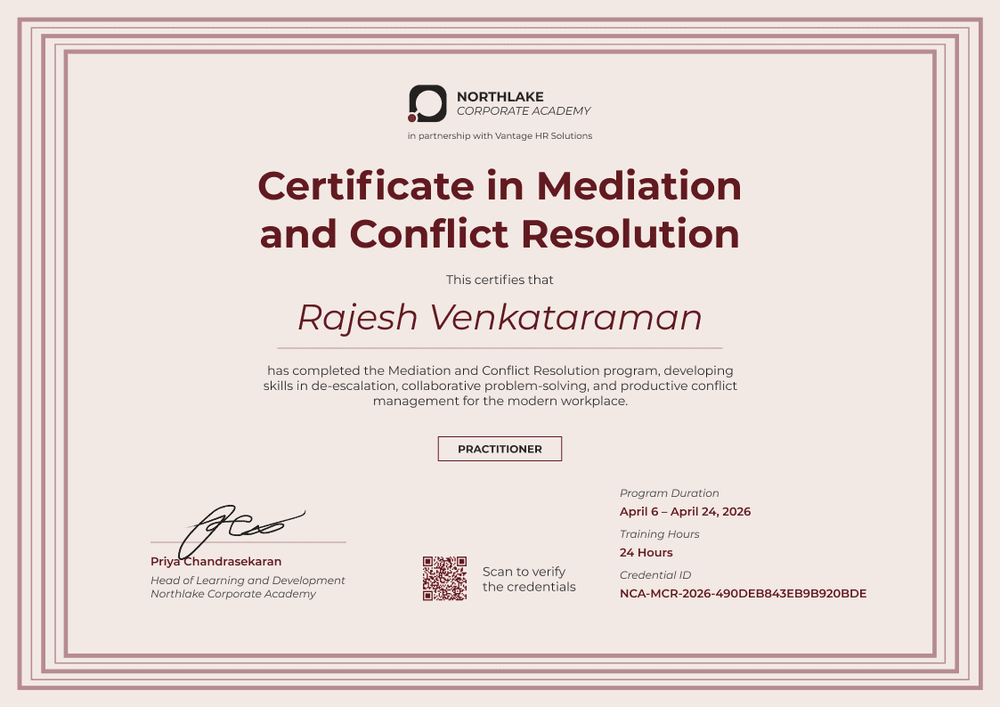
The design has a blush background inside several nested dusty rose frame lines. Everything is centered: the logo with a partner line underneath, a bold burgundy title, the recipient's name in italics, and a short program summary.
An outlined Practitioner box sits under the summary. Along the bottom, one signature line sits on the left, a QR code in the middle, and the program dates, training hours, and credential ID on the right.
When a mediator cohort finishes, import completions from a spreadsheet and issue a certificate batch at once. Each mediator gets a credential page with a verification link, so HR can confirm their training before assigning cases. On the Professional and Advanced plans, the QR code opens the same page.
What is a mediation and conflict resolution certificate?
A mediation and conflict resolution certificate records a named person's completion of a mediation program, along with the hours and level reached. Organizations issue it to staff who will act as neutral mediators in workplace disputes, so colleagues and HR know who has had the training.
This certificate records internal training. It isn't an accredited mediator qualification unless your program has been accredited by a recognized body.
This template is laid out on A4 landscape (29.7 x 21 cm). Sign up for a free Certifier account to add your logo and issue it to your first mediator cohort.
What should a mediation training certificate include?
A mediation certificate should show who trained, at what level, for how many hours, and who signed off on the training.
Static fields
- Organization block: Your organization's name and logo (e.g., Northlake Corporate Academy).
- Partner line: An optional co-branding line for a training partner (e.g., in partnership with Vantage HR Solutions).
- Certificate title and program summary: The award name and what the program developed (e.g., Certificate in Mediation and Conflict Resolution; de-escalation, collaborative problem-solving, and conflict management).
- Signature and role area: One signature line with name, role, and organization (e.g., Head of Learning and Development, Northlake Corporate Academy).
Dynamic fields (automatically populated by Certifier)
- Recipient name: The mediator's full name (e.g., Rajesh Venkataraman).
- Level: The level the mediator reached (e.g., Practitioner).
- Program duration: The start and end dates of the program (e.g., April 6 to April 24, 2026).
- Training hours: Total hours completed (e.g., 24 hours).
- Credential ID, date issued, and verification link: Available on every plan, so HR can confirm a mediator's training before assigning a case.
Add a second signature line or an instructor credentials line in Certifier's design builder.
How to issue mediation training certificates
- Add your branding and partner line: Upload your logo, keep or remove the partner line, and add the signature of the person who leads the program.
- Record hours and dates: Put each mediator's training hours and program dates in your spreadsheet, so every certificate shows the right figures.
- Issue to the cohort: Upload the spreadsheet. Certifier emails each mediator a personalized certificate with a link to their credential page.
- Keep your mediator list current: Use the Credential Repository to see who has trained and at what level. Fix any detail on a live certificate without reissuing it.
Available mediation certificate template formats
Edit and issue online with Certifier
Edit the design in your browser, upload your cohort, and send every certificate from one place. Each mediator gets a credential page where anyone can verify the certificate.
Download in Microsoft Word
Enter your email to receive a ZIP with editable Word files.
PDF document export
Mediators can download a print-ready PDF from their credential page.
Who issues mediation and conflict resolution certificates?
HR teams building internal mediation schemes
Training a pool of staff to mediate early means keeping a record of who is qualified to take cases.
External mediation trainers
Programs delivered to corporate clients carry a co-branded certificate, shared with the client or an HR partner.
Corporate academies
In a people-skills curriculum, this template marks mediation as the Practitioner-level step.
Frequently asked questions
Yes. You can customize the design on the free Starter plan, which allows up to 5 custom attributes. This template's custom fields (level, program duration, and training hours) fit within that limit. The QR code needs the Professional or Advanced plan.
Training hours are already a field on this mediation certificate design; map it to a column in your spreadsheet. For instructor credentials, edit the signature line to include the trainer's name, role, and any accreditation they hold, or add a separate instructor field in the design builder.
There's no single standard for how many hours mediation training takes. Hours vary by provider, level, and any accrediting body involved. The certificate shows whatever hours your program awards, so readers can see the depth of training for themselves.
To verify a mediation certificate, open the verification link on it or scan the QR code on paid plans. Both lead to the mediator's credential page, which shows the issuer, recipient, issue date, and credential ID.
Yes. The partner line under the logo is editable. Replace it with your partner's name or delete it if you deliver the program alone.
Certifier templates are provided for general informational and design purposes only. They do not constitute legal, regulatory, or compliance advice and are not guaranteed to satisfy the requirements of any regulator, auditor, standard, insurer, or jurisdiction. The issuing organization is responsible for the content of its training program and for verifying that its records meet the requirements that apply to it.