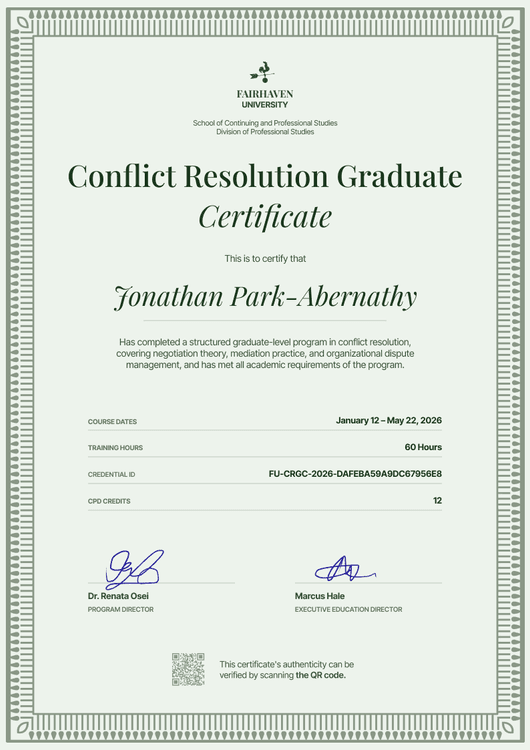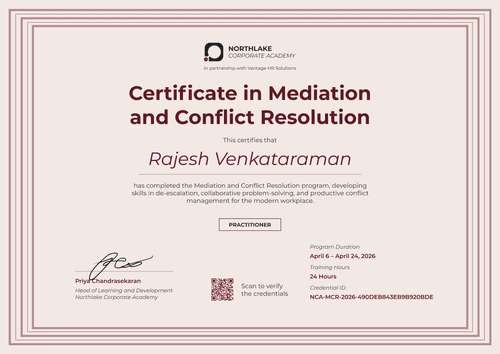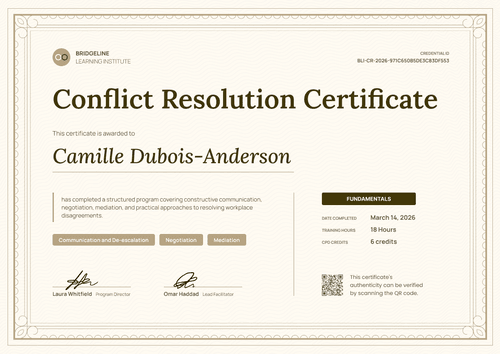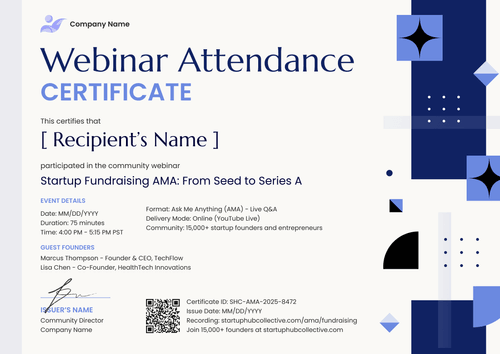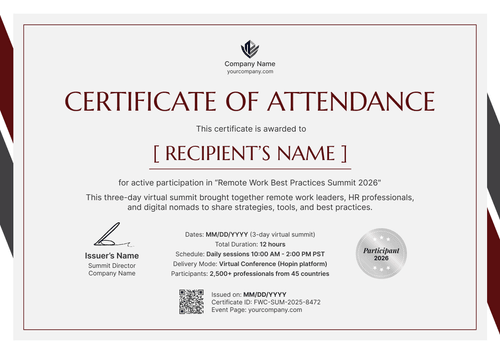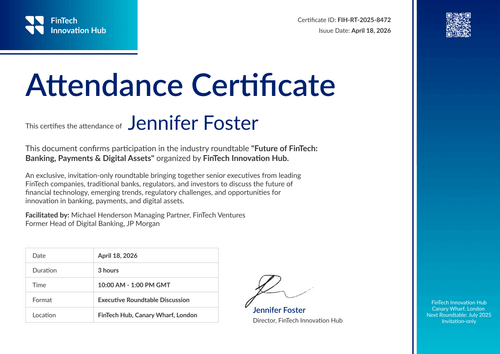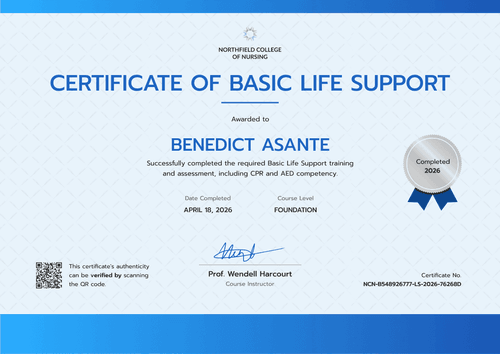

Workplace Conflict Resolution Certificate
Roll out one workplace conflict resolution certificate to every employee in your company. Pull names from your HRIS or LMS, and show each person's hours, skills, and level.
Customize this template for free
Email and export in bulk
Track recipient engagement
Download in
Don't have Certifier account? Sign up
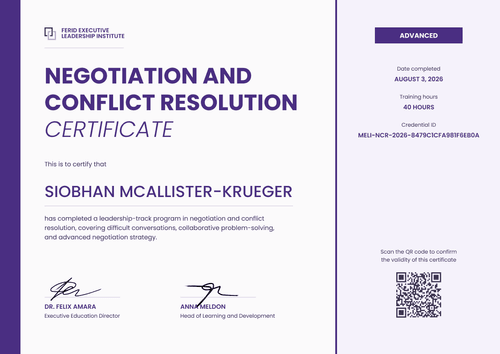
Modern blue workplace conflict resolution certificate template
This free workplace conflict resolution certificate confirms that an employee completed your conflict resolution program. It's built for HR and L&D teams running one program for the whole company, whether it follows a new code of conduct or a spike in grievances.
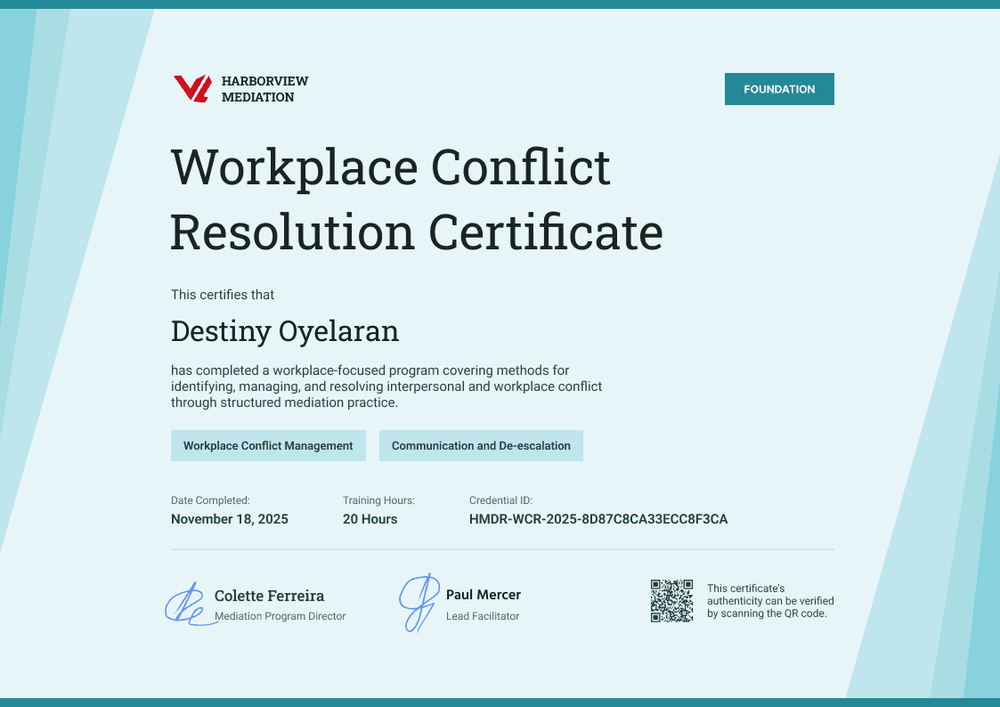
The design uses a pale blue background with translucent teal and aqua bands slanting in from both sides. Solid teal bars run along the top and bottom. A teal level tag sits in the top right corner, and two light blue skill tags sit under the course description.
Below the skill tags, one row holds the completion date, training hours, and credential ID. Two signature lines and a QR code close the layout.
When the program wraps up, issue from your HR system or connect your LMS to send certificates to every employee in bulk. Each employee gets a credential page with a verification link. On the Professional and Advanced plans, the QR code on the certificate opens the same page.
What is a workplace conflict resolution certificate?
A workplace conflict resolution certificate shows that a named employee completed training on spotting, managing, and resolving work disagreements. Companies use it to keep a record of who took part in a company-wide program and to show employees the training counts for something.
A completion certificate records attendance and completion, but it doesn't prove that someone will handle every conflict well.
This template is laid out on A4 landscape (29.7 x 21 cm). Sign up for a free Certifier account to edit the design and issue it to your first group of employees.
What should a workplace conflict resolution certificate include?
To answer the "soft skills don't count" objection, show the employee's level, hours, and skills next to the name.
Static fields
- Organization block: Your company or training team name and logo (e.g., Harborview Mediation).
- Certificate title: The program name (e.g., Workplace Conflict Resolution Certificate).
- Signature and role areas: Two signature lines (e.g., Mediation Program Director and Lead Facilitator).
Dynamic fields (automatically populated by Certifier)
- Recipient name: The employee's full name (e.g., Destiny Oyelaran).
- Level: The stage of the program the employee finished (e.g., Foundation).
- Course description: What the program covered (e.g., identifying, managing, and resolving interpersonal and workplace conflict through structured mediation practice).
- Skill tags: Two skills practised (e.g., Workplace Conflict Management, Communication and De-escalation).
- Date completed and training hours: When the employee finished and how long the training took (e.g., November 18, 2025, 20 hours).
You can rename, add, or remove fields in Certifier's design builder so the certificate matches your program records.
How to issue workplace conflict resolution certificates
Follow these four steps to issue certificates to every employee who finished the program:
- Brand the design: Upload your logo and the signatures of your program owner and facilitator. Set the level tag and skill tags to match your program.
- Connect your employee data: Pull completions from BambooHR or your LMS, or upload a spreadsheet with up to 1,000 recipients per upload.
- Issue to the whole company: Certifier emails each employee a personalized certificate with a link to their credential page.
- Track and correct: See who opened, downloaded, or shared their certificate in the Credential Repository. If a name is misspelled, edit the field and the public page updates at once, with nothing to reissue.
Available workplace conflict resolution certificate template formats
Edit and issue online with Certifier
Edit the design in your browser, connect your HRIS or LMS, and send every certificate from one place. Each employee gets a credential page where anyone can verify the certificate.
Download in Microsoft Word
Enter your email to receive a ZIP with editable Word files.
PDF document export
Employees can download their certificate as a print-ready PDF from the credential page linked in the delivery email.
Who issues workplace conflict resolution certificates?
HR and L&D teams
Running one conflict program for every employee means keeping a completion record per person, issued from the HRIS or LMS.
Employee relations teams
When engagement survey results or a rise in grievances prompt conflict training, these teams want proof of who took part.
Internal academies
Packaging conflict resolution as one level of a wider people-skills curriculum means issuing a certificate at each level.
Frequently asked questions
Yes. You can customize the design on the free Starter plan, which allows up to 5 custom attributes. This template's custom fields (level, course description, two skill tags, and training hours) fit within that limit. The QR code needs the Professional or Advanced plan.
A misspelled name on a workplace conflict resolution certificate can be fixed without reissuing it. The employee requests a change from their credential page, then you update the field in your dashboard, and the public page changes right away.
Certifier templates are provided for general informational and design purposes only. They do not constitute legal, regulatory, or compliance advice and are not guaranteed to satisfy the requirements of any regulator, auditor, standard, insurer, or jurisdiction. The issuing organization is responsible for the content of its training program and for verifying that its records meet the requirements that apply to it.