
Language Proficiency Certificate
Customize this language proficiency certificate with an overall result and a score for each skill. Send it to learners in bulk so each gets a credential page they can share.
Customize this template for free
Email and export in bulk
Track recipient engagement
Download in
Don't have Certifier account? Sign up
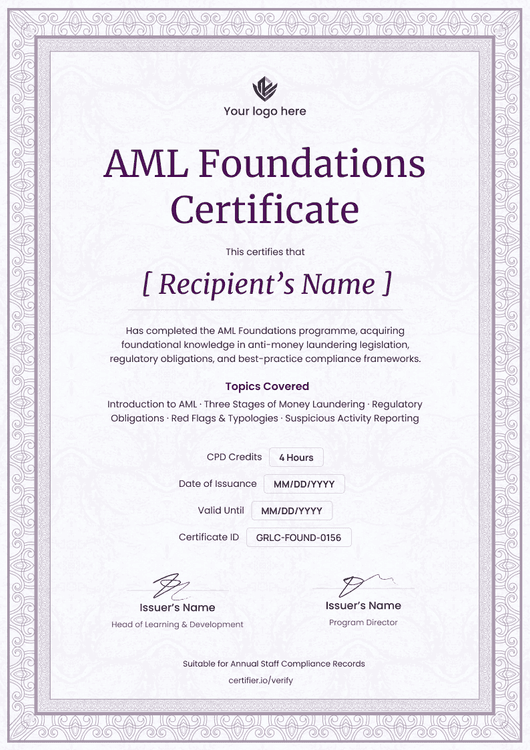
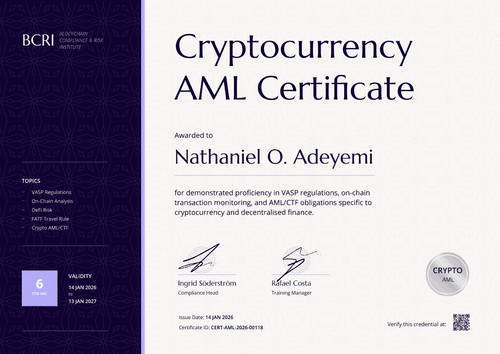
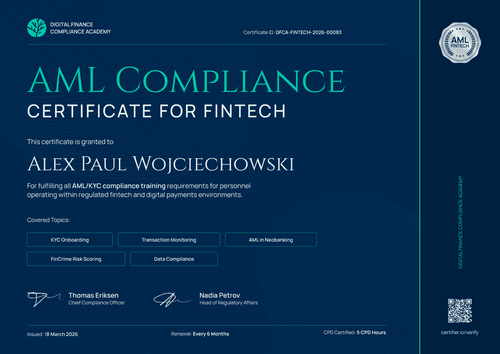
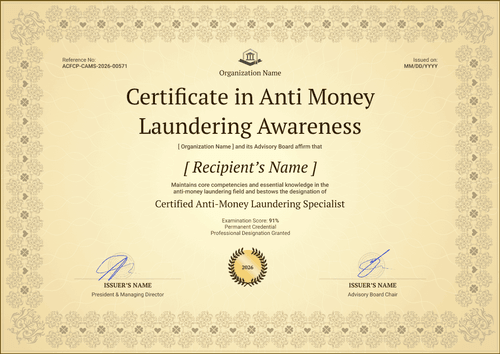
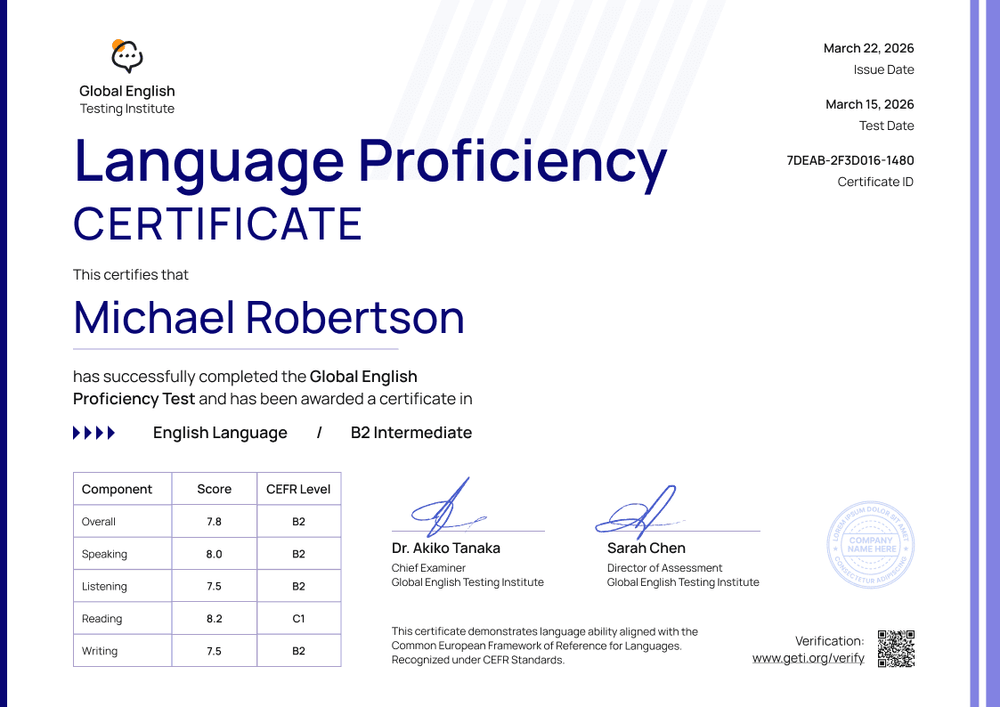
Professional purple language proficiency certificate template
This free language proficiency certificate records a test taker's result, with a score and CEFR level for each skill. It suits English test centers, language schools, and online platforms that run their own English assessments and want results that admissions offices and employers can check.
The design is crisp, showing a white page with purple bars along the right edge and a bold navy blue title. The test date, issue date, and certificate ID sit in the top right. Under the candidate's name, a table lists the overall result and the scores for speaking, listening, reading, and writing, each with its CEFR level.
When a test session closes, import results from a spreadsheet or connect your LMS to issue every certificate at once. Each candidate receives a credential page with a verification link they can share with a university or employer.
What is a language proficiency certificate?
A language proficiency certificate shows the level of English a named person demonstrated in an assessment on a specific date. Schools and test centers issue it after a placement test, an end-of-course exam, or their own proficiency test.
Many issuers report results against the Common European Framework of Reference for Languages (CEFR), which describes six levels from A1 to C2. The CEFR is a reference framework, not a test, and the Council of Europe doesn't accredit schools or exams. A level on your certificate should come from an assessment you've mapped to the CEFR.
A certificate from your school or test center isn't the same as an official exam result, such as IELTS or TOEFL, as it only records your assessment and the result the candidate achieved.
This template is laid out on A4 landscape (29.7 x 21 cm).
Sign up for a free Certifier account to edit the design and start issuing certificates with this template.
What should a language proficiency certificate include?
A language proficiency certificate should show who took the test, when, and what level they reached in each language skill. Use the online builder to edit and customize the following fields:
Static fields
- Organization block: Your test center or school name and logo.
- Certificate title and test name: The award type and your assessment (e.g., Language Proficiency Certificate, English Proficiency Test).
- Framework statement: A short line stating that results are aligned with the CEFR.
- Signature and role areas: Two signature lines (e.g., Chief Examiner and Director of Assessment).
Dynamic fields (automatically populated by Certifier)
- Recipient name: The candidate's full name (e.g., Michael Robertson).
- Test date and issue date: When the candidate sat the test and when the result was issued.
- Overall result: The overall score and CEFR level (e.g., 7.8, B2).
- Skill scores: Speaking, listening, reading, and writing, each with a CEFR level.
- Certificate ID: A unique identifier that links back to your results records.
This list describes the template design, but it's not a fixed standard. You can rename, add, or remove fields in Certifier's design builder until the layout matches your results records.
How to issue a language proficiency certificate
Follow these four steps to issue certificates to every candidate:
- Edit the design to match your brand: Upload your logo and the signatures of your examiners. Update the test name and framework statement.
- Upload candidate results: Import results from a spreadsheet, with one column per skill, or connect your LMS through native integrations or Zapier.
- Issue the certificates: Certifier emails each candidate their personalized certificate with a verification link. If your results have a validity period, add an expiry date (Professional and Advanced plan feature).
- Track and keep records current: Use the Credential Repository to see who opened, viewed, downloaded, or shared their certificate, and correct a misspelled name without reissuing.
Available language proficiency certificate template formats
Edit and issue the template online with Certifier
Edit the design in your browser, add candidate results from a spreadsheet, and email every certificate from one place. Each candidate gets their own credential page where anyone can verify the certificate.
Download the template in Microsoft Word
Need an internal copy or prefer your own files? Enter your email address to receive a ZIP file with editable Word documents in landscape, in A4 and US Letter sizes.
PDF document export
Candidates can attach the PDF to a university application by downloading it via their results email.
Who issues language proficiency certificates?
Test and assessment centers
Centers that run their own language tests issue a results certificate after every session with skill-level scores that show universities and employers exactly what the candidate achieved.
Language schools
Schools that test students at the end of a course can issue a proficiency certificate alongside the course certificate, so students have a record of their level.
Online learning platforms
Platforms with built-in language assessments can issue certificates automatically when a learner completes the test.
Frequently asked questions
You can customize this template design and add 5 custom attributes on Certifier's free Starter plan. To show an overall result and every skill score, use the Professional plan, which allows up to 25 custom attributes.
Yes. Add a column for each skill score and level in your spreadsheet, then map them to the fields in the table. Each candidate's certificate then shows their own results.
Anyone can open the certificate's verification link, or scan its QR code on paid plans, to reach the candidate's credential page on Certifier. That page shows the issuer, the recipient, the issue date, and the certificate ID.
No. It only records your assessment and the result the candidate achieved. Candidates who need an official exam result, such as IELTS or TOEFL, should contact that exam board.
The candidate can request a correction from their Certifier credential page after verifying their email. You can then review and approve it in your dashboard, so the result page shows the right name without a new certificate.
Certifier templates are provided for general informational and design purposes only. They do not constitute legal, regulatory, or compliance advice and are not guaranteed to satisfy the requirements of any regulator, auditor, standard, insurer, or jurisdiction. The issuing organization is responsible for the content of its training program and for verifying that its records meet the requirements that apply to it.