Checklists and Evaluations Templates
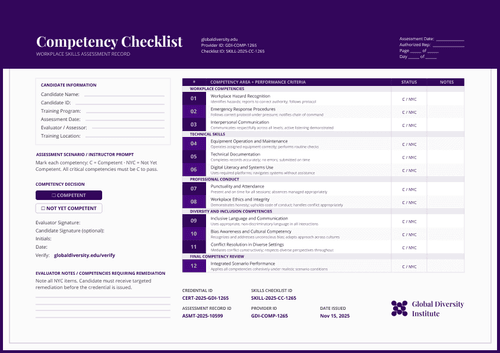
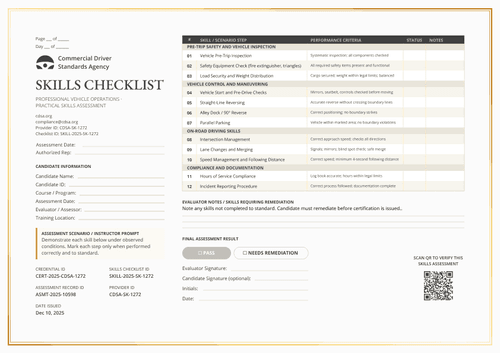
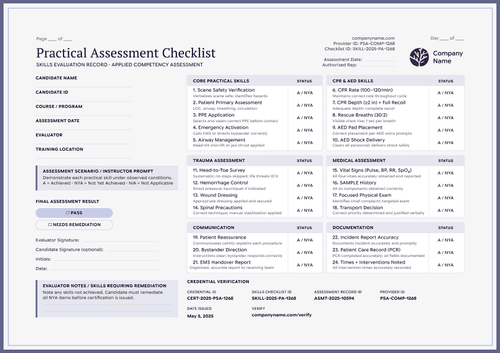
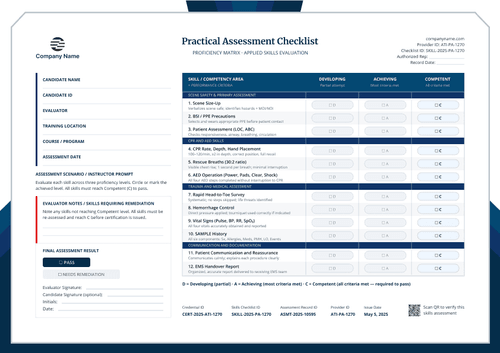
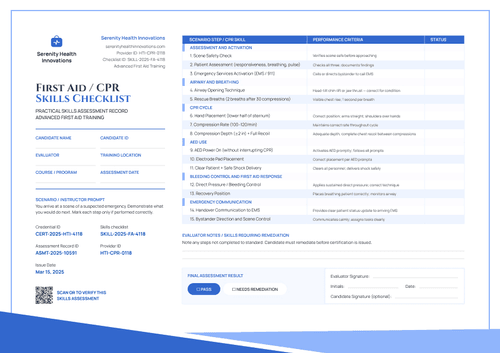
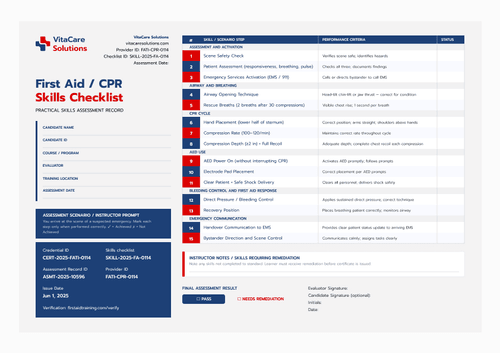
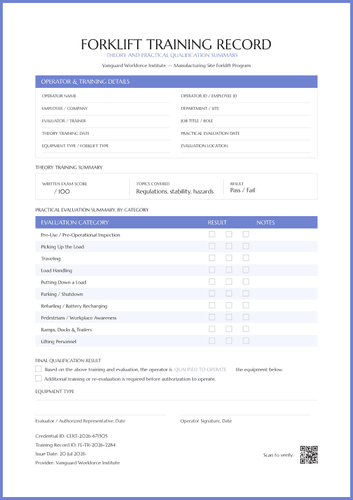
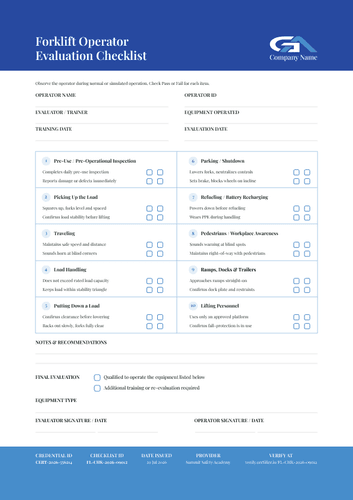
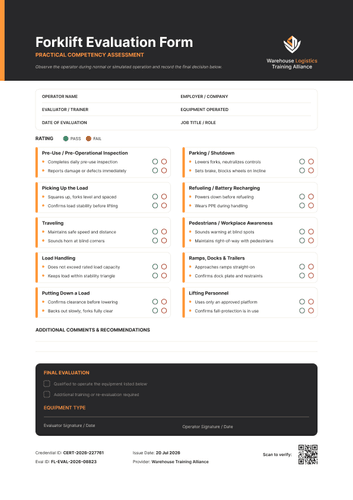
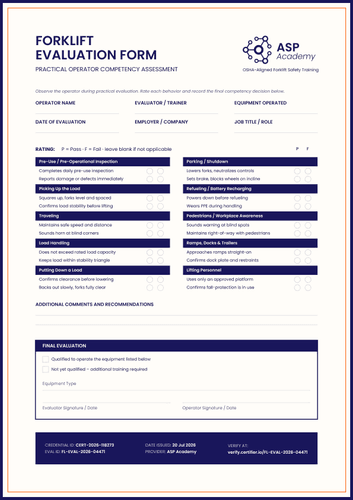
Capture the result of every step with these free checklist and evaluation templates. A checklist records that each item was actually assessed rather than simply finished, so the assessor, the person assessed, the date, and the outcome all sit on the document.
Choose from our collection of skills checklists, competency checklists, and practical assessment checklists and edit your design in Certifier's design builder. Issue a completed checklist to each person or attach it to the certificate it supports and give assessors and recipients a copy with a verification link. Download the printable Word file for assessments done on paper.
Capture the result of every step with these free checklist and evaluation templates. A checklist records that each item was actually assessed rather than simply finished, so the assessor, the person assessed, the date, and the outcome all sit on the document.
Choose from our collection of skills checklists, competency checklists, and practical assessment checklists and edit your design in Certifier's design builder. Issue a completed checklist to each person or attach it to the certificate it supports and give assessors and recipients a copy with a verification link. Download the printable Word file for assessments done on paper.
Read more
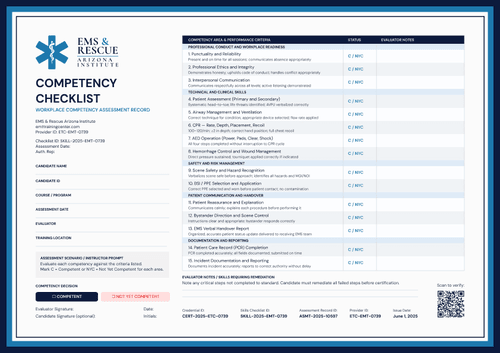
Competency Assessment Templates

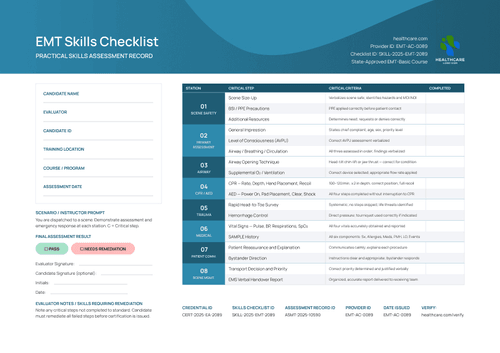
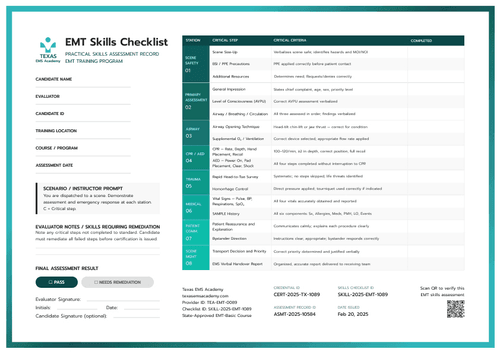
EMT Skills Checklist Templates
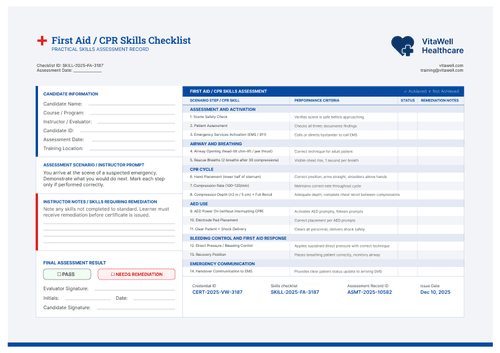
First Aid & CPR Checklist Templates
Frequently asked questions
They're two different design types inside Certifier's editor. A checklist is built on the Assessment design type: each step or skill an assessor checked off, with a pass or fail per item, signed on that date. Meanwhile, a training record includes a summary across time, the sessions someone completed, when, how long each one ran, and their status.
So, if you need proof that one specific assessment happened, use a checklist (Assessment). If you need a running history of everything someone has completed, use a training record.
Once you have each person's results, you can bulk-generate their signed checklists from a spreadsheet (Certifier gives you a pre-formatted CSV to fill in and processes up to 1,000 recipients per upload), an LMS export, or an integration, rather than building each one by hand. Each recipient still gets their own individually completed document.
Yes. Certifier's editor keeps design (fonts, colors, layout, your logo) separate from the data fields that fill in per recipient (name, date, evaluator, outcome). You can restyle a checklist completely and the fields underneath stay exactly as you set them up.
Yes, editing a credential template, or a design attached to it, affects credentials already issued from it, not just future ones. The two exceptions are Duplicate Management and Expiration settings, which apply only going forward.
If you want a checklist you've issued to stay exactly as it was, duplicate the template before you make changes, and edit the copy instead of the original.