
Working at Height Certificate of Achievement
A traditional working at height certificate of achievement for trainees who finish your classroom or onsite course, with a gold border made for framing.
Customize this template for free
Email and export in bulk
Track recipient engagement
Download in
Don't have Certifier account? Sign up
Formal brown working at height certificate of achievement template
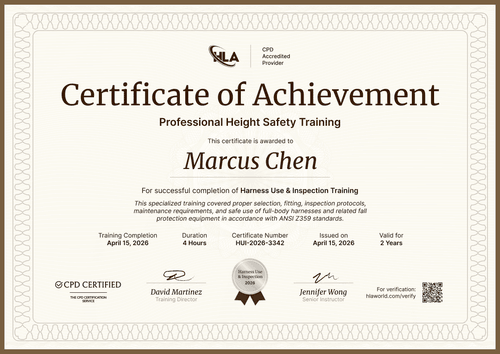
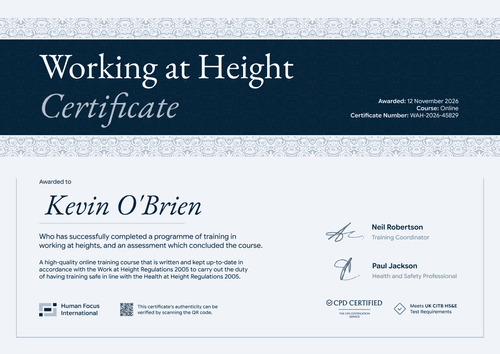
This free working at height certificate of achievement recognizes a trainee who fully completed your course. It suits UK training providers and in-house trainers who want a formal certificate that looks right framed in a site office or filed in a training folder.
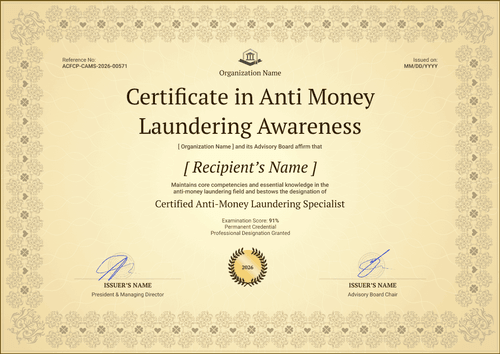
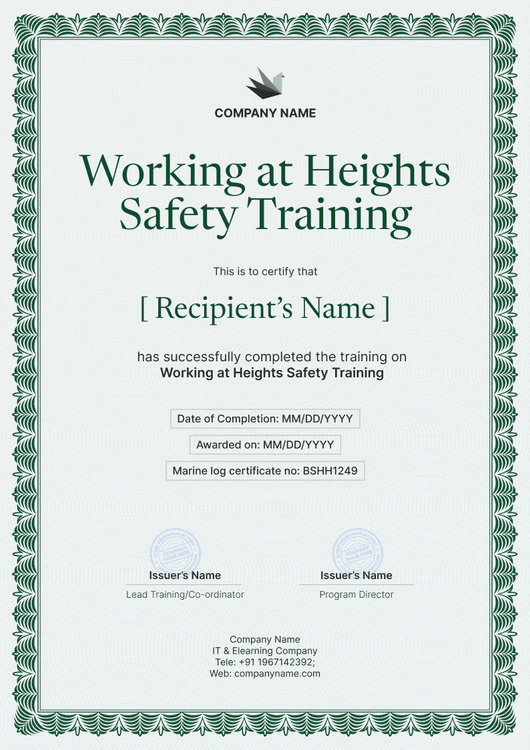
The design uses a cream background inside an ornamental gold border, with navy blue serif lettering for the title and the trainee's name. Three outlined boxes hold the course completion date, certificate number, and issue date, so the key facts read clearly on paper. A round seal sits between two signature lines at the bottom.
At the end of a classroom day, take the sign-in sheet, turn it into a spreadsheet upload or pull attendance from your LMS, and send the whole class its certificates. Printed copies can still be checked, because each one has a verification link.
What is a working at height certificate of achievement?
A working at height certificate of achievement marks the end of a working at height course for one named trainee, with the date they finished. Providers hand it over on the last day, then employers add a copy to the worker's training file.
Under the Work at Height Regulations 2005, employers must ensure that people working at height are competent or properly supervised. Classroom and practical courses are a common way to build that competence, and this achievement certificate records that the course took place.
Framed or filed, this certificate shows attendance and completion, not competence or legal compliance. Store it with the course plan, the attendance list, and any practical assessment.
It prints on a sideways A4 page, measuring 29.7 cm across and 21 cm high. Sign up for a free account on Certifier to change the wording and seal.
What should a working at height certificate of achievement include?
On paper, the essentials are the trainee, the course, and the dates. You can edit each of these fields in the online builder:
Static fields
- Organization block: Your training provider's name and crest at the top.
- Title and course: Certificate of Achievement, with Working at Height as the course line.
- Course statement: A line naming the course content and the regulation behind it.
- Seal: A round seal you can relabel with your course or year.
- Signature and role areas: For example, Head of Learning and Development beside a Safety Officer.
Dynamic fields (automatically populated by Certifier)
- Recipient name: Printed in the large serif line (e.g., Priya Patel).
- Course completion date: The final day of the course.
- Issue date: The day the certificate was sent.
- Certificate number: Matches the entry in your course register.
- Expiry date (optional, Professional and Advanced): Only needed if your course sets a refresher interval.
Keep, rename, or delete any of these in Certifier's design builder, so the boxes adapt to whatever your course register records.
How to issue a working at height certificate of achievement
Turn a finished class into certificates in four steps:
- Personalize the gold-bordered design: Upload your crest, the training lead's and safety officer's signatures, and new seal text.
- Add the class: Upload the attendance list or connect a system through native integrations or Zapier.
- Decide on expiry, then issue: Courses with a refresher period can carry an expiry date (Professional and Advanced plan feature). Each trainee then gets an email with the certificate.
- Keep the register tidy: The Credential Repository records downloads and shares, and lets you fix a name in place.
Available working at height certificate of achievement formats
Edit and issue the template online with Certifier
Edit the gold border, seal, and wording online, then send a whole class's certificates in one go.
Download the template in Microsoft Word
Would you rather print from your files? We'll email a ZIP of landscape Word documents in A4 and US Letter once you enter your address.
PDF document export
The PDF is made for framing or a paper training folder, so trainees can download it again from their email at any time.
Who issues working at height certificates of achievement?
Classroom and on-site training providers
Trainers who run working at height courses in person often hand over a certificate on the last afternoon. A digital copy lets trainees and employers revisit it later.
HSE and L&D teams
In-house teams that train their own operatives keep one certificate per person. A certificate number on each one makes records easy to match during an audit.
Construction and facilities employers
Employers that send staff on external courses can issue their own certificate of achievement as an internal record of the training.
Frequently asked questions
Yes, you can edit it on Certifier's free Starter plan. Its custom field, course completion date, is one of the five custom attributes Starter allows. The QR code and an expiry date require the Professional or Advanced plan.
Yes. Every credential page offers a print-ready PDF or you can print from the Word download. The cream background and gold border were chosen with paper in mind.
Yes. Edit the seal in the design builder to show your course name, your organization, or the year.
They follow the printed link, or scan the QR code if your plan includes one, and land on the trainee's record. The credential page lists the issuing provider, the trainee, the date, and the certificate number.
Once the trainee has verified their email, they can ask for the correction from their credential page. Approve it in your dashboard and the online record changes immediately.
Certifier templates are provided for general informational and design purposes only. They do not constitute legal, regulatory, or compliance advice and are not guaranteed to satisfy the requirements of any regulator, auditor, standard, insurer, or jurisdiction. The issuing organization is responsible for the content of its training program and for verifying that its records meet the requirements that apply to it.