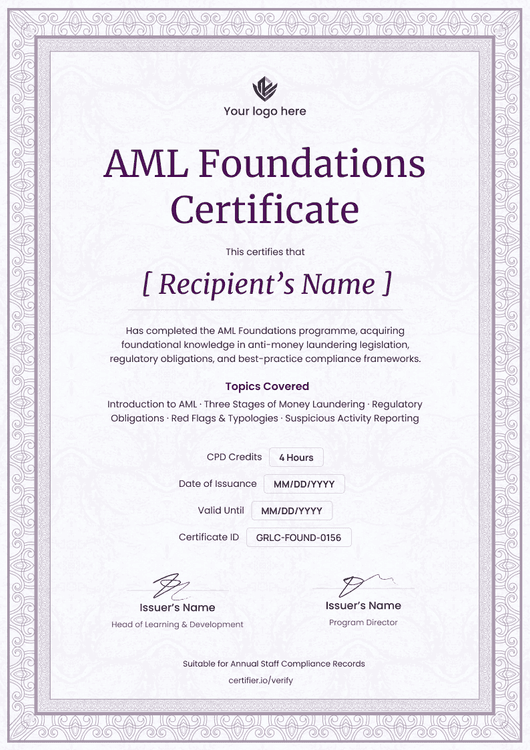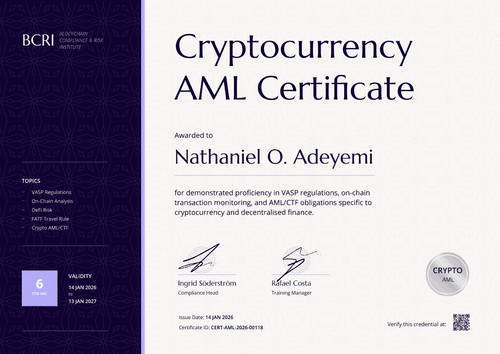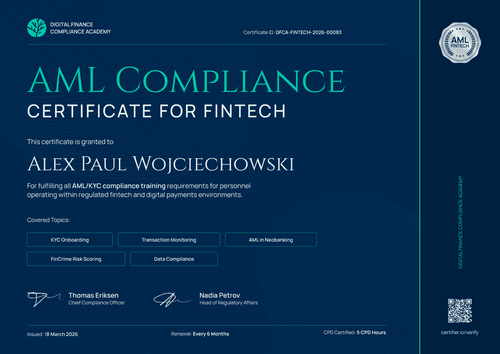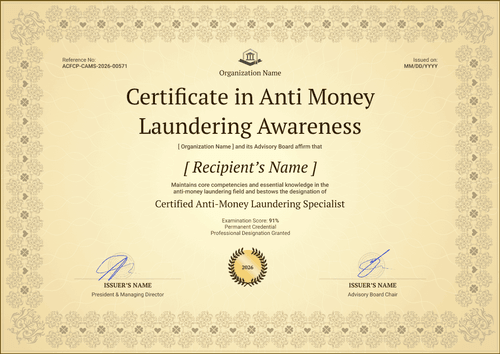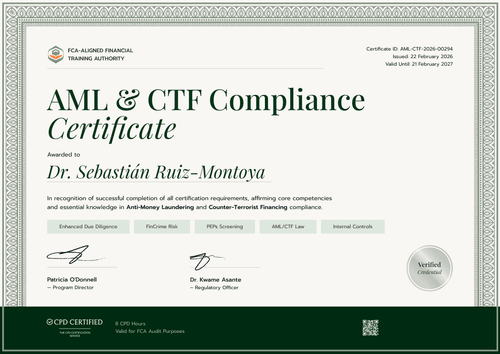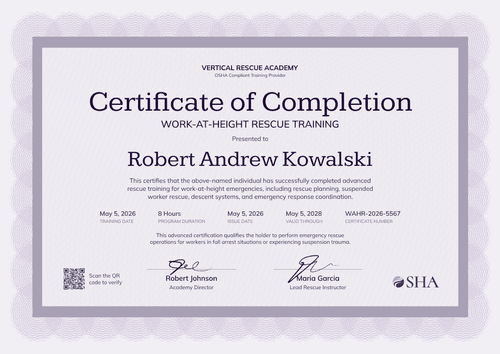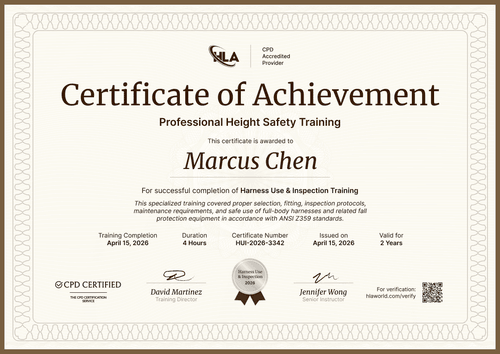

Working at Height E-Learning Certificate
Customize this working at height e-learning certificate and send it to every learner who passes your online course. Employers can confirm each one from the credential page.
Customize this template for free
Email and export in bulk
Track recipient engagement
Download in
Don't have Certifier account? Sign up
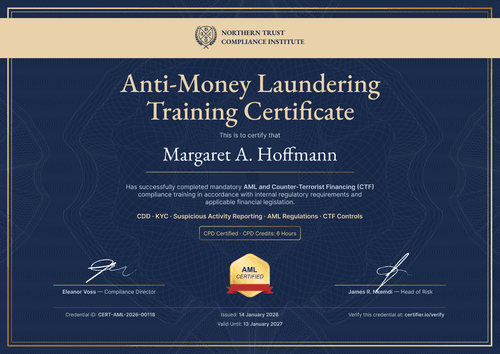
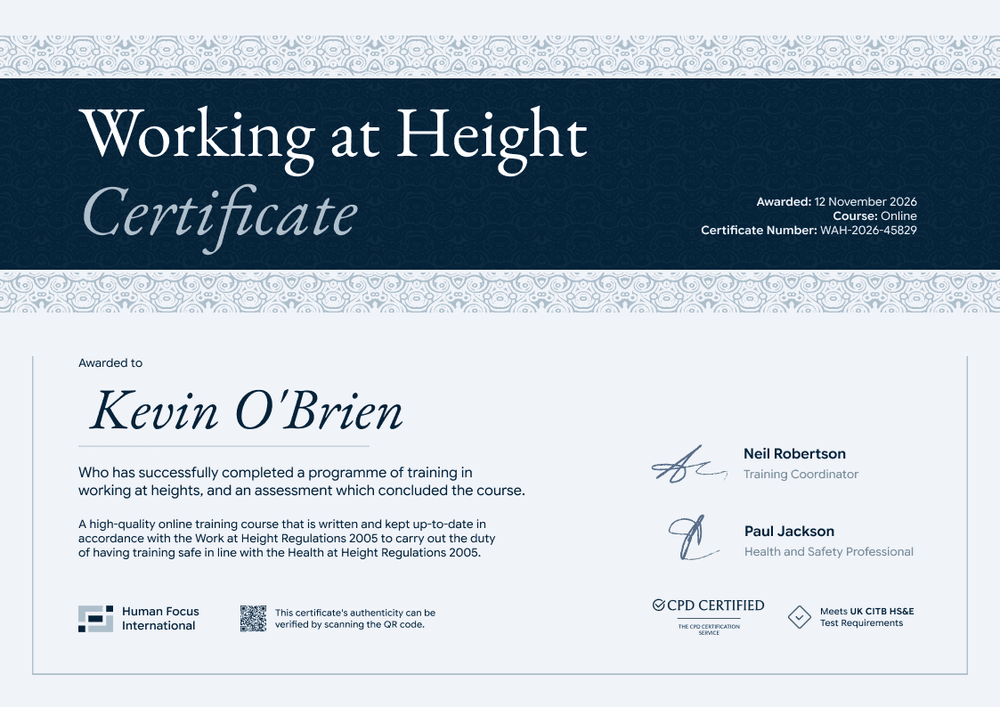
Formal navy blue working at height e-learning certificate template
This free working at height e-learning certificate confirms that a learner completed your online working at height course and passed the assessment. It suits UK e-learning providers that sell working at height courses to employers and HSE teams that assign online modules to their staff.
The design opens with a deep navy header band framed by patterned borders. The title sits in a large serif, with "Certificate" set in italic below it, and the award date, course type, and certificate number line up on the right of the band. Underneath, the learner's name and a short course statement sit on a pale background, with two signature lines on the right.
Online courses finish one learner at a time, so let completions trigger the certificate: connect your LMS or import a spreadsheet of passes at the end of each week. Every learner gets a verification link that an employer or site manager can open without logging in.
What is a working at height e-learning certificate?
A working at height e-learning certificate is the record that a learner finished an online working at height module, showing the date they passed. Employers file it and forward it whenever a client or principal contractor wants theoretical training evidence.
The UK's Work at Height Regulations 2005 say each person working at height must be competent or work under competent supervision, plus the 1974 Act places a general training duty on employers. An online course usually covers the theory, such as hazard awareness and equipment checks, and many employers pair it with practical training on site.
Passing an online module doesn't make someone competent on its own, so the certificate isn't proof of compliance. Treat it as the theory record that sits next to any practical sign-off.
The certificate layout is landscape A4, sized 29.7 by 21 cm. Create a free Certifier account to start editing this e-learning design.
What should a working at height e-learning certificate include?
A client or auditor usually asks three things first: who was trained, on what, and when. These are the fields you can change in the online builder:
Static fields
- Organization block: Your e-learning company's name and logo.
- Title and course: Working at Height Certificate, for the Working at Height Awareness module.
- Course statement: One or two sentences on the module content and the regulation it follows.
- Signature and role areas: Signers who stand behind the course (e.g., Training Coordinator and Health and Safety Advisor).
Dynamic fields (automatically populated by Certifier)
- Recipient name: The learner's full name (e.g., Kevin O'Brien).
- Award date: The day the learner passed (e.g., 12 November 2026).
- Course type: How the course was delivered (e.g., online, blended, or classroom).
- Certificate number: An identifier unique to each learner's award.
- Expiry date (optional, Professional and Advanced): Use it when clients expect a refresher, and the learner's page shows when the training lapses.
Treat the list as a starting point. In Certifier's design builder, you can rename, add, or drop any field so the certificate mirrors your LMS export.
How to issue a working at height e-learning certificate
Four steps take you from a passed assessment to a delivered certificate:
- Brand the e-learning certificate template design: Add your logo and the signatures of your training coordinator and safety advisor, then edit the course name and statement.
- Link your course platform: Use native integrations or Zapier so each pass creates a certificate or upload a CSV of completions.
- Choose a refresher date, then send the certificates: For clients who expect retraining, set an expiry date (Professional and Advanced plan feature). Learners receive the certificate by email with their verification link.
- Watch engagement and renewals: The Credential Repository shows which learners opened or shared their certificate and whose theory training lapses soon.
Available working at height e-learning certificate formats
Edit and issue the template online with Certifier
Customize the e-learning design and let completions from your platform send each certificate, so nobody prepares them by hand.
Download the template in Microsoft Word
Prefer to keep a master copy on your drive? Enter your email to get a ZIP of editable landscape Word files in both A4 and US Letter.
PDF document export
Learners can save a PDF from the link in their delivery email, ready to attach to a job application or a client's induction pack.
Who issues working at height e-learning certificates?
E-learning and training providers
Companies that sell online working at height courses issue a certificate to every learner who passes. Add your branding, or the client's, so each learner has a verifiable record of the course you delivered.
HSE and L&D teams
In-house teams assign online working at height modules before site work starts. A certificate per worker, with a credential ID, keeps training evidence ready for inductions and audits.
Online course platforms
Platforms that host safety courses can issue certificates automatically when a learner completes the assessment, without anyone preparing certificates by hand.
Frequently asked questions
Yes. Certifier's free Starter plan lets you edit and send it, plus its one custom field, course type, sits well inside Starter's five custom attributes. The QR code and refresher date require the Professional and Advanced plans.
Yes. Connect your LMS or course platform through native integrations or Zapier, so that Certifier issues the certificate when the completion comes through. Learners receive it by email, with a link to their credential page.
Yes, if you're on Professional or Advanced plan. Give the certificate a lapse date at issue and the learner's record counts down to it.
The employer opens the learner's verification link or scans the QR code on paid plans. Certifier's credential page then lists who issued it, to whom, on which date, and its certificate number.
They can ask for a fix from their credential page once they've confirmed their email address. You approve it in the dashboard and the corrected name shows straight away without issuing a new certificate.
Certifier templates are provided for general informational and design purposes only. They do not constitute legal, regulatory, or compliance advice and are not guaranteed to satisfy the requirements of any regulator, auditor, standard, insurer, or jurisdiction. The issuing organization is responsible for the content of its training program and for verifying that its records meet the requirements that apply to it.