Free LinkedIn Badge Generator for Verifiable Digital Credentials
Design, automate, and issue digital badges that your recipients can add to their LinkedIn profiles in one click.


The best LinkedIn badge generator with top features and satisfied users


Introducing Certifier’s LinkedIn badge generator
Certifier LinkedIn badge generator creates verifiable digital badges that organizations issue to learners, employees, members, and event participants. Once issued, recipients can add earned credentials to their LinkedIn profiles in one click or share them as posts.
How to issue and track verifiable LinkedIn badges?
Issuing badges that recipients actually share on LinkedIn comes down to four steps. Here's how to go from design to data-backed engagement.
Step 1: Choose or design your digital badge template
Start your issuance process by picking a design, with Certifier you can do that in two ways:
01Choose a ready-made badge from our extensive LinkedIn badge template library
02Or build your own credential in the drag-and-drop editor from scratch to match all of your brand requirements.
Once the look is set, the real time-saver is dynamic attributes fields like: recipient name, issue date, score, or any custom value you want to include. Instead of manually creating a separate badge for every person, you add a placeholder to design once, and Certifier fills it in from your recipient list automatically.
Step 2: Connect your data source or upload a spreadsheet
With your design ready, the next step is telling Certifier who's receiving it.
The quickest way is to import your recipient list as a CSV: Certifier maps the columns to the dynamic attributes from Step 1, and the batch is ready to issue. For a one-off send, that's all you need.
Step 3: Customize the recipient sharing experience
Certifier encourages recipients to actively share their achievements in multiple ways:

One-click "Add to LinkedIn" — recipients add the badge to their profile's Certifications section without leaving Certifier or copying anything manually.
Pre-written post text and hashtags — instead of a blank box, recipients get a ready-made LinkedIn post they can publish as-is or tweak in seconds.
Recipient permissions — set per group on Professional plan and above, this lets you control what recipients can do with their credential, including limiting other download and sharing options so they focus on LinkedIn.
Automated email prompts — recipients are notified the moment their badge is ready, with a clear call to share built right into the email.
Mobile-friendly sharing — social sharing works on any device, so recipients can share the moment they get the news, wherever they are.
Step 4: Monitor social sharing and engagement analytics
Certifier doesn’t let you stay in the dark and answers all your questions with its advanced credential analytics. Here's what you can see and act on:
Delivery and open rates: See that your emails actually landed and got opened, so if your share rate is low, you know whether it's a delivery problem or an engagement one.
LinkedIn share data: See which credentials people are actually posting, so you know which programs are earning you network visibility and which aren't.
Per-recipient status: Know who's claimed, who's shared, and who's done nothing yet, instead of guessing from batch totals.
Verifiable credentials vs. graphic badges
By modern standards ( like Open Badges maintained by the nonprofit 1EdTech), an issued LinkedIn Badge should be able to do three simple things:
Confirm who issued it
Confirm who earned it
Prove it hasn't been altered
A static image can't do any of it: anyone can copy it, swap the name, or recreate it from scratch. Here's how a truly verifiable credential compares to a simple badge image:
What It Does | Verifiable Credential Certifier | Static Graphic Canva Png |
|---|---|---|
Proves authenticity | Carries signed Open Badges 3.0 metadata that anyone can check | Flat image with no proof behind it |
Resists tampering | Cryptographic hash breaks if the badge is altered | Easily edited or faked in seconds |
Lets viewers confirm it | Links to a live verification page anyone can open from the profile | A simple image with no verification mechanism |
Confirms the recipient | Ties the badge to a named earner, so it can't be claimed by someone else | Nothing links the image to a specific person |
Stays verifiable over time | Remains checkable for its lifetime, with revoked or expired badges flagged | No status, no expiry — looks valid forever, even if it never was |
Carries your brand into verification | Verification page is fully branded to your organization | No page, no brand — just a shared picture |
Thousands love to create LinkedIn badges with Certifier - be next?
Saves time and gets work done! As part of a large organization, we create certificates for employees and our NGO... Certifier helped create certificates for all in a short time.

Mahevish Fatima
Social Media Marketer
Great platform to manage and deploy online certifications! Intuitive, easy to use. The email functionality and flexibility to design custom certificates were really helpful...

Colin Minte
Marketing Director
The best tool to create and send certificates! Easy to use, user-friendly for both sender and receiver, allows sharing to social media... The analytics give great insights...

Karolin Zeugträger
Head of Impact Academy
Create LinkedIn certification badge with just a few clicks
You’re just a few clicks away from creating great-looking LinkedIn badges. Design with drag & drop editor. Analyze shares with the Certifier tracking features. See the badge-sharing status and boost the reach of your course – all of that using just one platform!
Enterprise Badge Generation Built for Scale

Put your brand on every touchpoint
Fully white-label the recipient wallet, verification pages, and notification emails so every step carries your logo, colors, and domain. From the moment a badge is created to the moment it's shared, recipients only ever see your brand.
Connect credentials to CRM and LMS
Certifier plugs directly into the tools you already rely on, like Salesforce, HubSpot, Zoom, and Google Sheets, through native integrations, so issuing and tracking credentials becomes part of your existing workflow rather than another system to wire up.
Turn the verification into a lead generation
The people checking a verification page, recruiters, peers, and prospective learners, are already engaged with your brand. Add custom links and CTAs to send them toward a course, signup, or referral, turning proof of achievement into a steady source of new leads.

Make LinkedIn sharing effortless
Reduce social sharing friction for recipients with a pre-written LinkedIn post and a one-click "Add to profile" button on every badge you issue. Across a full cohort, that turns a single credential batch into thousands of branded posts in front of exactly the audience you want.

See what's working across programs
Track delivery, claims, and shares across all your credentials in one place, so you can compare programs, spot your strongest performers, and double down on the ones recipients actually claim and share.
Why teams choose Certifier
Certifier took what works across every badge maker on the market — the design flexibility, the integrations, the verification, the analytics — and built the one generator you actually need.
No demo calls to sit through, no gated pricing to negotiate past, no premium tier hiding the features that should have been standard. You can start issuing verifiable LinkedIn badges for free today, with your brand on every touchpoint and your whole program in one place.
Create LinkedIn certification badge
Create, customize, generate, and track – all in a matter of a few clicks.


FAQs
Have more questions about the LinkedIn badge generator? Check out this quick FAQ section or contact us for more information!
A LinkedIn badge is a digital credential that represents a specific skill, achievement, or certification. It tells anyone viewing a recipient's profile what they've learned, completed, or been recognized for — and who issued that recognition. For recipients, it's verifiable proof of expertise. For the organizations behind it, it's a mark of credibility attached to every profile it appears on.
Creating a LinkedIn certification badge with Certifier takes four steps:
Sign up and open the badge design editor.
Choose a template from the library or build your own using the drag-and-drop editor — add your logo, colors, and any relevant icons.
Import your recipient list via CSV or connect to an existing tool, and issue in bulk.
Recipients get their badge by email, ready to add to their LinkedIn profile or share as a post in one click.
LinkedIn badges are worth it for both sides of the credential. For recipients, a verified badge on a professional profile is tangible evidence of a skill or achievement — something an employer can check, not just a line of text anyone could add. For the organizations issuing them, every badge displayed on LinkedIn is public proof that your program produces results people are proud to show off.
LinkedIn badges make professional development visible in a way a resume line can't. A verified badge on someone's profile shows exactly what they achieved, who recognized it, and whether it's still valid. For recipients, it's credible, checkable proof of growth that holds up to scrutiny. For the organizations behind those credentials, it signals that your program is serious enough to issue something worth displaying.
Yes. Certifier has a free forever plan that lets you design and issue 250 credentials without paying anything upfront, so you can create your first LinkedIn badges and send them to recipients at no cost.
Paid pricing plans are available when you need more, things like higher issuing volumes, full white-labeling, advanced integrations, and group-level permissions, but you don't need a credit card or a demo call to get started. You can sign up and issue your first badge for free today.
Yes. Certifier's badge editor gives you full control over the design — base shape, ribbons, icons, colors, fonts, and layout. Add skill tags, issue dates, and custom descriptions to each badge, and use dynamic attributes to personalize them at scale without creating separate designs for every recipient
Yes. Certifier offers a bulk certificate generation feature so you can send badges to an entire group in one go. Upload your recipient list as a spreadsheet (or connect a live data source through a native integration), and Certifier generates a personalized, LinkedIn-ready badge for every person on it, pulling each name, date, and detail automatically. Whether you're issuing to ten recipients or ten thousand, it's the same single workflow.
Once you receive a Certifier badge, there's a one-click "Add to LinkedIn" option that places it directly in the Certifications section of your profile. To add a badge to LinkedIn or any other social media, you don't need to download the image, copy any details, or fill in fields manually; the issuer, credential name, and verification link are added for you, so anyone viewing your profile can confirm it's genuine.
As an issuer, you can attach a default post ( with ready-made text and hashtags) to every badge, so recipients can publish in one click instead of facing a blank box.
Keep it simple: name the credential and your organization, leave room for a personal line on what they learned, and include the verification link so their network can confirm it's real. A short, genuine tone ("Just earned my [credential] from [issuer]…") tends to get more engagement than anything overly formal.
Get to know more about our badge features
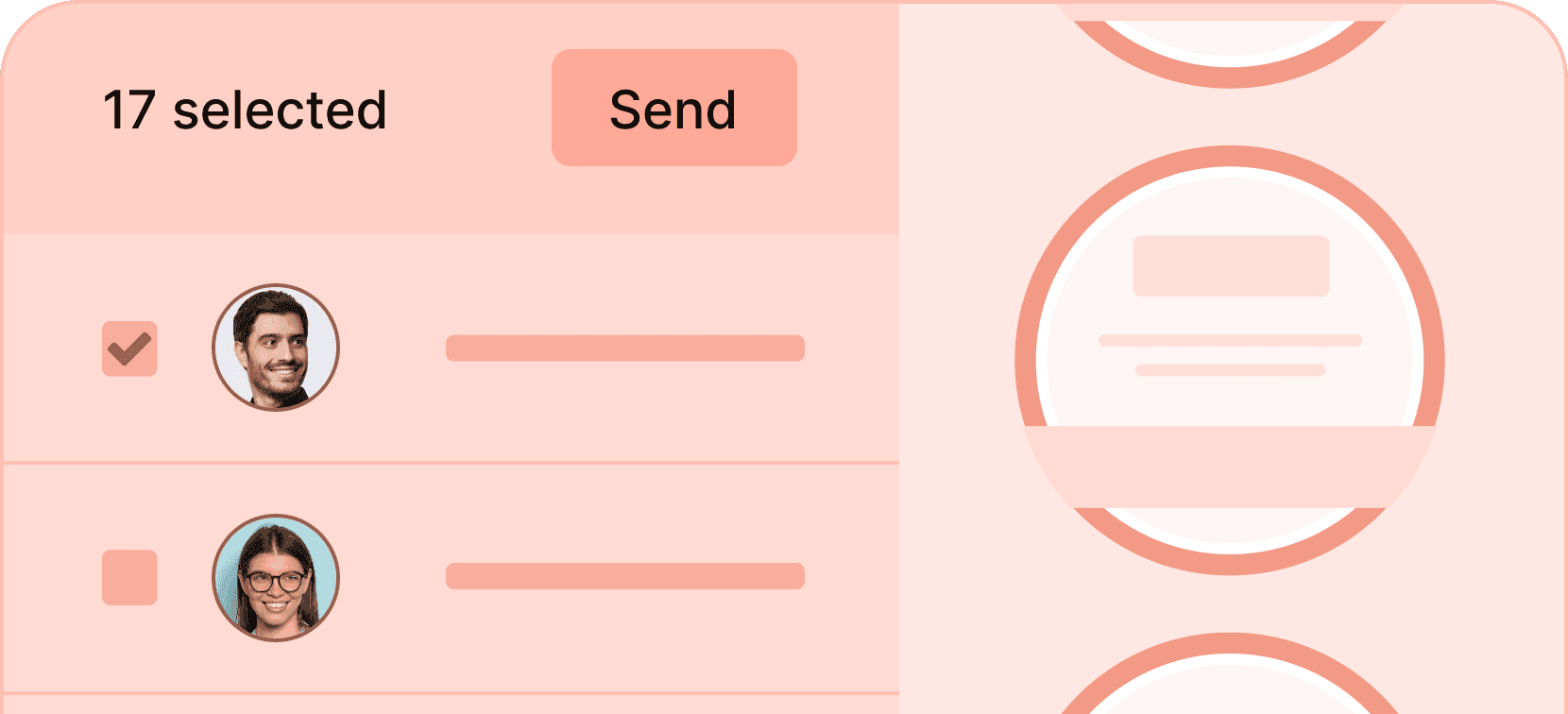
Generate badges in bulk
Generate hundreds of digital badges at once, each personalized with the recipient's data.
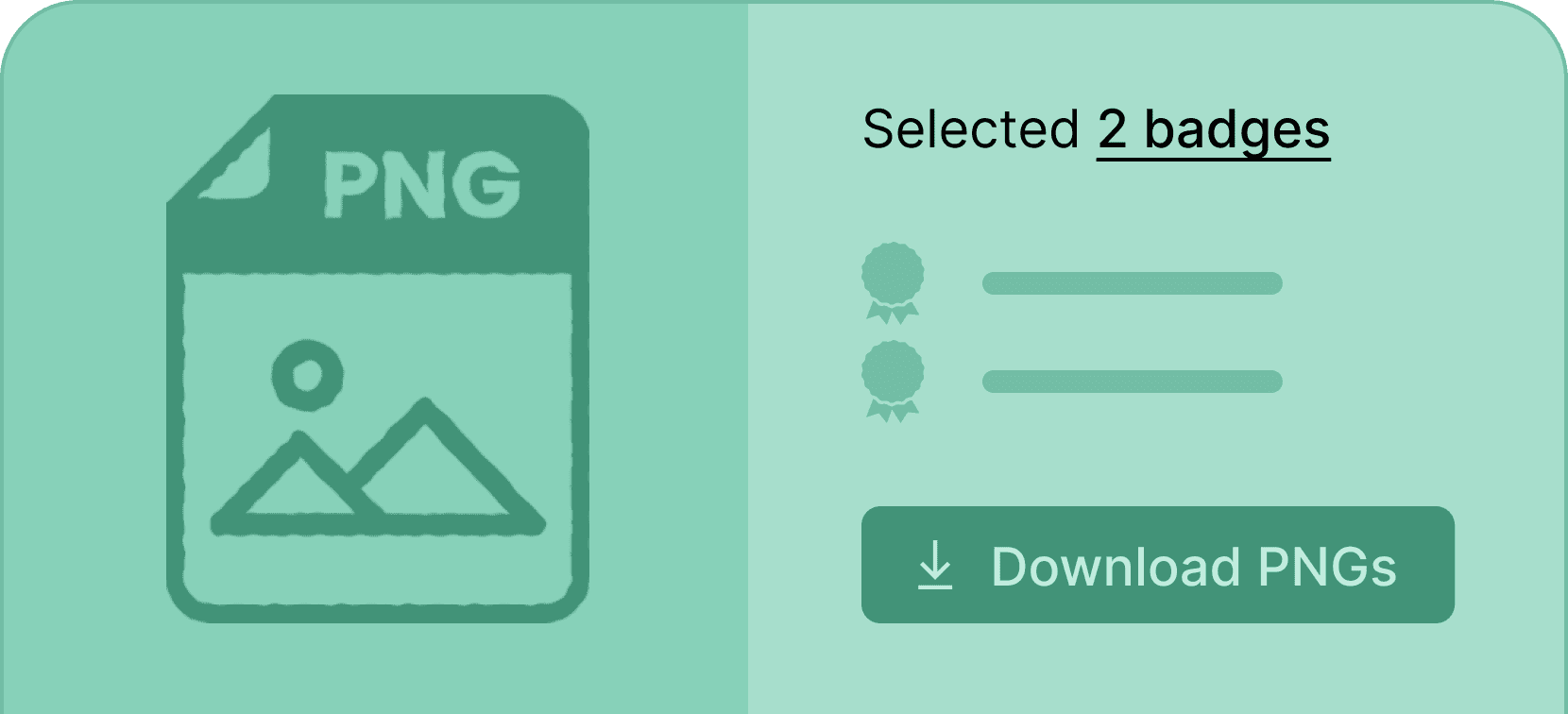
Download digital badge in a PNG format
Enable your recipients to download their credentials with just one click in a PNG format, perfect for digital usage.
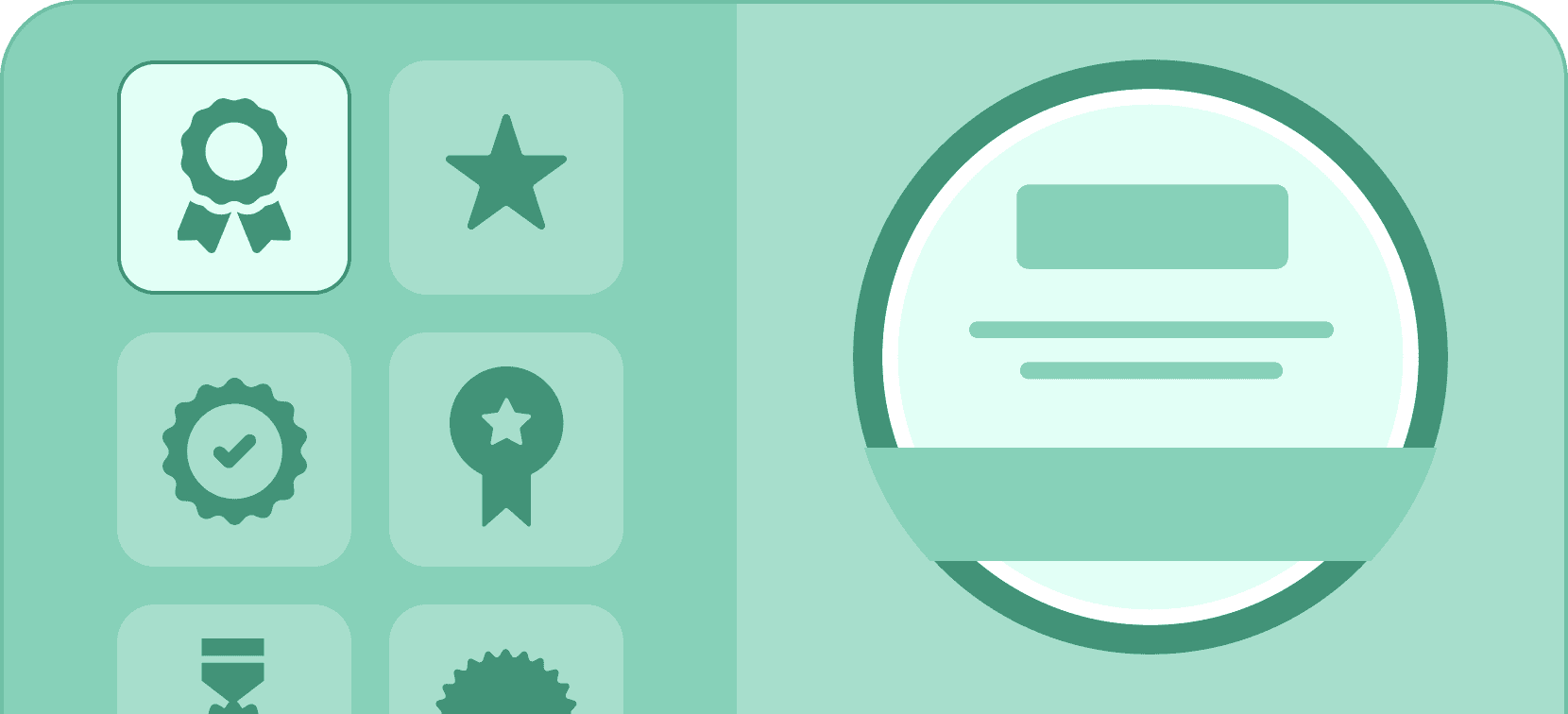
Design badges from templates
Create digital badges in minutes by choosing your favorite badge template and customizing it to your liking.
Try out the best LinkedIn badge generator for free
Create LinkedIn certification badge with Certifier that takes care of the whole LinkedIn badge creation process. Free of charge.