

Trusted by:
University of Southern California
Warner Bros.
Volvo
Amazon
Stanford University
Updated: March 03, 2026
8 min read
BadgeCert is a well-known digital badging platform. Still, many teams now need more than badges alone. This guide walks you through the best BadgeCert alternatives, including Certifier.
Research with AI:
BadgeCert helped many organizations move from paper certificates to digital badges and online recognition. It gives earners a digital record of what they achieved and makes sharing easy across websites and social networking sites.
But if you now run bigger programs with micro credentials, certificates and deeper reporting, you might feel the platform limits you. In that case you start searching for BadgeCert alternatives that can scale with your needs.
BadgeCert focuses on digital badges and basic digital credentials with sharing and simple analytics.
Certifier is the best alternative if you want one platform for certificates, badges and full certification programs.
CertifyOne is strong on Google Forms flows and verification but needs more design power and branding.
Visme and VerifyEd are interesting options, yet feel narrow if you care about automation, engagement and integrations.

BadgeCert is a digital badging and credentialing platform that helps organizations create digital badge designs. It lets you move from paper certificates to digital badges that sit in a cloud-based portfolio, where earners can keep a long-term digital record of their achievements.
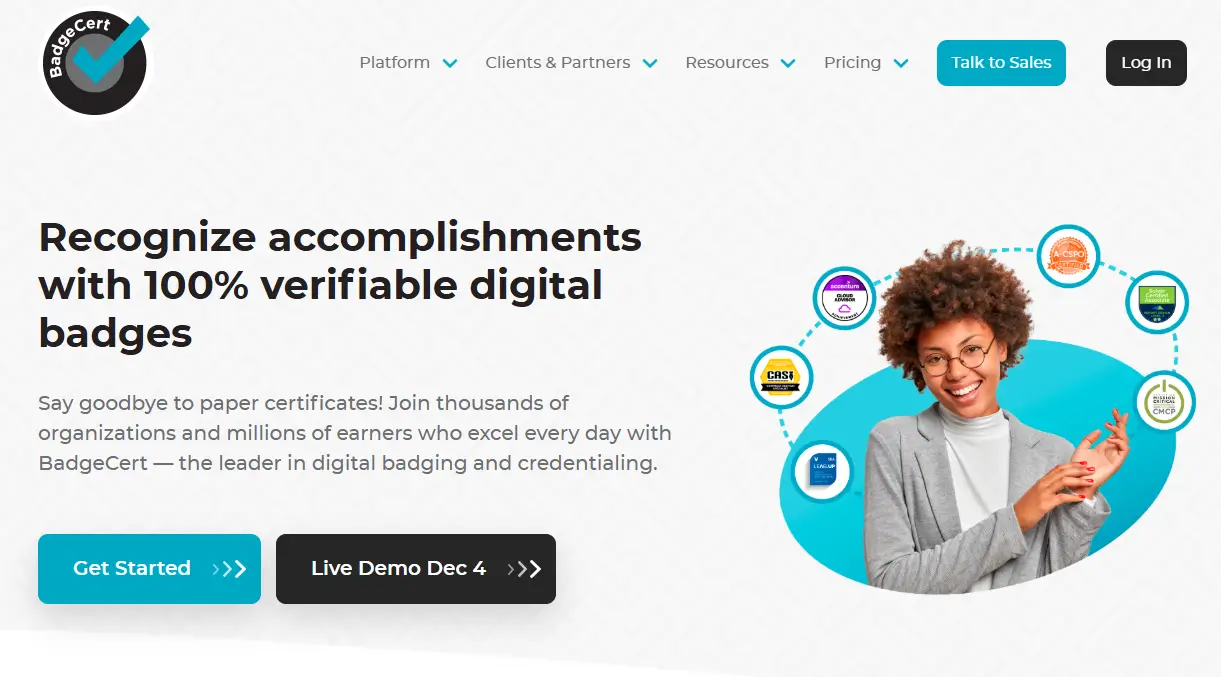
With BadgeCert, organizations such as associations, training providers and corporations can issue credentials for many learning and certification programs. Learners receive a badge with embedded metadata that lists skills, dates and other details, so employers can quickly verify what each person did.

Lets organizations issue 100% verifiable digital badges so earners can maintain a cloud-based portfolio
Supports digital credentials and micro-credentials rather than just printable certificates
Easy sharing of badges on social networking sites, digital resumes or email signatures
The BadgeCert account gives recipients access anytime to their badge metadata and history

Less focused on full certificate workflows — fewer options for printed certificates or formal credentials
Limited tools for bulk issuing compared to enterprise-grade platforms
Verification and badge trust depend on the badge link or metadata; less flexibility for advanced credential management
Fewer analytics and management features for large-scale credential programs
Works well for training providers, associations or programs that mostly rely on badges.
BadgeCert is a solid starting point if you need, for example, digital badges for LinkedIn. Yet many organizations now run wider credential ecosystems where certificates, badges and full digital credentials live in one place. In these cases, BadgeCert can feel like only one part of the solution.
Teams look for BadgeCert alternatives when they want to:

Add classic certificates alongside every badge without extra tools
Manage one certification program across micro credentials, exams and renewals
Run deeper engagement analytics and log every action for compliance
Use one platform for associations, universities and corporations under the same roof
Connect credentials to more systems and websites without custom code
Some organizations also want a leader in credentials that help them maintain security, manage big volumes and protect data across regions. Others are tired of managing PDF certificates in separate tools and prefer one platform where they can create, issue and verify everything, then share it in one click.
Below you will find four BadgeCert alternatives that cover different needs. We will look at each platform, then list pros, cons and who it is best for, so you can match the tool to your own learners and programs.
Certifier is a complete certification management software and badge maker that lets you create digital documents in one place. It covers the full certification lifecycle: design, issuing, verification, renewals, analytics and sharing.
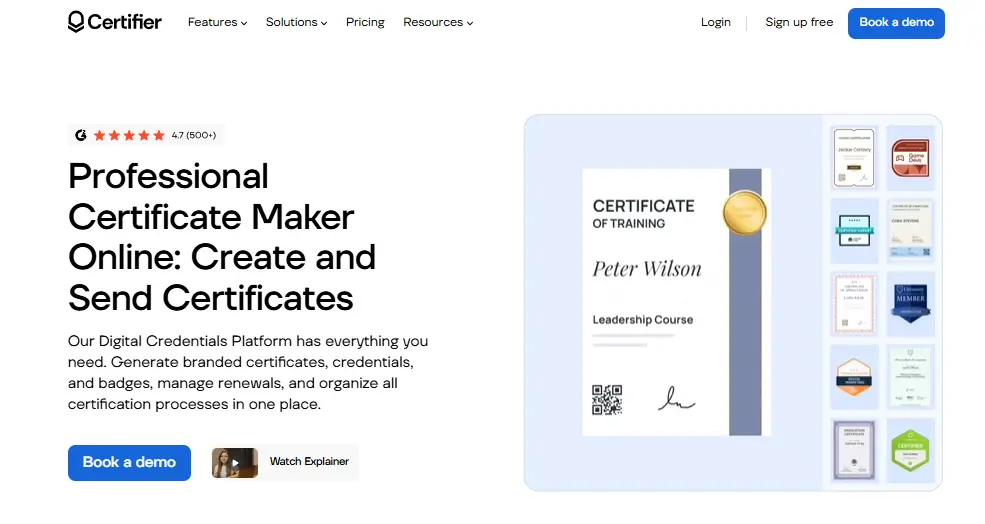
With Certifier, you can create branded certificates and digital badges in a visual builder, add dynamic data, upload your logo and connect everything to automated flows. Learners receive their credentials by email, can access them through a secure digital wallet and share them on LinkedIn or other websites with a single link.
If you want a deeper look at how both platforms compare feature by feature, see a detailed comparison of Certifier and BadgeCert. It breaks down design flexibility, automation, verification and analytics so you can quickly spot the differences.
One platform for certificates, digital badges and wider digital credentials
Strong certification features such as renewals, expiration rules and bulk issuing
A digital wallet to get access to your credentials instantly
Powerful design builder with templates, fonts and support for custom branding
Built-in analytics that track engagement, downloads, shares and verification events
Easy integrations and API so you can connect the platform to LMS, CRM or other systems
More features than BadgeCert, so setup may take a bit longer for tiny programs
Organizations that want digital credentials to support full learning and certification journeys. It’s also the safest bet for associations, universities and corporations that care about both badges and printable certificates. Moreover, teams that need to manage credentials at scale will also be satisfied with this tool.
People love Certifier because it combines visual design power with serious digital credential management software.
You can create a full credential structure with micro levels, main certifications and renewals, then manage it from one dashboard. The platform helps you maintain clean records, save time on manual work and keep every certificate version in sync.
CertifyOne is a digital badge platform that works closely with Google Forms and Google Slides. It lets you create a certificate template in Slides, then send personalized certificates when someone passes a form-based test or fills out a form with a high enough score.

This makes it a good fit if your badge and credential workflows already live in Google tools and you prefer to keep everything in that environment.
Deep integration with Google Forms for exam and quiz-based certification
Uses Google Slides templates that many users know from daily work
Simple merge tag system to add names, scores and other text to certificates
Includes basic tracking in a Google Sheet so you can see who received which certificate
Limited design features compared to dedicated visual builders
Fewer program-level tools for engagement, scale and complex structures
CertifyOne is good for small training providers that already manage tests and forms inside Google and organizations that do not need deep analytics or a big digital credentials platform yet.
Visme is mainly a visual content and presentation platform. It includes a certificate maker that lets you create nice-looking designs with strong graphics and image tools. You can export a PDF certificate or image file, then upload it to other systems or send it to learners.
Visme works best as a design helper, not as a dedicated digital credentials platform. You would still need another tool to manage verification, program rules and engagement data.
Modern drag-and-drop editor with many templates, icons and image options
Good choice for teams that want marketing-grade certificate designs
Easy to reuse brand elements across presentations, social content and certificates
Certificates are static images or PDFs without embedded verification
No full digital credentials workflow for managing programs at scale
Designers or marketers who want to keep a consistent visual style across many assets or teams that already run a separate platform for learning and credentialing.
VerifyEd is a digital platform that focuses on blockchain-backed security. It lets educational institutions and other organizations issue digital credentials and badges where each record is stored on a chain, which helps verify that nobody changed the data later.
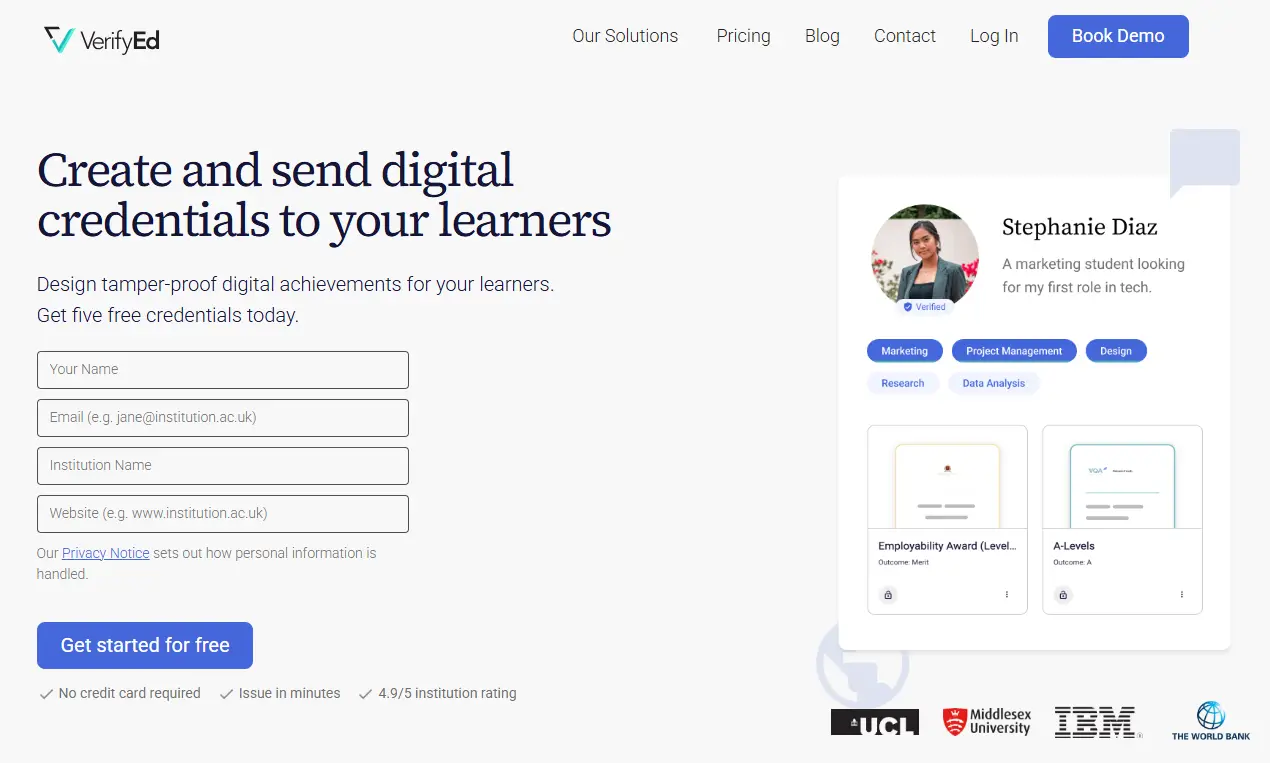
It works well if your main concern is tamper-proof records, with visually appealing badge and certificate designs.
Blockchain-backed storage for badges and certificates
Strong focus on security and long-term recording of achievements
Offers QR codes
Limited options for visual design and branded badge layouts
Fewer engagement tools compared to broader platforms
Universities that want to connect credentials with research into new technology or institutions that care most about long-term record integrity.
Looking for other tools? Check out our article about the best VerifyEd alternatives and choose the best solution!
If you mainly care about digital badges and simple sharing, BadgeCert might still match your needs.
If you want a leader in both certificates and badges with full digital credentials support, Certifier will likely be a better fit. It helps you manage storing, managing and recording all credentials, from micro badges to full certification paths, while keeping access secure and clear for learners.
BadgeCert helps many organizations issue digital badges but it may not cover every certification need. If your program depends on certificates, badges, verification tools and workflows that support real scale, Certifier gives you far more control. It covers digital credentials from creation to analytics.
If you want to upgrade your credentialing program, try Certifier and see how it fits your next certification project.
Choosing a new digital credentials platform is a big step. These common questions can help you compare BadgeCert with Certifier and other tools more clearly.
Yes, BadgeCert is still useful if your main need is to create and automatically issue personalized certificates and digital badges for single programs. It lets organizations issue credentials, save them in a cloud-based portfolio and share them on social networking sites, digital resumes and email signatures.
If you need deeper certification tools or mixed document types, though, a platform like Certifier gives more room to grow.
Many teams move from BadgeCert to Certifier when their credentialing program grows beyond badges. They want to create certificates and badges together, manage micro credentials and build long-term certification journeys in one platform.
Certifier helps them log every event, track and analyze credentials, connect employers and partners through sharing features and verify credentials more easily. They also benefit from better design options and a library full of badge templates.
Make a short list of what your next platform must support. Include the number of credentials, the types of certificates and badges you issue and the systems you want to connect. Check how each alternative handles sign-in, password rules, reminder emails, recording of actions and secure access for learners. It also helps to submit a test credential, so you can see the full experience from both issuer and earner sides.

- Content Writing
- On-page SEO
- Localization
- Market Research
- Keyword Research
Content Specialist
Daria creates practical guides and templates that help training providers, educators, and event organizers solve digital credentialing challenges.


