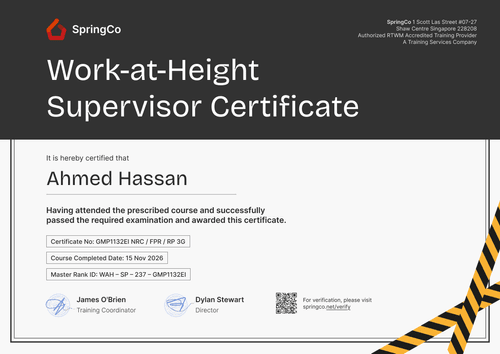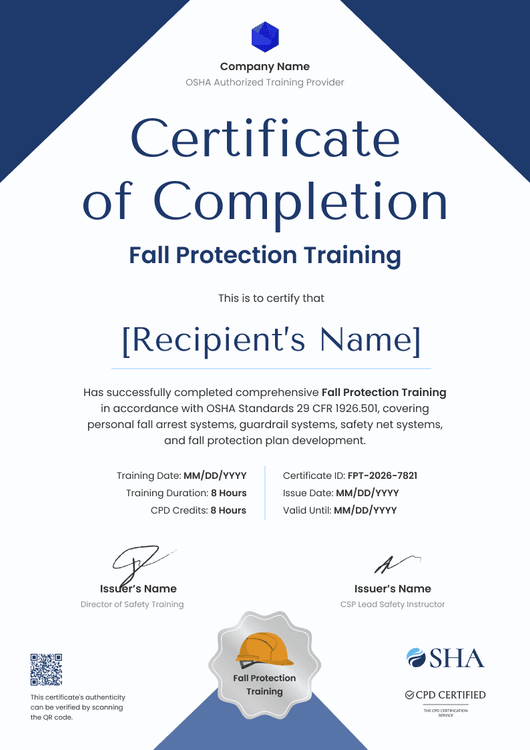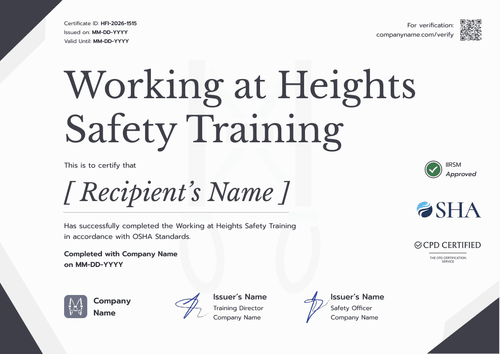

Working at Height Course Certificate
A working at height course certificate for training providers and employers, with a course name you can map to any course you run on the same design.
Customize this template for free
Email and export in bulk
Track recipient engagement
Download in
Don't have Certifier account? Sign up
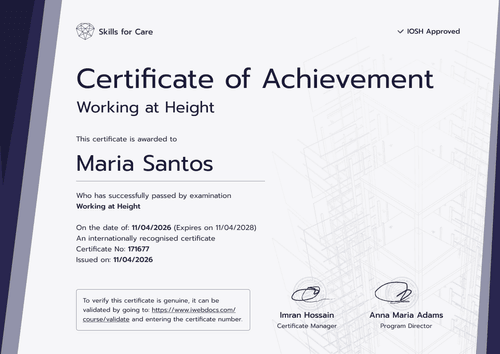
Modern blue working at height course certificate template
This free working at height course certificate confirms that a trainee completed your working at height course. It suits health and safety training providers that run working at height alongside other courses and construction employers that train site teams in-house.
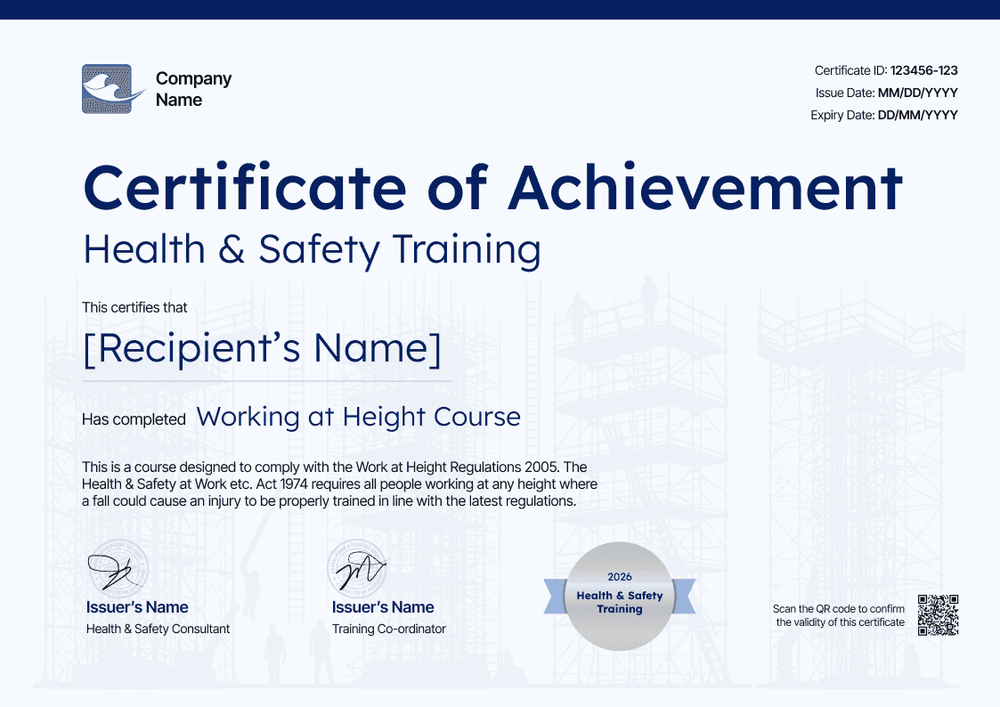
The design uses a pale blue background with faint scaffolding and worker silhouettes, so the topic reads at a glance. A bold navy blue "Certificate of Achievement" title leads into the program name, the trainee's name, and the course completed. The ID number, issue date, and expiry date sit in the top right, and a silver seal sits beside the two signatures near the bottom edge.
If you run several courses on this design, add a course column to your spreadsheet import or LMS feed, and each trainee's certificate names the right one. Principal contractors can confirm any certificate from its verification link.
What is a working at height course certificate?
A course certificate ties one trainee to one completed working at height course and its date. Employers keep these on file and show them to clients, principal contractors, and auditors who ask what training a worker has had.
The template's course statement refers to the two main UK rules. The Work at Height Regulations 2005 require that work at height is done by competent people or under competent supervision. The Health and Safety at Work etc. Act 1974 requires employers to provide the training their staff need.
Quoting those rules on the certificate names your course's basis, but it doesn't certify competence or compliance. Assessments and supervision records do that work.
This course design is landscape, on standard A4 (29.7 x 21 centimeters). Create a free Certifier account to change the course statement.
What should a working at height course certificate include?
Show the trainee, the course, the date, and when it's due again. Change any of the following in the builder:
Static fields
- Organization block: Company logo and name in the top-left corner.
- Title and program: Certificate of Achievement, Health and Safety Training program.
- Course statement: A short paragraph on the regulations the course follows.
- Seal: Silver, with text you can change to the program name or year.
- Signature and role areas: A Health and Safety Consultant and a Training Coordinator in the sample.
Dynamic fields (automatically populated by Certifier)
- Recipient name: The trainee on your course list.
- Course name: The course completed (e.g., Working at Height Course). Map it to a data column if you run several courses with this design.
- Certificate ID: Your reference in the top-right block.
- Issue date: Printed next to the ID.
- Expiry date (optional, Professional and Advanced): For courses with a refresher period, also shown on the trainee's record.
Add other courses' fields, or drop ones you don't use, in Certifier's design builder.
How to issue a working at height course certificate
Issue course certificates in four simple steps:
- Adapt the course design: Upload your logo and signatures, and edit the program name, course statement, and seal.
- Send in your trainees: Upload a sheet with a course column or connect through native integrations or Zapier.
- Give refresher courses an expiry, then issue: Add the date where your course needs one (Professional and Advanced plan feature).
- Review by course: Use the Credential Repository to see each course's issued certificates and upcoming expiries.
Available working at height course certificate formats
Edit and issue the template online with Certifier
Run every course from one online design by mapping the course name, instead of keeping a separate file per course.
Download the template in Microsoft Word
Training catalogs sometimes need editable masters. Enter your email address for a ZIP holding landscape Word versions sized for US Letter and A4.
PDF document export
Employers and trainees can each download the PDF from the delivery email to add to a training file.
Who issues working at height course certificates?
Health and safety training providers
Providers that run a catalog of safety courses can use one design across courses and map the course name to a data column, so every certificate matches the course delivered.
Construction employers
Employers that train site teams in-house issue a certificate to each operative, with an expiry date that shows when the next course is due.
HSE and L&D teams
Teams that manage training for several sites keep every certificate in one place, ready for client and audit requests.
Frequently asked questions
Yes. Certifier's free Starter plan supports it, as mapping the course name takes a single custom attribute out of the five Starter includes. The QR code and expiry date need the Professional or Advanced plan.
Yes, as the regulation your course follows. Avoid wording that suggests the certificate itself meets a legal requirement.
Yes. Map the course name to a spreadsheet column, and each trainee's certificate shows the course they completed. You can also change the background image in the design builder.
Opening the trainee's link, or scanning its QR code where your plan includes one, brings up the record with the issuer, trainee, course, issue date, and certificate ID all laid out.
Yes. After an email check, the trainee proposes the fix on their record and you sign it off. Correct the roster too, so the next course goes out right.
Certifier templates are provided for general informational and design purposes only. They do not constitute legal, regulatory, or compliance advice and are not guaranteed to satisfy the requirements of any regulator, auditor, standard, insurer, or jurisdiction. The issuing organization is responsible for the content of its training program and for verifying that its records meet the requirements that apply to it.